


Kannada to Marathi Audio Translator
With VMEG, you can translate audio from Kannada to Marathi directly from files or links, turning spoken Kannada into clear Marathi voice automatically.
How to Translate Audio from Kannada to Marathi
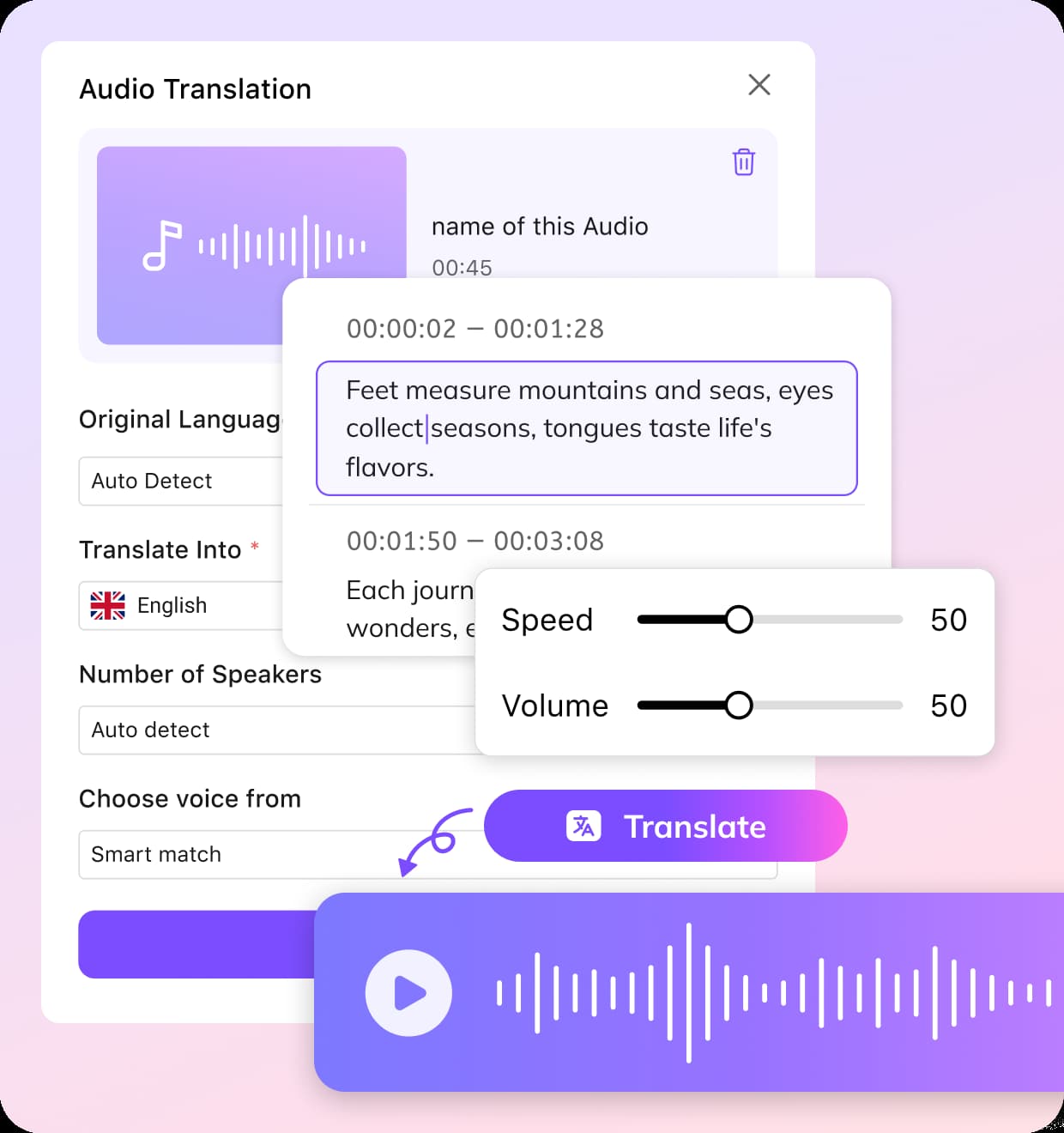
Upload or Paste a Link
Add your Kannada audio or video file, or paste a public URL from platforms like YouTube or Zoom.
Select Language and Voice Settings
Choose Kannada as the source language and Marathi as the output language. Click Submit to start.
Review and Export Your Marathi Audio
After processing, preview the Marathi voice result. Choose to re-generate or add subtitles. Download the translated audio, export subtitles as SRT, or share the output instantly.
Why Use VMEG for Kannada to Marathi Translation
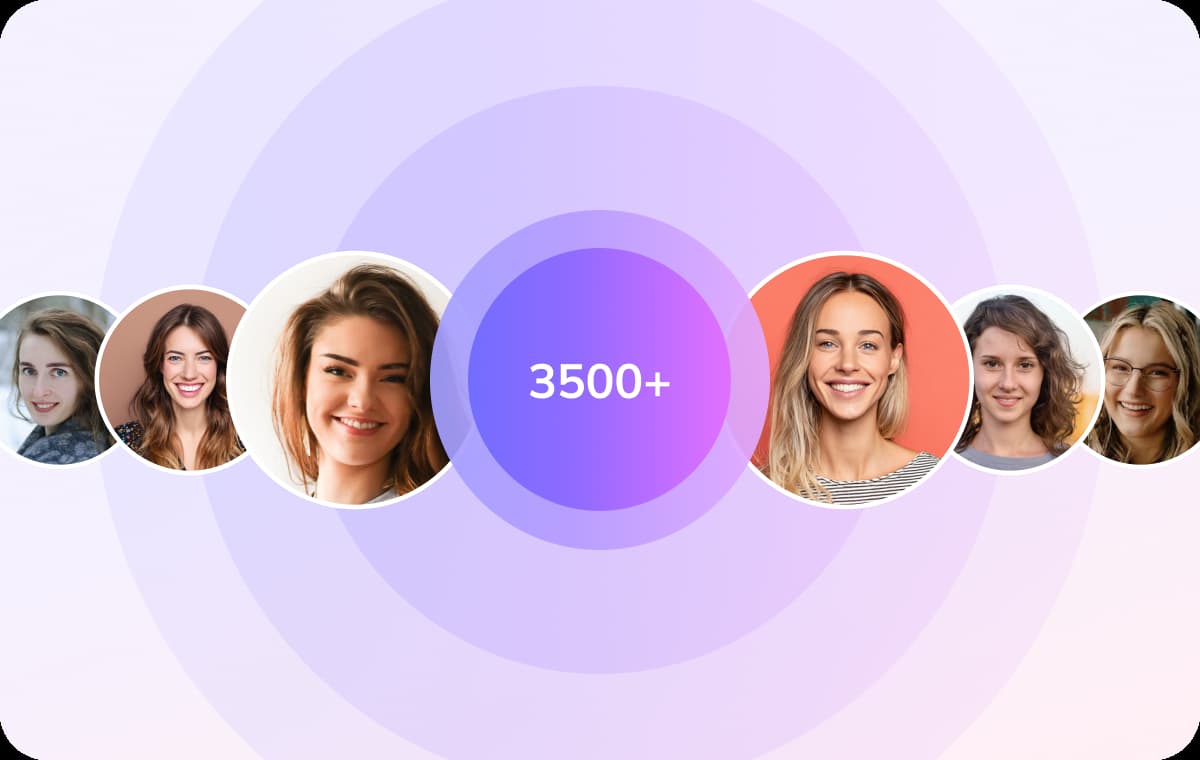
Accurate Kannada to Marathi Translation
When you translate audio from Kannada to Marathi, VMEG’s AI understands context, sentence flow, and conversational meaning. It delivers more accurate Marathi translated voice results.This is especially important for interviews, podcasts, and business discussions where clarity matters. Users can translate audio from Kannada to Marathi that sound fluent and culturally appropriate.
Generate Kannada to Marathi Audio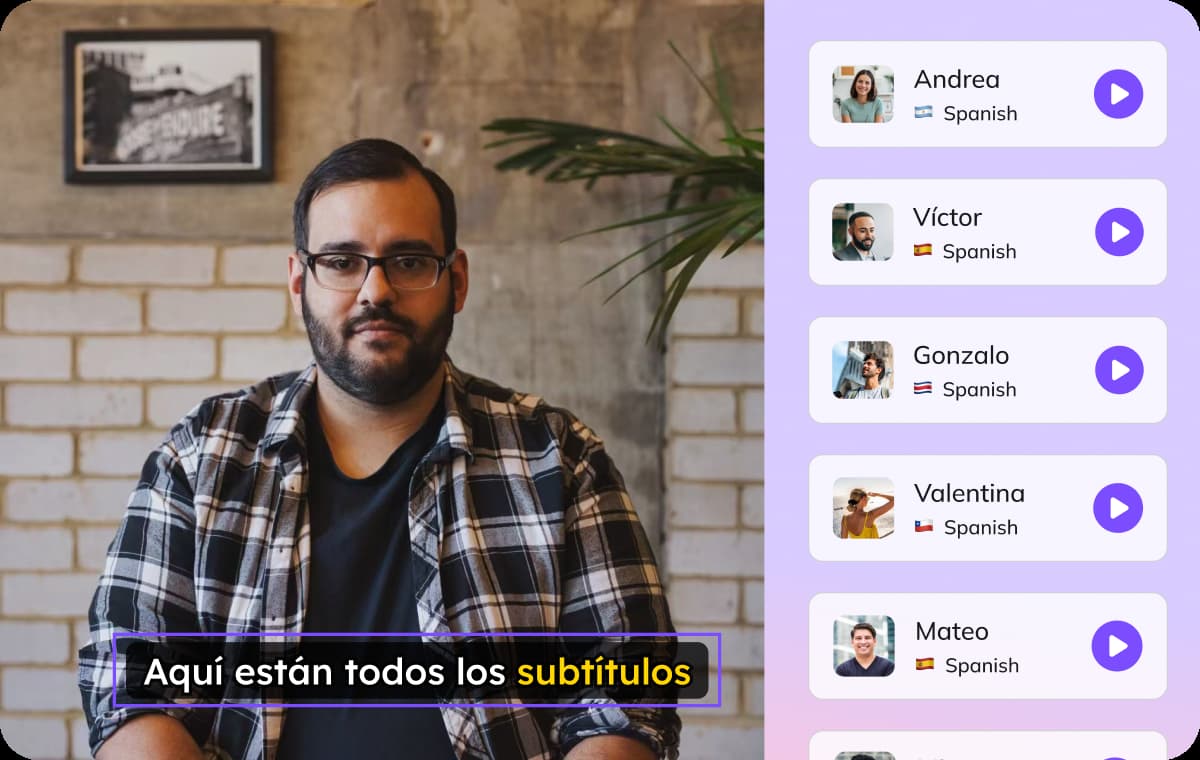
Automatic Multi-Speaker Detection
Many real-world recordings include more than one speaker, such as panel discussions, meetings, or podcasts. VMEG automatically detects multiple speakers and uses voice cloning in the translated Marathi version.This helps maintain structure and avoids confusion in conversations. For users handling webinars or team recordings, the translated output remains organized and easy to follow.
Generate Kannada to Marathi Audio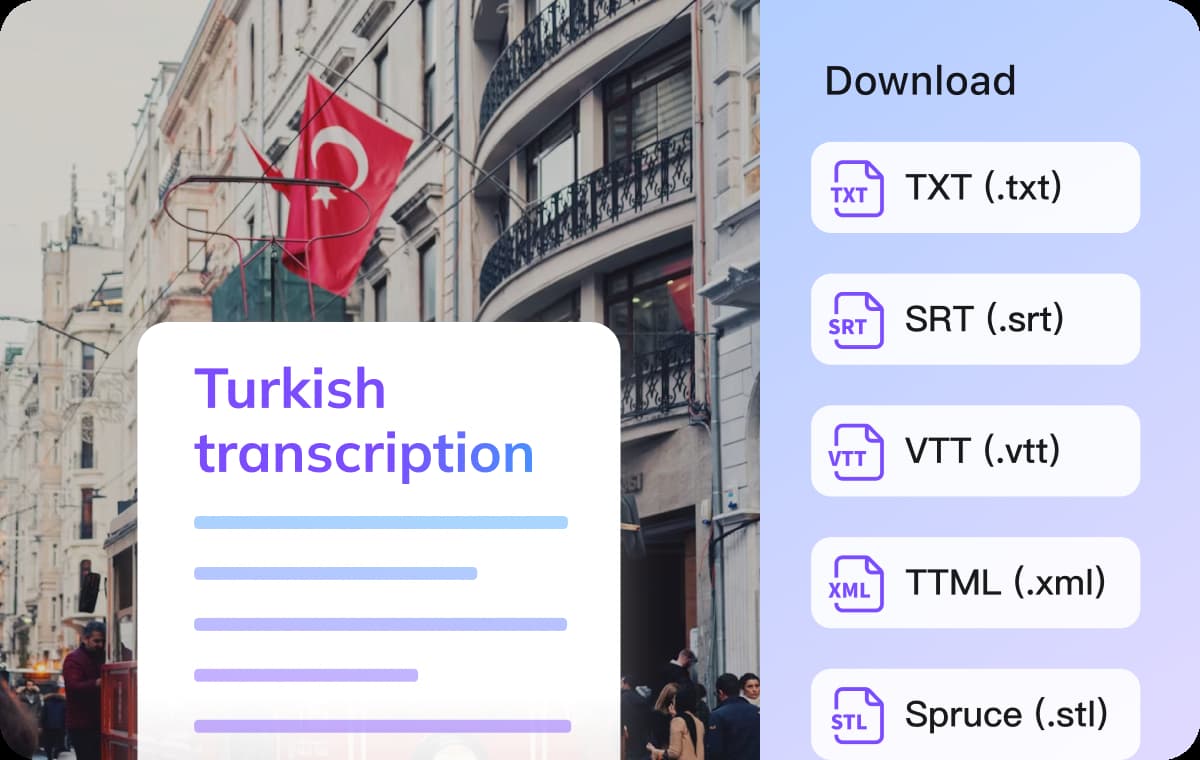
Flexible Output for Different Use Cases
Different users need different output formats, whether it’s a Marathi audio file, a subtitled video, or an editable SRT file. VMEG allows you to choose how you want to export after you translate audio to Marathi.This flexibility makes it suitable for content republishing, marketing or corporate communication. Instead of using multiple tools, everything from translation to final export happens in one streamlined workflow.
Generate Kannada to Marathi AudioWho Benefits from Kannada to Marathi Audio Translation

Content Creators Expanding to Marathi Audiences
Many YouTubers, podcasters, and regional media producers want to reach audiences in Maharashtra without recording the same content twice. By using VMEG to translate audio to Marathi, they can quickly localize Kannada videos with consistent identity.
Educators Sharing Lessons
Teachers and course creators often prepare content in Kannada but need Marathi versions for better understanding. Instead of rewriting scripts and re-recording lectures, they can convert entire audio lessons with synchronized subtitles efficiently.

Businesses Communicating Across Karnataka and Maharashtra
Companies produce training materials, product explanations, and internal announcements in audio or video format. Using VMEG for Kannada to Marathi translation ensures teams receive the same message in their preferred language, helping maintain consistency and professionalism.
FAQs about Translating Audio from Kannada to Marathi
Can I translate both audio and video files?
VMEG supports common audio formats like MP3 and WAV, as well as video files such as MP4. Upload your file and it automatically extracts and translates the speech.
Will the Marathi voice sound natural?
VMEG uses AI voice cloning to preserve the original speaker’s tone and speaking rhythm, making the Marathi output sound more realistic.
Can I generate and download subtitles separately?
Yes. You can choose to add Marathi subtitles to your video, or export them as an SRT file individually.
How long does the translation process take?
Processing time depends on file length, but most standard audio files are translated within minutes.
Do I need technical skills to use this tool?
No. The process is simple: upload, select languages, and export. It’s designed for users without professional skills.
Translate Audios into More Languages
Discover More on VMEG
Related Searches
Kannada to Marathi Audio Translation
VMEG’s AI voice translator converts Kannada speech into natural Marathi audio with voice cloning and subtitle export in just a few clicks.
Generate Kannada to Marathi Audio