

Key Takeaways
Best end-to-end workflow: VMEG connects transcription, translation, dubbing, subtitles, editing, and optional lip sync.
Best audio-first option: ElevenLabs focuses on automatic dubbing, speaker identity, emotional delivery, and background-audio preservation.
Best for presenter-led video: HeyGen, Synthesia, Vozo, Perso.ai, and Rask AI provide different combinations of voice preservation, editing, and lip sync.
Best for professional media workflows: Deepdub targets premium entertainment, broadcast, and enterprise localization.
Best buying method: shortlist tools by deliverable, then compare them with the same source clip and record correction time as well as output quality.
AI dubbing tools are built for different workflows. Some focus on full video localization with subtitles, timing, editing, and optional lip sync, while others concentrate more on voice generation or dubbed audio. Enterprise platforms may also add collaboration, governance, licensing, or managed production.
This guide compares 12 AI dubbing tools by workflow fit, editing control, speaker handling, terminology, timing, output options, and production use, so you can choose the option that best matches your content needs.
Methodology note: This comparison is based on publicly documented product information rather than a controlled hands-on benchmark. Pricing, trials, supported languages, and plan limits may change, so verify current details before purchasing.
What Counts as an AI Dubbing Tool?
AI dubbing replaces spoken dialogue with speech in another language. A complete process can include automatic speech recognition, translation, voice synthesis or authorized voice cloning, speaker separation, timing adjustment, background-audio handling, subtitles, and optional lip sync.
These capabilities should not be treated as interchangeable:
Audio dubbing creates a translated voice track but may not alter the picture.
Video dubbing combines translated audio with the original video and may include subtitles.
Lip-synced dubbing also adjusts visible mouth movements or timing to match the translated speech.
Full video localization can add terminology controls, review workflows, on-screen text adaptation, multiple exports, and batch production.
Choose the output first. A strong audio tool may be the right choice for podcasts, while a talking-head campaign may require visual lip sync and detailed video review.
How We Compared the Tools
We reviewed the companies’ public product pages and help documentation. We did not run a controlled cross-platform benchmark, so we do not assign accuracy, voice-quality, or lip-sync scores. Each tool was assessed against the same practical questions:
Deliverable: Does it export translated audio, subtitles, a finished video, or several of these outputs?
Review control: Can users correct transcripts and translations, change voices, and regenerate selected segments?
Speaker handling: Can it detect several speakers and keep their voices distinct?
Timing and lip sync: Can users control pacing, pauses, and visible mouth alignment?
Terminology: Are names, product terms, pronunciation, or translation instructions editable?
Production fit: Is it designed for one-off clips, creator workflows, repeated localization, or enterprise media production?
AI Video & Audio Dubbing Software Comparison
| Tool | Best fit | Main workflow strengths | Check before choosing |
| VMEG | End-to-end video localization | Editable translation, dubbing, subtitles, speaker controls, voice options, batch workflows, and optional lip sync | Confirm current credits, export conditions, and whether lip sync is needed |
| HeyGen | Presenter, creator, and marketing videos | Video translation, voice preservation, captions, and lip-sync modes | Test the actual footage and confirm plan-specific translation controls |
| Rask AI | Multi-speaker localization | Speaker separation, editable segments, terminology controls, voice options, subtitles, and lip sync | Test overlapping speech and the exact voice-cloning language pair |
| ElevenLabs | Audio-first dubbing | Automatic dubbing, multi-speaker detection, voice preservation, and background-audio retention | Automatic Dubbing and the editable legacy Studio have different controls |
| Synthesia | Training and business video programs | Uploaded-video dubbing, multiple speakers, subtitles, editing, collaboration, and optional lip sync | Distinguish external-video dubbing from avatar-video translation |
| Deepdub | Premium media and enterprise production | Licensed voices, virtual-studio workflows, managed localization, API, and broadcast use cases | Access and commercial terms may suit enterprise buyers more than casual creators |
| Dubverse | Dubbing, subtitles, and API workflows | AI dubbing, subtitles, text to speech, custom voices, and API access | Confirm visual lip-sync needs, language coverage, and credit consumption |
| Maestra | Dubbing plus subtitle production | Transcription, translation, voice selection or cloning, subtitles, and optional lip sync | Check voice-cloning coverage and plan-specific export features |
| Vozo AI | Voice and on-screen text localization | Editable dubbing, voice-preserving or native-style modes, subtitles, lip sync, and visual text translation | Confirm feature availability, credits, and the review needed for visual translation |
| Perso.ai | Creator, marketing, and e-learning video | Voice cloning, multi-speaker dubbing, script editing, exports, and optional lip sync | Verify current language coverage, credits, watermark, and lip-sync limits |
| Speechify | Dubbing inside a wider voice suite | Transcript editing, speaker voices, pronunciation tools, voice cloning, media editing, and several export formats | Lip sync is described as beta; credit use and commercial rights vary by plan |
| Vidnoz AI | Simple browser-based dubbing | File or link input, translated speech, voice cloning, subtitles, and lip sync | Verify free limits and test marketing claims with your own footage |
12 Best AI Dubbing Tools and Their Best Use Cases
1. VMEG: Best for an End-to-End Dubbing Workflow
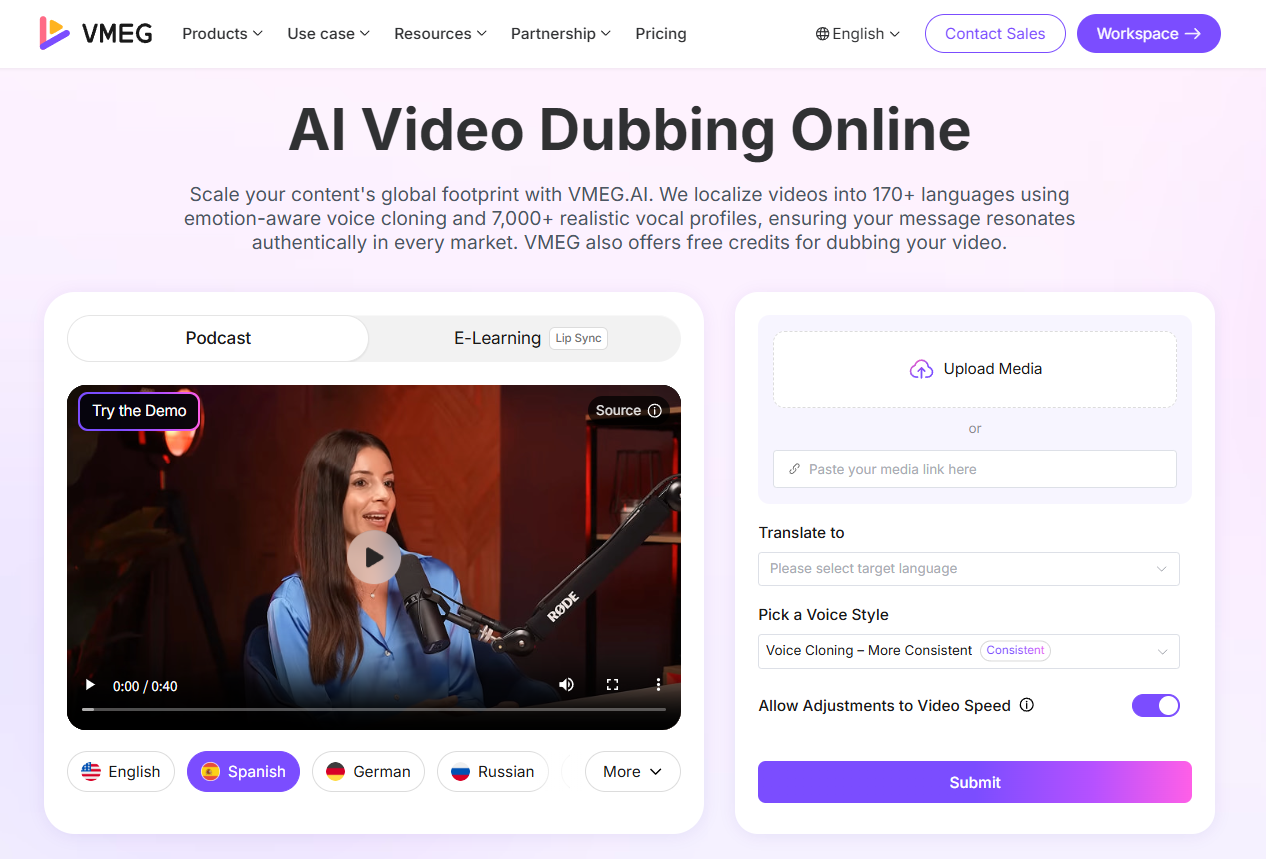
VMEG AI Dubbing supports the full path from source media to reviewed multilingual outputs. Current VMEG product information lists 170+ languages and 17,000+ AI voices, together with voice cloning, multi-speaker recognition, subtitle output, and optional lip sync.
Key Features:
Connected localization workflow: Transcribe, translate, dub, subtitle, edit, and export without moving the project between unrelated tools.
Voice and speaker control: Use AI voices or authorized voice cloning, review speaker assignments, and keep speakers distinct in multi-person content.
Granular editing: Revise source text, translation, voice, speed, volume, timing, and subtitles, then regenerate selected content.
Terminology support: Glossaries, translation instructions, and pronunciation controls help protect names, product language, and specialized terms.
Production at scale: Batch processing, multi-language production, the Editing Studio, Localization Agent, and enterprise workflows support recurring video libraries.
Pros:
Combines audio, video, subtitle, speaker, and review steps in one workflow.
Provides detailed editing controls instead of treating the first generated version as final.
Supports creators as well as teams managing repeated multilingual production.
Cons:
The number of available voices and controls can make selection more involved than a one-click workflow.
Trial access uses limited credits, and free exports may include restrictions such as watermarks.
Best For: Creators, marketing teams, educators, agencies, enterprises, and localization teams that need editable multilingual video, audio, and subtitle deliverables.
Consider: AI output still requires human review. Check names, numbers, terminology, pronunciation, speaker labels, cultural adaptation, and high-stakes claims before publishing. Confirm current credits and export conditions before starting a production batch.
2. HeyGen: Best for Presenter and Creator Videos
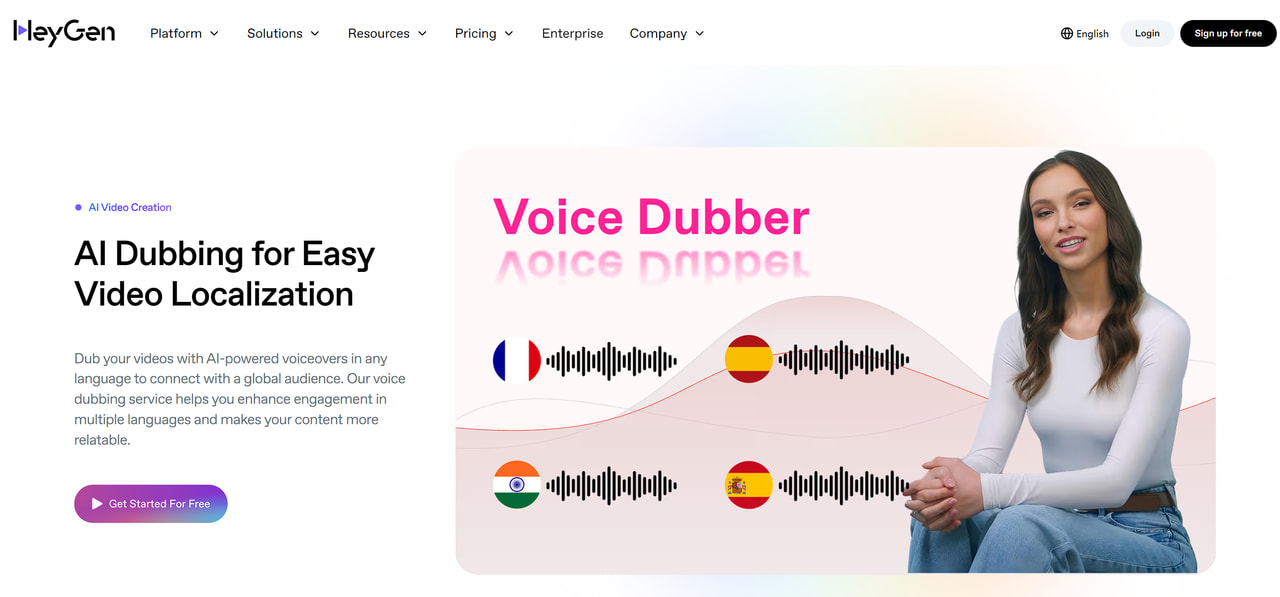
HeyGen Video Translation is designed for re-voicing visible speakers while preserving the source voice and offering translated captions and lip-sync options.
Key Features:
Imports local video, existing HeyGen projects, and supported online links.
Offers audio-only translation and lip-synced video translation for different deliverables.
Can add translated captions and provides modes for more complex faces or multi-person footage.
Pros:
Useful for talking-head, social, and marketing content.
Connects translation with HeyGen’s broader avatar and presenter-video ecosystem.
Cons:
Translation minutes, proofreading, collaboration, and higher-control modes depend on the plan.
Profile angles, facial occlusion, fast cuts, and complex multi-person scenes need careful testing.
Best For: Creators and marketing teams localizing presenter videos, explainers, product content, and social campaigns.
Consider: Test the exact camera angle, speaker count, and pace of your production footage. Confirm whether the selected plan includes the translation and review controls you need.
3. Rask AI: Best for Multi-Speaker Localization
Rask AI combines automated dubbing with line-level text editing, speaker separation, terminology controls, subtitles, and lip sync.

Key Features:
Edits text by segment and regenerates selected parts instead of the entire project.
Provides translation prompts, terminology controls, pronunciation adjustments, and speaker handling.
Supports subtitles, AI voices, voice cloning for selected languages, and lip-sync workflows.
Pros:
Practical controls for interviews, panels, podcasts, and other multi-speaker content.
Review tools make it easier to correct isolated errors.
Cons:
Voice cloning is not available for every translation language.
Background noise and overlapping speech can still require speaker correction and manual review.
Best For: Teams repeatedly localizing interviews, podcasts, courses, and long-form videos with several speakers.
Consider: Test speaker changes, overlapping dialogue, music, and the exact source-to-target language pair before committing to a large library.
4. ElevenLabs: Best for Audio-First Dubbing
ElevenLabs Dubbing focuses on translating audio and video while preserving each speaker’s vocal identity, timing, emotional tone, and background sound.

Key Features:
Automatically detects multiple speakers and creates dubbed tracks across a broad set of languages.
Preserves original background audio so users do not need to rebuild the entire soundtrack.
Offers Automatic Dubbing and a separate legacy Dubbing Studio with transcript, speaker, timeline, and regeneration controls.
Pros:
Strong audio-first workflow for preserving speaker identity and delivery.
Accepts audio, video, file uploads, and supported online sources.
Cons:
The editable Dubbing Studio uses the legacy model and is in maintenance mode.
The current automatic workflow has different editing access, so teams must confirm which controls are available in the app or API.
Best For: Podcasts, interviews, narration, and projects where translated audio and speaker performance matter more than visual editing.
Consider: Confirm whether you need Automatic Dubbing or the editable Studio workflow. Plan subtitles, on-screen text, and visual lip sync separately when those deliverables are required.
5. Synthesia: Best for Training and Business Video Programs
Synthesia Video Translator can dub uploaded or supported online video, preserve multiple speaker voices, generate subtitles, and apply optional lip sync.

Key Features:
Imports video files or supported links and generates multilingual dubbed versions.
Includes transcript review, pronunciation changes, voice replacement, subtitles, and duration controls.
Adds collaboration, multilingual playback, brand, and governance features within the wider Synthesia platform.
Pros:
Fits structured training, internal communication, and customer-education programs.
Combines localization with business-video creation and team review.
Cons:
Externally created video and Synthesia-created video follow different translation workflows.
Advanced editing, usage, and enterprise controls depend on the selected plan.
Best For: Organizations managing repeatable training, onboarding, internal communications, and multilingual business-video libraries.
Consider: Confirm whether you are dubbing existing footage or translating a video created inside Synthesia. Test visible speakers and review how duration changes affect the final version.
6. Deepdub: Best for Premium Media and Enterprise Production
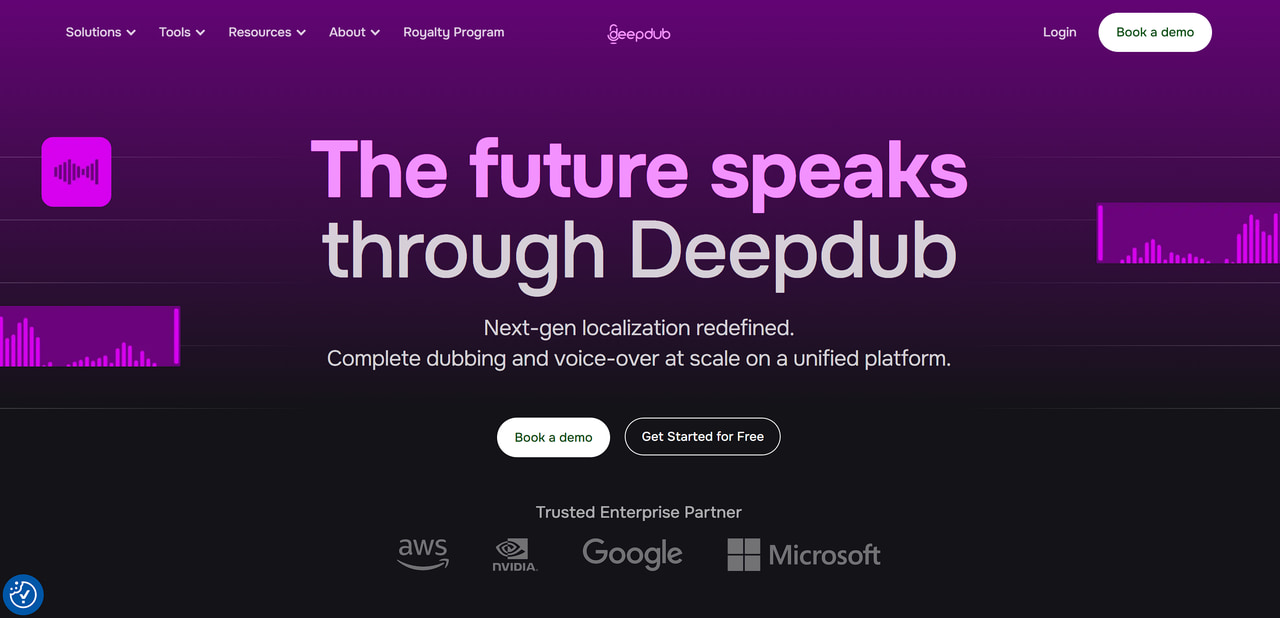
Deepdub targets premium entertainment, broadcast, and enterprise localization with licensed voices, managed production, virtual-studio tools, and voice APIs.
Key Features:
Provides AI-assisted, human-supported dubbing for film, television, and premium media.
Offers a virtual studio for collaborative dubbing and voice-over production.
Supports licensed voices, voice consistency, APIs, and live or broadcast-oriented use cases.
Pros:
Designed around professional media quality, rights, and long-running content libraries.
Provides managed and self-directed approaches for different production teams.
Cons:
Public self-service access is less straightforward than creator-focused web tools.
Commercial arrangements and production workflows may require sales or enterprise coordination.
Best For: Studios, broadcasters, media owners, and enterprises that prioritize licensed voices, consistency, governance, and production support.
Consider: Ask what work is automated, what work is handled by production specialists, and which review, licensing, delivery, and service terms apply to your project.
7. Dubverse: Best for Dubbing, Subtitles, and API Workflows
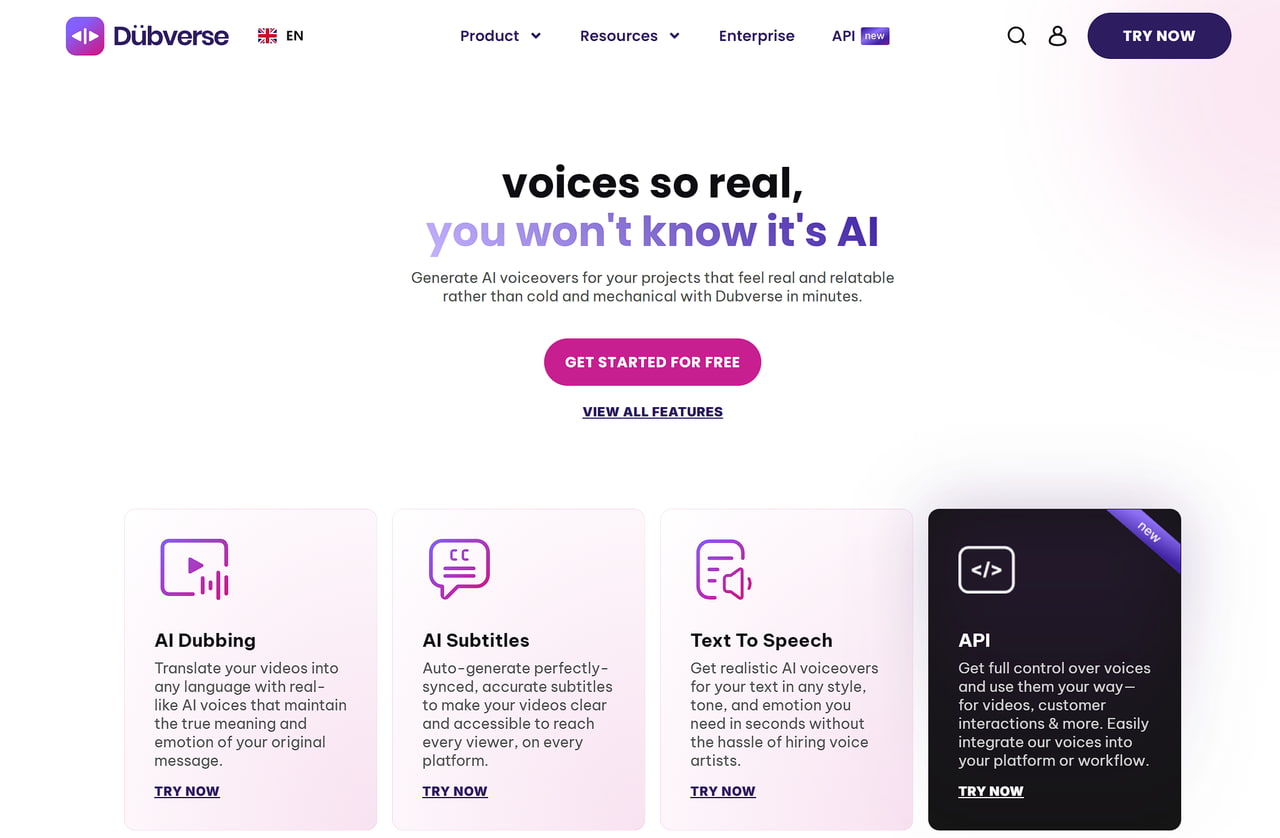
Dubverse combines AI dubbing, subtitles, text to speech, custom voices, and APIs for creators and teams producing voice content across Indian and global languages.
Key Features:
Creates dubbing projects from uploaded video or supported links with speaker and language selection.
Provides AI subtitles, text-to-speech voices, custom voice cloning, and mixed-language speech support.
Offers APIs and batch-oriented workflows for integrating voice generation into other products.
Pros:
Brings dubbing, subtitles, TTS, and API access into one product family.
Especially relevant to teams working with Indian languages and mixed-language scripts.
Cons:
Voice, language, and feature availability can vary across the studio and API products.
Teams requiring visual lip sync should confirm that workflow separately rather than assuming it is included.
Best For: Creators, education teams, and developers that want dubbing, subtitles, voice generation, or API integration in the same ecosystem.
Consider: Estimate credit use for repeated production and test pronunciation, numbers, mixed-language text, speaker assignment, and the required export formats.
8. Maestra AI: Best for Dubbing and Subtitle Production
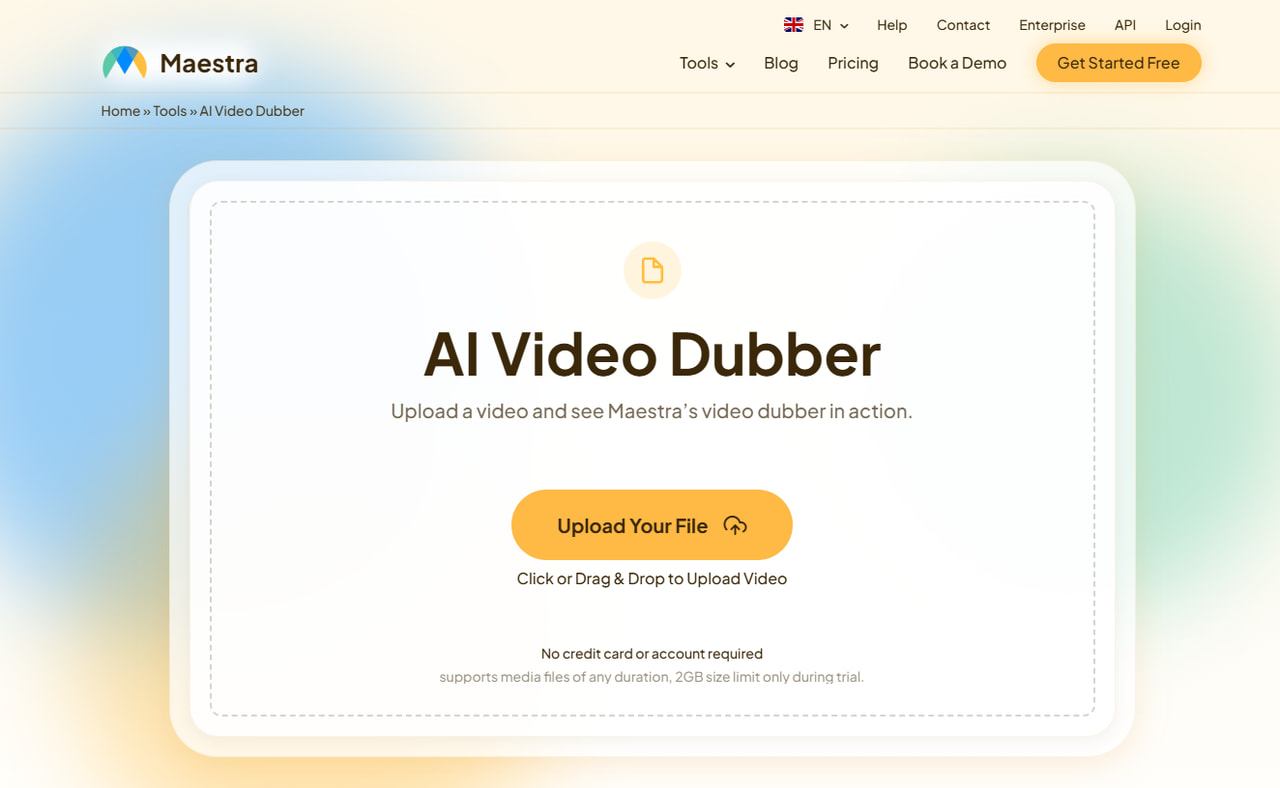
Maestra AI Video Dubber connects transcription, translation, voice selection or cloning, subtitles, and optional lip sync in a browser-based workflow.
Key Features:
Accepts uploaded media, supported links, or recorded audio for transcription and dubbing.
Provides a broad language and AI-voice library, with voice cloning for a smaller supported set.
Combines dubbing with subtitle generation, transcript editing, text exports, and optional lip sync.
Pros:
Useful when captions, transcripts, and dubbed audio must be managed together.
Browser workflow reduces the need for separate transcription and subtitle tools.
Cons:
Voice-cloning coverage is narrower than the platform’s overall dubbing-language coverage.
Trial, export, lip-sync, and usage conditions should be confirmed for the selected plan.
Best For: Creators, educators, and accessibility teams that need dubbing, captions, transcripts, and several text or media outputs.
Consider: Check whether your language pair supports the required voice option and test lip sync with clear, front-facing footage.
9. Vozo AI: Best for Voice and Visual Localization
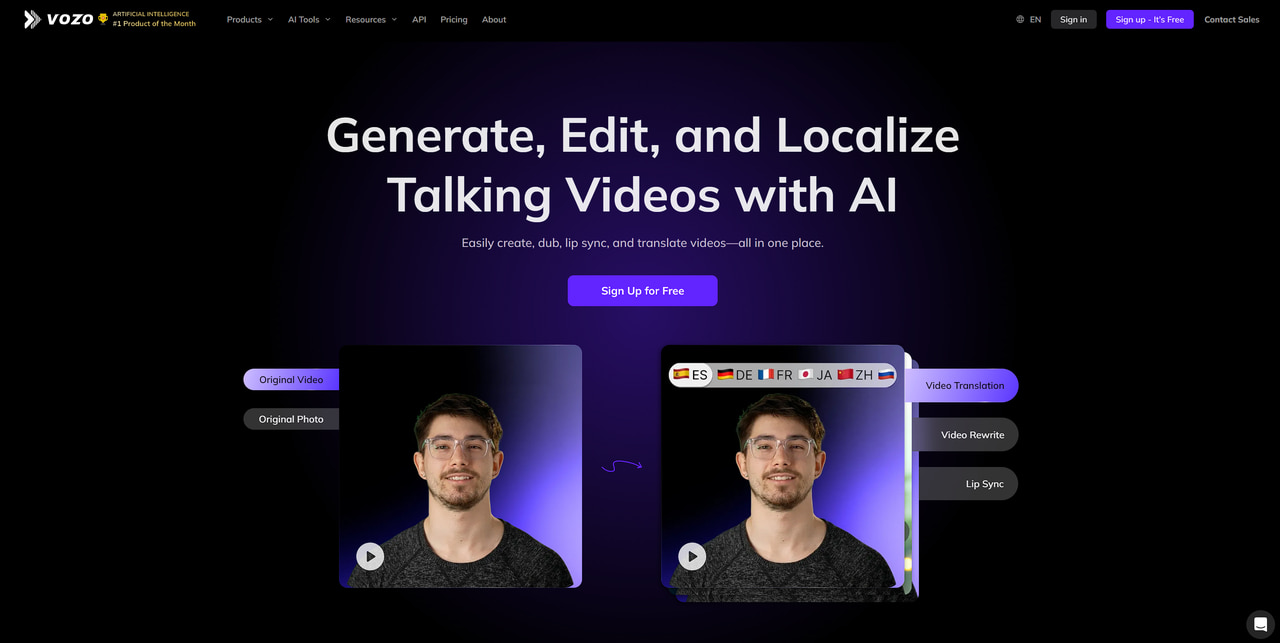
Vozo AI combines editable dubbing, two voice strategies, subtitles, lip sync, and visual translation for text that appears inside a video.
Key Features:
Provides line-level script, audio, voice, and timing editing with selective regeneration.
Offers a voice-preserving mode and a native-style mode for different localization goals.
Adds subtitles, lip sync, and optional detection and replacement of on-screen text.
Pros:
Covers spoken, subtitle, lip, and visual-text layers in one localization environment.
Lets teams choose between preserving speaker identity and prioritizing a native target-language delivery.
Cons:
The wider feature set introduces more review points than a basic audio dub.
Visual text replacement should be checked carefully for typography, branding, layout, and text that should remain unchanged.
Best For: Marketing, education, ecommerce, and social videos where spoken language and on-screen text both need localization.
Consider: Confirm feature and credit availability for the selected plan. Test text detection, speaker assignment, voice choice, lip sync, and visual reconstruction separately.
10. Perso.ai: Best for Creator-Focused, Lip-Synced Dubbing
Perso.ai is a browser-based dubbing platform for creators, marketers, and educators that combines voice cloning, multi-speaker processing, script editing, exports, and optional lip sync.

Key Features:
Creates translated video with voice cloning intended to preserve the original speaker’s vocal identity.
Detects multiple speakers and provides script and subtitle editing before export.
Exports dubbed video, translated audio tracks, or subtitle files and provides a dubbing API.
Uses ElevenLabs voice technology within its current dubbing pipeline, according to the companies’ public partnership announcement.
Pros:
Combines video, audio-only, subtitle, voice-cloning, and optional lip-sync deliverables.
Simple workflow fits common YouTube, marketing, training, and presenter-led content.
Cons:
Language-support figures differ across Perso.ai’s public pages.
Credits, watermark conditions, and advanced lip-sync access should be checked before production.
Best For: Creators, marketing teams, and e-learning producers that want to preserve a speaker’s voice while producing video, audio, or subtitle outputs.
Consider: Test Perso.ai with visible speech, multiple speakers, names, numbers, and background audio. Verify current language support, credit consumption, export conditions, and lip-sync access rather than relying on an older language-count claim.
11. Speechify: Best for Dubbing Within a Voice-Creation Suite
Speechify Studio combines dubbing with voice cloning, voice-over creation, transcript editing, media assets, and browser-based video production.
Key Features:
Imports video or supported links, transcribes speech, and lets users revise the source and translated scripts.
Assigns voices by speaker and provides voice cloning, pronunciation tools, pauses, and background media.
Exports video, audio, or subtitle files and provides a lip-sync export option described in its guidance as beta.
Pros:
Useful for teams that already need voice-over, voice cloning, and general media creation.
Supports detailed script and pronunciation correction before export.
Cons:
Dubbing, cloning, lip sync, and commercial usage vary by plan and consume shared Studio credits.
Teams focused only on dubbing may not need the wider creative suite.
Best For: Creators and small teams that want multilingual dubbing alongside voice-over and general voice-content production.
Consider: Confirm the target language, voice-cloning access, commercial rights, lip-sync status, and credit cost for repeated script regeneration.
12. Vidnoz AI: Best for Simple Browser-Based Dubbing
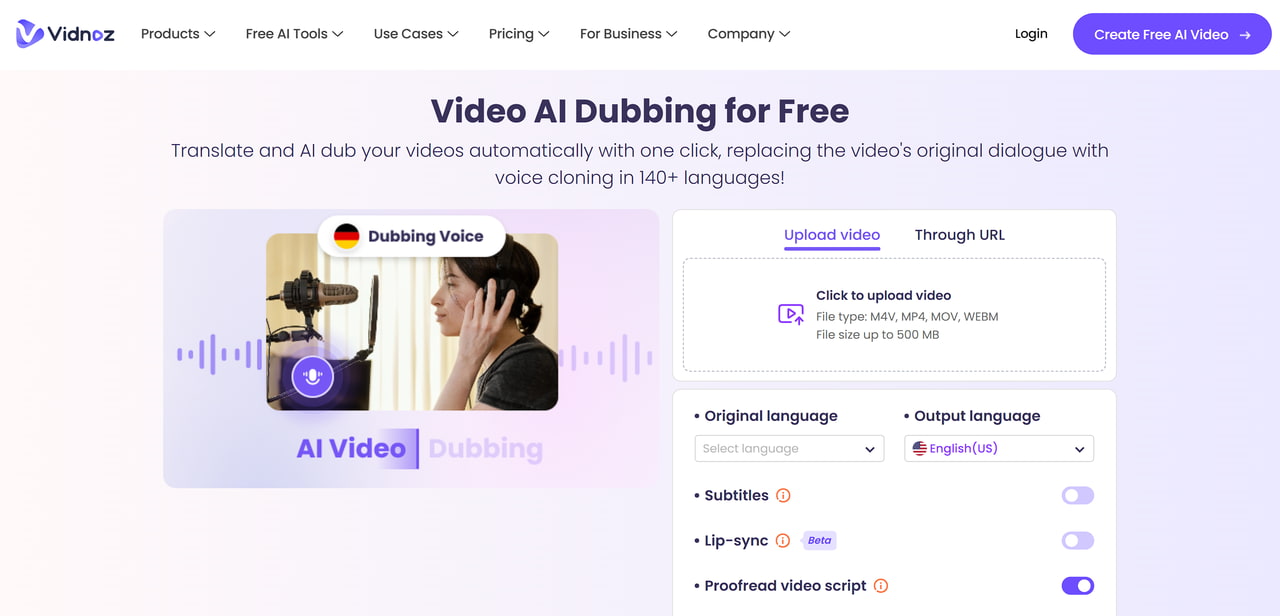
Vidnoz AI Dubbing provides a simple web workflow for translating uploaded or linked video with cloned voices, subtitles, and lip-sync options.
Key Features:
Accepts common video formats or supported links and produces translated speech.
Offers original-voice cloning, subtitle generation, and optional lip sync.
Connects with Vidnoz’s wider AI video-creation platform.
Pros:
Accessible browser workflow for testing short creator, education, and promotional videos.
Combines dubbing, captions, and visual synchronization without desktop installation.
Cons:
Official marketing pages use strong accuracy and quality claims that should not substitute for testing.
Free usage, duration, exports, and advanced options may be limited.
Best For: Beginners and creators who want a straightforward online dubbing workflow for short or moderate projects.
Consider: Verify current free and paid limits, then test transcript accuracy, voice consistency, subtitles, and lip sync with your own material.
How to Choose an AI Dubbing Tool
Define the deliverable. Choose audio-only dubbing, a finished video, subtitles, lip sync, or full localization including on-screen text.
List required controls. Include transcript correction, terminology, pronunciation, speaker assignment, voice selection, timing, subtitle styling, collaboration, and exports.
Shortlist by production fit. Separate one-off creator tools from repeatable team workflows, enterprise media platforms, and APIs.
Test the same source clip. Do not compare a polished vendor demo from one tool with a difficult personal video from another.
Compare total workflow cost. Include generation, regeneration, editing time, human review, exports, rights, and downstream video work.
A Practical Dubbing Quality Test
Use a 60–120 second clip that contains the conditions most likely to fail in your real content. Run the unchanged source through every shortlisted tool, then score the following:
Transcript: names, numbers, acronyms, omitted words, punctuation, and speaker changes.
Translation: meaning, register, terminology, calls to action, idioms, and local conventions.
Voice: pronunciation, pacing, emotion, consistency, speaker identity, and authorized voice use.
Timing: pauses, sentence duration, overlap, cut points, and subtitle reading time.
Visual output: lip alignment, visible speakers, profile angles, occluded mouths, fast cuts, and untranslated on-screen text.
Operations: correction time, selective regeneration, version management, exports, reviewer access, and failed-job handling.
Record the number of corrections and the time needed to approve each output. A lower generation price may not reduce total cost if the result requires more manual repair.
Where AI Dubbing Still Needs Human Review
AI dubbing works best with clear source audio, distinct speakers, common vocabulary, and visible faces that remain unobstructed. Human review becomes more important when:
speakers overlap, music masks dialogue, or accents and recording conditions make transcription difficult;
the script contains names, numbers, code-switching, humor, idioms, legal language, or specialized terminology;
translation changes sentence length and creates rushed delivery, long pauses, or synchronization problems;
the video contains profile views, covered mouths, rapid edits, close-ups, or important on-screen text;
voice cloning requires explicit consent, licensing, brand approval, or documentation.
Use qualified reviewers for legal, medical, financial, safety, compliance, or reputation-sensitive content. AI can accelerate the first version, but the organization remains responsible for the published result.
How to Dub a Video with VMEG
VMEG provides one example of an end-to-end dubbing workflow. For a more detailed tutorial, see how to dub a video.
Upload the source. Open VMEG AI Dubbing and upload the video or use a supported link.
Configure the output. Select the source and target languages, speakers, voice approach, subtitles, and optional lip sync.
Review and edit. Correct the transcript and translation, check speaker assignments, adjust voice and timing controls, and regenerate the required segments.
Export and approve. Review the complete video, then export the required video, audio, or subtitle deliverable.
Frequently Asked Questions

