


Free AAC to Text Converter
Turn your AAC audio files into clear, editable text in just a few clicks, perfect for subtitles, summaries, research, or multilingual content. Free access online, no account signup required.
How to Transcribe AAC to Text for Free

Upload Your AAC File
Drop your AAC file into VMEG or insert a YouTube link to begin. Whether it's a voice note, a podcast episode, an interview, or a lecture, VMEG works right in your browser.
Get Fast, Accurate AAC Transcripts
Choose between Accurate Mode for top precision or Balanced Mode for steady, clear results. Language detection is automatic, or you can select it manually. Enable translation if needed.
Review, Edit, & Download
When the transcription is ready, you can fine-tune it in our built-in editor. Then, export your transcript for subtitles, documentation, or repurposing your content in TXT, SRT, VTT, TTML, SBV and more.
Why Choose VMEG AAC to Text Converter
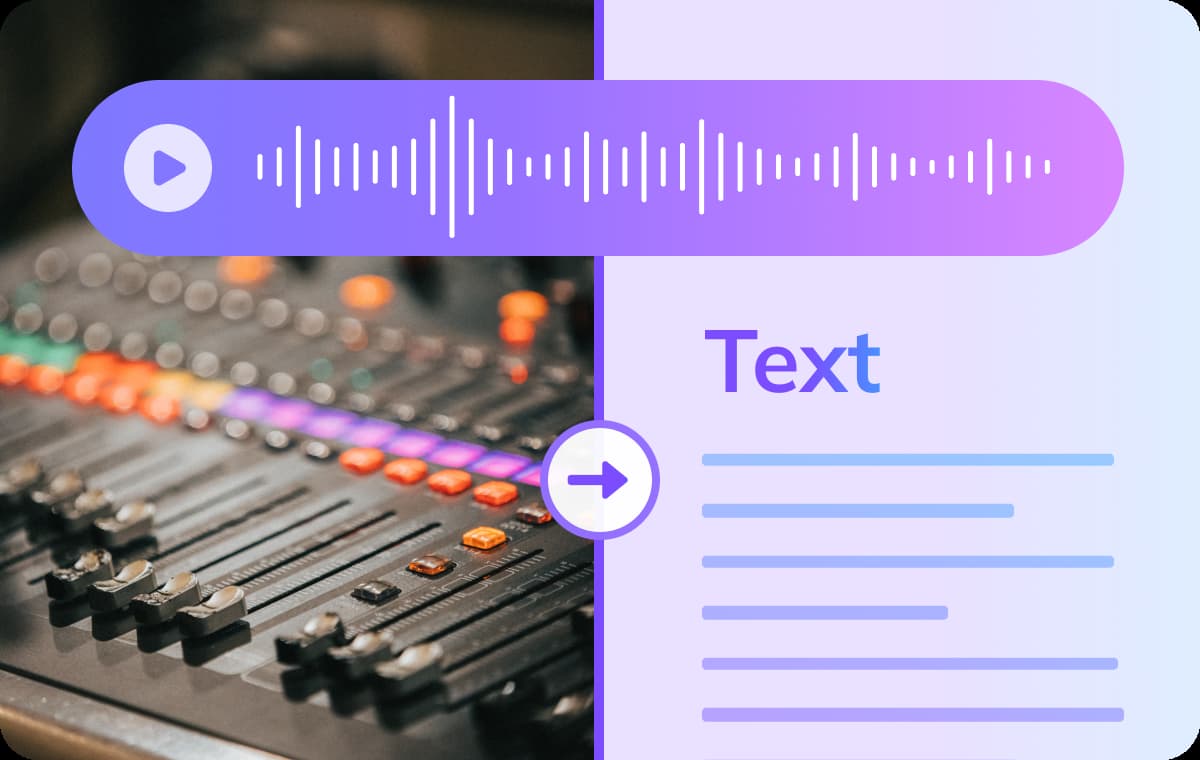
Quick & Reliable AAC Transcription
Pick the language spoken in your audio and leave the rest to VMEG. It turns your AAC file into clear, polished text that keeps the speaker’s meaning, rhythm, and tone intact even when the conversation moves fast or shifts between topics.In the transcript editor, the transcript stays neatly synced to the audio, so you can jump to any moment, replay a line, or quote a section without hunting around.
Transcribe AAC to Text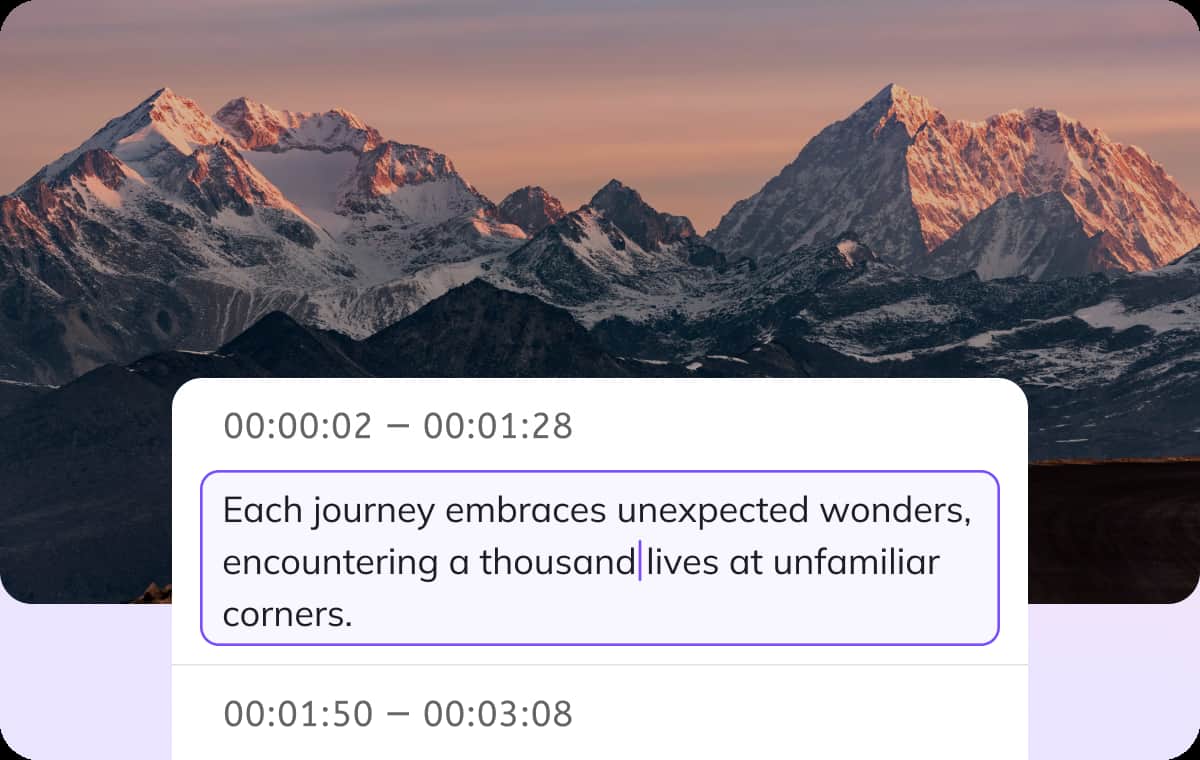
Simple AAC to Text Editing, Flexible Export
Once the transcript is ready, give it a quick polish and make it yours. Rename speakers for clarity, adjust timing to match cuts in your edit, or tighten phrasing.Insert section headers, highlight key quotes, or add brief annotations where needed. When you’re done, export in the format that fits your workflow: TXT for quick sharing, DOCX for editing, PDF for sign-off, SRT or VTT for subtitles, CSV for analysis, or a timecoded markdown if you prefer a lightweight script.
Transcribe AAC to Text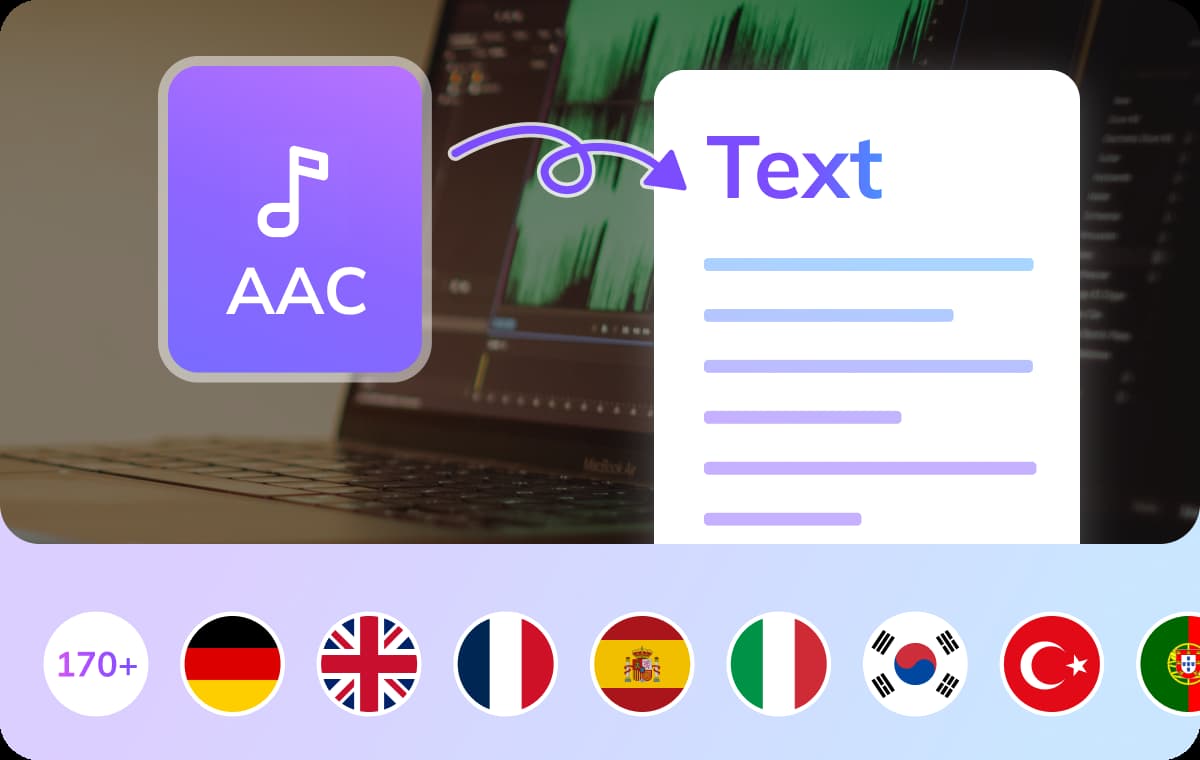
Supports 170+ Languages and Accents
VMEG covers more than 170 languages and a wide range of accents, so mixed panels, international interviews, or multilingual recordings won’t slow you down.For all languages, you can transcribe with confidence and keep a consistent format across projects. If you need a second version in another language, translate the transcript on the spot and keep moving.
Transcribe AAC to TextWho Uses AAC to Text Converter

Students & Researchers
Class recordings, interviews, and study sessions are often stored in AAC format. Turning them into text helps you quickly capture key ideas, organize your notes, and review content without replaying long audio files.

Podcasters & Content Creators
Transform your AAC audio into transcripts, captions, or blog posts. It's a great way to improve accessibility, enhance SEO, and give your audience more ways to consume your content even those who prefer reading over listening.

Business Teams & Professionals
From meeting recordings to voice memos, AAC is a common format in the workplace. Converting these files into text streamlines documentation, helps create summaries, and keeps your team aligned with clear, shareable records.
FAQs about AAC to Text Converter
Yes! VMEG AI allows up to 3 tasks per day, each with a maximum length of 3 minutes. Additional access is available through an upgrade.
Absolutely. VMEG supports over 170 languages and accents, so you can transcribe AAC audio in English, Spanish, Arabic, Japanese, Mandarin, and many more.
VMEG delivers clean and high-accuracy transcripts. It works well with clear audio and various accents, and you can easily make edits to fine-tune the final text.
Yes. After converting your AAC file, you'll be able to review and edit the text inside our built-in editor.
You can transcribe files up to 30 minutes.
Discover More on VMEG
Related Searches
Free AAC to Text Converter
Turn your AAC audio files into clear, editable text in just a few clicks, perfect for subtitles, summaries, research, or multilingual content.
Transcribe AAC to Text