WAV to Text Converter
Automatically Convert WAV files to text online in 170+ languages. Auto-generate audio transcripts.
How to Convert WAV Audio File to Text
01Upload Your WAV Audio File
Drag and drop your WAV file, select one from your VMEG library.
02Transcribe WAV to Text Automatically
Choose Accurate Mode for fast results, or Balanced Mode for a mix of speed and clarity. VMEG can auto-detect the language or let you select it manually. If you need a translation, just choose the target language.
03Edit and Export Your Transcript
VMEG transcribes your audio in seconds with speaker detection and multilingual support.



Why Choose VMEG WAV to TXT Converter
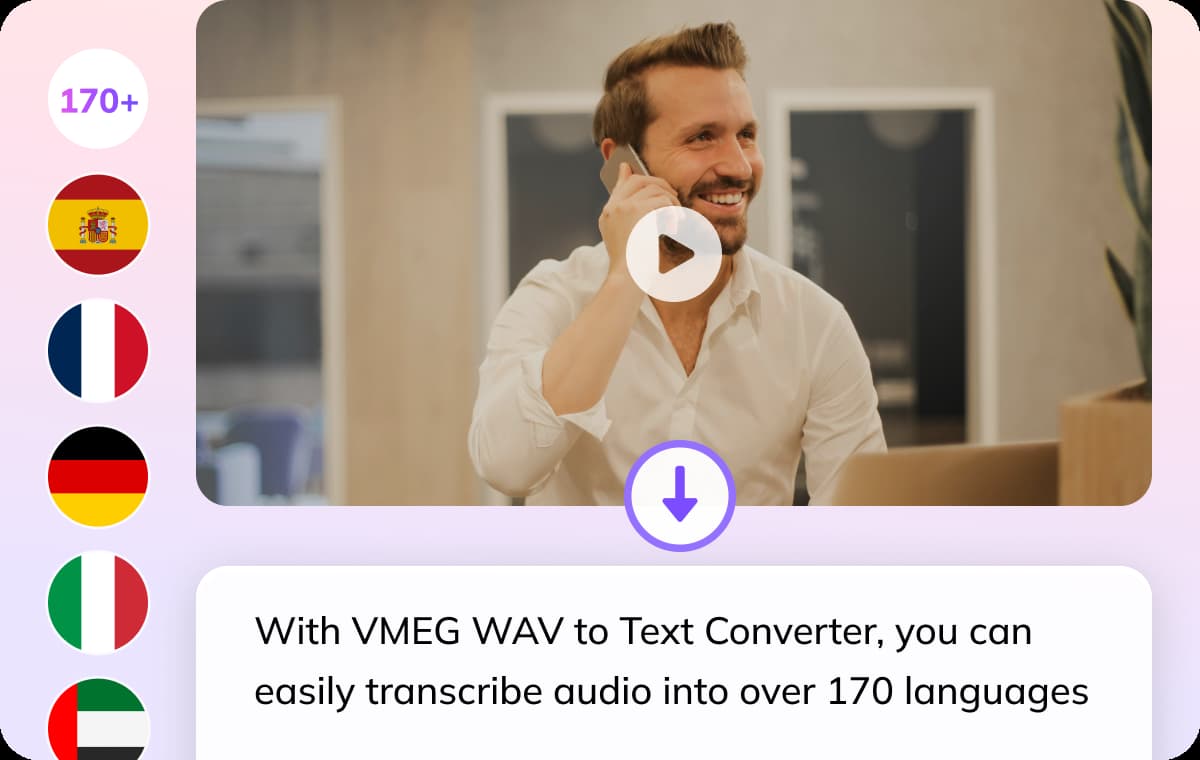
Convert WAV Files to Text in 170+ Languages
With the VMEG WAV to Text Converter, you can easily transcribe audio into over 170 languages, including English, Japanese, Spanish, Arabic, and many others. No plugins or additional software are required—simply open the web app, upload your WAV file, and you’re all set.
Clean, Accurate WAV to Text Transcriptions
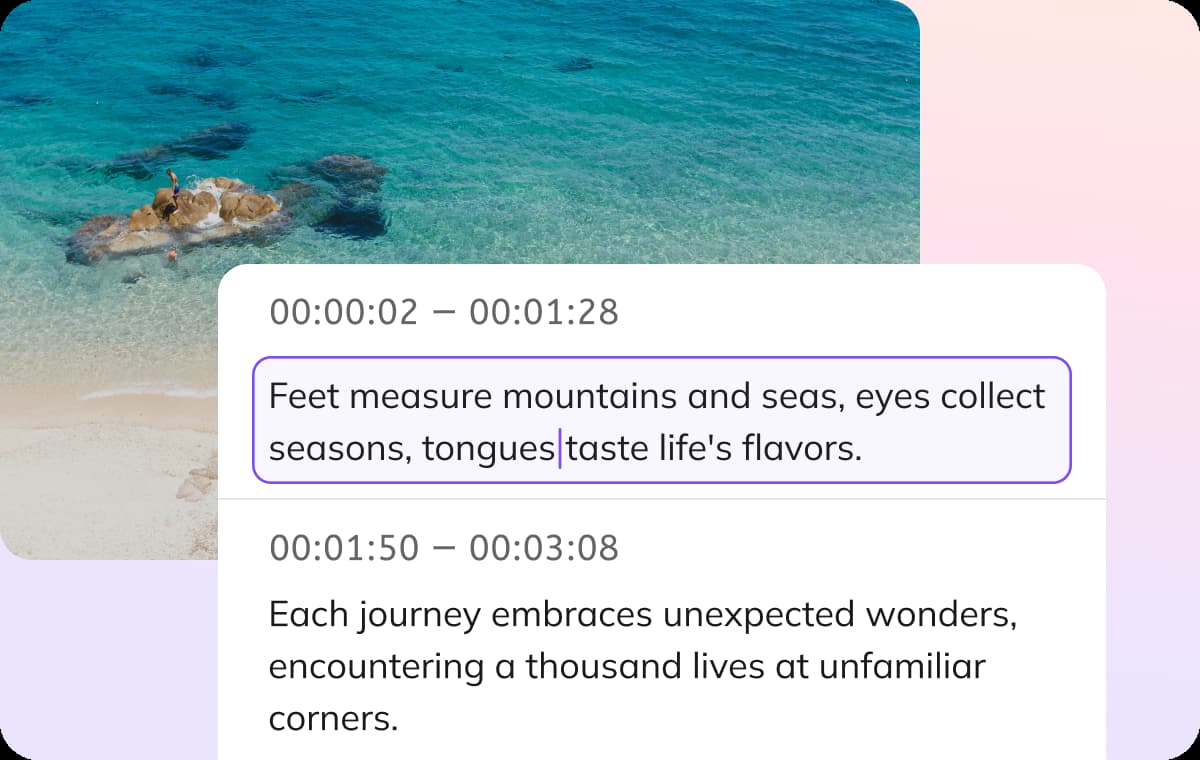
Automatically generate clear, time-synced transcripts and subtitle tracks from your WAV files. Powered by VMEG’s intelligent AI, you get high accuracy and exceptional readability out of the box.Fine-tune structure, adjust timestamps, and clean up speaker turns with the built-in editor, then export in your preferred formats—whether that’s TXT, DOCX, SRT, VTT, or CSV for downstream workflows.
Skip the Typing, Save Your Time
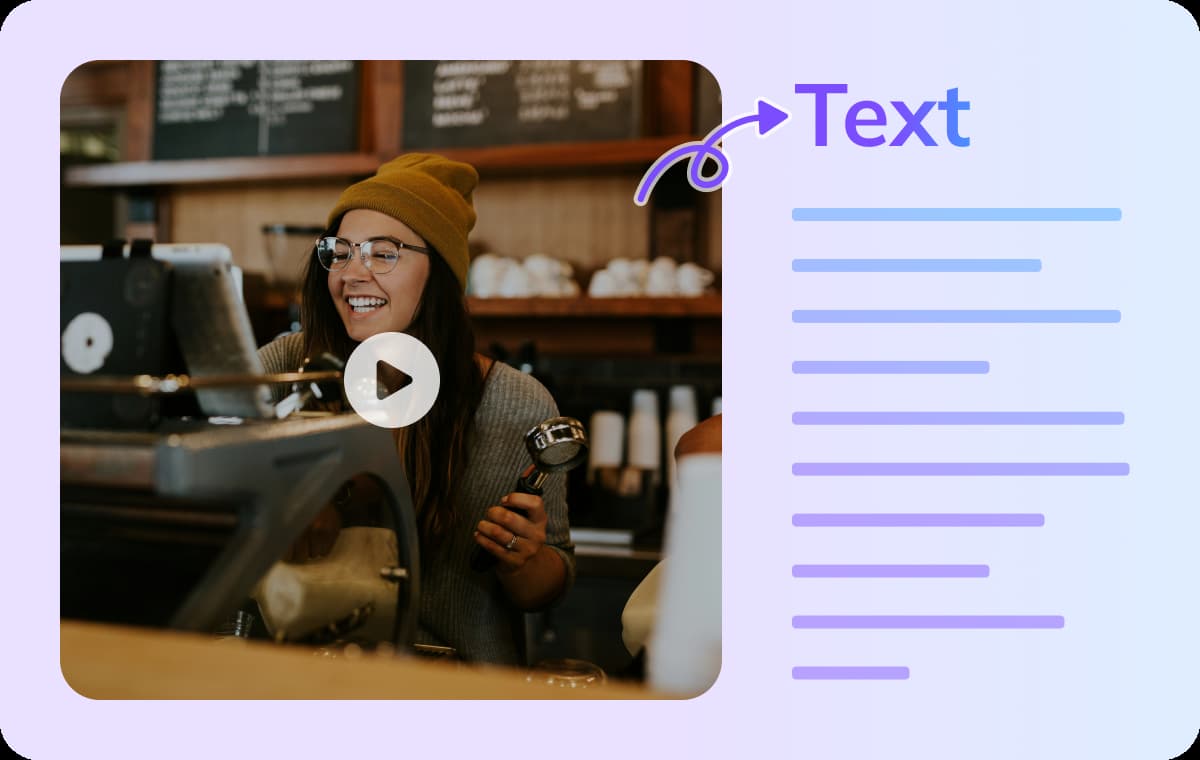
Manual transcription is a thing of the past. With VMEG, your WAV files can be converted into clear, searchable text in just a few minutes. Powered by cutting-edge AI technology, VMEG frees you up to focus on what really matters. VMEG AI streamlines your workflow from start to finish. It reduces handoffs and shortens turnaround times, ensuring every project runs smoothly without compromising text accuracy or clarity.
Who Uses WAV to Text Converter

Creators, Journalists & Podcasters
From interviews to vlogs, converting WAV audio to text saves creators hours of manual work. Use VMEG to generate captions, translate transcripts for global reach, and make your content more inclusive.

Educators & Learners
VMEG's WAV to Text tool makes lectures and classroom discussions easy to revisit. Educators can instantly generate written transcripts for study materials or subtitles. It's a powerful way to enhance learning and accessibility at the same time.

Businesses & Marketing Teams
Turn WAV audio from meetings, webinars, and podcasts into structured, searchable text with VMEG. Transcriptions help teams extract insights, repurpose spoken content into blog posts or localized campaigns.
FAQs about WAV to Text Converter
How accurate is the WAV transcription?
VMEG delivers up to 99% accuracy when transcribing WAV files.
Can I transcribe WAV files in multiple languages?
Yes! VMEG's WAV to Text Converter supports transcription in over 170 languages, including Spanish, German, Portuguese, French, Chinese, and many more. Just upload your WAV file, choose your desired language, and VMEG will generate a text transcription accordingly.
Can I make edits to the transcription?
Definitely. Once your WAV file has been transcribed, you can easily review and edit the text using VMEG’s built-in editor. You can fine-tune content, adjust timestamps, and export the final transcript in multiple formats.
How long can the WAV file be for transcription?
Processing times range from seconds to a few minutes, depending on file length.
Discover More on VMEG
Related Searches
WAV to Text Converter
Automatically Convert WAV files to text online in 170+ languages. Auto-generate audio transcripts.