


AI Audio Translator
Automatically translate audio into 170+ languages, with 7,000+ natural-sounding voices, authentic lip sync and customized auto-generated subtitles.
Try the demo and experience all features for free
 English
 Spanish
 German
 Russian
 Turkish
 Italian
 Chinese
 French
 Portuguese
 Hindi
Hindi

Mastering the Audio Localization Workflow in VMEG
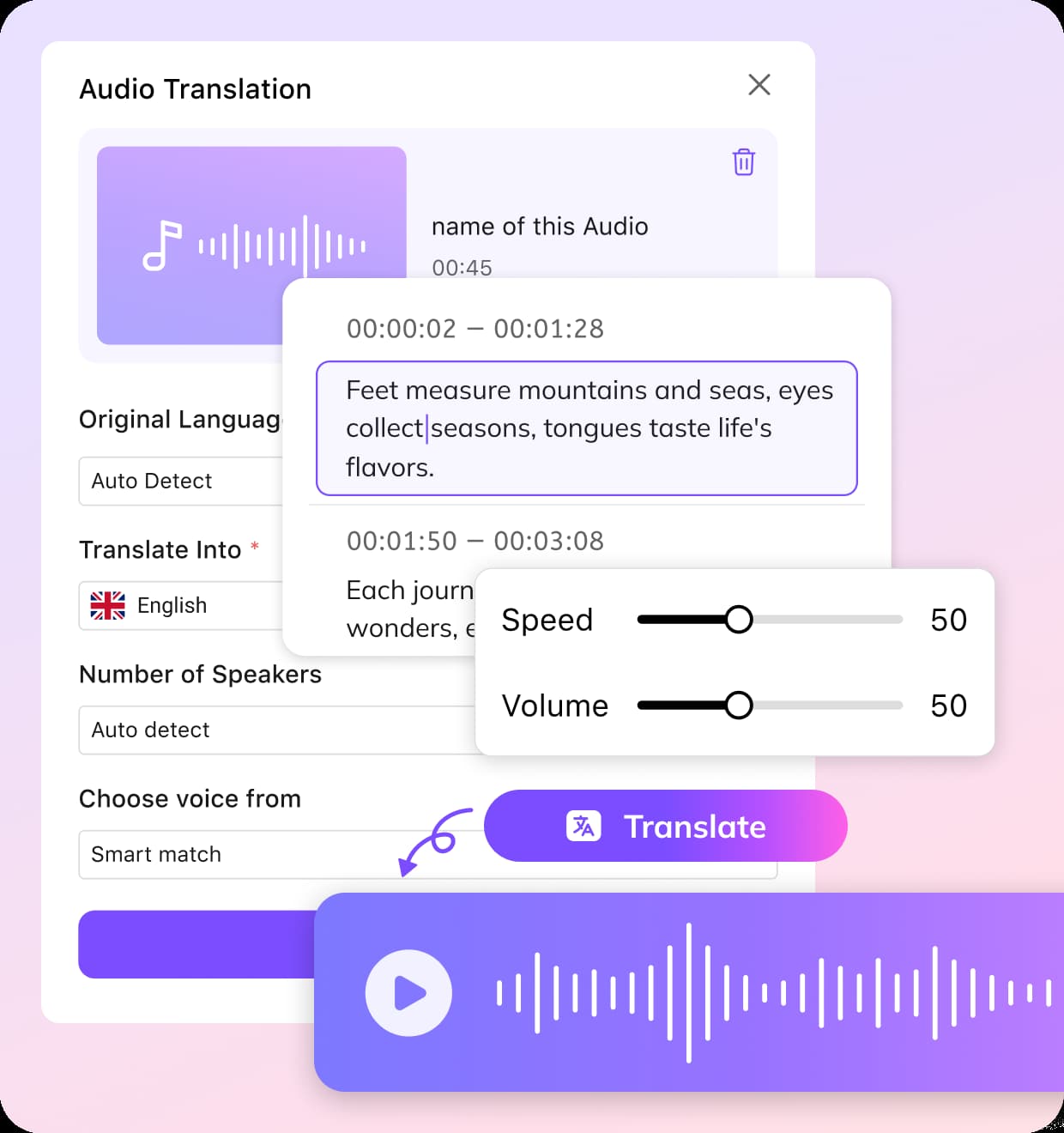
Smart Audio Import & Source Integration
To translate voice with VMEG, start by uploading your audio files in formats like MP3, WAV, or WMV directly from your device, or leverage our high-speed integration to import content via URL from platforms such as YouTube, Zoom, TikTok, and Google Drive. For recurring projects, your files remain securely accessible within the VMEG Cloud Asset Library for instant retrieval.
Transcribe, Translate & Customize
Next, please select the target language, specify the number of users, and choose between system voices or cloned custom voices for a more personalized experience. You can also apply a glossary or add translation prompts to optimize the translation results. Once everything is set up, you’re ready to begin.
Studio-Grade Editing & Global Export
Once the translation is complete, please review the results, polish the text, and adjust the speech settings such as speaking speed, volume, and tone. You can also fine-tune the speaker assignments to improve accuracy. Once you’ve confirmed everything is correct, you can immediately export and download the translated audio or subtitle files.
The VMEG Voice Translator Advantage
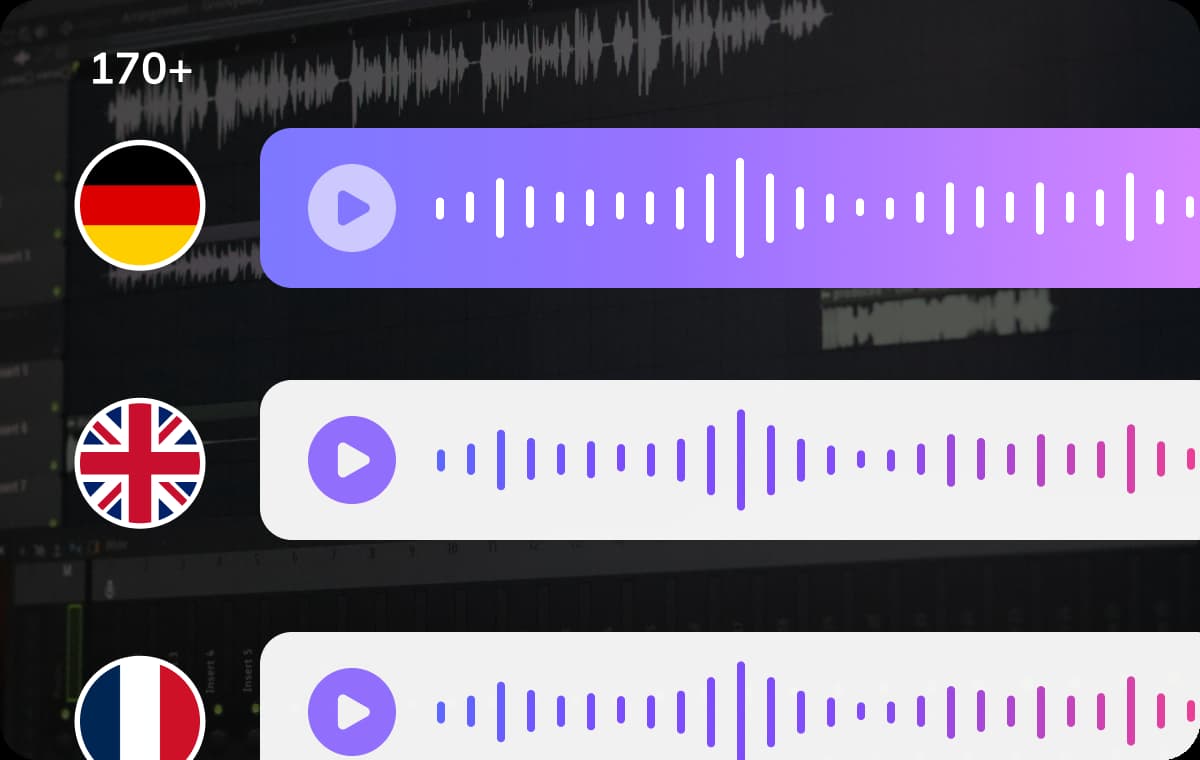
Multi-Dialect Precision & Cultural Adaptation
VMEG goes beyond standard translation by offering nuanced localization across 170+ languages and regional dialects. Instead of a one-size-fits-all approach, we provide 14 distinct English variations, 22 Spanish, and 16 Arabic dialects.This level of granularity allows creators to localize spoken content for diverse audiences while maintaining the authentic flow and slang of each region, making your message resonate deeply without losing its original intent.
Translate Audio Now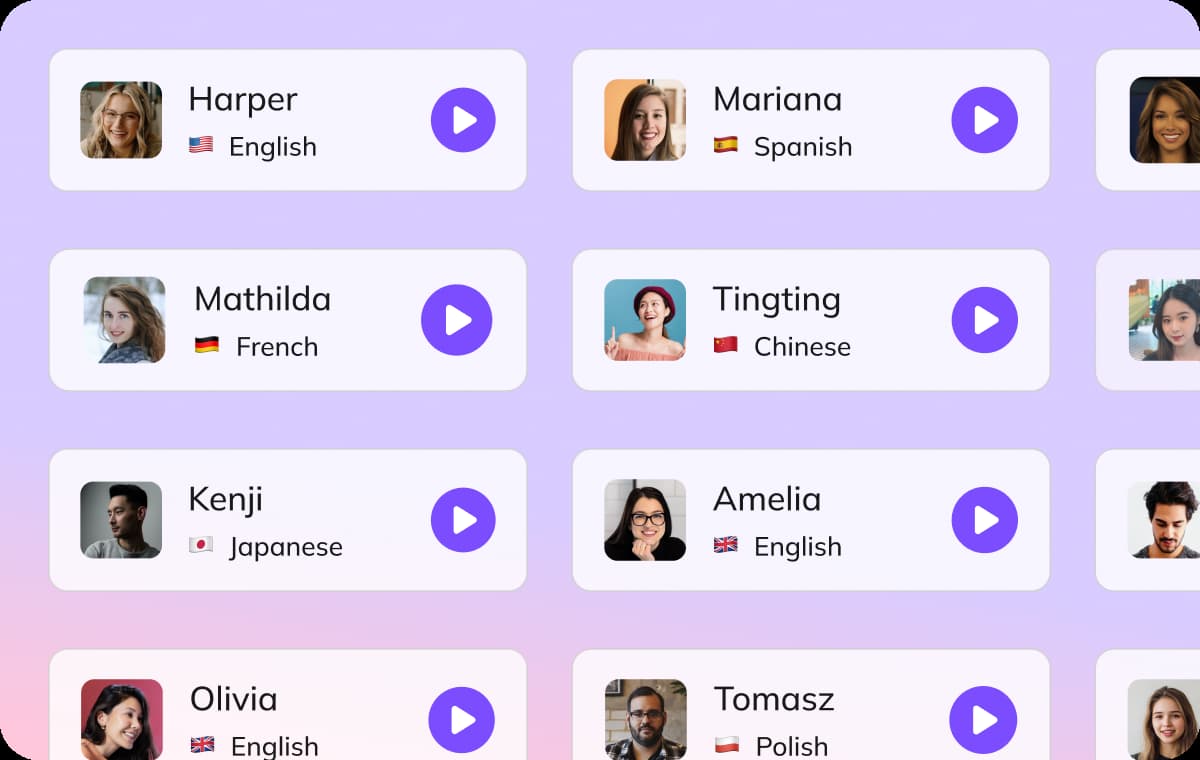
Hyper-Realistic Voice Library & Identity Persistence
Access VMEG’s massive voice library with over 7,000 hyper-realistic AI voices across multiple languages, age ranges, and emotional tones.For unique brand needs, our AI voice translator also offers voice cloning to replicate your original vocal identity with precision.Such a refined approach enables creators to localize audio content for different audiences while preserving the unique linguistic nuances and slang of each region, so your message resonates deeply with listeners while staying true to its original intent.
Translate Audio Now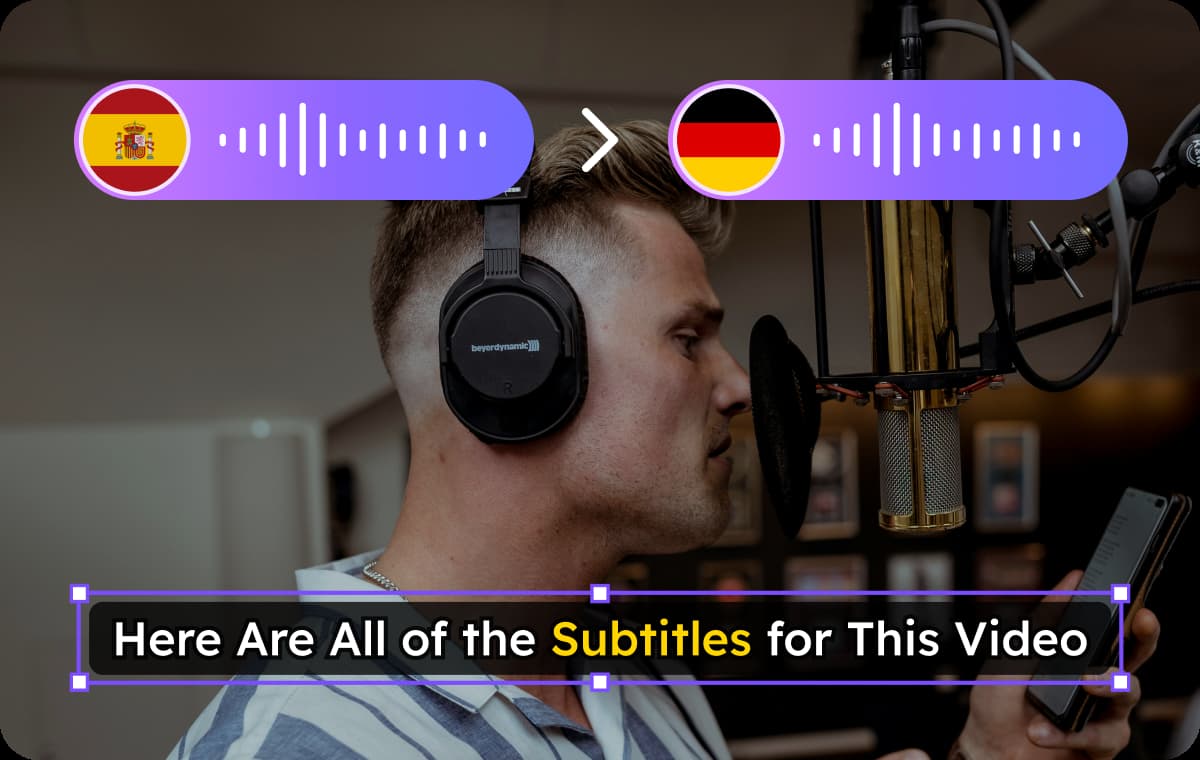
One Project & Professional Studio Control
Unlike tools that charge for every minor adjustment, VMEG operates as a complete post-production suite where one project unlocks infinite creative possibilities.Within our editing studio, you gain total control over the localization lifecycle: refine transcripts, trigger redubs for specific segments, and perfect subtitles without additional costs.It is an all-in-one solution that integrates dubbing, subtitling, and voiceover into a single workflow designed for global-ready media production.
Translate Audio NowSpecialized Solutions for Podcasters, Educators, and Marketers

Podcasters & Audiobook Creators
VMEG's AI-powered audio localization helps you to break language barriers and connect with listeners worldwide. Whether you're producing audiobooks, Podcast, customer support content, or religious/cultural audio programs, VMEG delivers studio-quality translations while preserving the soul of your original recordings.

Educators & Trainers
Online educators and corporate trainers rely on VMEG to quickly and accurately localize their course materials. With automated speech-to-text translation and multilingual voice-over capabilities, instructors can easily convert lectures, webinars, and training modules into dozens of languages, making learning resources readily accessible to global teams and international students alike.

Businesses & Marketers
Businesses and marketers can use VMEG to easily localize audio and video content, such as advertisements, product demos, and training materials. Through voice translation, your brand can reach potential customers in different markets, increase brand awareness, and ultimately drive more sales and conversions.
Common Questions on Audio Localization & Voice Translator
What languages are supported by VMEG voice-to-voice translator?
VMEG supports voice translation in 100+ languages and accents, including English, Spanish, German, French, Arabic, Russian, Chinese and more. VMEG also supports multiple dialects.
What is the best audio translator app available today?
The “best” app depends on your specific needs, but VMEG is widely considered one of the top choices for professional-grade audio translation. While many generic tools exist, VMEG stands out as the most specialized platform for professional localization. Unlike basic apps that offer a "one-and-done" machine output, VMEG provides an advanced Editing Studio with Unlimited Revisions. This allows you to refine transcripts, trigger redubs, and perfect the emotional tone without extra costs.
Can I translate non-English audio into specific English dialects?
Absolutely. VMEG supports bidirectional translation with a heavy focus on regional authenticity. You can translate your source audio into English while selecting from various localized accents, such as Mid-Atlantic American, British Received Pronunciation, or Australian English
How do I translate an audio file?
Of course. First, upload your master file or import via URL. Once the system analyzes the audio, you select your target language and define speaker profiles. VMEG then generates a localized draft. Unlike automated scripts, you are then invited into our editor to review the transcript, apply a custom glossary, and adjust the vocal performance before finalizing the render for export.
Can I translate only the audio from a video?
Absolutely. VMEG allows you to isolate the audio track for translation. This is perfect if you only need to generate a standalone voice-over or a subtitle file without altering the original visual content.
Is it possible to edit the translated text?
Yes, you have full control. Our platform features an intuitive built-in editor where you can review and refine the translated script before the final render. This ensures that technical terms, brand names, and specific phrasing are exactly how you want them.
Can I change the dubbed voice after submitting a task?
You certainly can. Once the initial translation is processed, you aren't locked into your first choice. You can browse our extensive Vocal Library to swap voices or apply Voice Cloning to achieve a more customized, authentic sound before you hit export.
What is the typical turnaround time for AI voice translation?
Our system is built for speed. Most short length projects are processed in near real-time, so you can expect your dubbed content to be ready for download in just a matter of minutes.
How do I save my translated files?
Once the processing is finalized, you can grab your content directly from the dashboard. VMEG supports multiple export options, allowing you to download the full video, the isolated audio track, or the subtitle files in the format that best fits your workflow.
Explore the VMEG Localization Ecosystem
Expert Insights
AI Audio Translator Online
Translate your audio into 170+ languages with precision. Featuring ultra-realistic voice cloning, lip-sync, and fully customizable AI subtitles.
Translate Audio Now