


Turkish to Arabic Audio Translator
VMEG AI audio translator lets you turn Turkish speech into Arabic voice and subtitles quickly and accurately.
How to Translate Turkish Audio Content to Arabic
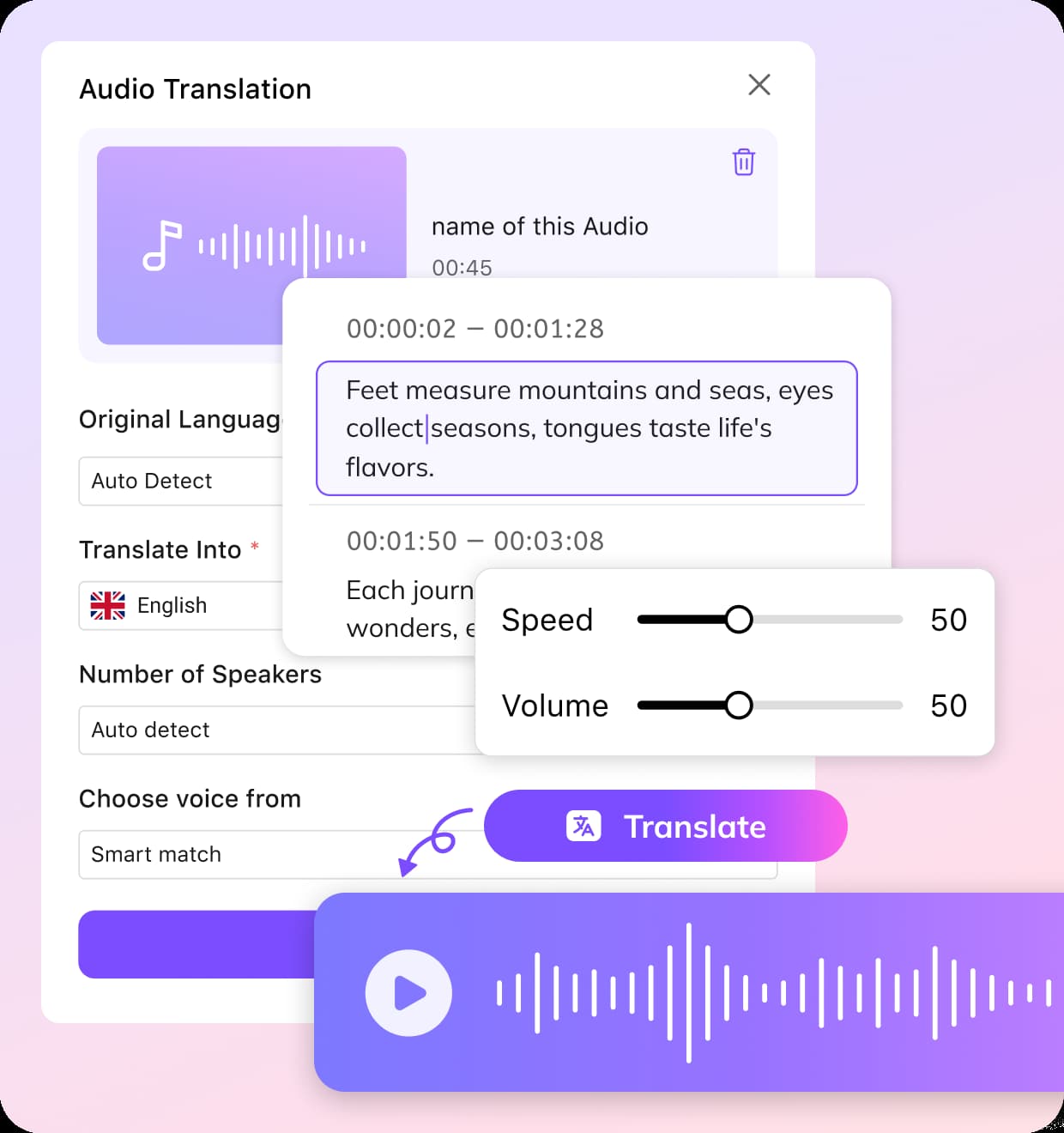
Upload Turkish Audio or Video
Start by uploading your Turkish audio or video file.
Select Arabic Translation Settings
Choose Turkish as the source language and Arabic as the target language, then define speaker settings and select a voice cloning style. Arabic accents are available for regions like Egypt, Saudi Arabia, UAE, Morocco, and more.
Preview and Export
Once the translation finishes, preview the Arabic audio and subtitles. You can download the translated file, export subtitles separately, share the output, or regenerate the translation if needed.
Why Choose VMEG to Convert Turkish Audio Content to Arabic

Natural Arabic Voice with Regional Accent Control
VMEG recreates Turkish speech in Arabic using AI voice cloning, keeping the tone and rhythm of the original speaker. This helps the translated audio sound more natural compared with basic text-to-speech conversions.Users can choose from a variety of Arabic accents such as Arabic (Egypt), Saudi Arabia, United Arab Emirates, Morocco, Lebanon, Jordan, and more. These options help adapt translated audio to different Arabic-speaking audiences.
Generate Turkish to Arabic Audio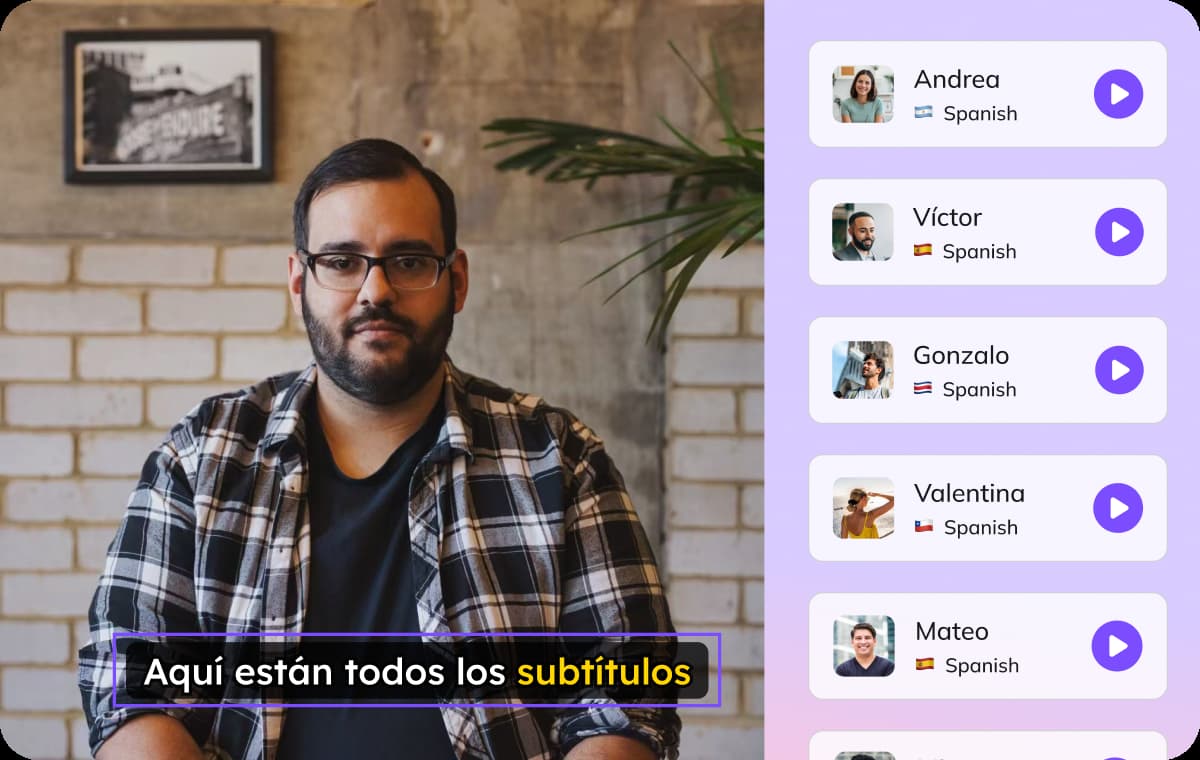
Voice Translation and Subtitles in One Process
When you convert Turkish audio content to Arabic with VMEG, the platform generates Arabic subtitles automatically alongside the translated voice. This makes the translated content easier to follow for viewers who prefer reading while listening.You can choose to embed subtitles directly into your video or download them as SRT files for editing or publishing. This approach simplifies workflows that require both translated audio and subtitle support.
Generate Turkish to Arabic Audio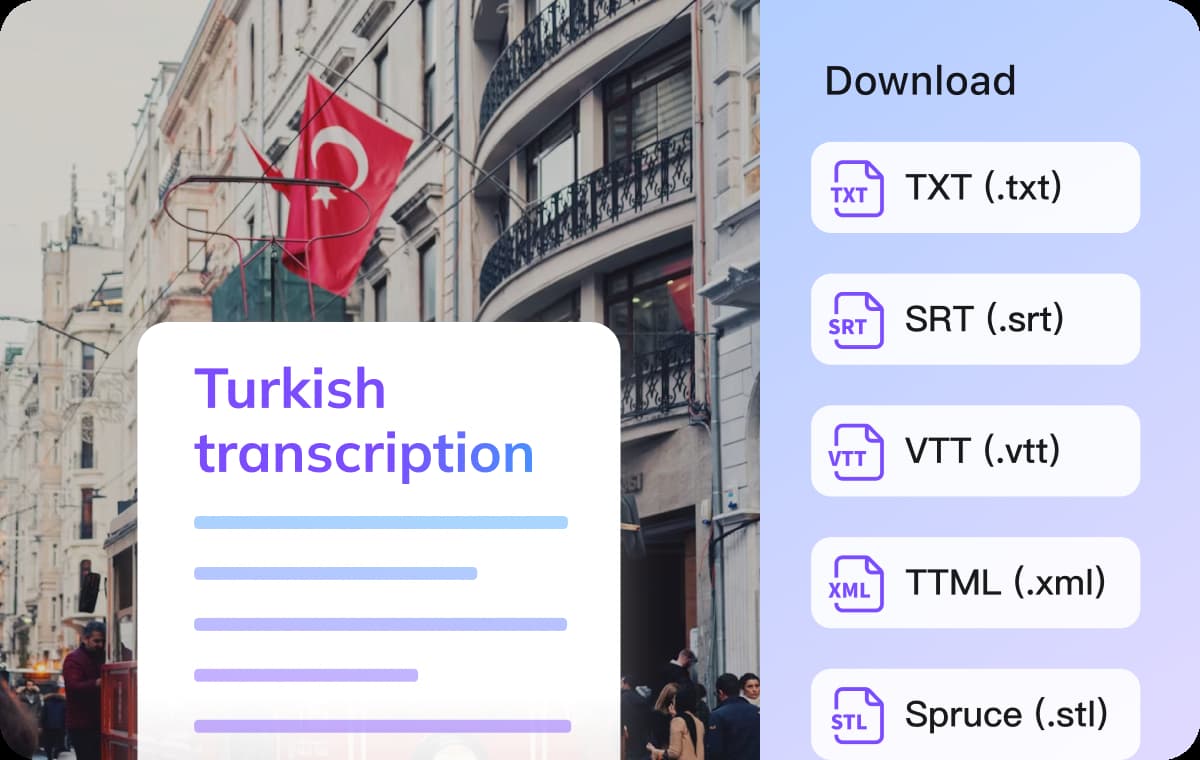
Flexible Online Audio Translator
VMEG works directly in the browser as an online audio translator, allowing you to process recordings without installing additional software. Simply upload files or paste links from social media and meeting recordings to start the translation.To bridge the linguistic gap between Turkish and Arabic, VMEG automatically translates Turkish speech into fluent Arabic audio. It is suitable for multiple use cases in your content creation.
Generate Turkish to Arabic AudioWho Uses Turkish to Arabic Audio Translation

Creators & Video Producers
Video creators translate their narration from Turkish into Arabic without recording a second version. Quickly expand their audience with this audio translator, especially useful for online videos and interviews distributed across multiple regions.
Educators & Trainers
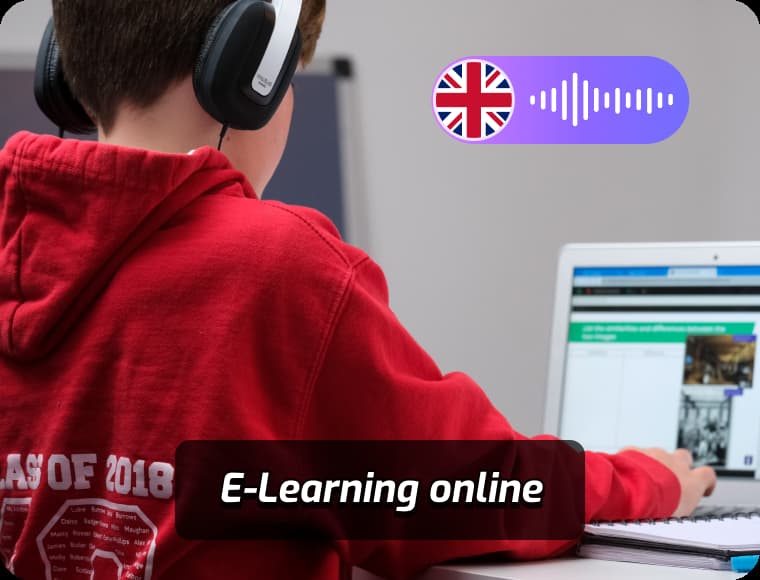
VMEG converts Turkish lectures into Arabic audio and subtitles. Educational platforms and trainers can share recorded lessons with Arabic-speaking learners to understand the material.

Businesses & Marketing Teams
VMEG simplifies the process of generating Arabic voice and subtitles automatically. It allows marketing teams to localize content quickly and deliver consistent messaging across different regions.
FAQs about Translating Turkish Audio to Arabic
Can I translate audio from Turkish to Arabic free online?
Yes. VMEG provides a trial option so users can test translate audio from Turkish to Arabic free before upgrading to advanced plans.
Can I convert Turkish audio content to Arabic with subtitles?
Yes. VMEG generates Arabic audio and subtitles automatically. You can choose to embed it into video or export them separately as SRT files.
Is it possible to translate Turkish into different Arabic accents?
Yes. VMEG supports many regional Arabic accents including Egypt, Saudi Arabia, UAE, Morocco, Lebanon, Jordan, Qatar, Kuwait, Tunisia, Algeria, Iraq, Yemen, Bahrain, Libya, Oman, and Modern Standard Arabic.
Is Turkish similar to Arabic linguistically?
No. Turkish and Arabic belong to different language families and have different grammar systems. AI translation helps bridge this language gap.
Is this online audio translator difficult to use?
No. The process only requires uploading, selecting languages, and downloading the translated result once it is ready.
Translate Audios into More Languages
Discover More on VMEG
Related Searches
Turkish to Arabic Audio Translation
VMEG is a simple way to translate audio from Turkish to Arabic in minutes. Support uploading recordings or video links.
Generate Turkish to Arabic Audio