Arabic Subtitle Generator
Try the demo and experience all features for free

VMEG makes it simple to generate and customize Arabic subtitles that are accurate and visually optimized for every platform.
How to Add Arabic Subtitles in 3 Simple Steps
01Upload Your Video File
Select any compatible video from your device or VMEG content library.
02Set Arabic as Output Language
Choose Arabic for your subtitles. VMEG will instantly analyze and generate the subtitles.
03Customize and Download
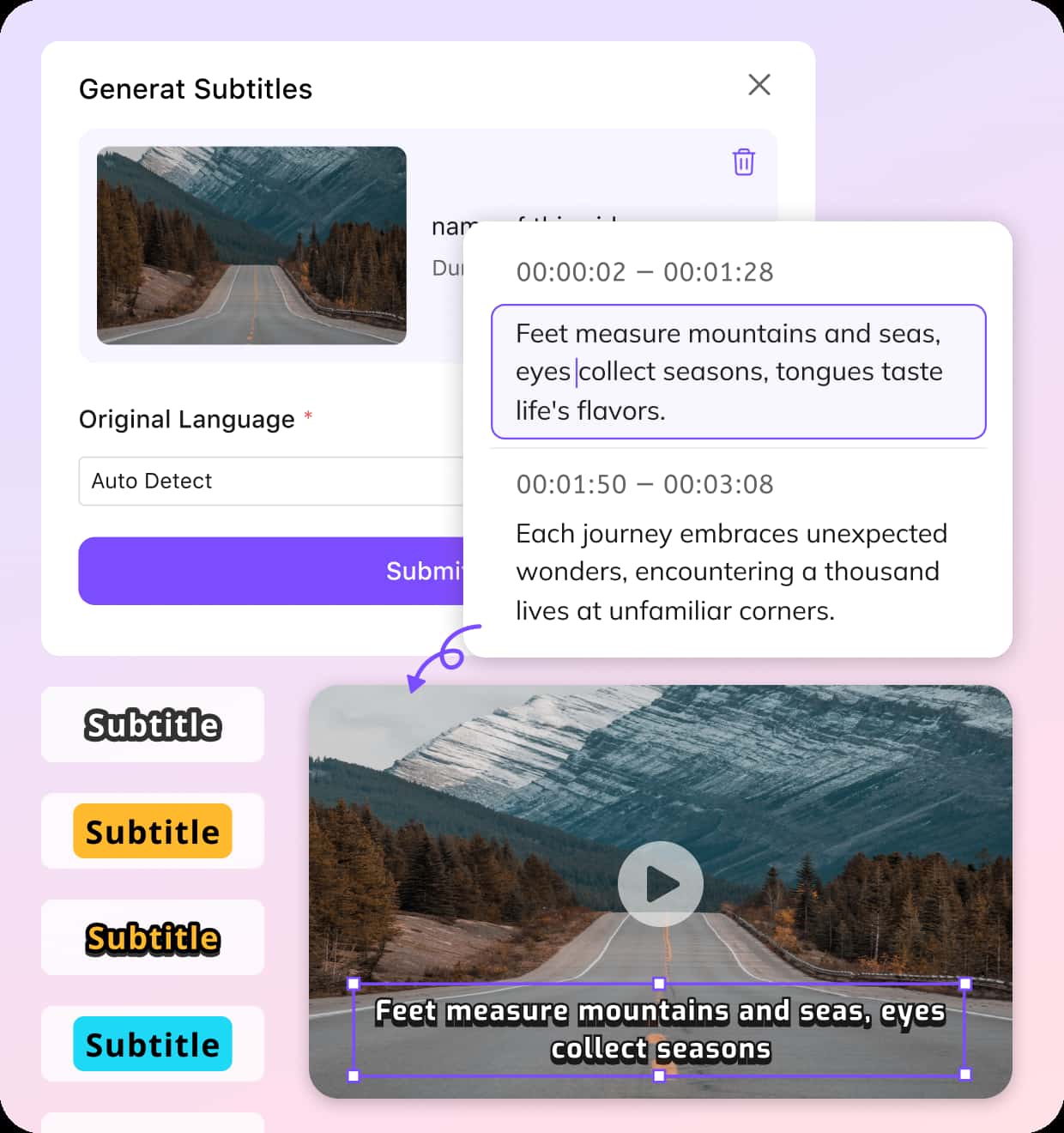
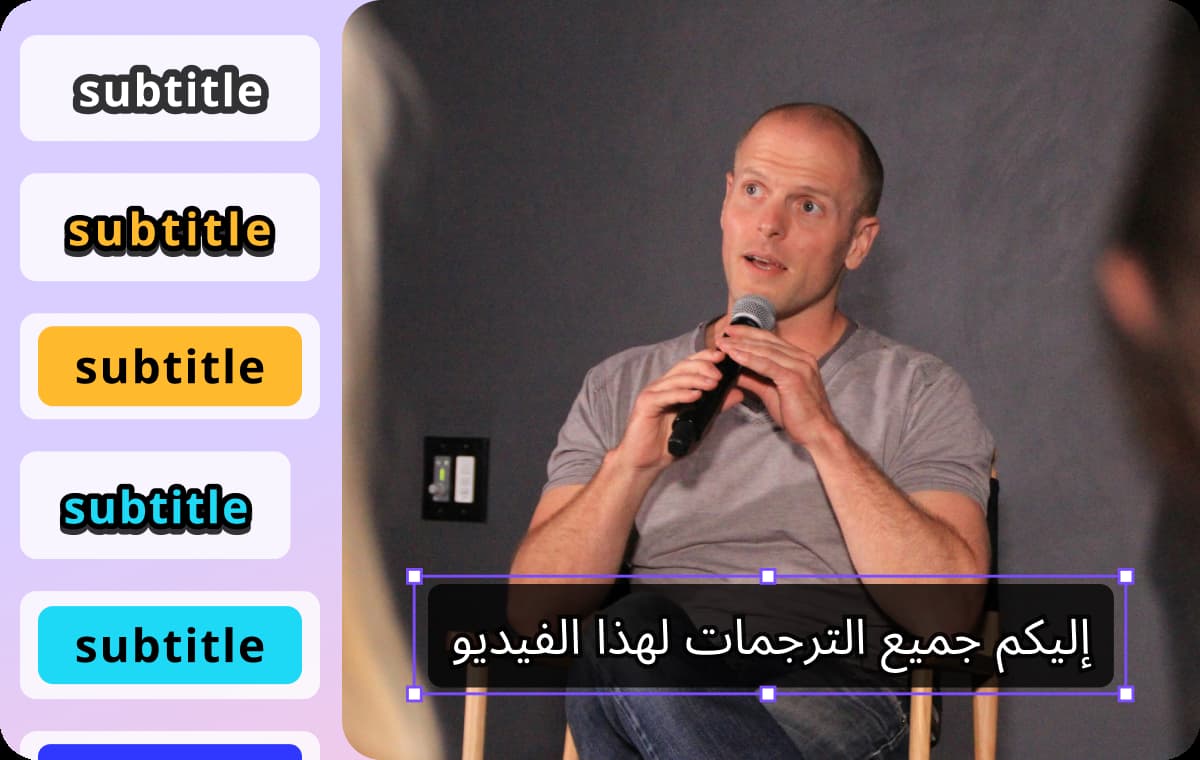
Modify Arabic subtitle wording, adjust font sizes, color, and placement, then download your subtitles in SRT format or directly embedded in the video.


Why Use VMEG for Subtitling in Arabic
Generate Arabic Subtitles from Any Languages
VMEG helps you generate and translate subtitles into English, French, Spanish, or over 170 other languages. VMEG’s system not only provides word-for-word translations but also adapts idioms, tone, and phrasing to suit the cultural context of your audience. VMEG ensures your Arabic subtitles are fluent, accurate, and engaging. This allows your videos to resonate more deeply with native speakers while preserving the original message’s intent.
Dialect-Specific Arabic Subtitle Accuracy
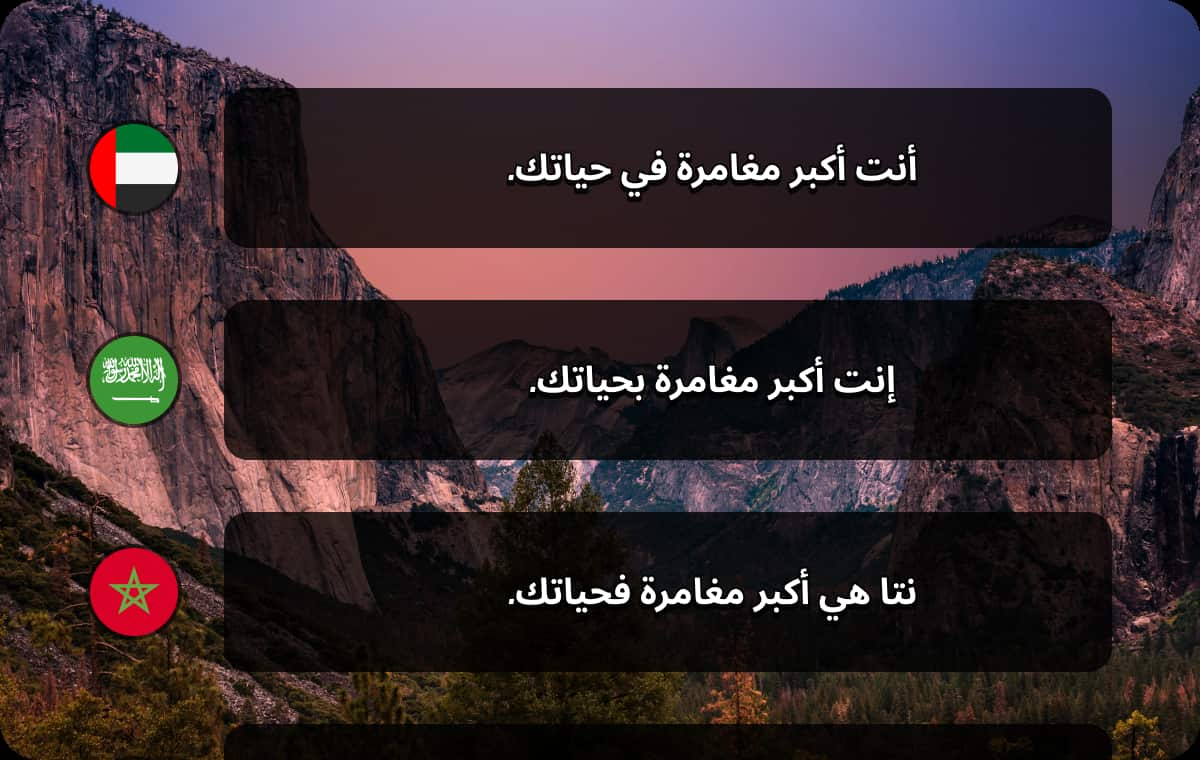
Arabic has many dialects, such as Egyptian, Levantine, Gulf, and Maghreb, each with its own distinctive vocabulary and sentence structures. VMEG fully recognizes these differences and tailors Arabic subtitles to the specific dialect you wish to reach. By incorporating local expressions and regional linguistic conventions, the subtitles sound more authentic and natural. This approach ensures that your message effectively reaches audiences in the Middle East, North Africa, and beyond.
Perfect Format and Flow for Arabic Subtitles
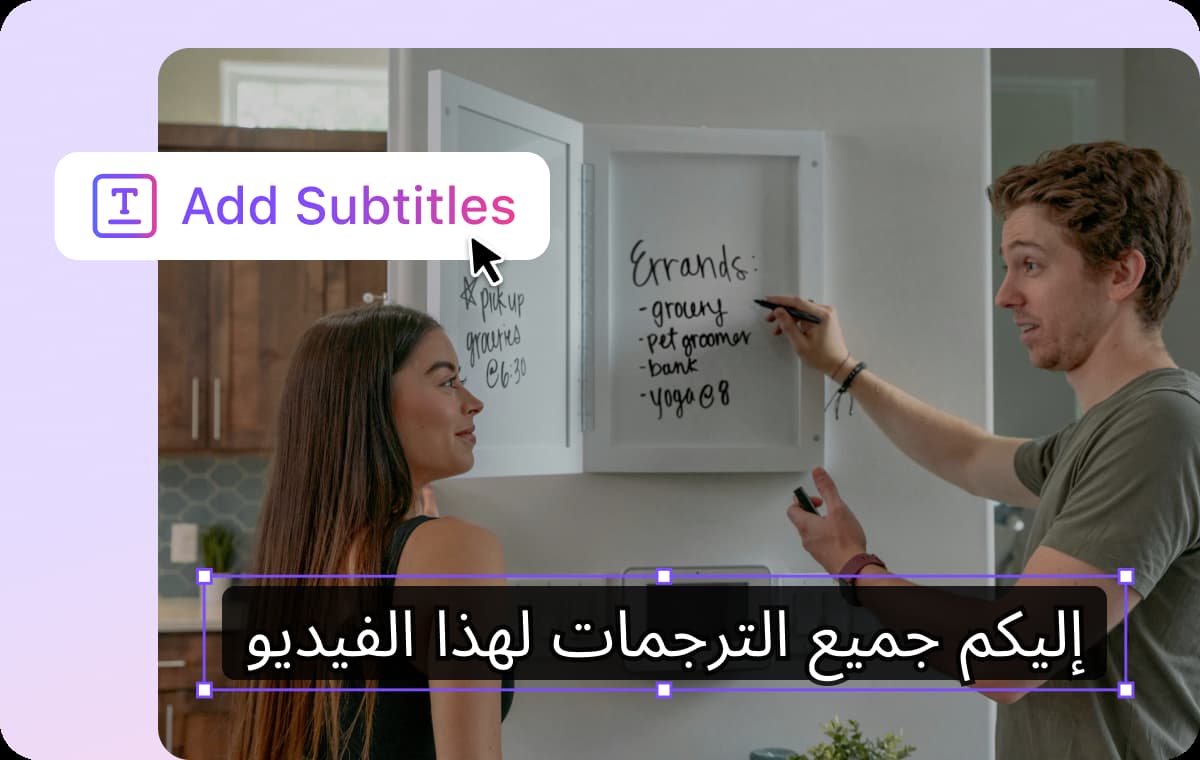
For Arabic subtitles, typesetting is crucial because Arabic is written from right to left, unlike English or other Latin-based languages. VMEG automatically adjusts alignment, line breaks, and positioning to ensure subtitles are smooth and easy to read. This AI also optimizes subtitle placement based on different screen sizes and resolutions. This ensures that your Arabic subtitles are always clear, precisely aligned, and visually appealing on any platform.
Who's Subtitling Arabic Videos with VMEG?
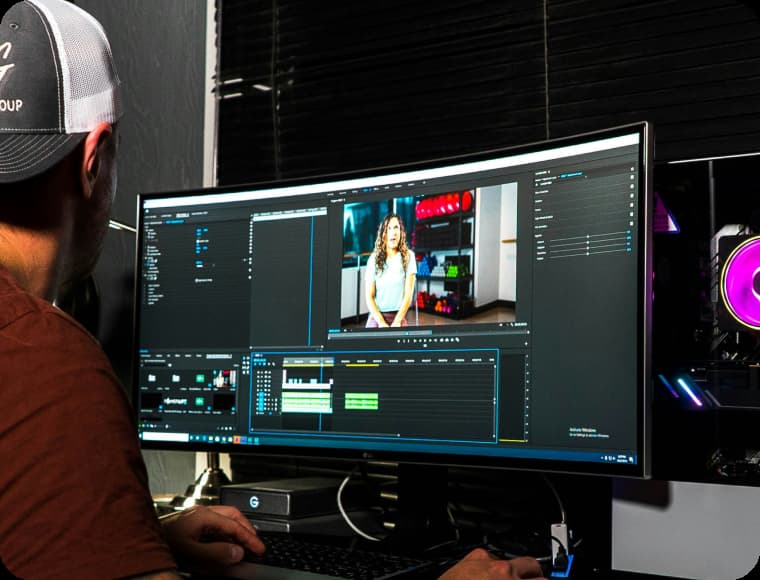
Subtitling Experts & Editors
Subtitling experts and video editors rely on VMEG to efficiently generate Arabic subtitles for a wide range of video content. VMEG allows you to add precise, time-synced Arabic subtitles quickly and accurately.
Teachers & Knowledge Providers
By enabling subtitles in various Arabic dialects, VMEG ensures your content resonates with students from different Arabic-speaking regions, from the Gulf to North Africa.
Brands & Startups
VMEG provides a powerful tool for localizing video content quickly and effectively. VMEG ensures that your message is communicated accurately with professional-grade Arabic subtitles.
FAQs about Arabic Subtitle Generator
What Arabic dialects does VMEG support?
VMEG supports a wide range of Arabic dialects, including those from various regions such as the United Arab Emirates, Bahrain, Algeria, Egypt, Iraq, Jordan, Kuwait, Lebanon, Libya, Morocco, Oman, Qatar, Saudi Arabia, Syria, Tunisia, and Yemen.
Can I add Arabic subtitles to long videos or live streams?
Yes, VMEG can handle both short and long videos, up to 30 minutes in length, and it is also capable of adding subtitles to live-streamed videos, provided you upload the video in a compatible format.
How does VMEG handle right-to-left text for Arabic subtitles?
VMEG is designed to accommodate Arabic's unique right-to-left writing direction.
Can I download the Arabic subtitles as a separate file?
Yes, once the subtitles are generated, you can download them as SRT files or choose to have them embedded directly into the video. This gives you flexibility in how you use and distribute the subtitles.
Can I use VMEG to add Arabic subtitles to videos in languages other than Arabic?
Yes, VMEG supports subtitle generation for videos in multiple languages and can translate content from any supported language (e.g., English, Spanish, French, Hebrew etc.) into Arabic subtitles
Generate Subtitles in Any Language
Discover More on VMEG
Related Searches
Arabic Subtitle Generator
Expand your reach to Arabic-speaking audiences with easy-to-read, well-structured Arabic subtitles.