Subtitle(.SRT) Editor Online
Edit, translate, and customize your subtitles directly in your browser with VMEG AI's SRT editor.
How to Use Subtitle Editor Online
01Upload a Video File to Generate Subtitles
Select a video file from your device or choose one from your library. VMEG AI will automatically generate subtitles for you.
02Choose Subtitle Languages & Template
Choose the target video subtitle language and template that fits your video content to start generate subtitles.
03Edit SRT & Download
Adjust the text, timing, and formatting as needed. Once done, download your perfectly edited subtitles as an SRT file.



Why Choose VMEG SRT Editor
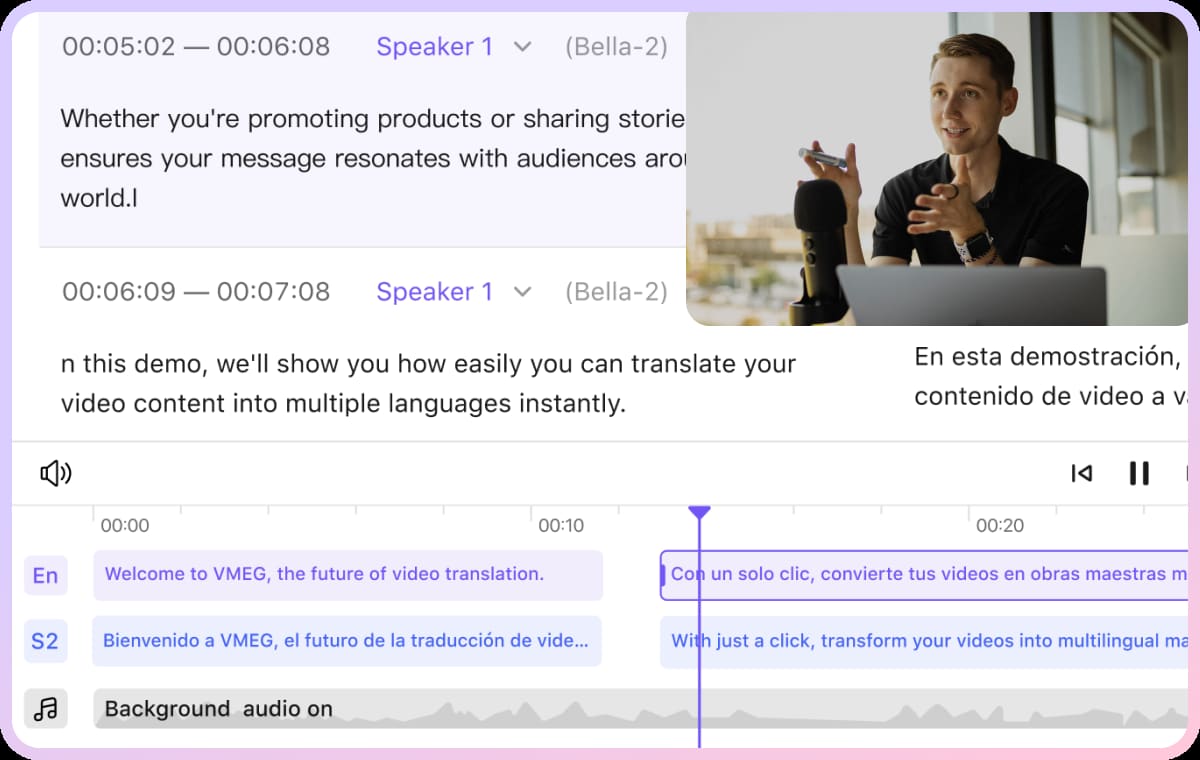
Interactive SRT Editor for Real-Time Subtitle Editing
Our subtitle editor online makes SRT editing simple and precise. You can adjust text, timing, and formatting in real time, ensuring captions stay perfectly in sync with your video.Accurate subtitle alignment is a core requirement in accessibility standards. W3C recommends that captions remain synchronized with audio to support usability across different user groups.Changes are reflected immediately in preview mode. This reduces mismatch between subtitle edits and final video output.
AI-Powered Subtitle Translation with Context Accuracy
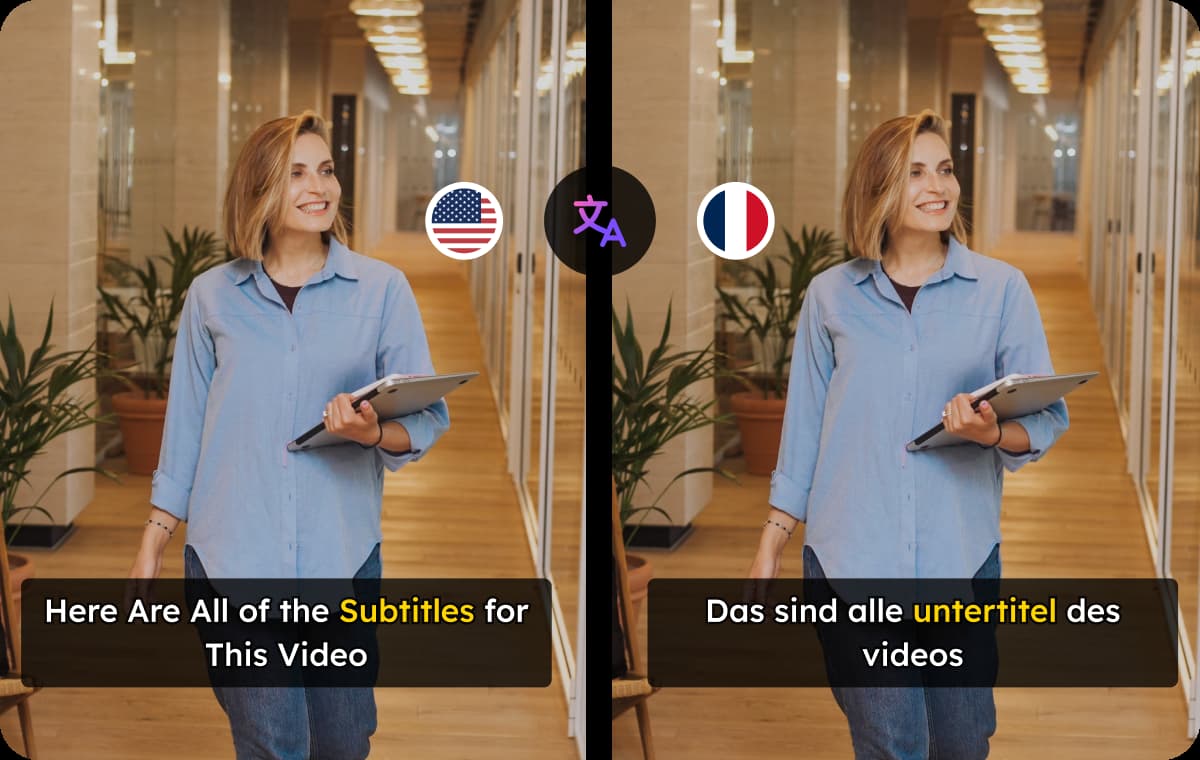
Re-translate your subtitles into over 170 languages using AI that preserves context, tone, and timing. This ensures that your translated captions are not just literal but also culturally accurate.Download SRT or translated MP4 videos with subtitles, this supports distribution across different regional platforms without manual re-editing.
Multiple Subtitle Export & Download Options
Media distribution workflows often require multiple caption formats. Industry practices from Netflix show that different platforms depend on different subtitle specifications.Once your subtitles are ready, export them as an SRT file, or download the video with embedded captions. You can choose the format that best suits YouTube, Tiktok or any platform.

Who Uses VMEG SRT Editor

Video Creators & Filmmakers
Enhance your videos with precise, well-timed subtitles. Seamless subtitles improve accessibility, engagement, and global reach.
Media Professionals & Translators
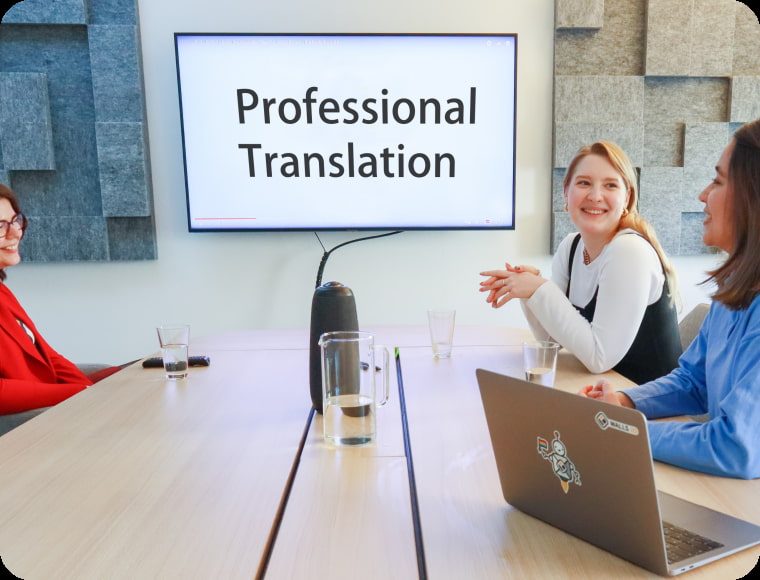
Easily edit, sync, and format subtitles for films, TV shows, and digital content. Ensure accuracy and compliance with industry standards.

Publishing Companies & Global Businesses
Expand your reach by localizing video content for international markets. Professional subtitles help communicate your message clearly, improve brand accessibility, and connect with global audiences.
FAQs about Online SRT Editor
How can I edit subtitles online?
You can use our subtitle editor online to upload your SRT file or video, make changes to text and timing, and export the final captions — all without downloading software.
What is the best subtitle editor?
VMEG is one of the best subtitle editors available. It provides an easy-to-use interface for editing SRT files, generating subtitles, and ensuring perfect synchronization with video content.
Does the subtitle editor support multiple languages?
Yes. VMEG subtitle edit tool can handle subtitles in over 170 languages, and you can also re-translate them using AI while keeping the original timing.
Can I preview my changes while editing subtitles?
Absolutely. The interactive interface lets you see your subtitle edits in real time, so you can check sync and formatting instantly.
How to create an SRT file automatically?
To generate an SRT file automatically, upload your video, select the language, and let the tool create subtitles with accurate timestamps. You can then review, edit, and download the finalized SRT file for use.