


Facebook Subtitle Downloader
Easily download captions from Facebook videos with VMEG's Facebook subtitle downloader. Extract subtitles for translation, editing, or archiving and save them as subtitle files within seconds.
How to Download Subtitles from Facebook Videos
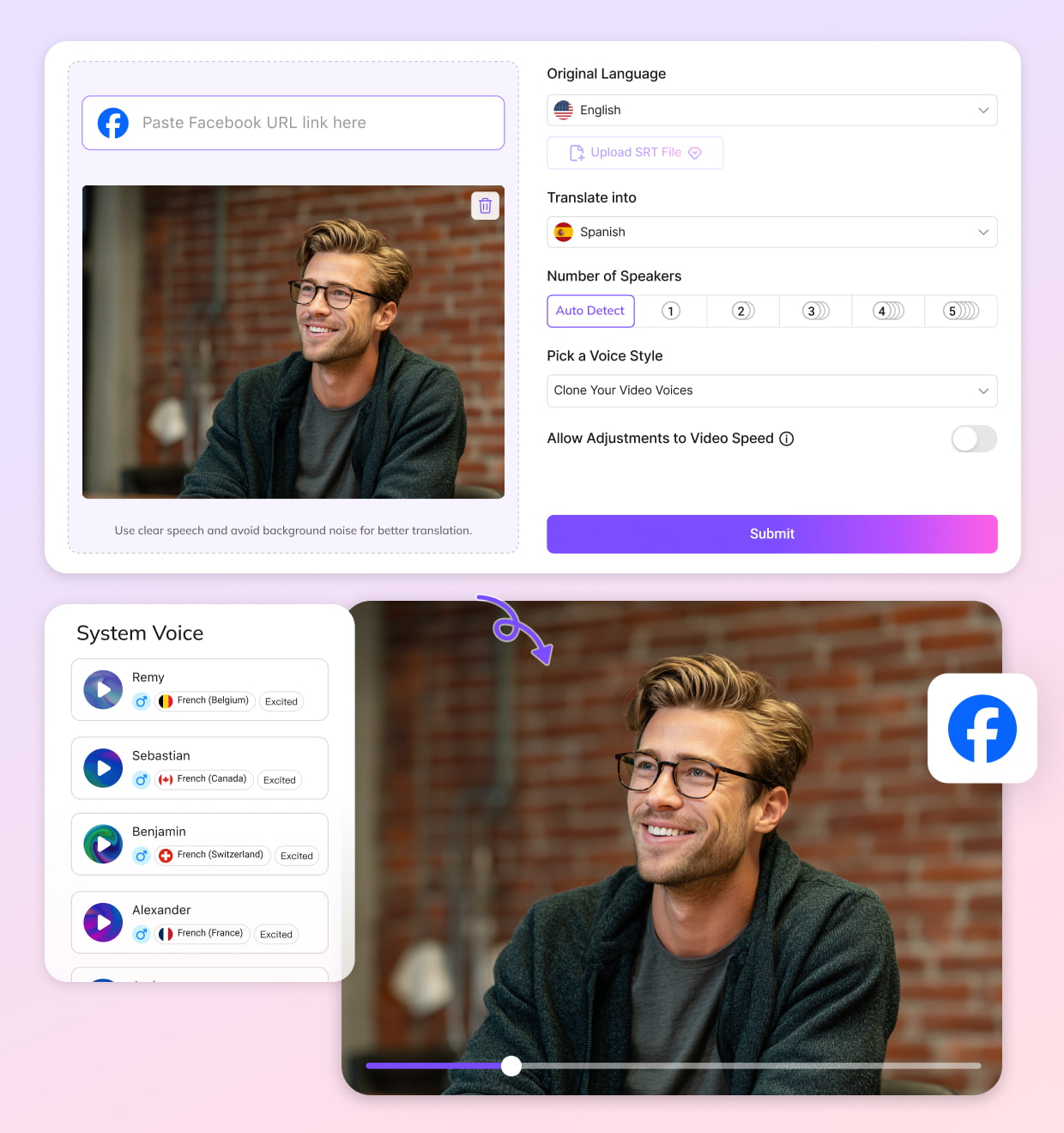
Upload a Video or Paste a Facebook Link
Upload your video file directly or paste a Facebook video link to import it instantly. The Facebook subtitle downloader will analyze the video and detect available captions.
Select Source and Target Languages
Choose the original language of the video and the language you want to translate the subtitles into. This allows you to extract subtitles or generate translated captions.
Download the Subtitle File
Choose whether to download the original subtitles, translated subtitles, or bilingual subtitles. Once selected, download the subtitle file instantly for editing, translation, or offline viewing.
Key Features of Facebook Subtitle Downloader
Download Facebook Subtitles Directly from Video URL
VMEG AI Facebook subtitle downloader allows users to extract subtitles directly from a Facebook video link. Simply paste the video URL and the system will automatically detect and process the captions. No software installation is required. This makes it easy to download Facebook subtitles for editing, translation, or content repurposing in just a few clicks.
Downloading Facebook Subtitles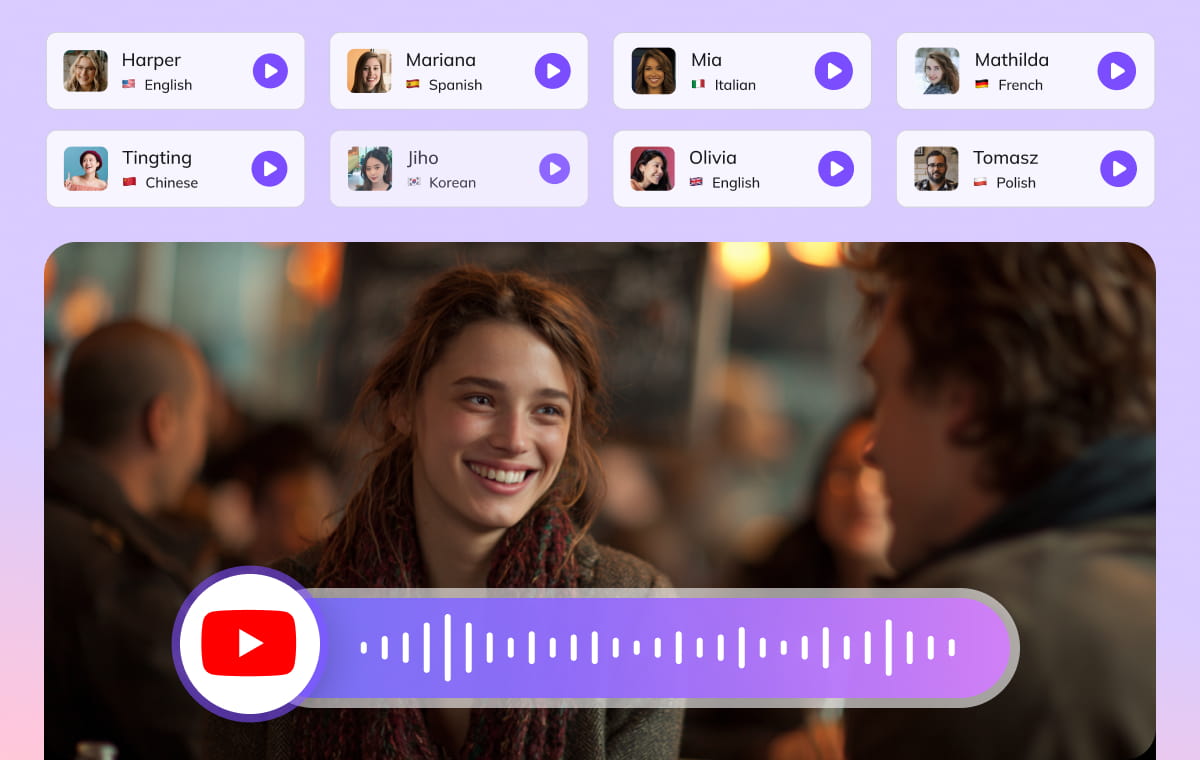
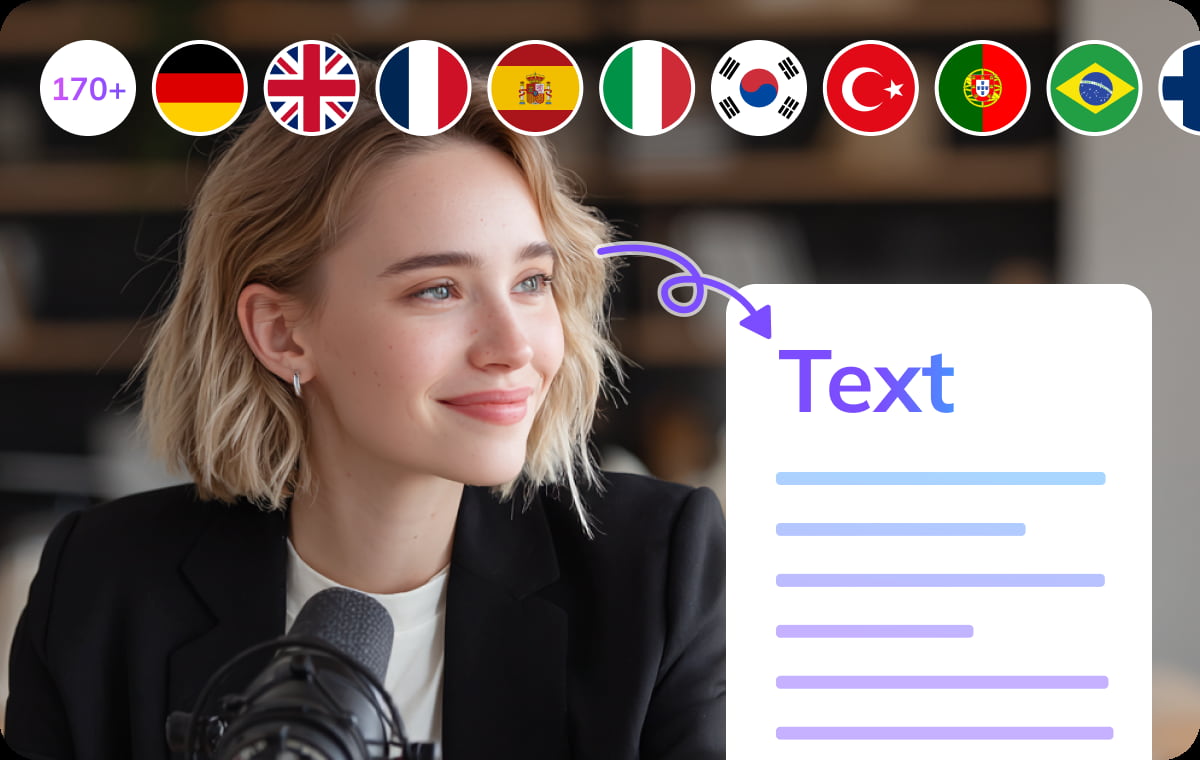
Support for 170+ Languages Subtitle Recognition
Facebook videos often reach global audiences. VMEG supports subtitle recognition and export in 170+ languages, making it easier to work with multilingual video content. Whether you need to analyze captions, translate them, or reuse them in new projects, this Facebook subtitle downloader helps ensure subtitle text is extracted accurately.
Downloading Facebook Subtitles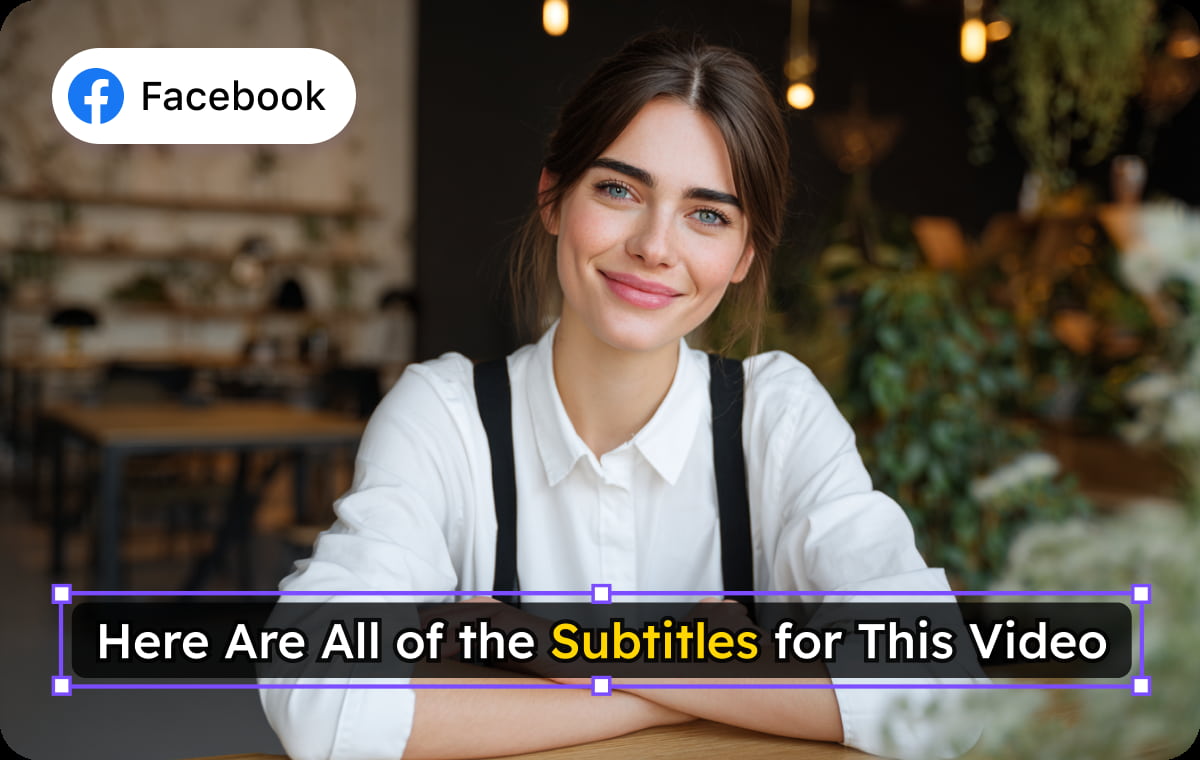
Built-in Subtitle Editor with Free Templates and Fonts
Built-in Subtitle Editor with Free Templates and FontsOnce subtitles are extracted, users can refine them directly in the built-in editor. VMEG provides free subtitle templates and royalty-free fonts, allowing creators to customize subtitle appearance without copyright concerns. This makes it easy to adjust timing, modify text, or style captions before exporting the final Facebook subtitles for publishing or editing.
Downloading Facebook SubtitlesWho Uses VMEG to Translate Facebook Videos

Creators & Facebook Page Admins
Content creators and Facebook Page admins use VMEG to turn videos into multiple languages and reach audiences beyond their home region. This helps grow international engagement, increase watch time, and repurpose the same content for different markets.

Educators & Community Group Hosts
Teachers and online instructors translate lessons, tutorials, and training recordings so learners with different language backgrounds can follow along. Group admins also use multilingual videos to communicate clearly with diverse communities and keep everyone informed.

Businesses & Marketing Teams
Companies translate product demos, announcements, and internal videos to support global customers and distributed teams. Marketing teams use multilingual versions for regional campaigns, making content easier to reuse across markets without additional production work.
FAQs About Facebook Subtitle Downloader
FAQs About Facebook Subtitle Downloader
Yes. With the VMEG AI Facebook subtitle downloader, you can extract and download subtitles from Facebook videos quickly. Just paste the video link and the tool will detect available captions for download.
How do I download Facebook subtitles online?
To download Facebook subtitles, copy the URL of the Facebook video, paste it into the VMEG AI Facebook subtitle downloader, and start the extraction. Once the subtitles are detected, you can download them as a subtitle file for editing or translation.
What subtitle formats can I download from Facebook videos?
Most Facebook subtitles can be downloaded in common formats such as SRT. This format works well for video editing, subtitle translation, and media players.
Can I download subtitles from any Facebook video?
Most Facebook subtitles can be downloaded in common formats such as SRT. This format works well for video editing, subtitle translation, and media players.
Why would I download subtitles from Facebook videos?
Downloaded subtitles can be used for translation, content repurposing, accessibility, subtitle editing, or creating captions for videos on other platforms.
Discover More on VMEG
Related Searches
Download Facebook Subtitles Online
Use VMEG AI Facebook subtitle downloader to quickly extract and download subtitles from Facebook videos. Save captions for translation, editing, or offline viewing in just a few clicks.
Downloading Facebook Subtitles