


Twitter Video Translator
Use VMEG’s Twitter Video Translator to convert any Twitter video into English or 170+ other languages. Upload the clip, generate subtitles—including bilingual formats—create natural voiceovers, clone your voice, and export a polished localized version ready for sharing across Twitter/X timelines.
How to Translate Twitter Videos Online with VMEG
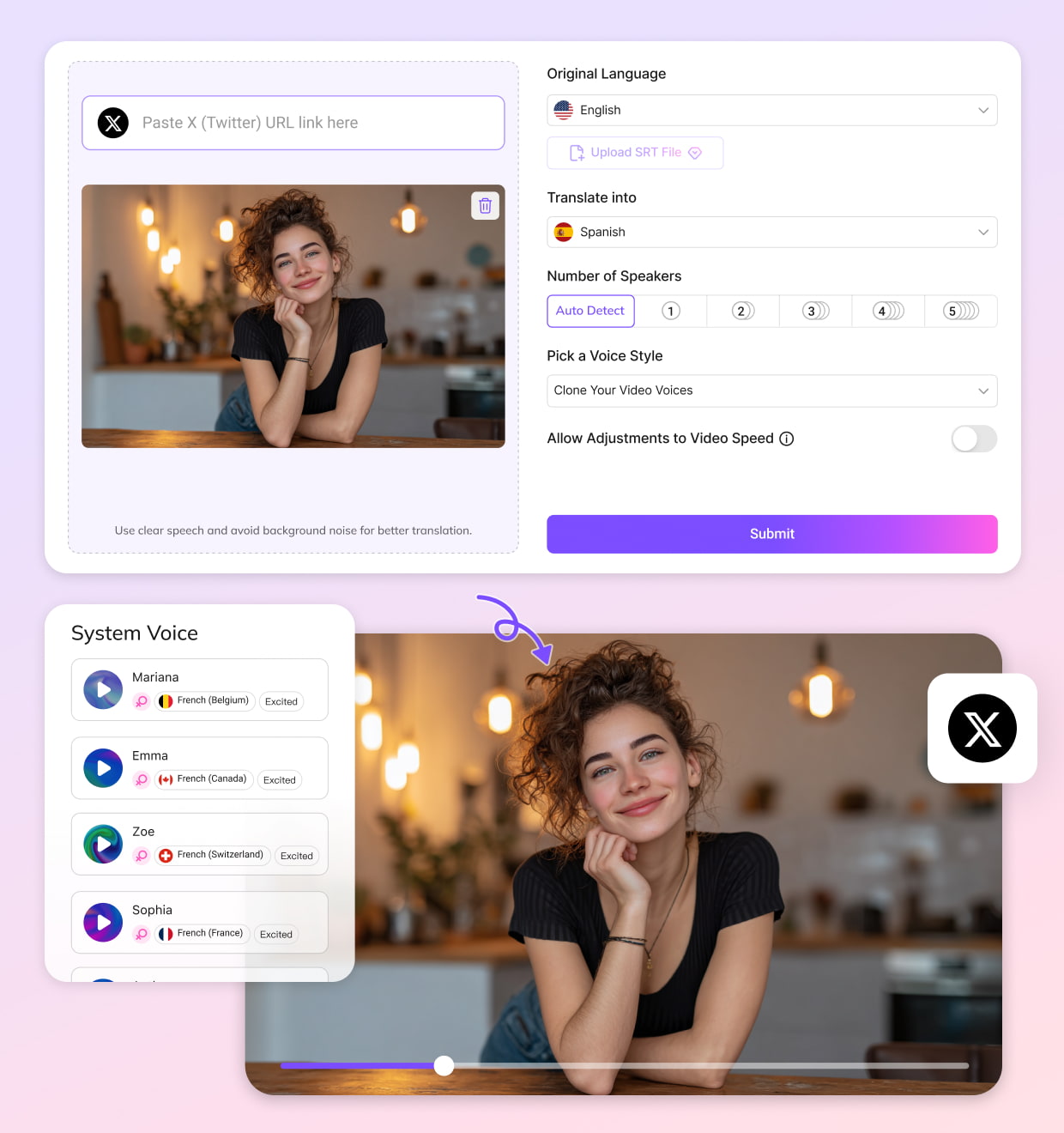
Upload Your Twitter/X Video
Upload your downloaded Twitter/X video. VMEG supports all major formats for quick processing.
Select Language & Voice
Select your target language and choose a voice option. Pick from 7,000+ voices or clone your own voice for consistent multilingual content.
Review & Export
Review the translation, adjust timing or subtitles, and export. Download the final version ready for posting on Twitter/X or other platforms.
Why Choose VMEG for Translating Twitter Videos
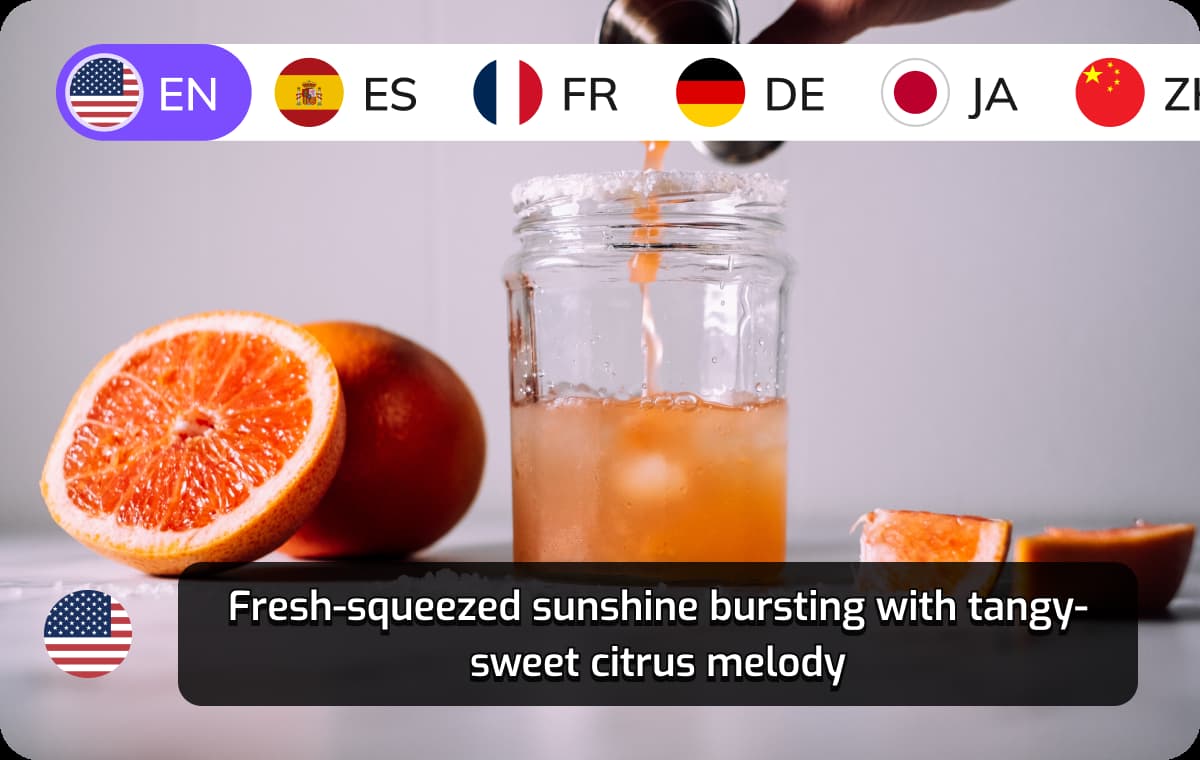
Accurate Multi-Language Translation Tailored for Twitter Videos
VMEG delivers precise translations even for short clips, noisy street recordings, commentary content, or fast-paced reactions. You can translate Twitter video to English or any of 170+ languages without losing tone, speed, or intended meaning.This allows creators, journalists, and brands to make content understandable for global audiences instantly. It’s ideal for rapid reposting, cross-regional updates, and multi-market storytelling on Twitter/X.
Translate Twitter Video Now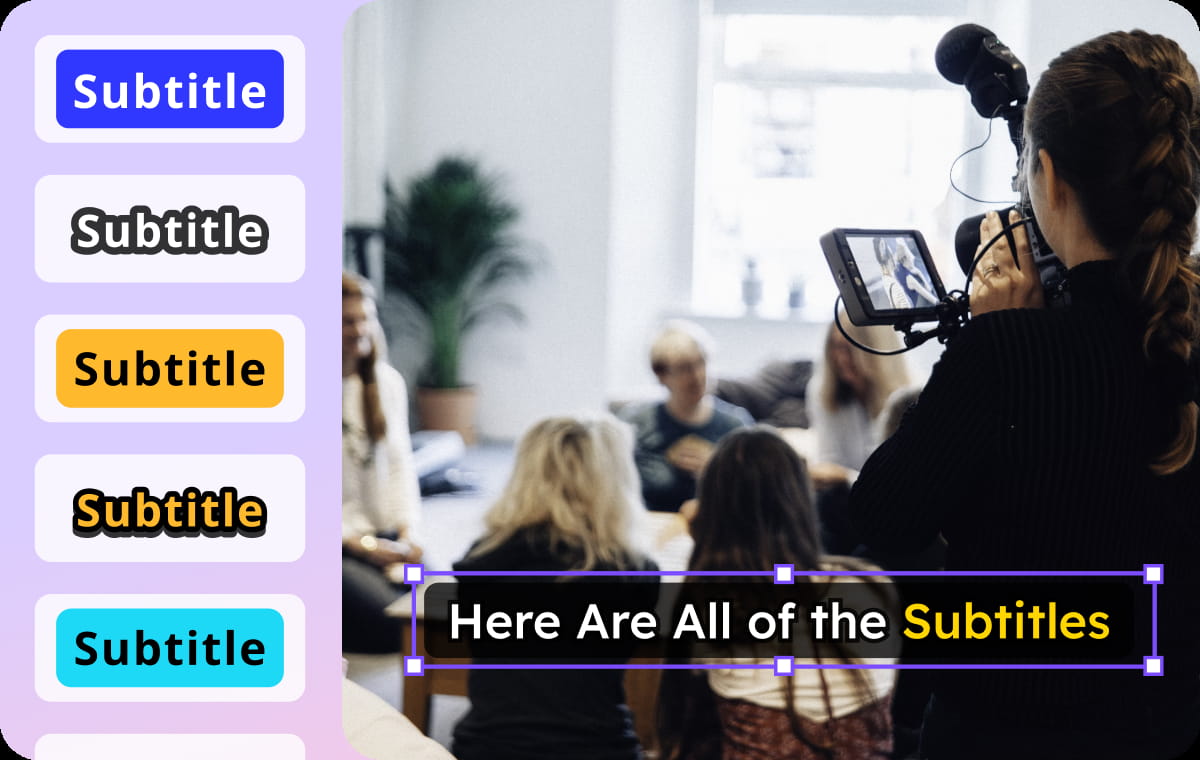
Full Subtitle Generation, Including Clean Bilingual Subtitles
VMEG generates well-timed subtitles that stay readable whether your clip is horizontal, vertical, or cropped. Users can export bilingual subtitles, showing both the original language and translated captions in one video.This is helpful for language learners, international viewers, and creators who want to keep context visible. Captions are optimized for fast scrolling on Twitter/X, where clarity and timing are essential.
Translate Twitter Video Now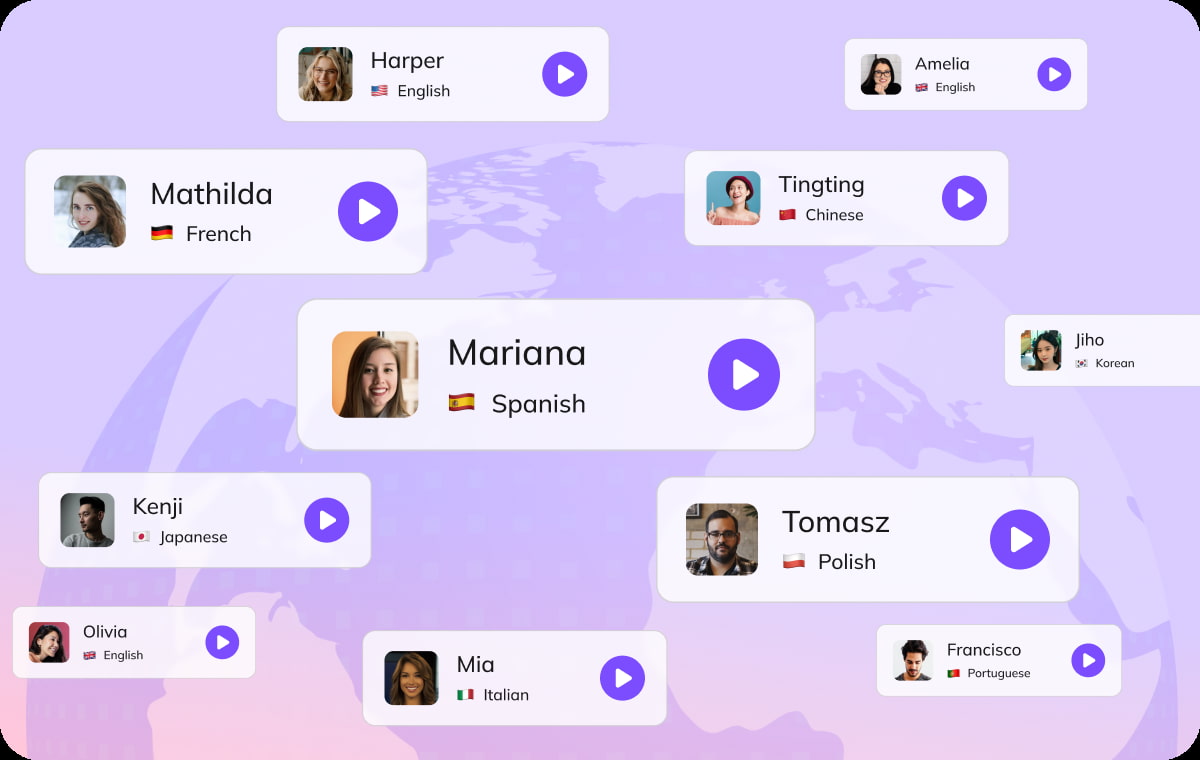
More Than Translation — A Complete Video Localization Platform
Beyond translation, VMEG supports transcription, TTS voice generation, voice cloning, and full multilingual dubbing. This lets you recreate Twitter videos in entirely new languages while keeping the speaker’s style and emotion.You can turn commentary, interviews, tutorials, or meme clips into multilingual assets in minutes. It’s a powerful, all-in-one workflow for creators, educators, social media teams, and global brands.
Translate Twitter Video NowWho Uses VMEG to Translate Twitter Videos

Creators & Commentary Accounts
Video creators and reaction/commentary accounts translate their Twitter clips to reach global audiences and keep discussions inclusive. Multilingual versions help them grow engagement, drive retweets, and make trending content accessible to users worldwide.

Educators & Public Information Accounts
Teachers, explainers, and knowledge-sharing accounts translate short educational clips to make their insights accessible to multilingual learners. Nonprofit and community-focused pages use multilingual posts to deliver instructions, safety tips, and public updates across diverse audiences.

Businesses & Brand Social Teams
Companies translate product teasers, announcements, demos, and PR clips to communicate clearly with customers in different regions. Marketing teams reuse the same video for multiple language markets, improving efficiency and maintaining consistent messaging.
FAQs About Translating Twitter Videos
Download the video to your device, upload it to VMEG, select your target language, and export a translated or dubbed version. The workflow is built for quick turnaround so you can repost immediately.
Yes. Choose English as the output language and VMEG will deliver clear translations, English subtitles, or an English voiceover. This is especially useful for reactions, commentary clips, interviews, and breaking-news footage.
Absolutely. You can generate subtitles in both the original language and the translated language. This is ideal for cross-cultural audiences, language learners, and accounts that want to preserve original context.
Yes. The platform can transcribe, translate, and generate new voiceovers even when the video doesn’t include strong visuals. It works for podcast snippets, public statements, or screen-recorded audio shared on Twitter/X.
Yes. VMEG provides free credits so you can translate, subtitle, and dub several Twitter videos before choosing a paid plan.
Discover More on VMEG
Related Searches
Twitter Video Translator
VMEG’s Twitter Video Translator helos convert any Twitter video into English or 170+ other languages.
Translate Twitter Video Now