


Video Language Detecter Online
How to Detect Language from Video Online
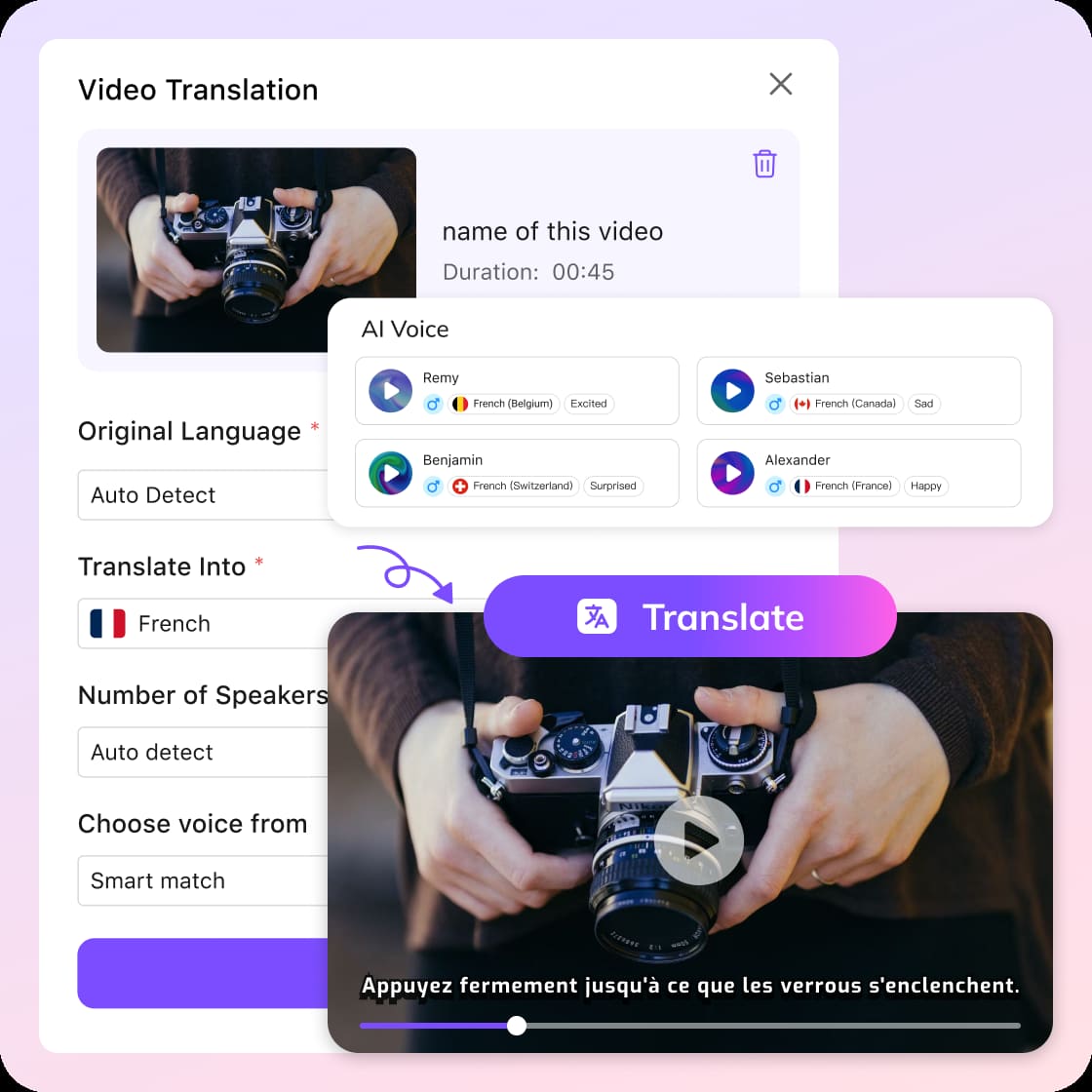
Upload Your Video or Paste a Link
Upload a video or audio file from your device, or simply paste a URL from platforms like YouTube, Instagram, or Zoom recordings.
Auto Detect Language
Choose auto detect to let the system identify the source language, then select your target language, voice style, and click Submit to get started.
Translate & Download
VMEG will automatically detect language from your video and process translation. It generates transcripts, translated results, or dubbing content. You can edit subtitles or voice settings, and download your translated MP4, MP3, or SRT files.
Why Choose VMEG Video Language Detector
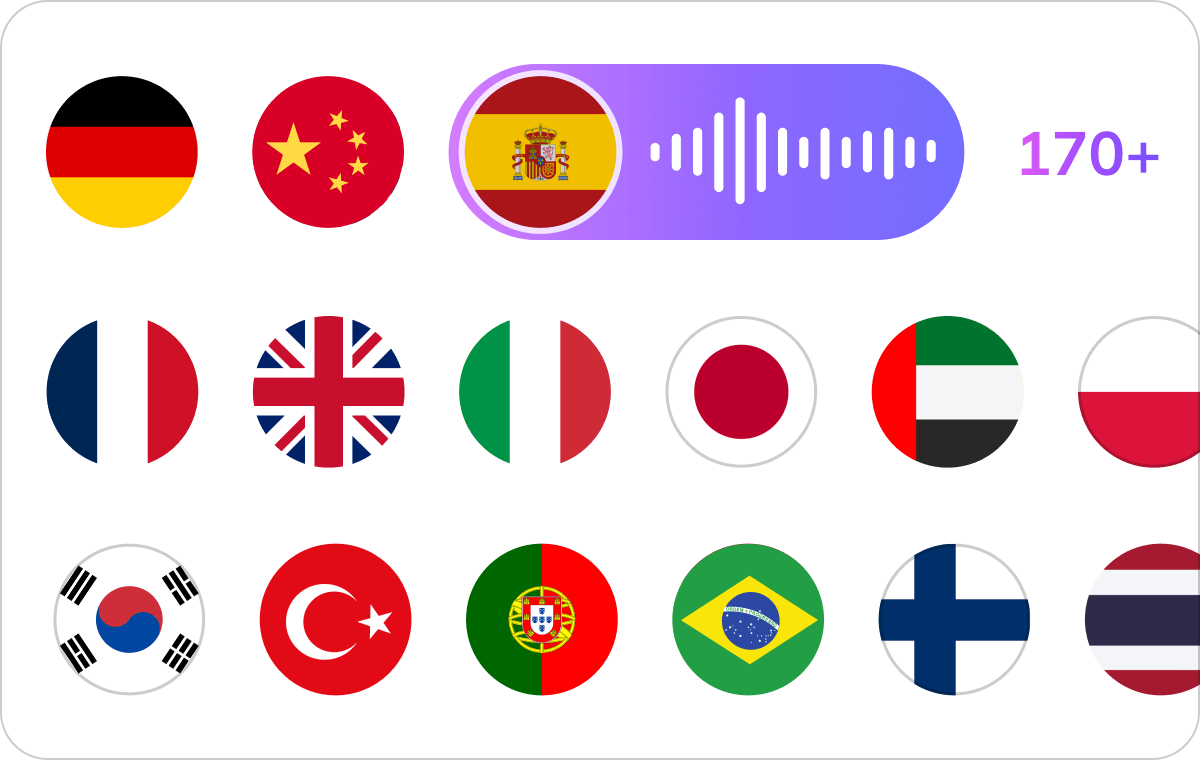
Accurate Language Detection Across 170+ Languages
VMEG uses advanced AI to detect language from video with high accuracy, removing language barriers when working with multilingual or unknown content. This is essential for creators and teams aiming to break communication barriers and reach global audiences.Once detected, the system seamlessly converts speech into text and allows you to translate video to English subtitles or any other language. Video language detector improves accessibility and helps your content perform better in search results.
Detect Language from Video Now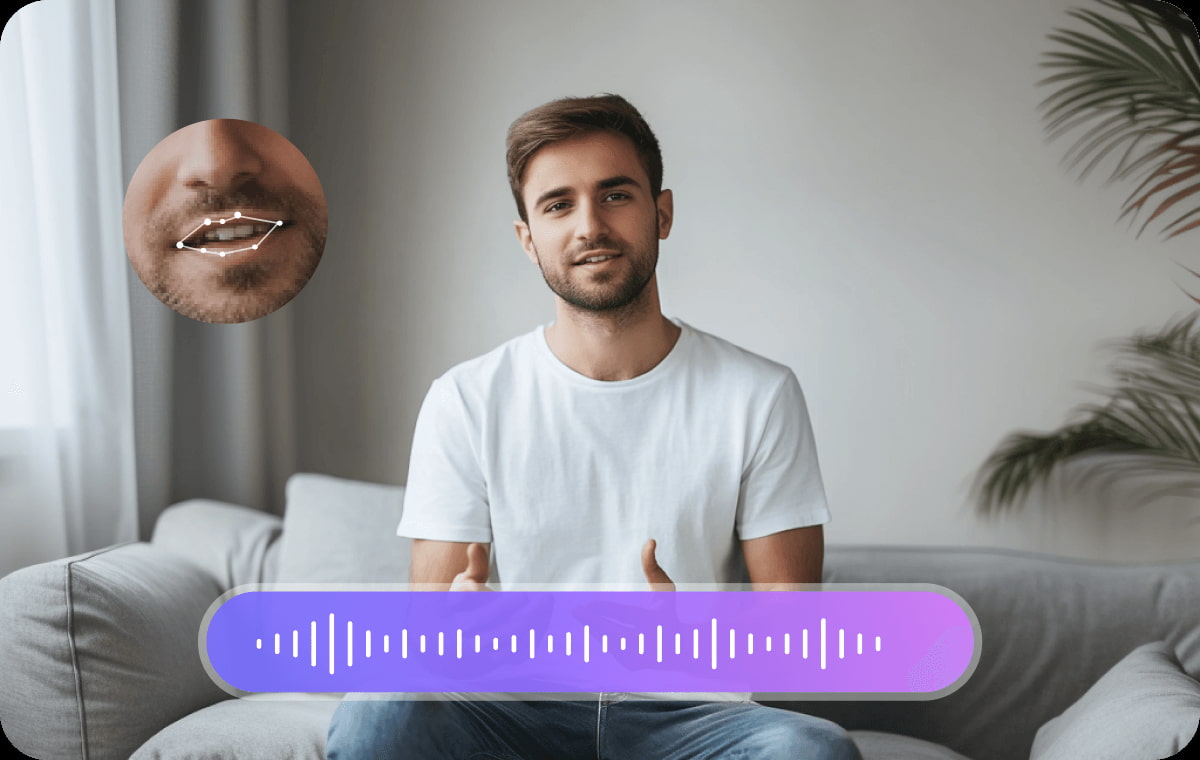
AI Translation & Voice Cloning for Localized Engagement
Beyond detection, VMEG enables full localization by translating speech, recreating speech in the target language using AI voice cloning. This allows your videos to feel native to different audiences rather than simply translated.With natural lip sync and voice consistency, viewers are more likely to stay engaged and understand the message. This is especially valuable for marketing, storytelling, and educational content targeting international users.
Detect Language from Video Now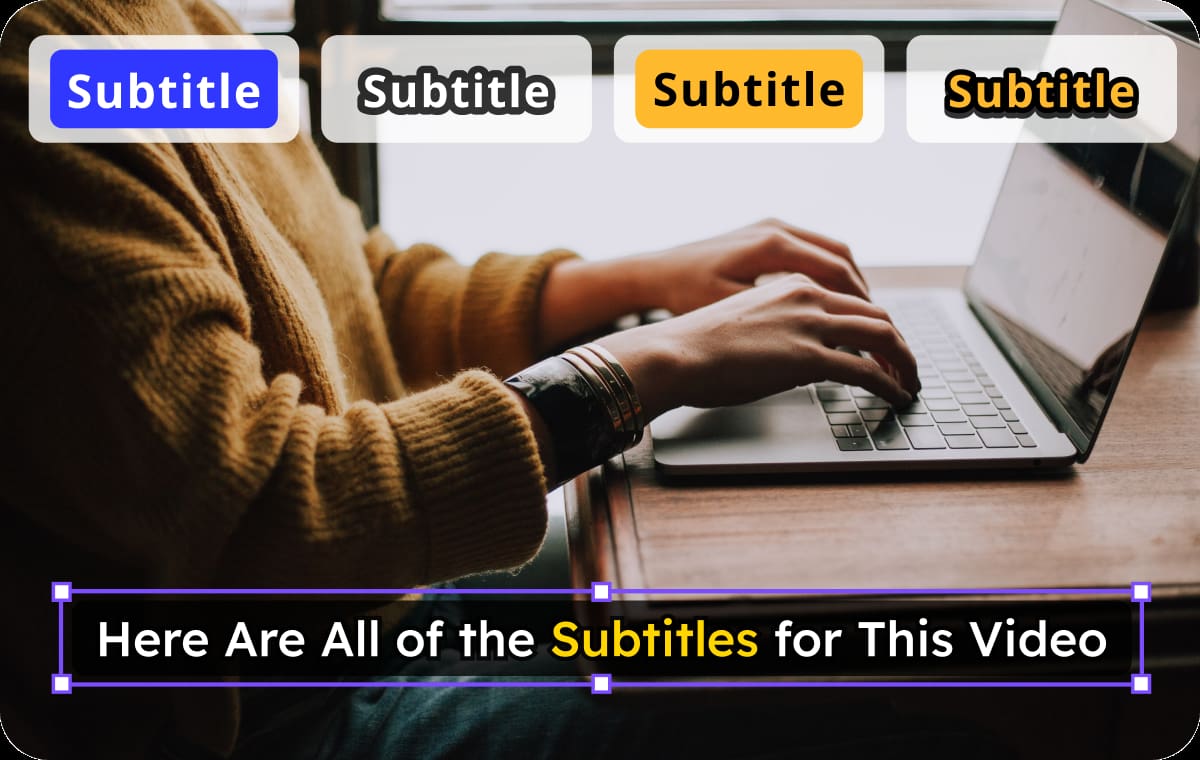
Subtitles that Boost Accessibility
VMEG automatically generates subtitles after detecting the source language, making your content accessible to a wider audience. Subtitles help viewers watch videos in silent environments and support better comprehension.VMEG helps maximize visibility and engagement with flexible exports. Choose to download your video as translated video, audio, or single SRT file.
Detect Language from Video NowWho Uses Video Language Detection Tools

Content Creators
Creators often source clips, interviews, or user-generated videos in different languages. By using VMEG to detect language from video online, they can quickly understand and repurpose content for broader audiences.

Educators
Educational content frequently includes materials from global sources, where the spoken language may not be immediately clear. VMEG allows educators to identify the language and convert it into understandable subtitles or translated audio.

Businesses
Marketing teams often analyze or reuse video content from different regions to expand into new markets. VMEG helps them detect language from video online and quickly localize it for campaigns or internal use.
FAQs about Detecting Language from Video
How can I detect language from video online?
Use VMEG language detector, upload your video or paste a URL, then select auto detect. The system will automatically identify the spoken language and prepare it for translation or subtitle generation.
Can I translate video to English subtitles after detection?
Yes, once the language is detected, you can easily translate video to 170+ language or dub it with 7000+ lifelike voices.
How accurate is video language detection?
VMEG supports 170+ languages and uses advanced AI models to ensure high accuracy, even with different accents or background noise.
Can I edit subtitles after they are generated?
Absolutely. Subtitles or cloned voices are editable. You can modify subtitle text, timing, style, voice settings, or even switch to another language before exporting.
Do I need technical skills to use a video language detector?
No, VMEG is designed for ease of use. The entire process—from detecting language to exporting results—is automated and beginner-friendly.
What formats can I download after processing?
You can download translated videos (MP4), audio files (MP3), translated or original subtitle files (SRT), depending on your needs.
Discover More on VMEG
Related Searches
Detect Language from Video Online
Use VMEG AI to detect 170+ languages from videos online, breaking down language barriers, and expand content reach to global audiences.
Detect Language from Video Now