


Video to SRT Converter
Convert video to SRT in just a few clicks with our reliable video to SRT converter. Whether you need captions for YouTube, localization, or content repurposing, this tool makes it simple to extract accurate SRT files from any video.
How to Convert Video to SRT Online

Upload Your Video File
Upload any video file in common formats such as MP4, MOV, M4A, or paste a supported video link. The video to SRT converter automatically detects speech and prepares your file for subtitle generation.
Generate SRT Subtitles Automatically
Click convert to start the process. The AI analyzes the audio and converts video to SRT with accurate timestamps and clean subtitle formatting, making it easy to edit or translate later.
Review and Download Your SRT File
Preview the generated subtitles in the editor and make adjustments if needed. Once finalized, download your SRT file instantly and use it for video editing, publishing, or multilingual localization.
VMEG Video to SRT Converter Fast, Flexible, and Multilingual
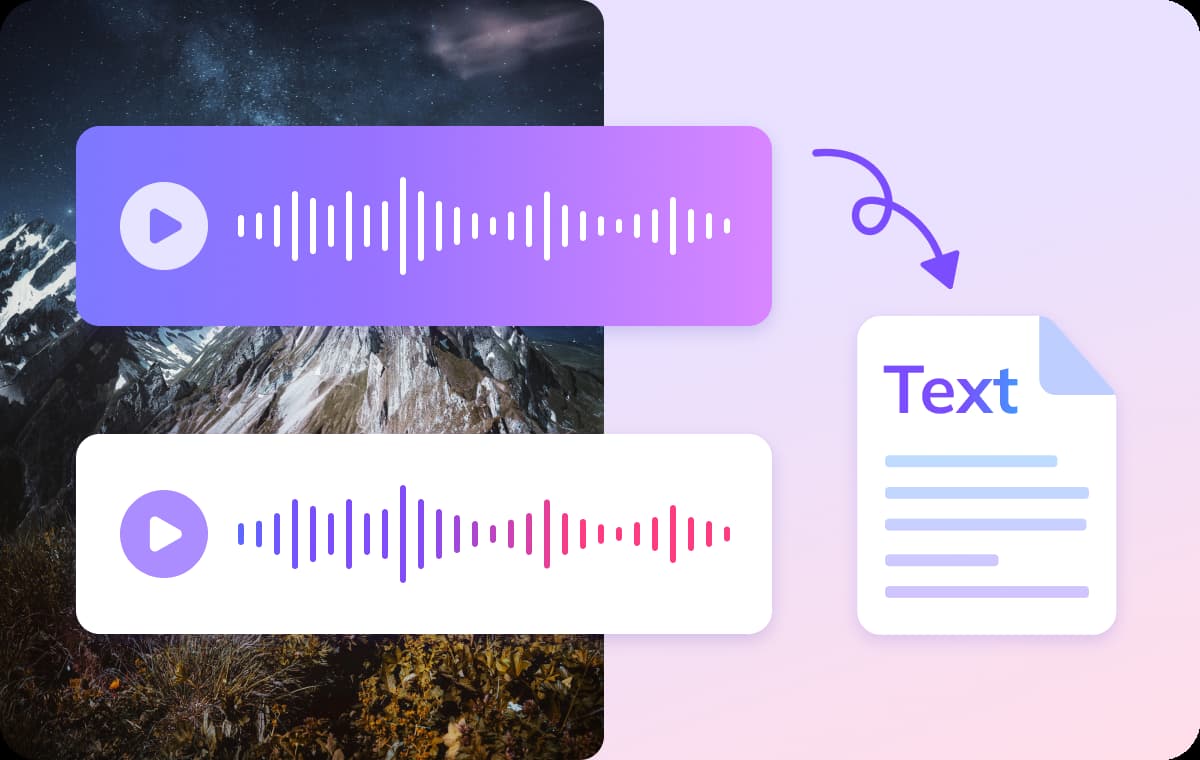
Convert Video to SRT Online in Minutes
Manually creating subtitle files takes hours and often leads to timing errors. VMEG’s video to SRT converter automatically detects speech and generates accurate subtitle timestamps in just minutes.Simply upload your video file and convert video to SRT online free—no software installation or technical setup required.
Convert Video to SRT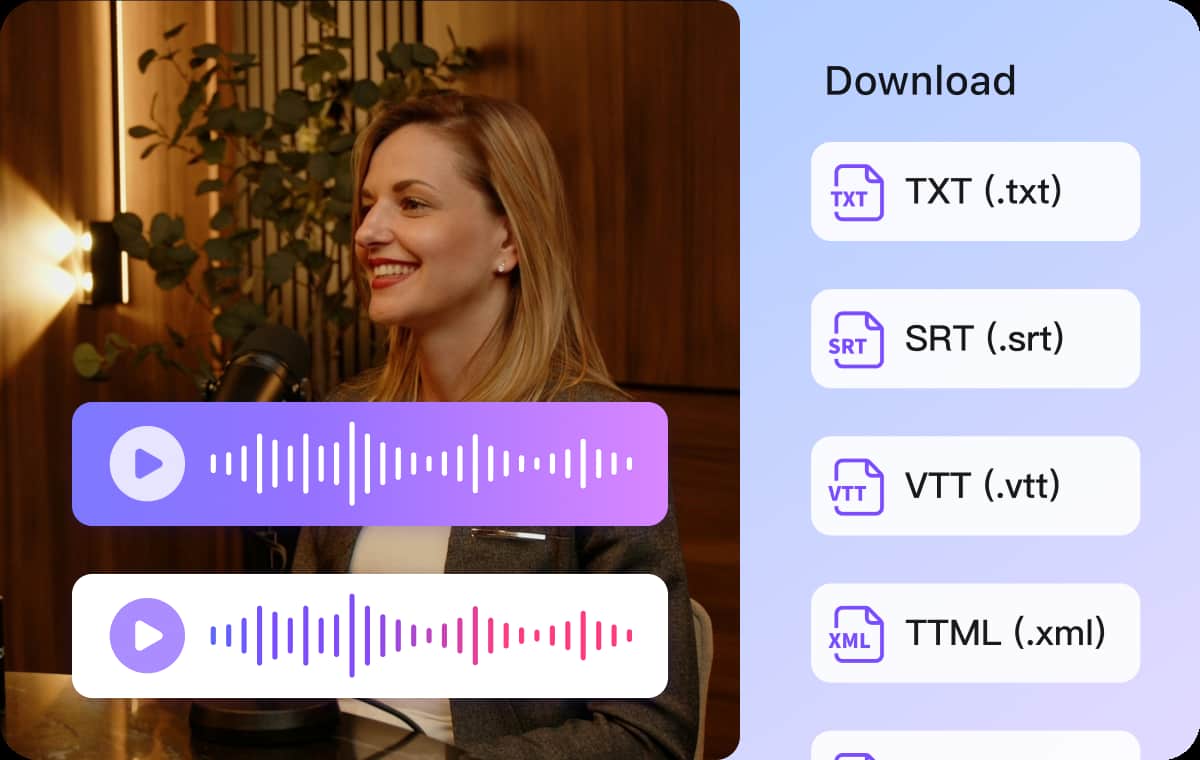
High-Accuracy Speech Recognition with Clean Timecodes
Precise timing is critical for professional subtitles. VMEG AI-powered video to SRT converter uses advanced speech recognition models to ensure subtitles align correctly with spoken dialogue.The generated SRT files are clean, structured, and ready for editing, publishing, or platform upload without heavy manual corrections.
Convert Video to SRT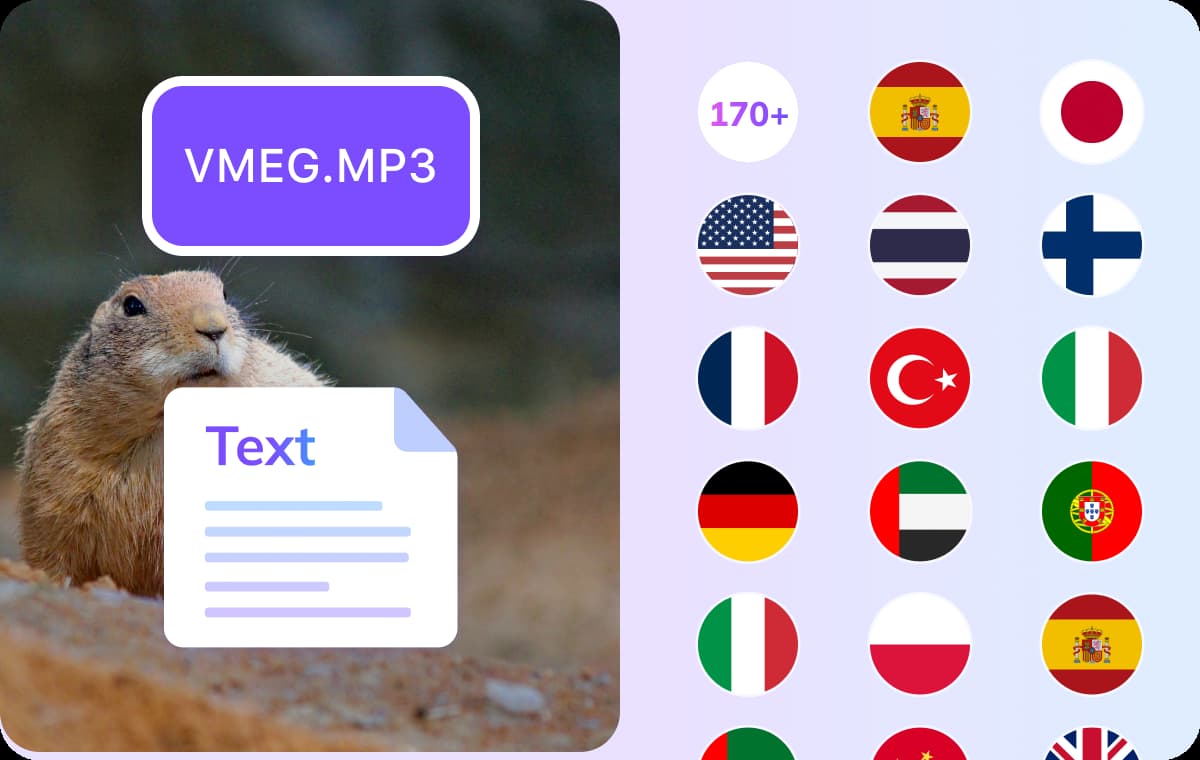
Ready for Editing, Translation, and Publishing
Converting video to SRT is only the first step. Once your subtitle file is generated, you can edit, translate, or localize it for multilingual distribution.Whether you’re preparing content for YouTube, online courses, or global marketing campaigns, this video to SRT workflow supports efficient and scalable subtitle production.
Convert Video to SRTWho Uses VMEG AI Video to SRT Converter

Podcasters, Content Creators and Media Professionals
Content creators working on podcasts, documentaries, or YouTube videos often need to convert spoken content into accurate subtitles. With a reliable audio to SRT converter, they can quickly produce subtitle files that improve accessibility and boost viewer engagement across platforms.

Educators, Students and Language Learners
Lectures, training sessions, and study materials are easier to review when accompanied by subtitles. How to create SRT file from audio is a common question among students and teachers who want to make course materials more accessible, especially for multilingual learning environments.

Marketers, Businesses and Agencies
Businesses use audio to SRT file tools to add professional subtitles to product explainers, training modules, and promotional videos. This not only enhances user experience but also improves SEO through searchable video content, helping brands reach wider audiences.
FAQs about AI Video to SRT Converter
A Video to SRT converter extracts speech from a video and turns it into a subtitle file in SRT format. The SRT file includes timestamps and text, so you can use it for subtitles, editing, translation, or publishing.
You can try the video to SRT converter online free with limited usage. For longer videos or batch processing, paid plans are available.
VMEG supports common video formats such as MP4, MOV, M4A, MKV, and more. Simply upload your file and the system will process it automatically.
The tool uses advanced AI speech recognition to generate accurate subtitles. For best results, use videos with clear audio and minimal background noise.
Yes. After you convert video to SRT, you can download the file and edit it using any subtitle editor or text editor.
Yes. VMEG AI Video to SRT converter supports 170+ languages. You can generate subtitle files for videos in English, Spanish, French, Arabic, and many other languages.
Discover More on VMEG
Related Searches
Convert Video to SRT Online Free
Easily convert video to SRT with VMEG AI fast and accurate video to SRT converter. Upload any video file and generate subtitle files instantly for editing, translation, or publishing.
Convert Video to SRT