


Free Apple Podcast Transcript Generator
Turn any Apple Podcast episode into a polished, readable transcript in seconds with powerful AI transcription. Instantly browse the transcript online or export it as TXT/SRT for analysis, writing, accessibility, and content optimization.
How to Transcribe Apple Podcast to Text

Upload Your Apple Podcast Audio
Download your Apple Podcast episode and upload it to VMEG. We support MP3, WAV, M4A, and all major audio formats for quick and easy processing.
Choose the Language
AI auto-detects the spoken language, or you can select a target language for translation.
Review and Export
Edit your transcript in the editor, then export it as TXT, VTT, SRT, or translate it into 170+ languages.
Why Choose VMEG Apple Podcast Transcript Generator
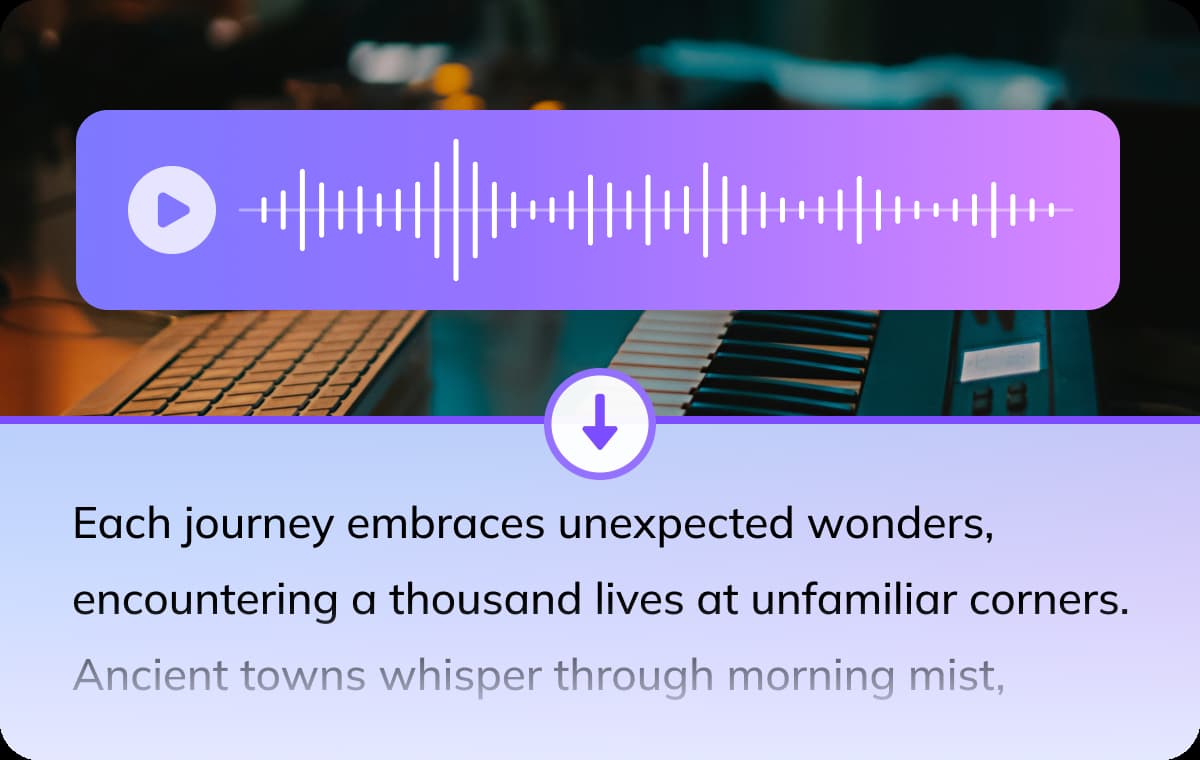
Transcribe Apple Podcasts in 170+ Languages with Built-In Translation
VMEG supports recognition of over 170 languages and dialects. Whether your Apple Podcasts come from news programs, interviews, educational channels, or story-based podcasts, VMEG can accurately transcribe them into readable, searchable text, making it easy for you to retrieve information and take notes. The system features a built-in AI translation tool that instantly converts transcribed content into multiple languages, facilitating global distribution and content reuse. This makes podcast content more accessible and shareable in international markets.
Generate Apple Podcast Transcript
High-Accuracy Multi-Speaker & Multilingual Detection
Deeply optimized for podcast dialogue scenarios, VMEG intelligently distinguishes between different speakers, maintaining clear and natural text structure even during fast-paced discussions with multiple overlapping voices. If your program includes foreign language segments, AI can automatically recognize and accurately transcribe them, making program scripts, interview records, and knowledge archives more professional and reliable.
Generate Apple Podcast Transcript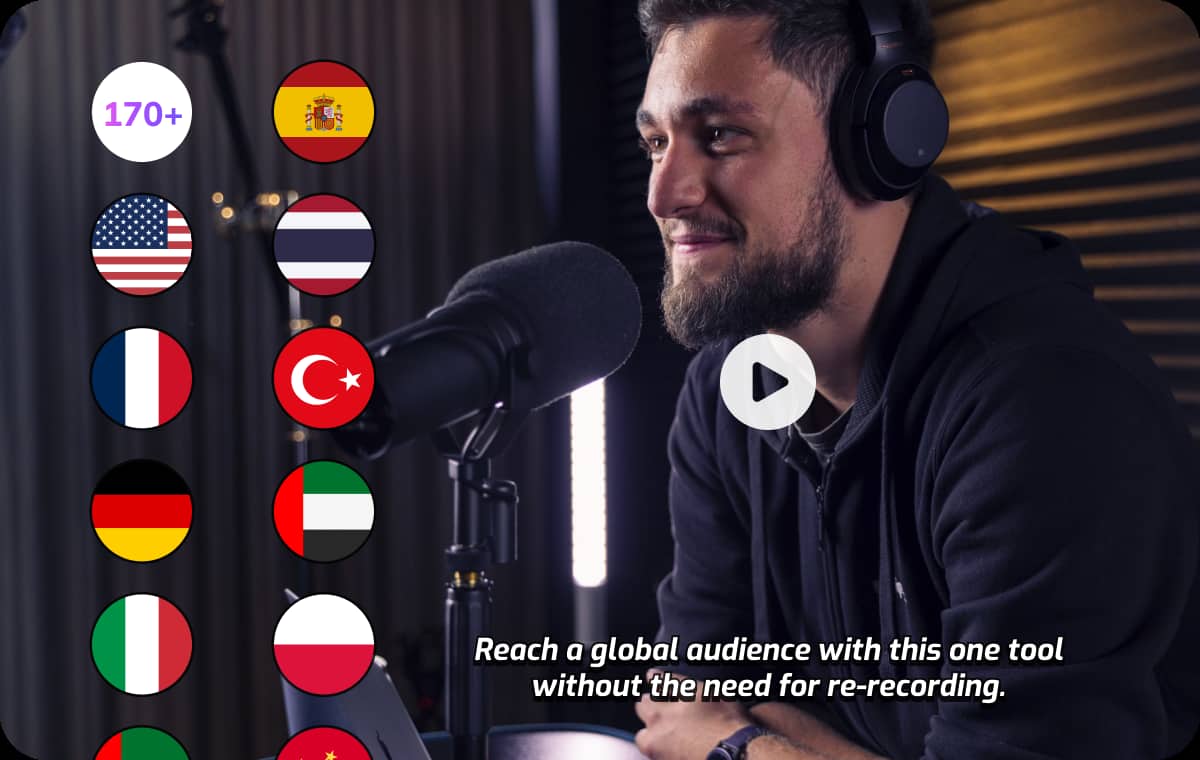
Lightweight Editor for Instant Review, Correction & Export
VMEG features a built-in lightweight online editor, allowing you to quickly proofread and polish transcribed text directly in your browser. No software downloads or complex tools required.After editing, you can export to multiple formats with a single click. Such as transcripts, caption files, and summary scripts, making it easy to create show notes, blog posts, course materials, or distribute content across multiple platforms. This streamlines the workflow from audio to text for Apple Podcasts.
Generate Apple Podcast TranscriptWho Benefits from Apple Podcast Transcript

Podcasters & Audiobook Creators
Improve Discoverability, Accessibility, and Content Engagement. Apple Podcast transcripts help podcasters expand their reach and deliver a better listening experience.

Educational Institutions & Students
Better Learning Through Searchable and Readable Podcast Content. With more classrooms integrating podcasts, Apple Podcast transcripts make learning smoother and more accessible.

Businesses & Marketers
Transform Your Podcast into a High-Value, SEO-Driven Marketing Asset. Brands leveraging Apple Podcasts for thought leadership and content marketing gain powerful advantages through transcripts.
FAQs about Apple Podcast Transcript Generator
Apple Podcasts does not provide built-in transcripts for every episode. While some podcasters may upload their own transcripts or captions, most podcasts are not automatically transcribed. However, with VMEG's Apple Podcast Transcript Generator, you can easily generate accurate, searchable transcripts for any episode on Apple Podcasts, even if the podcast doesn't provide one natively.
Once you've generated a transcript using the VMEG tool, you can copy the text directly from the transcript view. Simply highlight the text you want to copy, right-click, and select Copy, or use Ctrl+C (Windows) or Cmd+C (Mac). You can then paste it into a document, email, or any other platform where you'd like to use the transcript.
Apple Podcasts itself does not offer a direct feature to view transcripts for every episode. To access a transcript, you can use VMEG’s Apple Podcast Transcript Generator. Simply paste the Apple Podcast episode URL into the tool, and it will automatically generate a full, searchable transcript for you. This method makes finding and accessing podcast transcripts quick and easy, even if they aren't available natively.
Common export formats include: TXT, SRT, DOCX and so on.
Discover More on VMEG
Related Searches
Apple Podcast TranscriptView, Generate & Download Podcast Transcripts
View, generate, and download Apple Podcast transcripts with VMEG's transcription. Create accurate, searchable text from any Apple Podcast episode to improve accessibility.
Generate Apple Podcast Transcript