


Audio Language Detecter Online
How to Detect Spoken Language Online
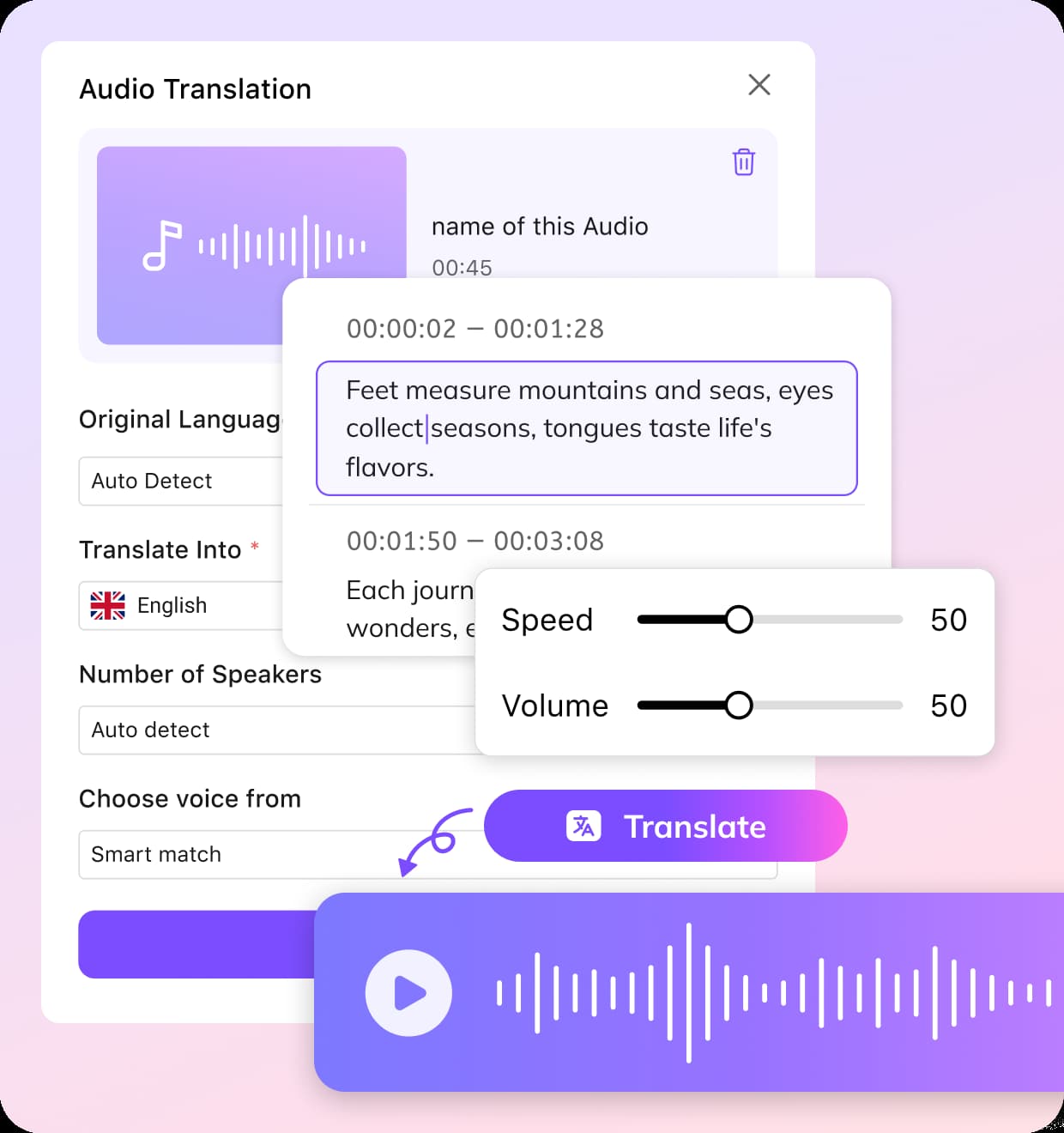
Upload Audio or Paste a Link
Upload your audio or video file, or paste a URL from online platforms to start without any setup.
Auto Detect & Choose Output Settings
Select auto detect to let AI detect spoken language, then choose your target language for translation, voice cloning style, and whether to adjust speed for better synchronization.
Preview & Export
Once detection is done, you will get the source language, transcript, and translation. Preview the results, edit subtitles or audio, and choose to download MP3, MP4, or SRT files as needed.
Why Choose VMEG Audio Language Detector
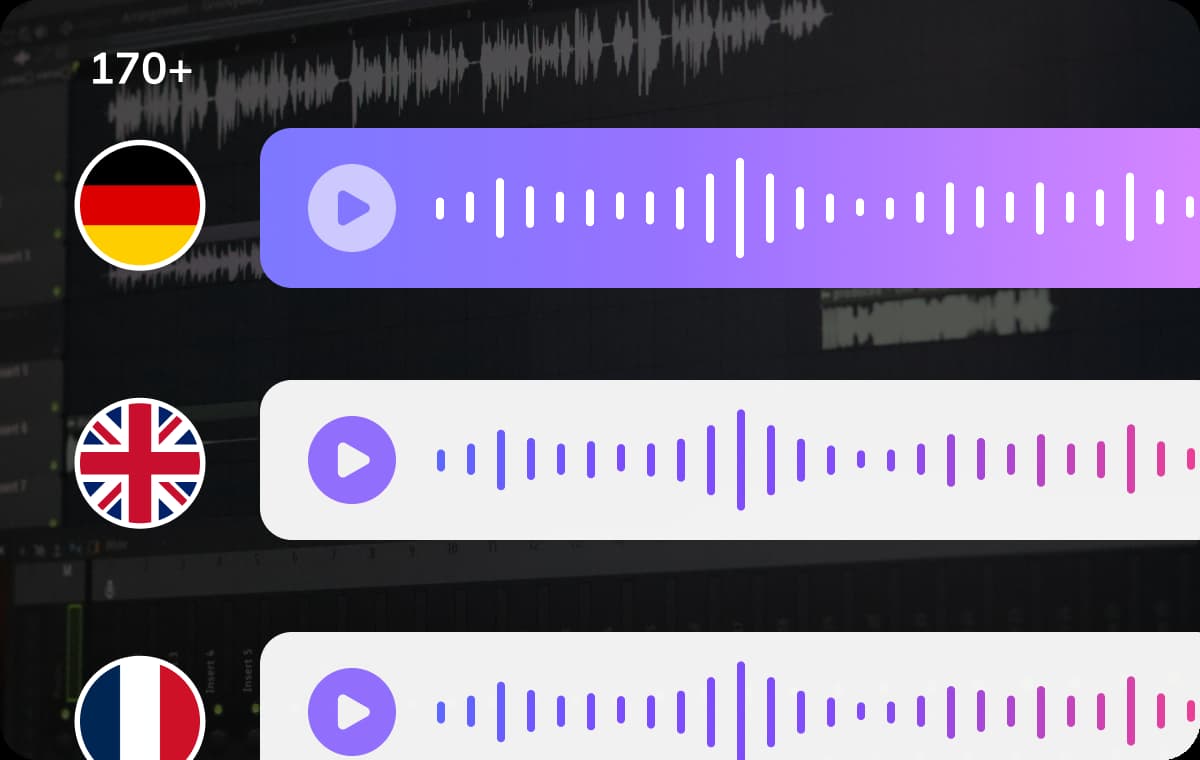
Multi-Language Detection with High Accuracy
VMEG acts as a powerful multi-language detector, capable of recognizing over 170 languages from audio files and recordings. It can accurately detect the language of a spoken text even when dealing with accents, mixed speech, or background noise.This ensures you always start with the correct language before processing translations. Whether you're analyzing interviews, podcasts, or meetings, accurate detection improves downstream translation quality and efficiency.
Detect Audio Language Now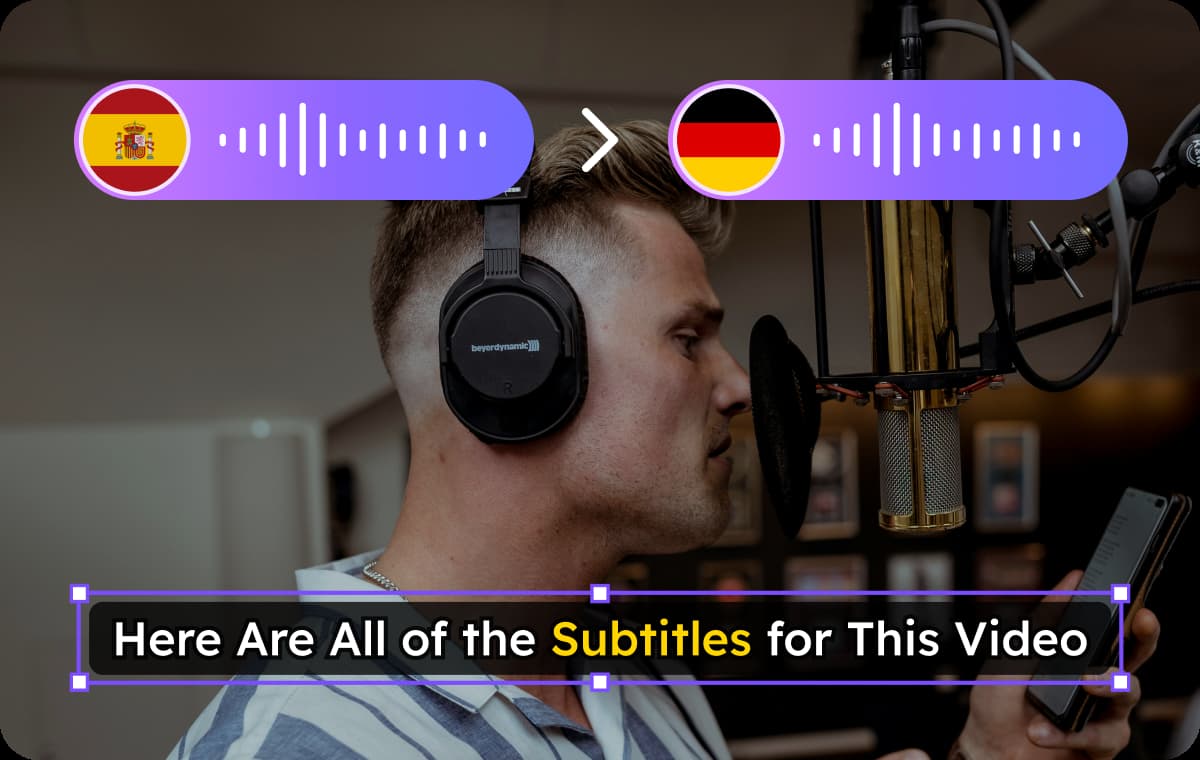
AI Detection and Translation in One Workflow
As a complete audio language detector and translator, VMEG identifies the source language, instantly converts speech into text and translates it into your chosen language.The workflow allows you to detect and translate language from audio without switching tools. It’s ideal for users who need fast turnaround, such as content localization, transcription, or global communication.
Detect Audio Language Now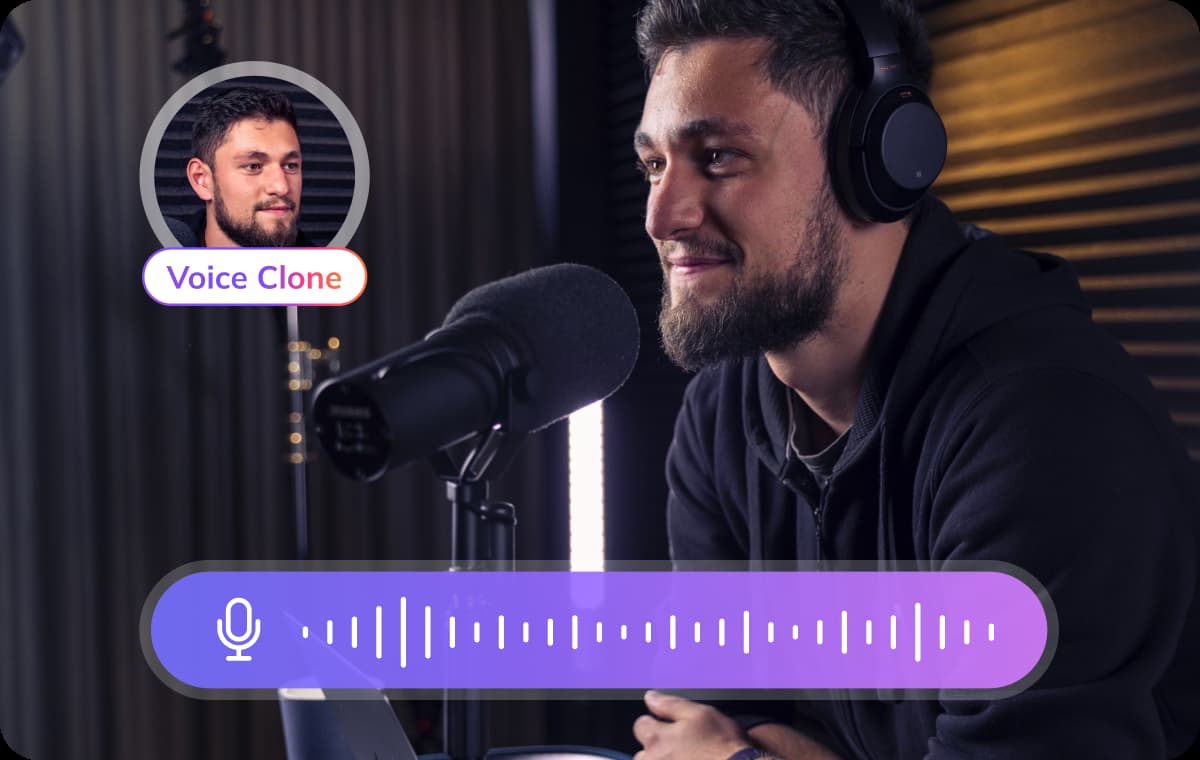
Natural Voice Cloning & Flexible Subtitles
To expand your global reach, VMEG automatically recognizes source content, transcribing it into subtitles and natural voiceovers in multiple target languages. Using AI voice cloning, it recreates speech with authentic accents and emotional depth.You can easily edit generated subtitles using our timeline tool, then export them as SRTs or embed them directly into your video. From dubbing to captioning, VMEG provides the ultimate flexibility for any use case.
Detect Audio Language NowUse Cases of Audio Language Detector

For Creators Working with Global Audio Content
If creators don’t know the original language when working with global audio content, the audio language detector online helps quickly identify what’s being said and turns it into subtitles or dubbed audio.

For Teaching, Research & Learning Materials
In education, audio materials can come from different countries, lectures, or recorded discussions. Teachers and researchers need a reliable way to detect the language of a spoken text before they can use or share it effectively.

For Teams Handling International Communication
Companies often need to deal with multilingual voice messages, meetings, or customer audio content. VMEG’s audio language detector and translator helps quickly process recordings and localize content, improving collaboration and communication across regions.
Common Questions About Audio Language Detection
What does an audio language detector actually do?
An audio language detector identifies the language spoken in an audio file. Advanced tools like VMEG go further by turning that speech into text and enabling translation into other languages.
How does AI detect language from audio accurately?
It uses speech recognition and language models trained on large multilingual datasets. This allows the system to recognize patterns in pronunciation, vocabulary, and context—even with accents or background noise.
Is this tool suitable for multilingual recordings?
Yes, VMEG functions as a multi-language detector and can handle audio that includes more than one language.
Can I generate subtitles from detected audio?
Yes. It automatically generates subtitles and even translate them into other languages. Edit and choose to export translated audio or SRT files seperately.
Do I need to install software to use it?
No installation is required. As an audio language detector online, VMEG works directly in your browser, making it fast and accessible from any device.
Can I adjust the results after detection?
Yes, you can edit subtitles, change the target language, modify voice cloning settings, or reprocess the audio to get the best possible output.
Discover More on VMEG
Related Searches
Detect Audio Language Online
Detect and translate language from audio in 170+ languages with high accuracy and natural results.
Detect Audio Language Now