Voice Message to Text Converter
VMEG can convert voice message of any language to text online. Transcribe and extract valuable information from your audio recordings. Completely online to use.
How to Translate Voice Message or Note to Text with AI
01Upload Your Voice Message Recordings
Upload your voice message audio recordings
02Get Instant Voice Message Transcription
Select Accurate Mode for ultra-precise results or Balanced Mode for reliable output. Pick the original language or let it detect automatically. VMEG supports 170+ languages. Transcript translation can be turned on if needed.
03Edit and Export Your Voice Message Transcript
Polish your voice message transcript using VMEG built-in editor. You can adjust timestamps, fix names or words, and export the final transcript in TXT, SRT, VTT, TTML, SBV and more.



Why Choose VMEG Voice Message Transcriber
Smart Voice Message Transcription – Fast, Clear, and Ready to Use
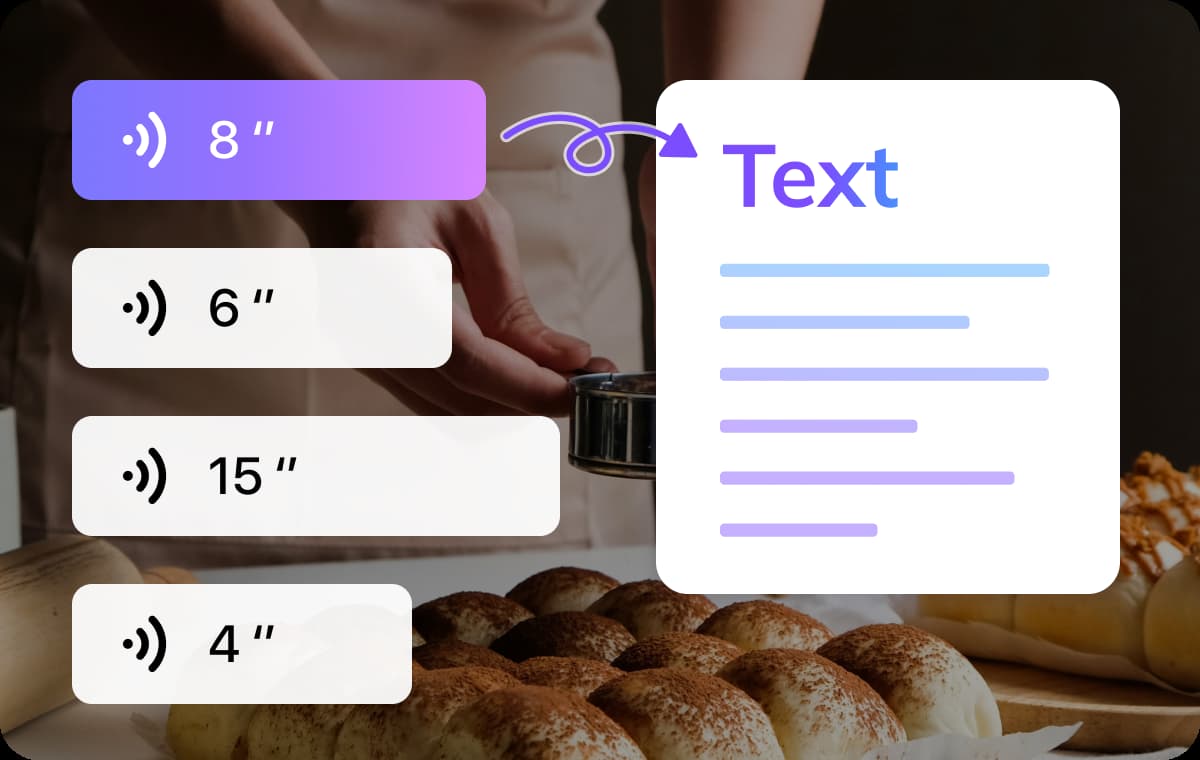
In just a few minutes, you can convert hours of voice messages into accurate, easy-to-read text. VMEG supports recordings from any popular messaging app, such as WhatsApp or iMessage. Simply upload your audio file, and within minutes you’ll receive a transcript of your voice recording. VMEG is ideal for managing personal notes or handling work communications, ensuring you have a clear, editable transcript while preventing the loss of important text information.
Detects Every Voice in the Conversation
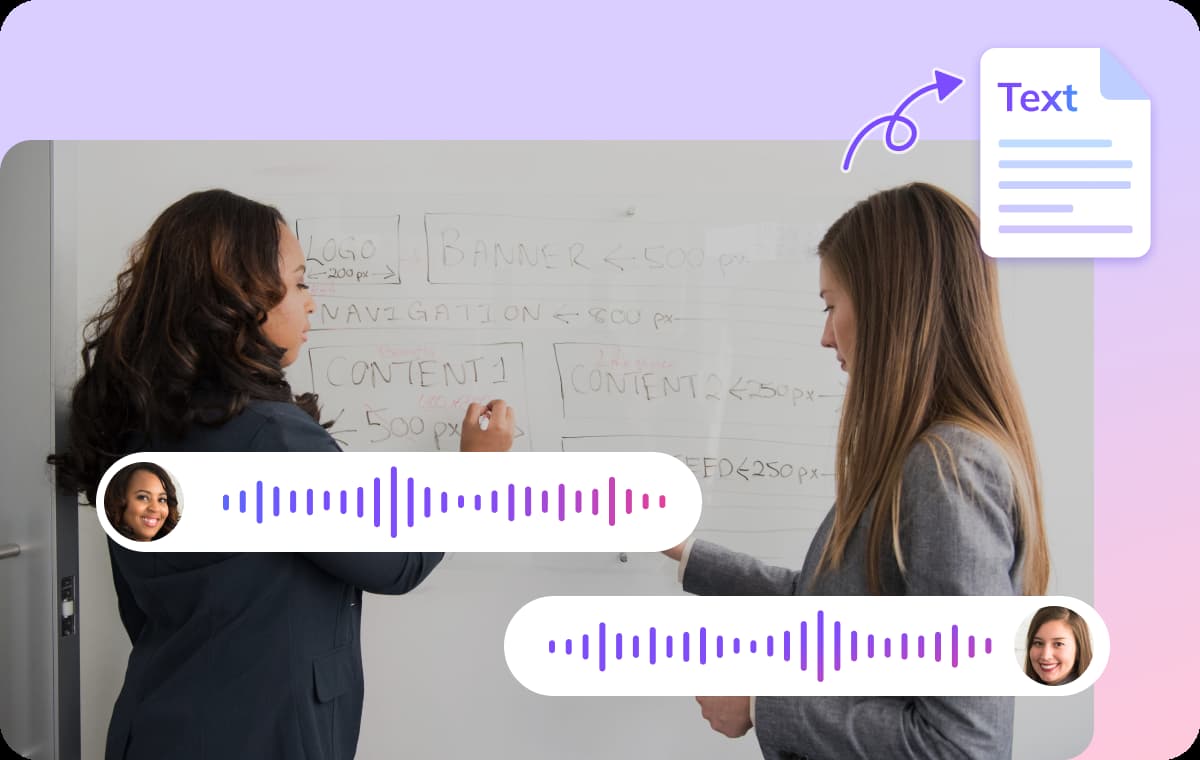
VMEG not only provides text transcription services, but also truly focuses on each speaker. It can automatically distinguish between different voices in group chats or interviews, accurately identifying speakers and their contributions. The system precisely preserves timestamps and retains subtle audio details such as background music or changes in tone. This process ensures that the full context is presented, making it easy for users to summarize and take notes based on the transcribed text.
Translate Voice Messages in 170+ Languages
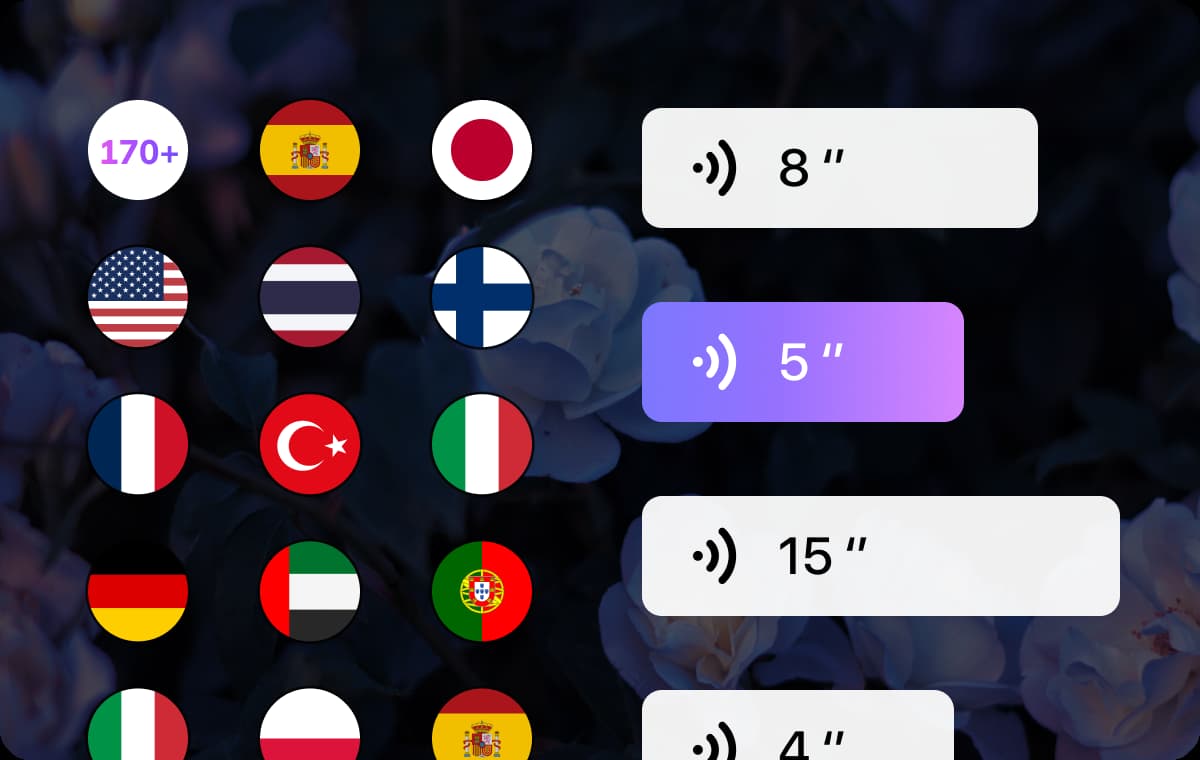
Want to share voice messages with people who speak different languages? VMEG makes it a breeze. In addition to text transcription, it uses advanced voice cloning technology to instantly translate your voice messages into other languages while preserving the original speaker’s tone and personality. No need to re-record or send extra messages: with just one click, your message transforms into a multilingual conversation, breaking down language barriers naturally and seamlessly. Similarly, you can quickly select to translate text into over 170 languages right in the transcription editor. Export to multiple file formats, such as TXT, SRT, and more.
Who Benefits from Voice Note to Text Converter

Busy Professionals Who Rely on Voice Notes
With a voice message to text converter, users can instantly turn those recordings into written summaries or share meeting notes with teammates.

Students Who Learn Through Audio
Many students record lectures or tutoring sessions. Transcribing those voice messages into text makes it easier to review key points.

Remote Teams & Cross-Cultural Collaboration
Working across time zones or languages? Voice messages are fast, but not always accessible when you're in meetings or on the go. VMEG transcribes and translates voice messages from apps like WhatsApp, Line, or Messenger.
FAQs about AI Voice Message to Text
How accurate is VMEG Voice Message to Text Converter?
VMEG Voice Message to Text Converter delivers up to 99% accuracy, powered by advanced AI speech recognition algorithms that continuously learn and improve over time.
How do I transcribe voice memos to text on iPhone?
Simply open VMEG on your mobile browser, upload your voice memo, and choose your preferred language. VMEG will automatically transcribe the audio into text within seconds.
Can I translate my voice messages into other languages?
Yes! VMEG supports translation into 170+ languages like Spanish, German, French, Italian. After transcribing your voice message, you can instantly translate the text and even retain the speaker's voice using AI voice cloning.
How fast will I get my voice message transcripts?
Most voice messages are transcribed within seconds to a few minutes, depending on the length and audio quality of your file.
Can I edit the voice message transcript after conversion?
Absolutely. VMEG provides a built-in editor that lets you refine text, adjust timestamps, and even tweak specific sections.
Discover More on VMEG
Related Searches
Voice Message to Text Converter
VMEG can convert voice message of any language to text online. Transcribe and extract valuable information from your audio recordings.