


Urdu Subtitle Generator
Create accurate, readable urdu subtitles online in minutes—whether you want to generate Urdu video subtitles, translate content into Urdu, or quickly refine captions for professional-quality videos with VMEG.
Try the demo and experience all features for free
 English
 Spanish
 German
 Russian
 Turkish
 Italian
 Chinese
 French
 Portuguese
 Hindi
Hindi


How to Add Urdu Subtitles in Video
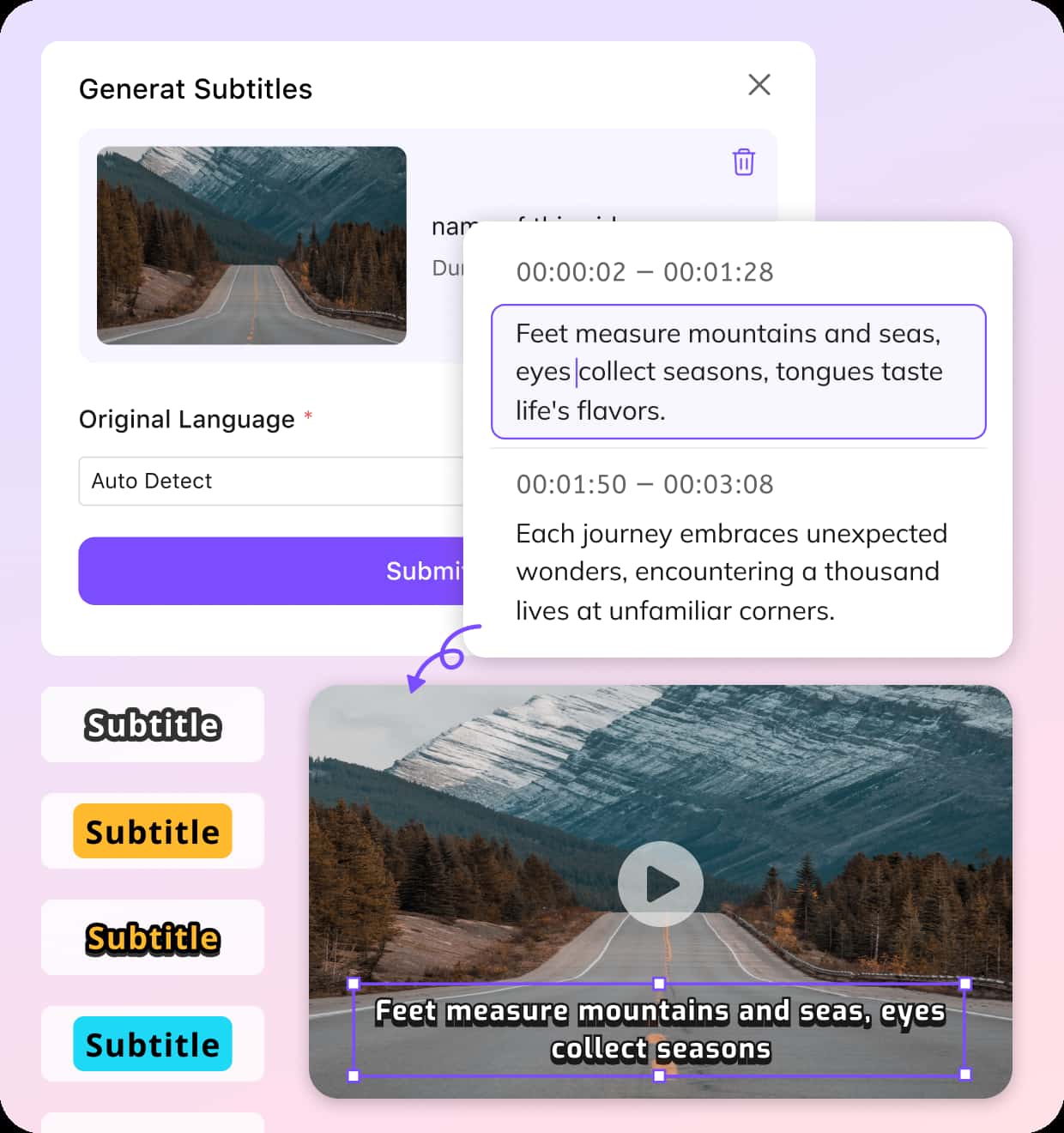
Upload or Paste a Video
Start by uploading a local file, selecting from your library, or pasting a link from platforms like YouTube, TikTok, Google Drive, or Zoom recordings.
Choose Urdu & Generate Subtitles
Select Urdu as the original language (or auto-detect), then choose a language that you want to translate to. Pick subtitle type and let the system instantly generate Urdu subtitles.
Edit, Preview & Download
Fine-tune subtitle text, timing, and style. Once ready, export your video with embedded captions or download Urdu subtitles as an SRT file for flexible use.
Why Choose VMEG for Generating Urdu Subtitles
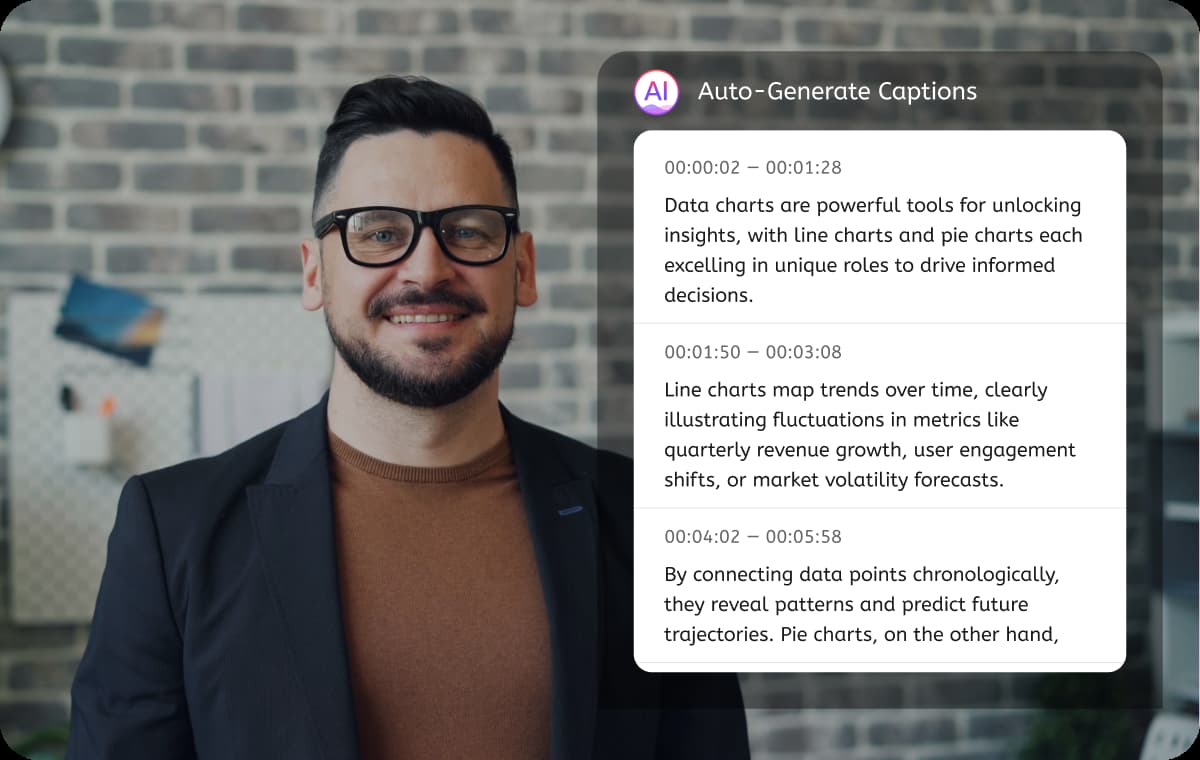
Smart Urdu Speech Recognition & Translation
VMEG accurately detects spoken content and generates structured Urdu captions, even when dealing with mixed languages or fast dialogue. It supports regional variations like Urdu (India) and Urdu (Pakistan) and translate Urdu into English or other 170+ languages, ensuring better localization.Each subtitle is precisely time-synced, making videos easier to follow across interviews, tutorials, or social media clips. This is especially helpful for creators looking for reliable Urdu subtitles online without manual transcription.
Generate Urdu Subtitles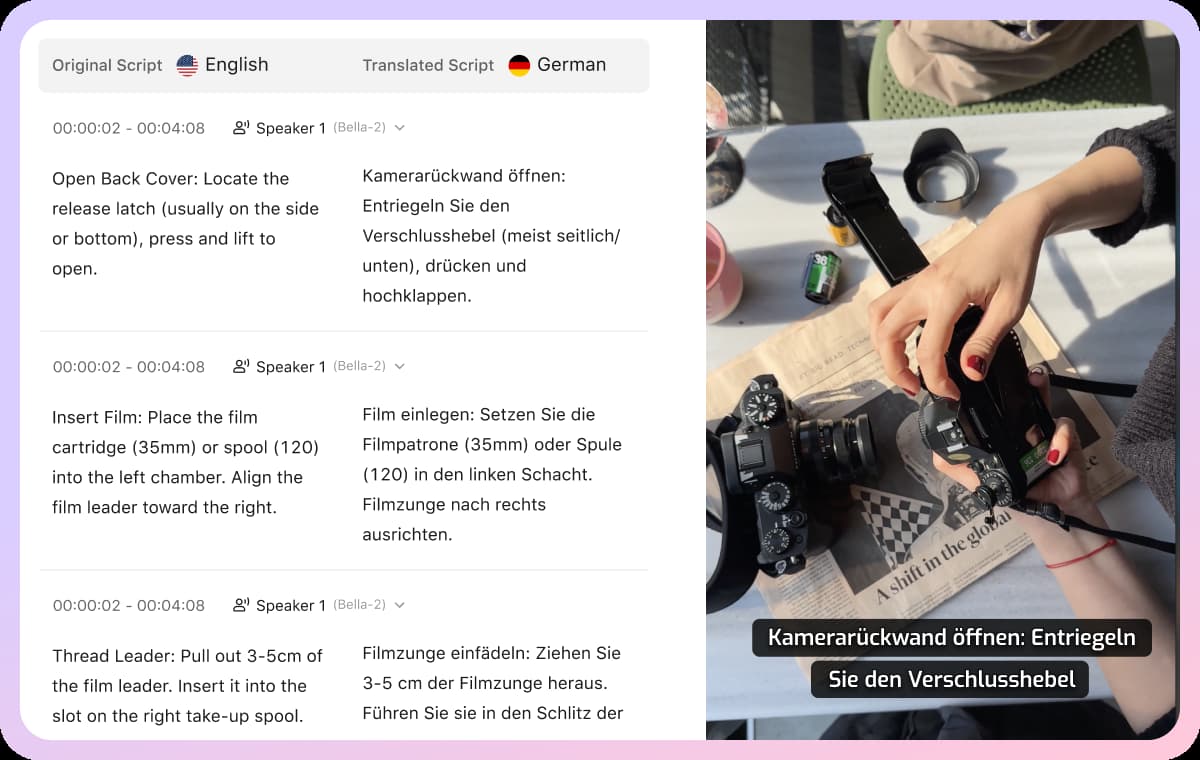
Full Control Over Subtitle Editing
After generating subtitles, you can freely edit both the original and translated text, or retranslate with one click. You can also adjust subtitle timing, split or merge segments, and remove unnecessary lines.Customize how your Urdu subtitles appear with preset styles or fully personalized designs, including bilingual display. This flexibility is ideal if you’re learning how to add Urdu subtitles in video while maintaining visual consistency.
Generate Urdu Subtitles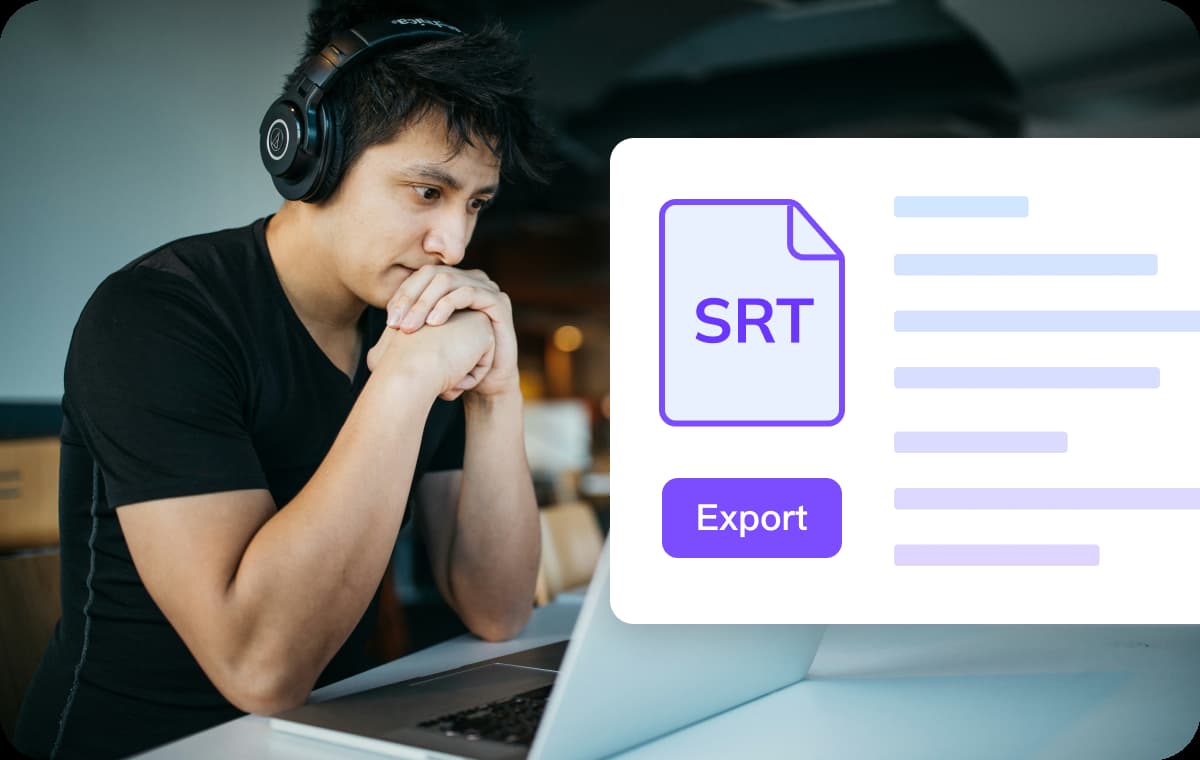
Flexible Export for Any Workflow
Download videos with embedded Urdu subtitles for instant publishing, or export clean SRT files for editing in other tools. You can choose original-language or translated subtitle files depending on your needs.This makes it easy to manage distribution across platforms, whether you want to upload directly to YouTube, archive subtitle files, or converting MP4 to SRT file. It also simplifies how to download Urdu subtitles for reuse or collaboration.
Generate Urdu SubtitlesWho Uses Urdu Subtitle Generator
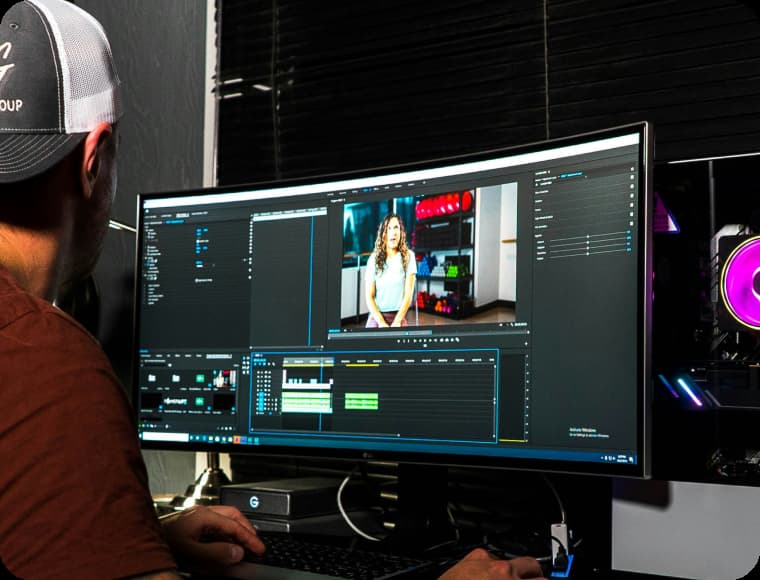
Content Creators
Creators on YouTube, TikTok, and Instagram use Urdu subtitles to reach wider audiences and improve engagement. Subtitles also boost watch time, especially for viewers who prefer silent playback.
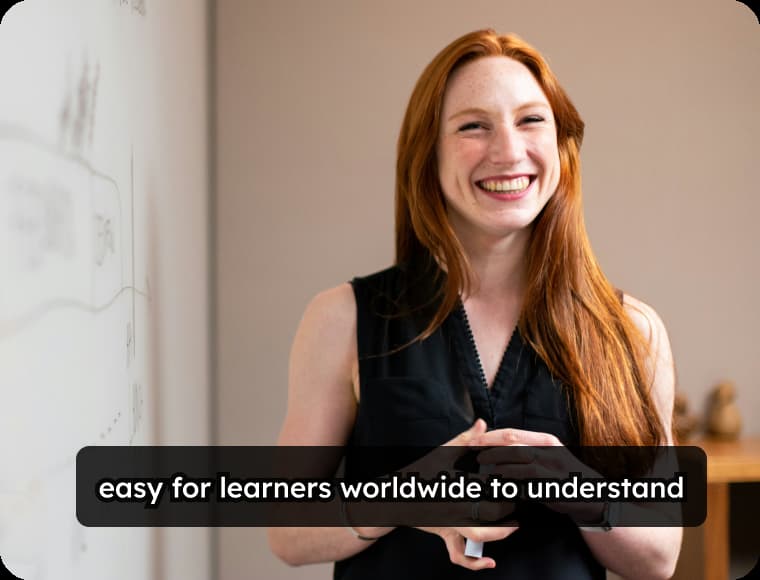
Teachers & Educators
Teachers and course creators rely on Urdu subtitles to make lessons more accessible for Urdu-speaking students. It helps improve comprehension in lectures, tutorials, and training materials.
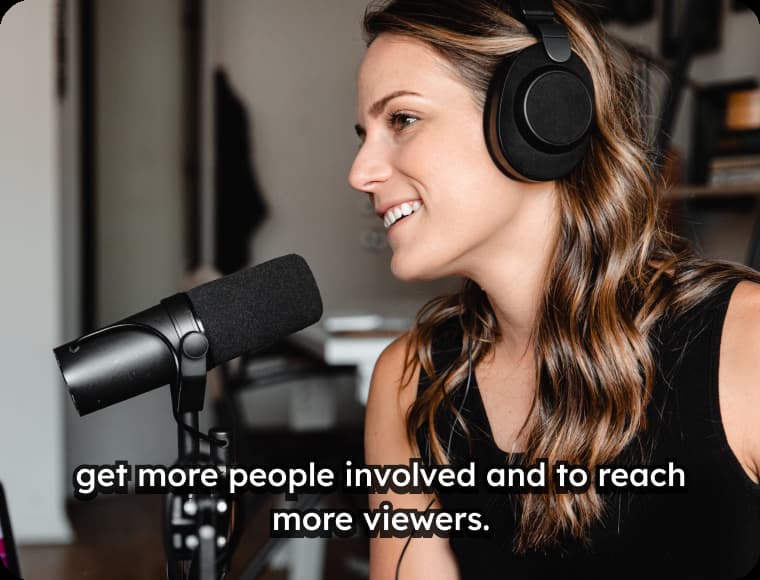
Businesses
Companies use Urdu subtitles to demonstrate ads, product demos, and internal training content. This ensures clear communication with Urdu-speaking markets and multilingual teams.
Frequently Asked Questions – Urdu Subtitles
Can I generate Urdu subtitles automatically?
Yes, VMEG uses AI to detect speech and instantly generate Urdu subtitles from your video or audio.
Does it support different Urdu accents?
Yes, you can choose between Urdu (India) and Urdu (Pakistan) for better localization accuracy.
Can I edit subtitles after generating them?
Absolutely. You can modify text, adjust timing, and even regenerate subtitles or translated ones with a single click.
How to add Urdu subtitles in video without editing skills?
Simply upload your video, select Urdu, and let the tool generate subtitles embedded video automatically—no technical skills required.
Does it support bilingual subtitles?
Yes, you can translate Urdu into 170+ worldwide langauges, and display both Urdu subtitles and the translated language together for better accessibility.
What types of videos can I use?
You can upload tutorials, social media clips, webinars, interviews, or even meeting recordings.
Generate Subtitles in Any Language
Discover More on VMEG
Related Searches
Urdu Subtitle Generator
Generate Urdu video subtitles with AI online. Easily to download Urdu subtitles, or add them in a video.
Generate Urdu Subtitles