SRT Translator
Try the demo and experience all features for free

VMEG makes it easy to translate SRT files online into 170+ languages with accurate timing and formatting. Whether you upload an existing subtitle file or auto-generate and translate new ones, VMEG ensures fast, professional, and seamless SRT translation.
How to Translate SRT File Online
01Upload Video File
Select a video file from your device or choose one from your library. VMEG supports various formats, ensuring a seamless upload experience.
02Upload Your SRT File to Translate
Choose the language for your subtitles and apply a professionally designed template to match your video's style.
03Edit SRT & Download
Refine the translation and adjust timing for perfect synchronization. Then download the final SRT file, or download the video with embedded subtitles.



Why Choose VMEG SRT Translator
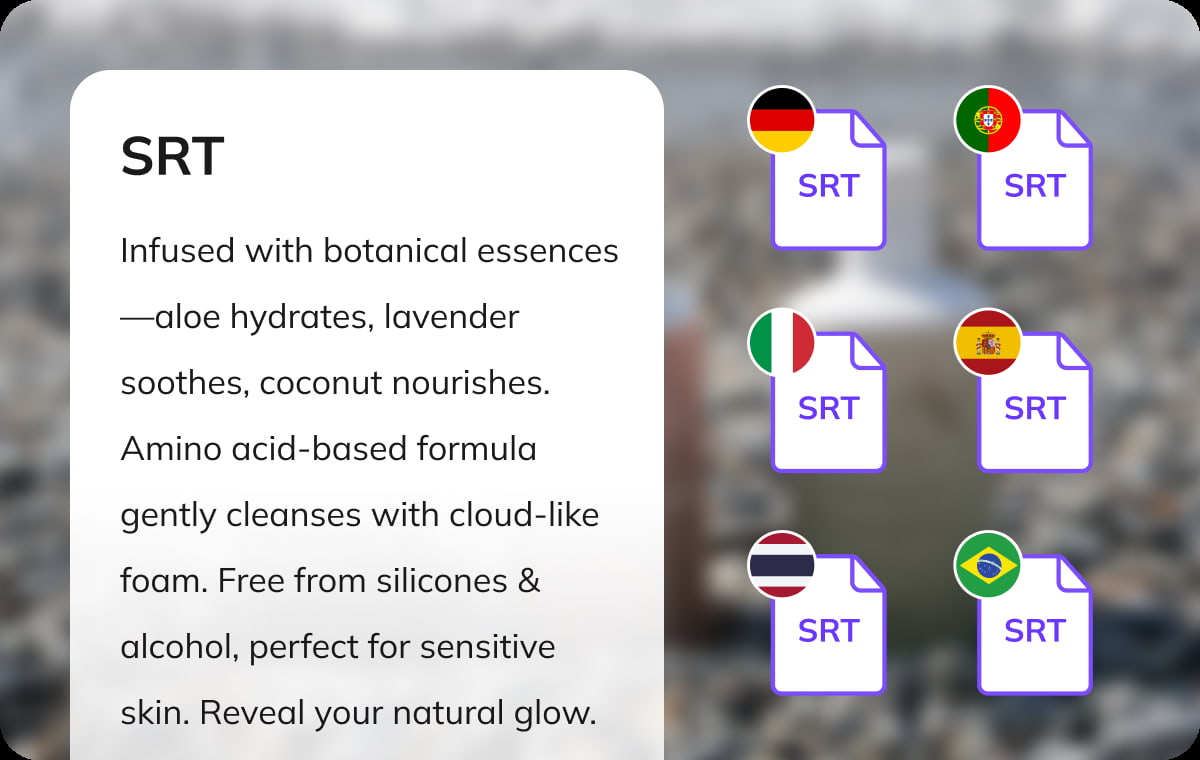
Translate SRT Subtitles into 170+ Languages
Expand your reach by converting any SRT subtitle file into more than 170 languages. VMEG preserves line breaks, timestamps, and context, so your translated subtitles stay perfectly synchronized.This feature is ideal for video creators, educators, and businesses who want to make their content accessible across global platforms.
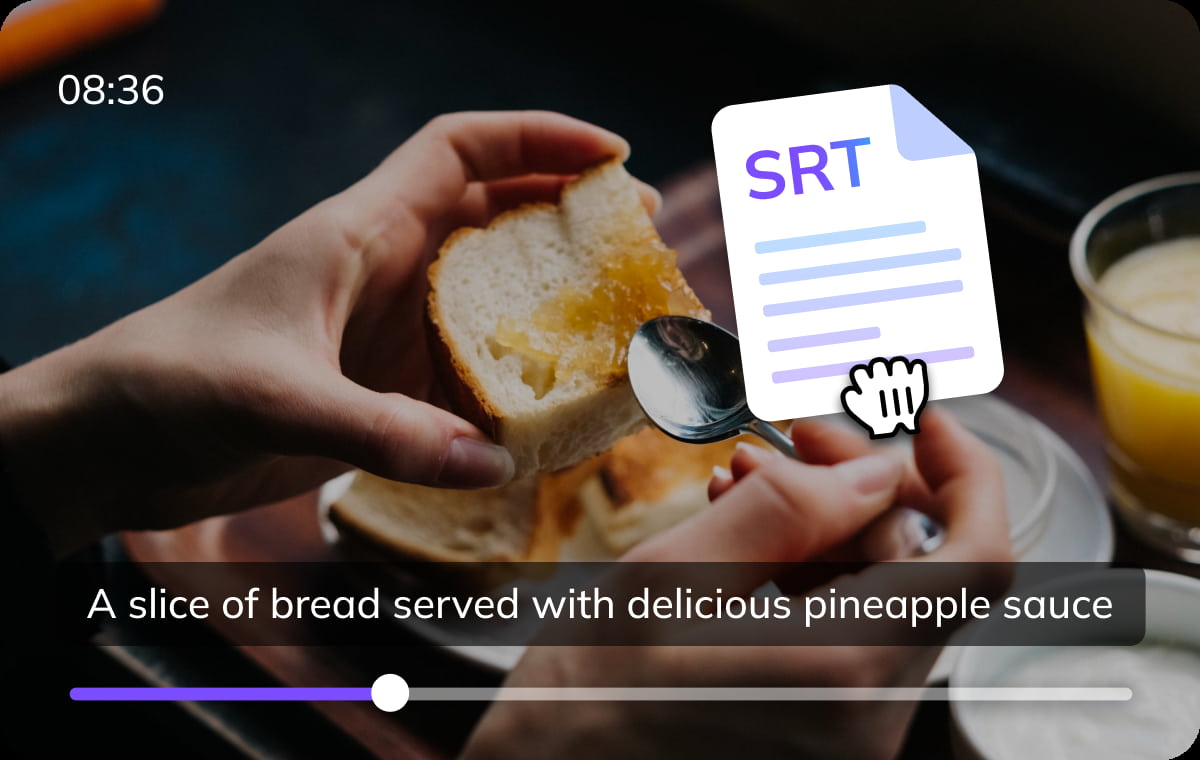
Upload or Auto-Generate & Translate SRT
Simply upload your existing SRT files for instant translation, or let VMEG automatically generate subtitles from your video and translate them on the spot. No manual adjustments needed—the system ensures both text and timing are accurate.This flexibility means you can handle old subtitle files or brand-new videos in one streamlined workflow.
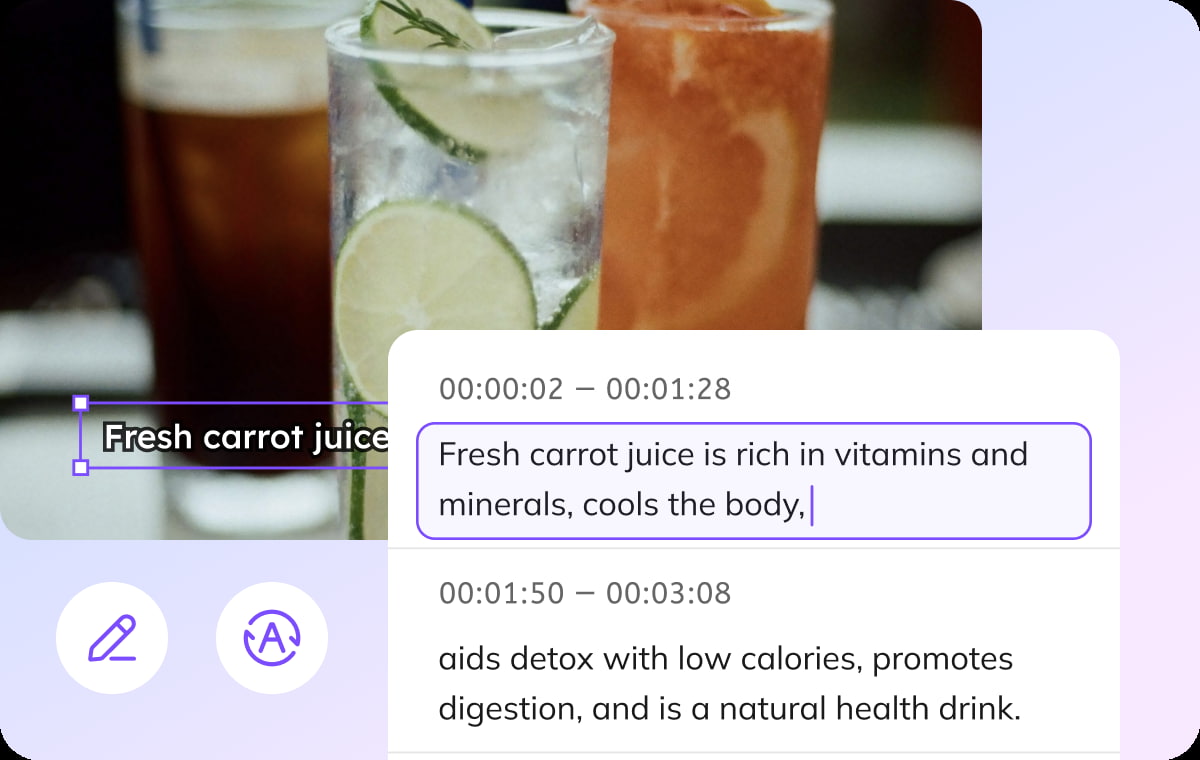
. Export Translated SRT Files Online, Easily
Once translated, download your new subtitles as clean SRT files with just one click. Everything happens online—no software installation required.VMEG’s simple interface makes subtitle translation effortless, even for first-time users, while still offering professional results.
Who Uses VMEG SRT Translator

Video Creators & Filmmakers
Expand your audience by translating SRT file for your films, vlogs, and online content. Whether you're creating tutorials, documentaries, or entertainment videos, multilingual subtitles help you connect with viewers worldwide.

Professional Translation Companies & Translators
Streamline SRT translation with precision and efficiency. Easily adapt subtitles for different languages while maintaining context, accuracy, and readability for films, TV shows, and online content.

Video Editors & Post-Production Specialists
Ensure clear communication across markets by translating SRT for corporate videos, training materials, and marketing content. Professional subtitles help connect with international audiences and strengthen global brand presence.
FAQs about Online SRT Translator
What is VMEG SRT Translator?
VMEG SRT Translator is an online tool that helps you translate SRT subtitle files into different languages quickly and accurately. It ensures seamless subtitle localization for movies, videos, and online content without requiring manual translation.
How to Translate a Subtitle SRT File?
Translating an SRT file is simple. Upload your video file, select the target language, and let the tool generate the translated subtitles. Once done, review the text for accuracy and download the translated SRT file or video with embedded subtitles for use and share.
How to Generate an SRT File from a Video?
To create an SRT file from a video, upload your file, select the language, and start the subtitle generation process. The tool will extract speech, sync it with timestamps, and format it into an SRT file. You can then review, edit, and download the final file.
How to Translate an SRT File to Any Language?
To translate an SRT file into another language, upload the video file, choose the video original and desired languages, and then, start the translation process. VMEG will automatically generate the SRT file.
Can I generate subtitles if I don’t have an SRT file?
Yes, you can auto-generate subtitles from video/audio and translate them into your target language.
Discover More on VMEG
Related Searches
Online SRT Translator
Easily translate SRT subtitles into 170+ languages with AI-powered precision for global audience reach.