Will Excel formulas break after translation?
We skip formula cells. Only plain text cells are translated. Review the translated workbook before sharing — merged cells and hidden sheets may need a quick visual check after Excel Translator finishes.
Are numeric cells in Excel translated?
Pure numeric cells are left alone. Text that mixes words and digits may still be sent for translation. Currency symbols and date formats stay as Excel stored them — only human-readable labels are rewritten.
Does this Excel translator cover multiple sheets?
Yes. We walk every sheet in the workbook. Tab order is preserved in the download so finance, summary, and appendix sheets stay in the same sequence you uploaded.
Can I upload older .xls files?
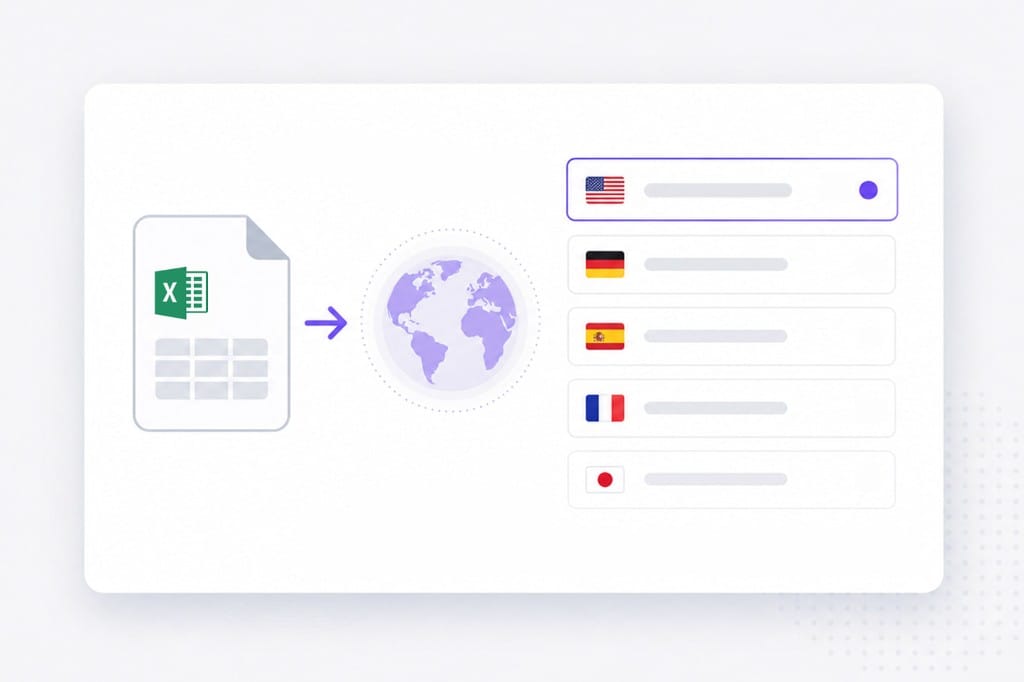
Use .xlsx. Save older .xls files to .xlsx in Excel first, then upload the converted workbook to this Excel Translator page. The Excel Translator keeps your file format where possible — upload, pick languages, preview, then download the translated document from this page.
Is there an Excel file size limit?
Yes. 20 MB per file. If a deck or spreadsheet exceeds the cap, split it into smaller files or export a lighter PDF, then run Excel Translator again on each part.
Can I upload Word or PDF on this Excel page?
Yes. The shared tool accepts PDF, DOCX, PPTX, XLSX, TXT, and SRT. This page focuses on spreadsheet (.xlsx) workflows — use the Word or PDF translator pages when those formats are your main source.