How do I separate audio from a video file online?
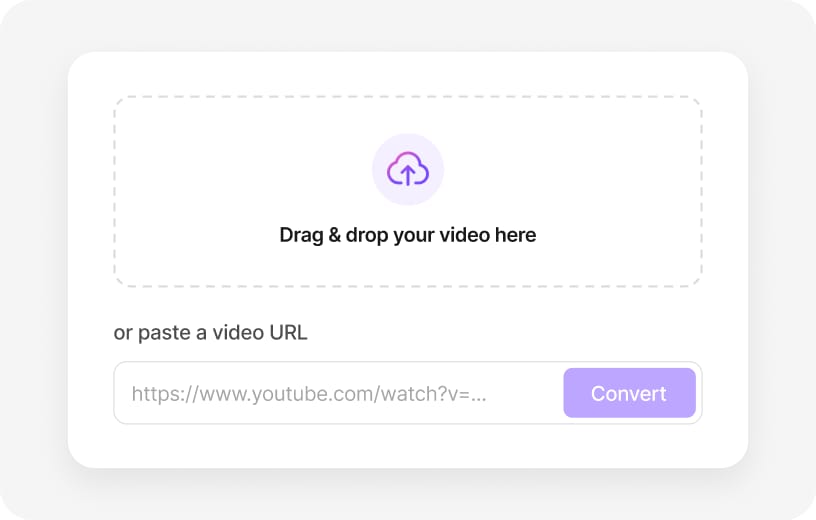
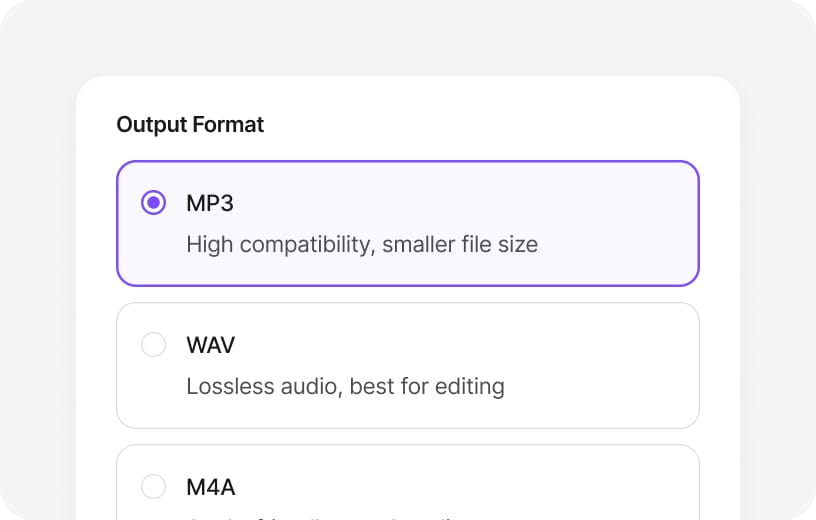
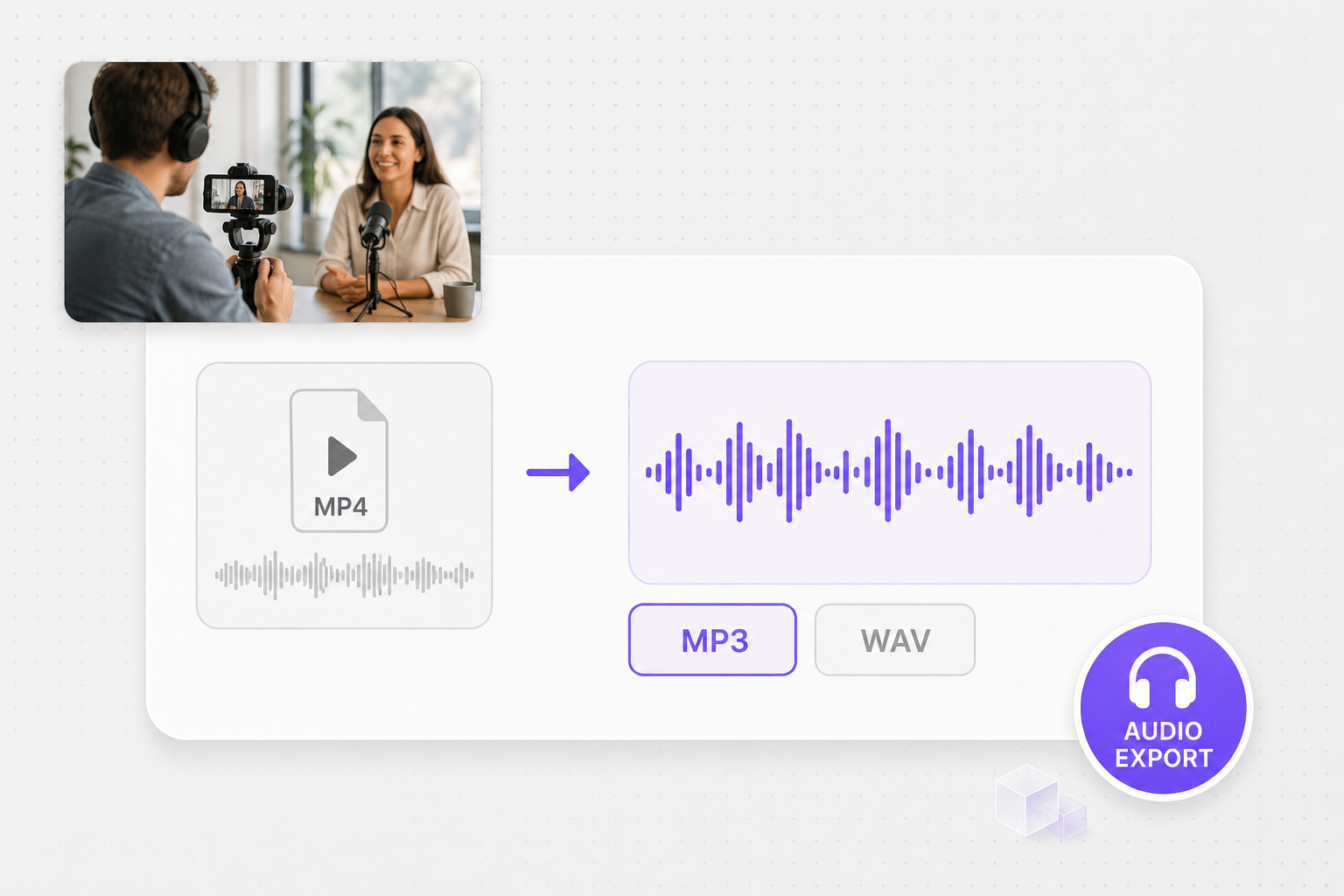
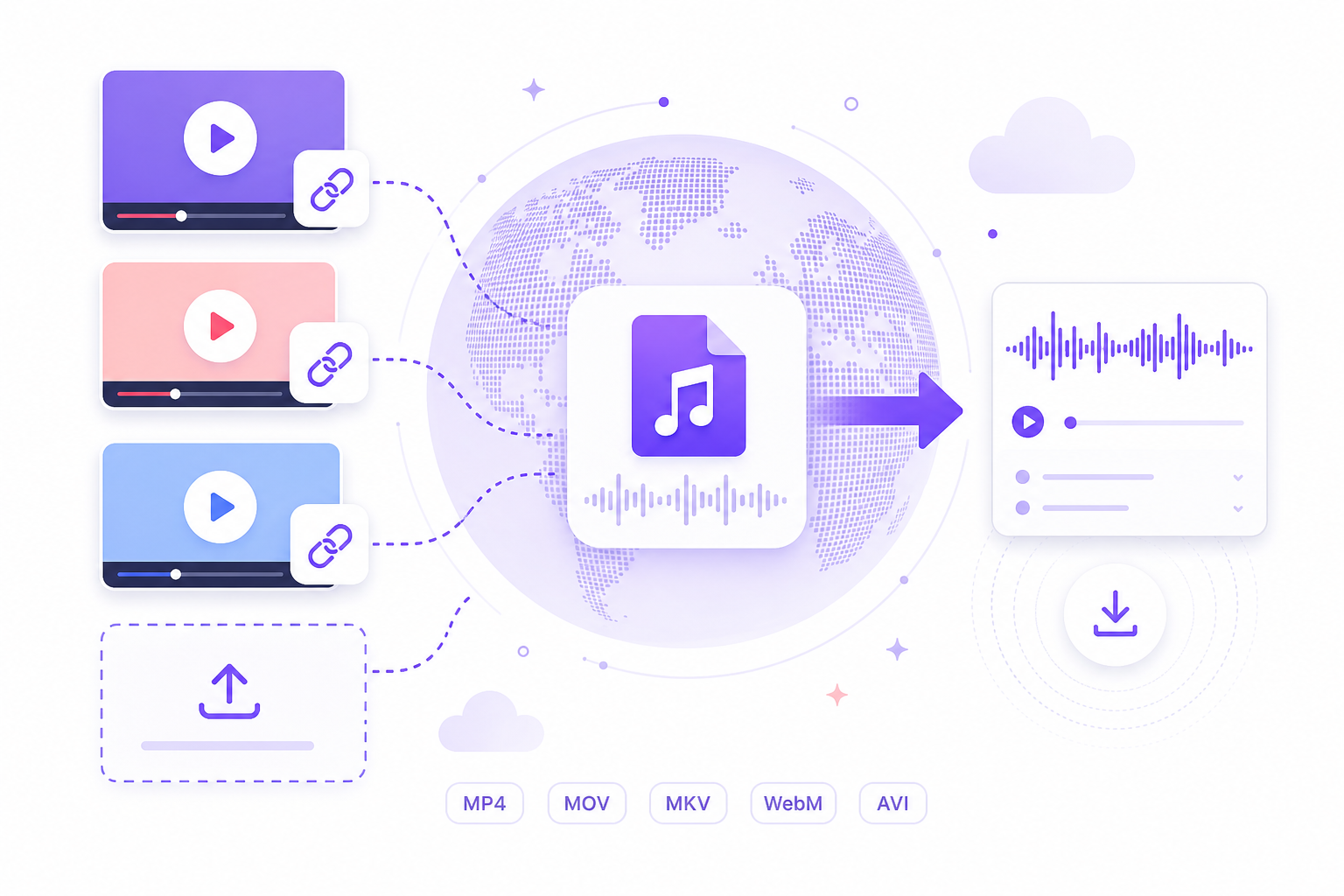
Upload MP4, MOV, MKV, or WebM — or paste a public video link — then choose MP3 or WAV and run the export. The tool reads the embedded soundtrack and downloads an audio-only file. Free to use 3 times a day, shared across all VMEG online tools. Upgrade to Online Tools Unlimited for unlimited daily use. Sign in when you download.
Can I export audio from MP4 without desktop software?
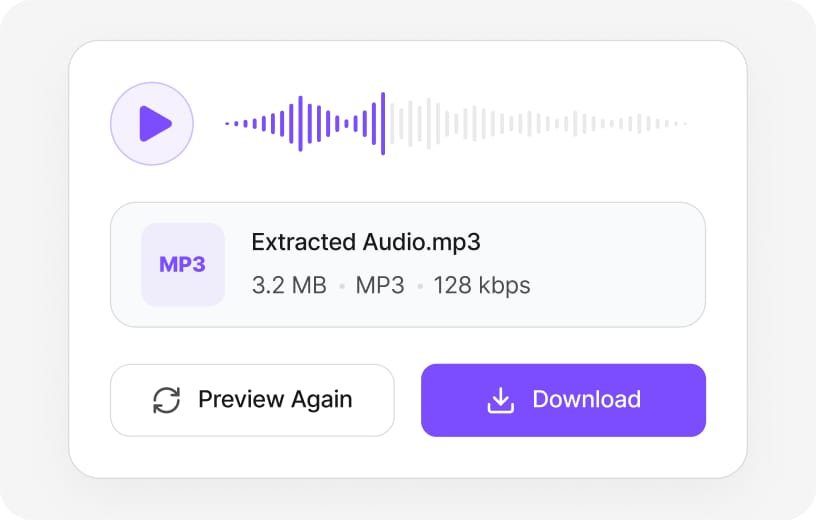
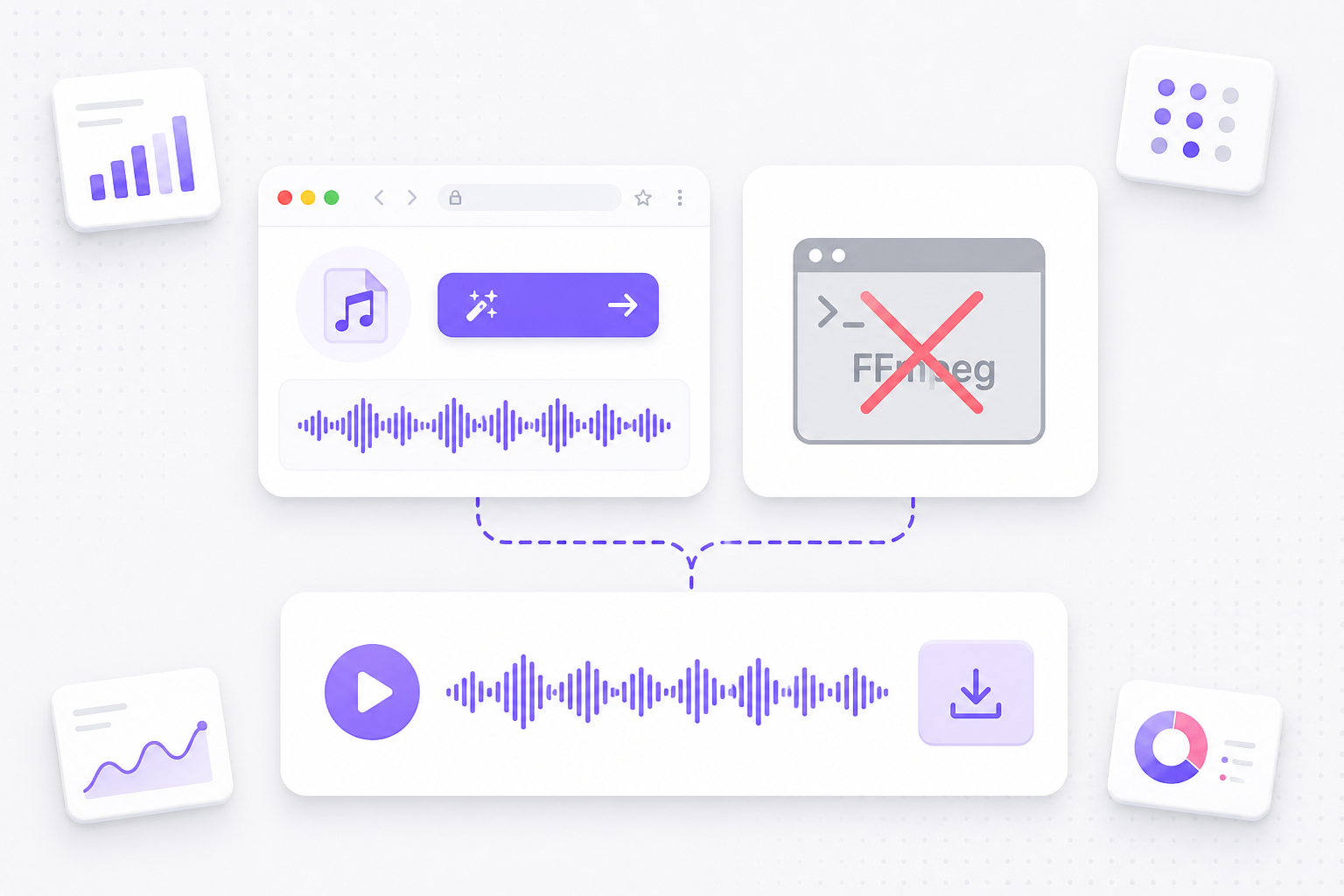
Yes. This page runs in Chrome, Edge, or Firefox. Drop your MP4, pick MP3 or WAV, preview the track, and download after a free VMEG sign-in. No FFmpeg, iTunes, or paid ripper required.
How is this different from stem separation or vocal remover?
This tool exports the full mixed soundtrack as one MP3 or WAV file. It does not split vocals from instrumentals. When you need isolated stems, use VMEG vocal remover or audio separator tools instead.
Which video formats can I convert to sound?
MP4 is the most common upload, but MOV, MKV, AVI, WebM, M4V, FLV, and MPEG containers work too. Output is MP3 or WAV — the video track is discarded and only audio is kept.
Should I choose MP3 or WAV when I separate audio from video?
Pick MP3 when you want a smaller file for playlists, messaging apps, or podcast hosts. Choose WAV when you need an edit-ready, uncompressed track for a timeline or DAW. Both come from the same video source on this page.
Can I paste a YouTube or TikTok link instead of uploading?
Yes. Switch to the URL tab and paste a public link. VMEG fetches the media and lets you export audio without saving the video first. Private, login-only, or geo-blocked links may fail — upload a local copy instead.
Is there a file size limit?
Each uploaded video can be up to 100 MB on this free online tool. Longer 4K recordings may exceed that cap; trim or compress the clip first, then upload again. Pasted URLs can sometimes handle longer sources because processing runs on VMEG cloud infrastructure.
Will converting video to sound lower audio quality?
MP3 applies lossy compression, so very quiet details may soften compared with the original soundtrack. WAV export keeps the extracted PCM data intact. For spoken word or background music in social clips, MP3 is usually enough.
Can I use the exported audio for podcasts or commercial projects?
The converter only changes container format — it does not grant rights to the underlying music or dialogue. Make sure you own the video or have permission to extract and republish the audio before uploading to a podcast host or ad.
Why does my video show “no audio track”?
Some screen captures, muted exports, or broken downloads contain video with no soundtrack. Corrupt files or unsupported codecs can also fail. Re-export the video with audio enabled, test a shorter clip, or switch browsers if the file plays locally but not here.