Change audio speed in seconds
Ideal for podcasts, audiobooks, language learning, and transcription prep. Upload audio or extract sound from video, open the Speed tab first, and slow down or speed up playback while previewing clarity on the waveform.
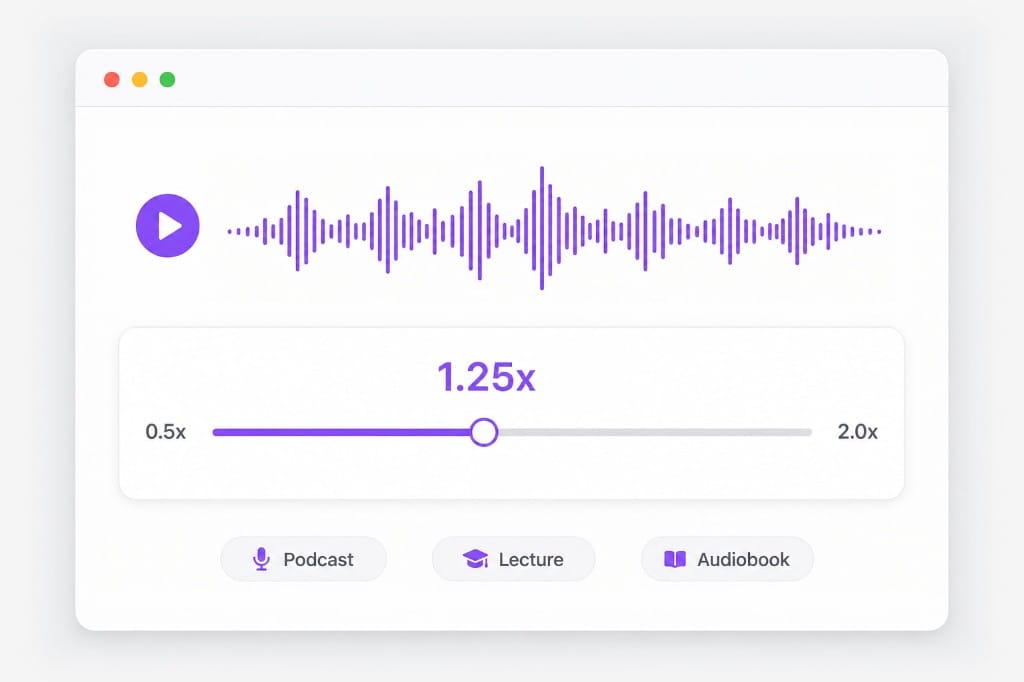
Change audio speed online. Slow down or speed up MP3, WAV, and voice from audio or video without leaving the browser — free speed changer.
Loading audio editor…
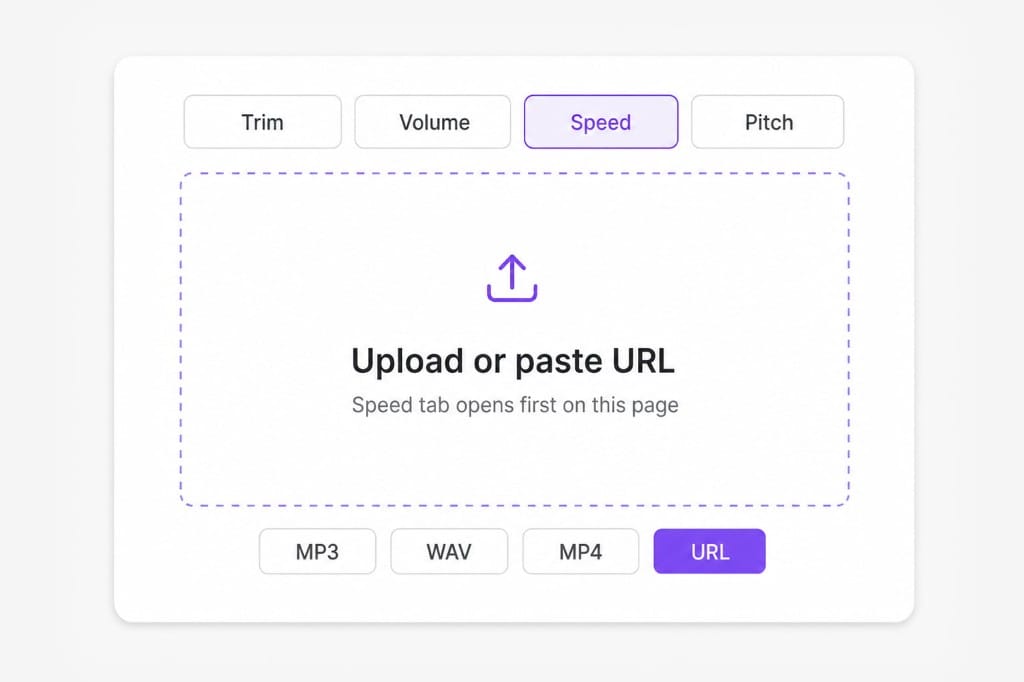
Upload audio or video, or paste a URL. The Speed tab is selected when you land on this page.
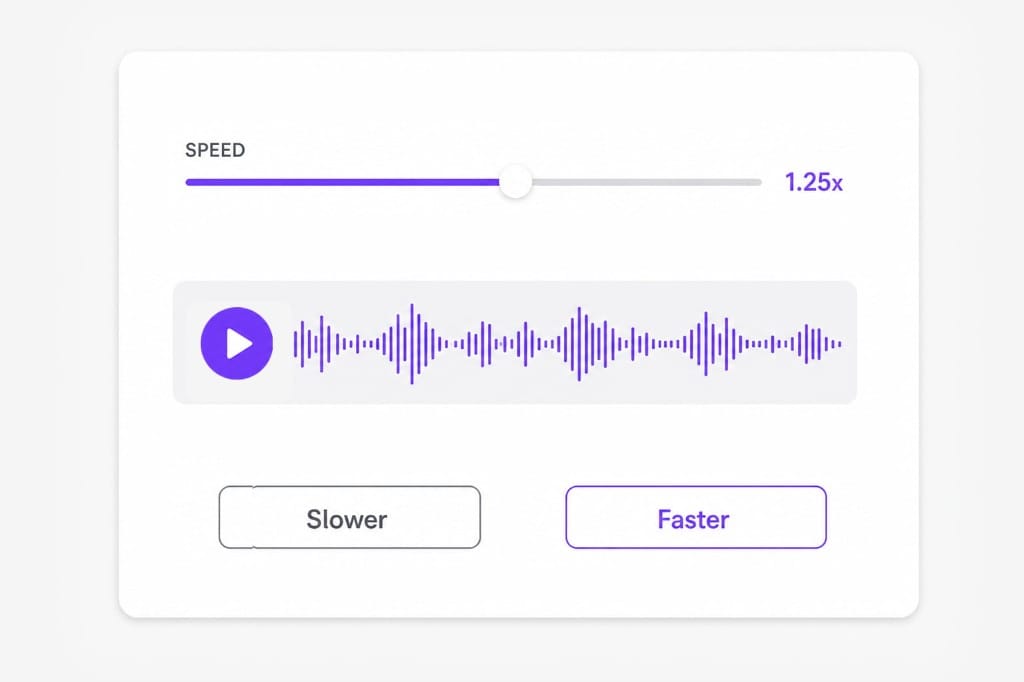
Use the slider to slow down lectures or speed up review material. Preview to check clarity.
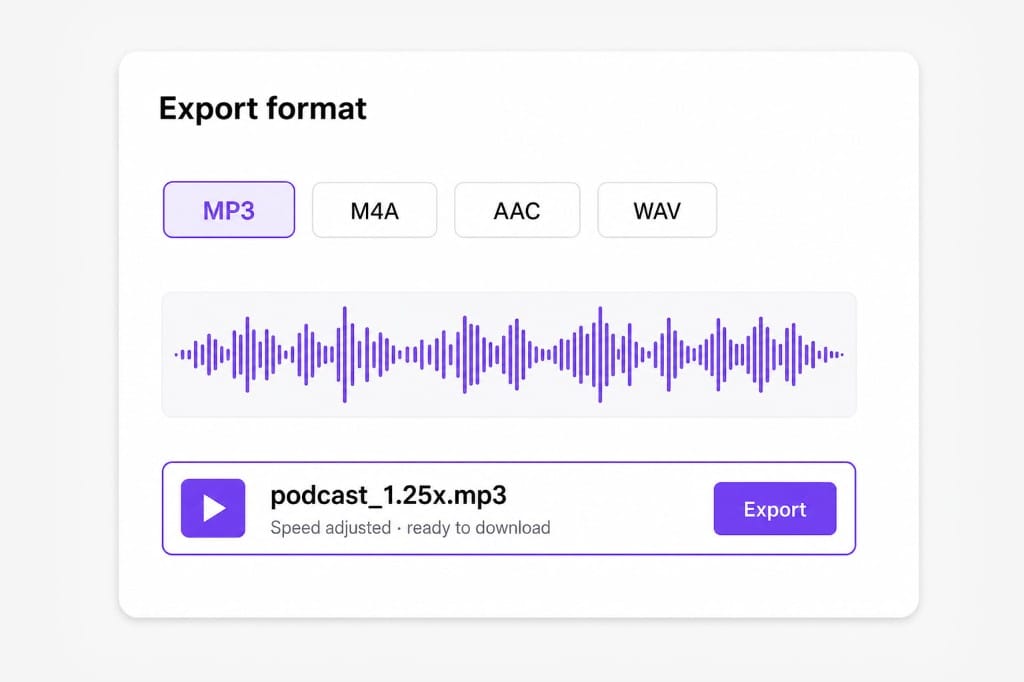
Download MP3, M4A, AAC, or WAV after sign-in.
Slow down lectures, speed up podcasts, and export from one browser editor — no desktop app or separate converter. Open the editor in your browser, adjust trim, volume, speed, or pitch settings, preview before export, and sign in only when you save the finished file.
Ideal for podcasts, audiobooks, language learning, and transcription prep. Upload audio or extract sound from video, open the Speed tab first, and slow down or speed up playback while previewing clarity on the waveform.
Trim intro silence first, then change speed — no second website. URL import, file upload, and video extraction all feed the same editor so tempo work stays in one browser tab from first upload to export.
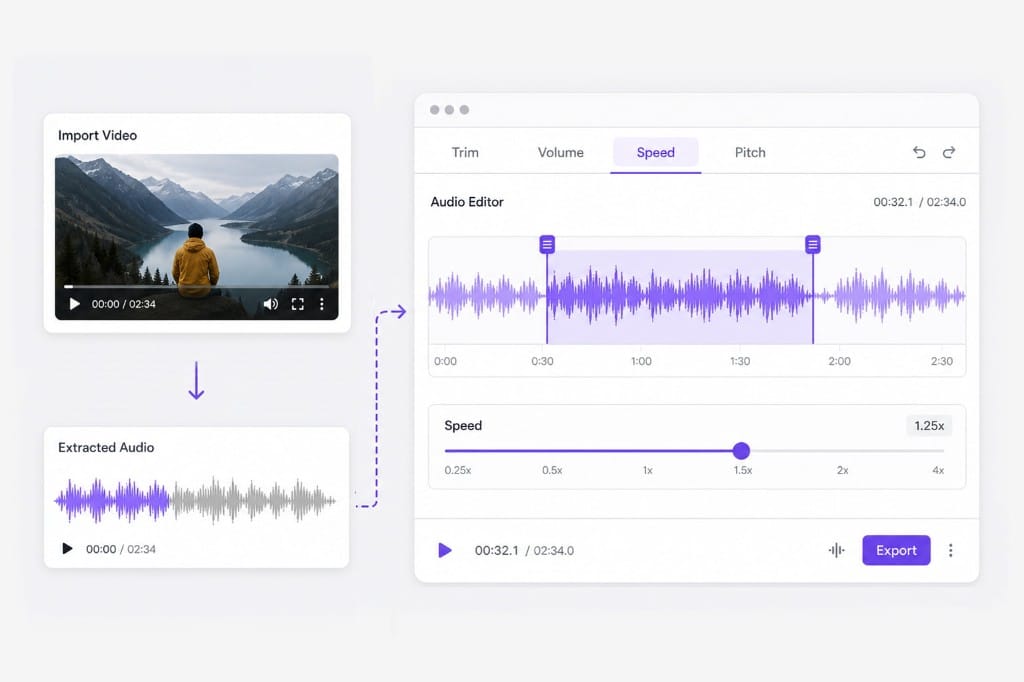
No app install. Upload audio or video, preview at the new tempo, and sign in when you download. Combine Speed with Volume or Pitch tabs when a clip needs leveling or key correction after tempo change.
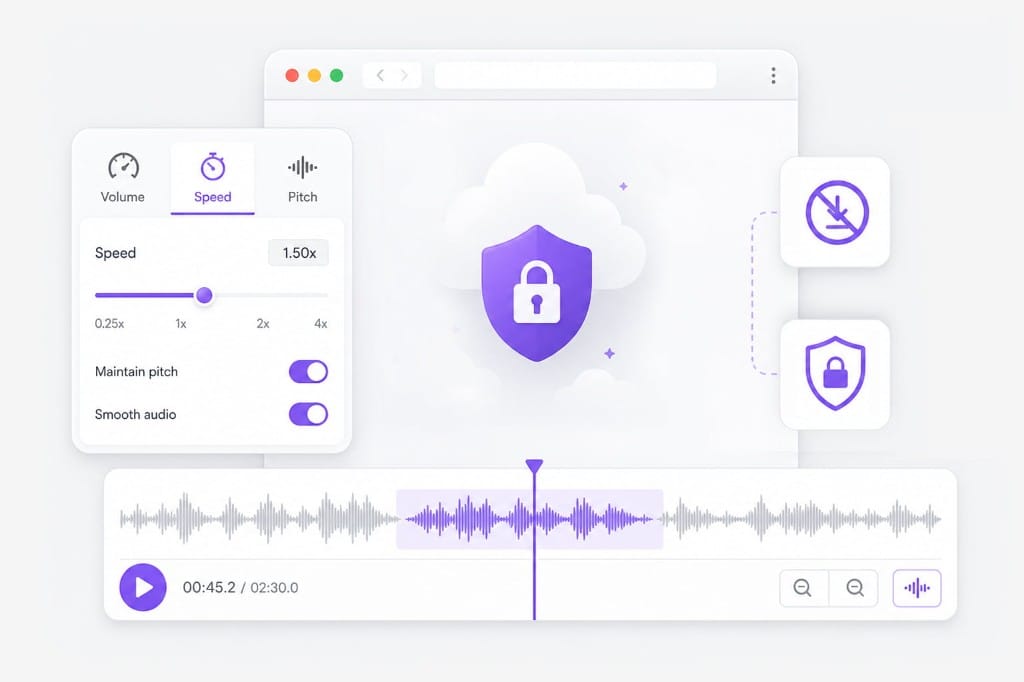
Upload the file, open the Speed tab, move the slider, preview, and export. You can slow down or speed up. Paste a URL or upload MP4, MOV, or WebM to edit extracted audio at the new tempo without a separate converter.
Speed and pitch are separate tabs. Use Speed for tempo; open Pitch if you need key change without chipmunk effect (when keep-pitch is enabled in the editor). Preview both tabs before export when speech intelligibility matters.
Yes. Upload MP4 or MOV and edit the extracted audio track. This is useful for lecture captures, interviews, and social clips where the video container is what you have on hand.
Editing and preview are free in your browser. Sign in when you save your speed-adjusted file. Try multiple tempo settings and optional trims in one session before exporting MP3, WAV, M4A, or AAC.
Upload MP3 or WAV and get accurate speech translation across 170+ languages — built for long-form audio.