Made for musicians
Copy focuses on songs and backing tracks — not just speech — for practice and rehearsal. Upload MP3 or WAV, open the Speed tab first, and slow down difficult passages or speed up backing tracks while previewing on the waveform.
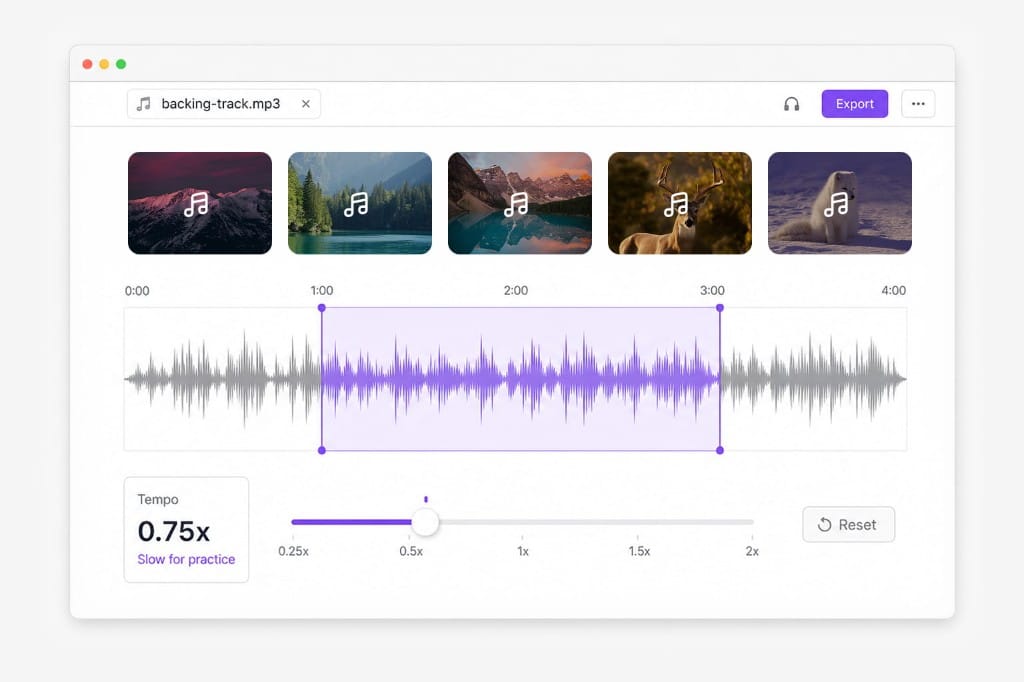
Change music speed online. Slow down or speed up songs for practice and DJ prep — music speed changer with export to MP3, WAV, M4A, or AAC.
Loading audio editor…
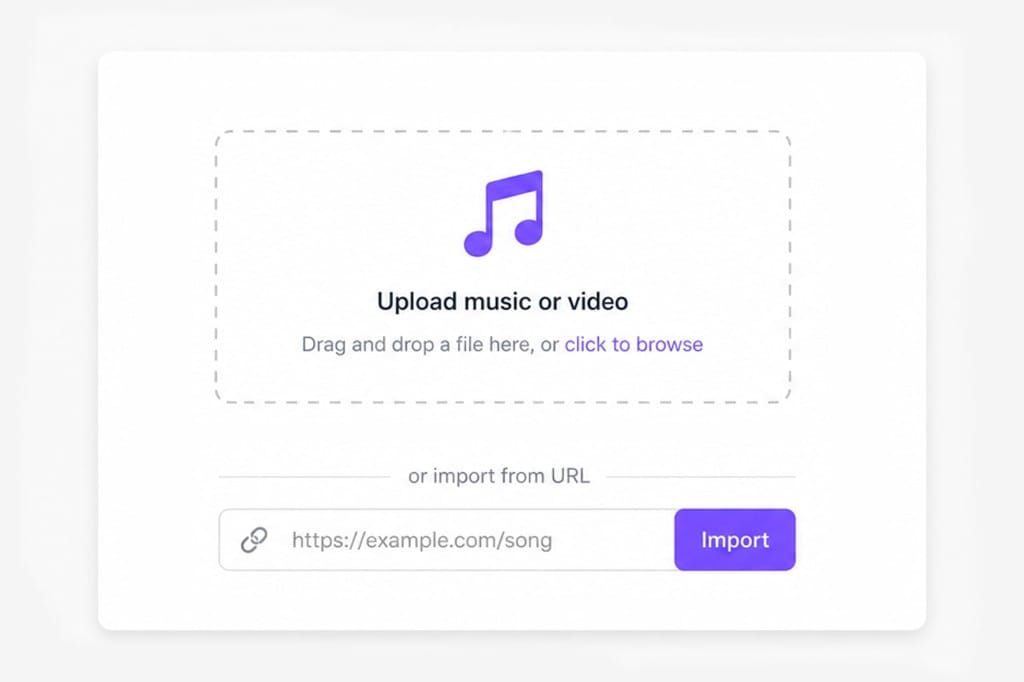
Upload MP3, WAV, M4A, a video with music, or paste a URL. The Speed tab opens first for music speed changing.
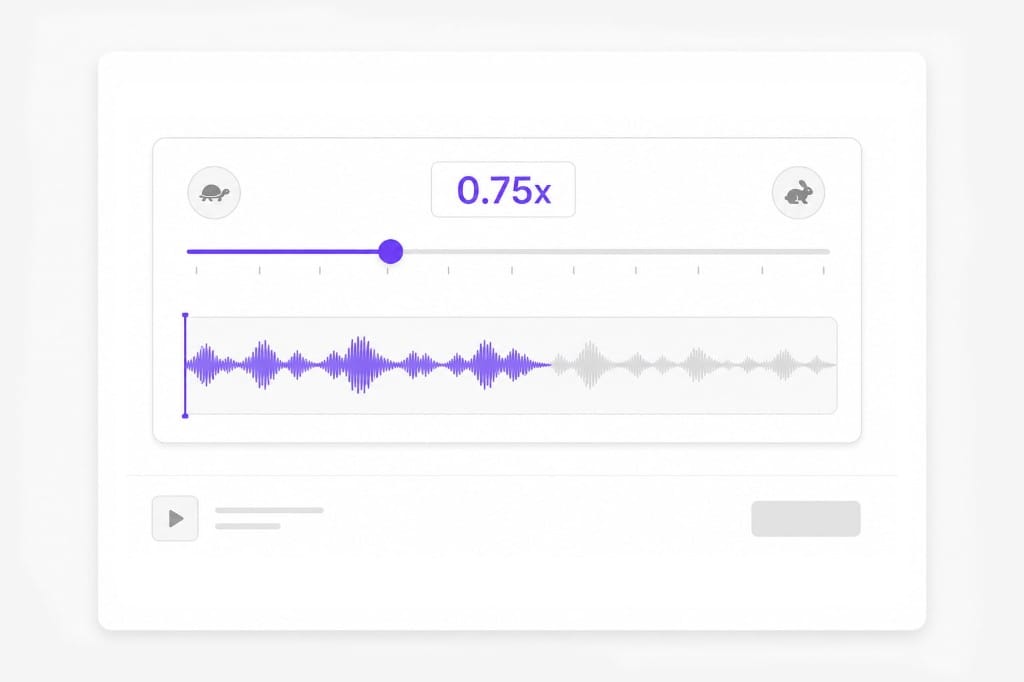
Slow down difficult passages for practice or speed up backing tracks. Preview until the groove feels right.
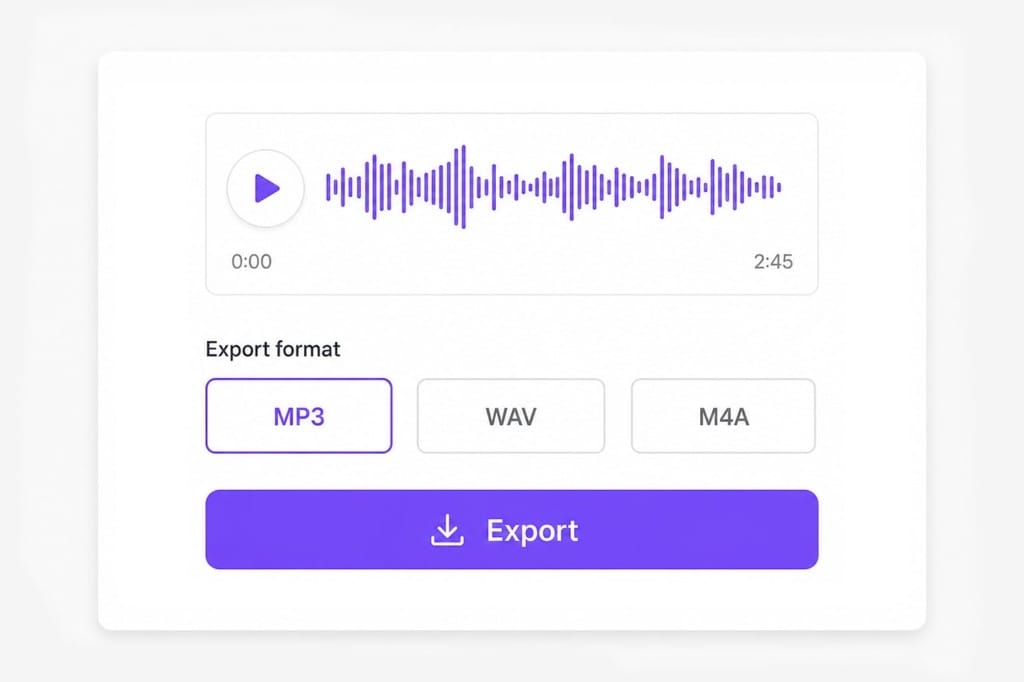
Save MP3, M4A, AAC, or WAV. Sign in to download.
Slow songs for practice, loop choruses, and change tempo in the browser — built for musicians, DJs, and creators who need quick tempo control without a DAW. Open the editor in your browser, adjust trim, volume, speed, or pitch settings, preview before export, and sign in only when you save the finished file.
Copy focuses on songs and backing tracks — not just speech — for practice and rehearsal. Upload MP3 or WAV, open the Speed tab first, and slow down difficult passages or speed up backing tracks while previewing on the waveform.
Use the Trim tab to isolate a chorus or solo, then change music speed on just that section. Loop-friendly trimming plus tempo control supports guitar, piano, and vocal practice without importing the full song into a DAW.
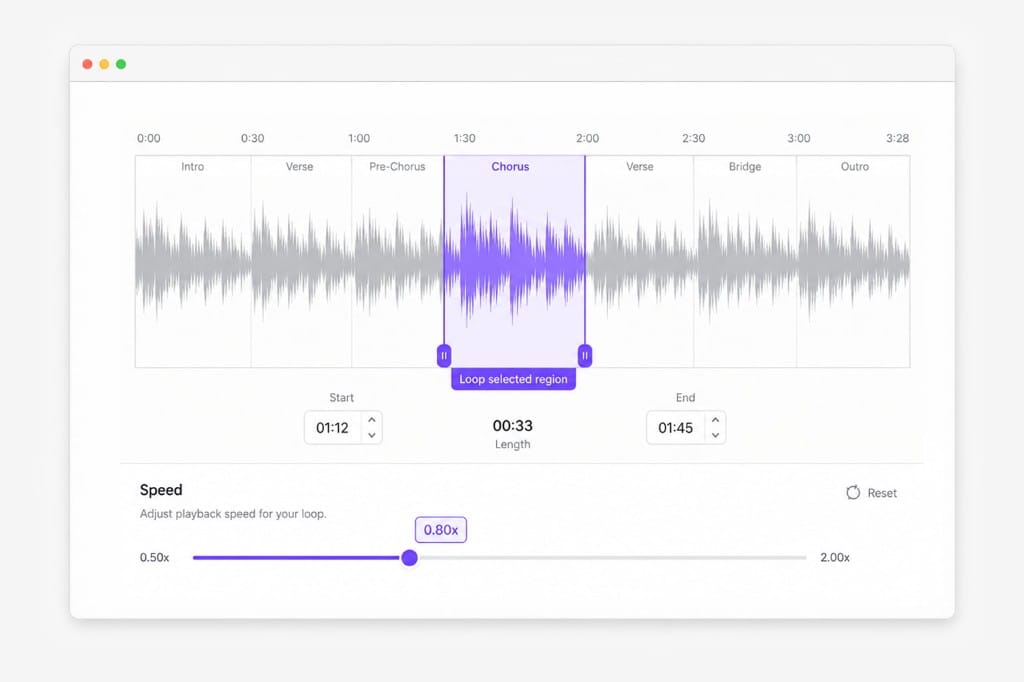
Quick tempo tweaks in the browser — isolate a loop on the Trim tab, then change speed without a DAW. Upload audio or video, extract the track if needed, and export MP3, WAV, M4A, or AAC when the practice tempo sounds right.
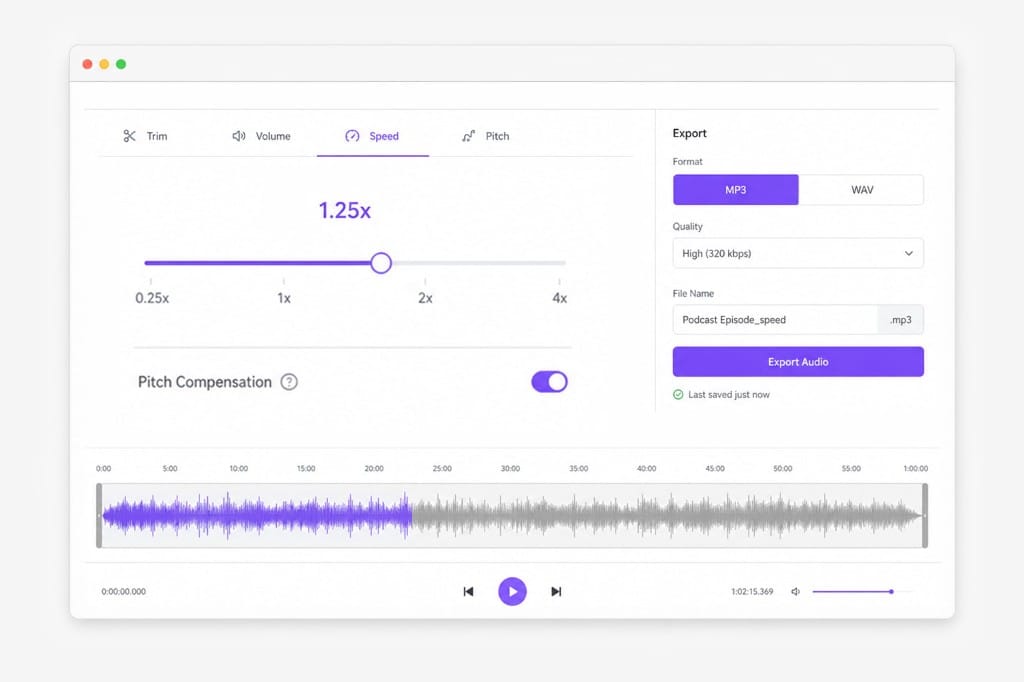
Yes. Upload the song, lower speed on the slider, and loop a trimmed section for practice. Video uploads extract the music track in your browser, so you can slow down audio from a performance clip or backing track file.
Basic speed change may shift pitch. Use the Pitch tab or keep-pitch option in the editor when available for musically cleaner results. Many musicians trim a loop first, then adjust speed and pitch in separate steps on the same page.
Same engine, music-focused SEO and examples — songs, BGM, and instrument practice rather than podcasts alone. Defaults and copy highlight tempo work for musicians while still supporting speech and video audio sources.
Edit and preview free in your browser. Download after sign-in. Preview tempo changes on the waveform before exporting MP3, WAV, M4A, or AAC for practice or sharing.
Upload MP3 or WAV and get accurate speech translation across 170+ languages — built for long-form audio.