Urdu to English Audio & Voice Translation
Translate Urdu audio, voice recordings, and speech into clear English for global understanding.
How to Translate Urdu Audio into English
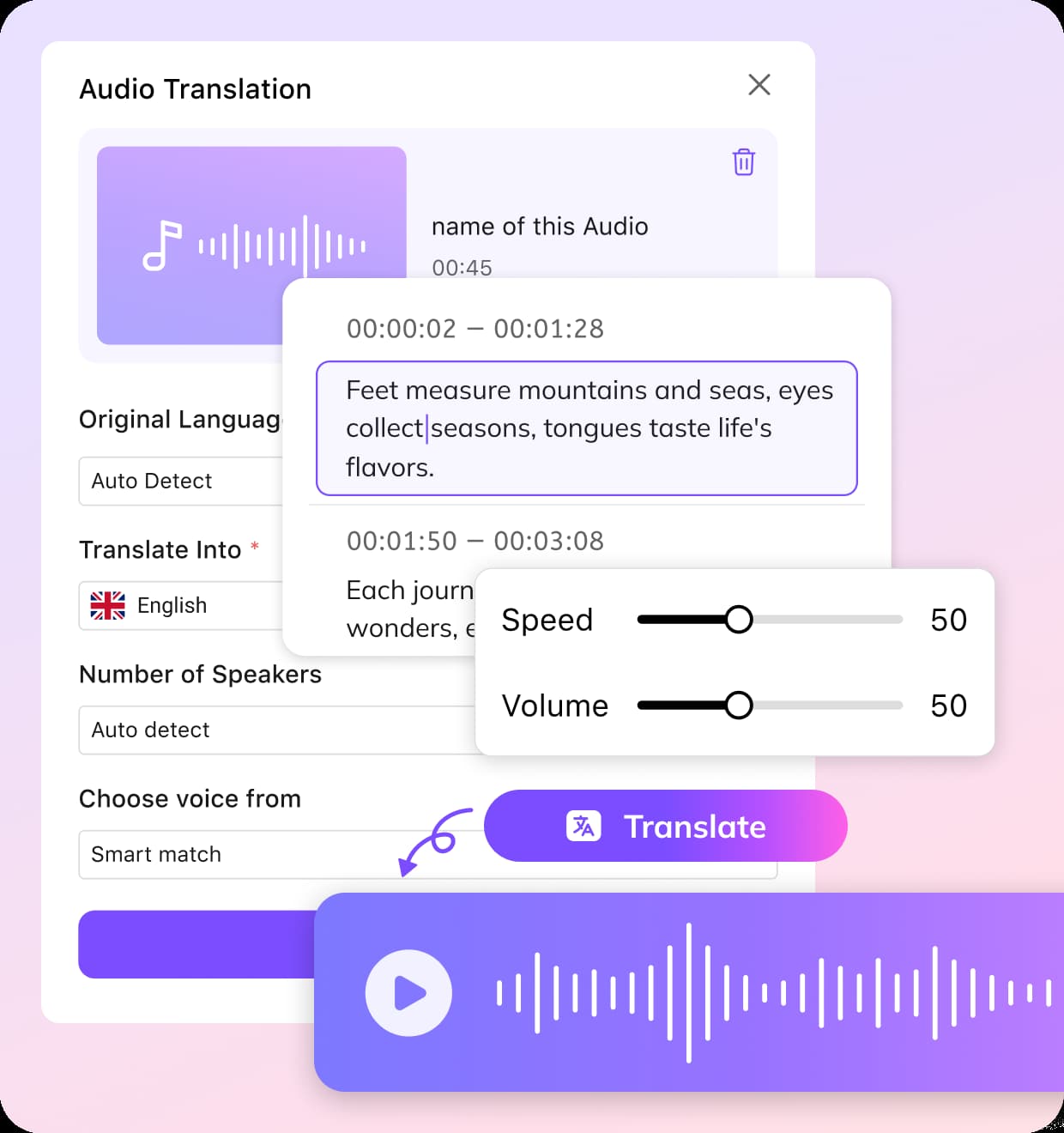
01Upload Your Urdu Audio and Set Preferences
Upload your audio or video files. You can select Urdu as the source language manually or use Auto Detect to identify it automatically.
02Choose English as Target Language and Adjust Voice Options
Next, select English as the output language. Use voice cloning to maintain the original speaker’s tone for a more lifelike result.
03Edit, Fine-Tune, and Download Your Translated Audio
Once the translation is ready, the editor lets you refine transcripts, adjust timing, and tweak voice style.


Why VMEG for Urdu to English Audio Translator
Translate Urdu Audio Across 170+ Languages
Urdu audio often includes accents, mixed languages, and conversational expressions that are hard to translate directly.VMEG AI first transcribes speech into structured text, then translates it into English while preserving meaning and intent.VMEG AI generates English voiceovers that sound natural and aligned with the original tone, making content suitable for professional use.
Select the Perfect Voice for Every Scenario
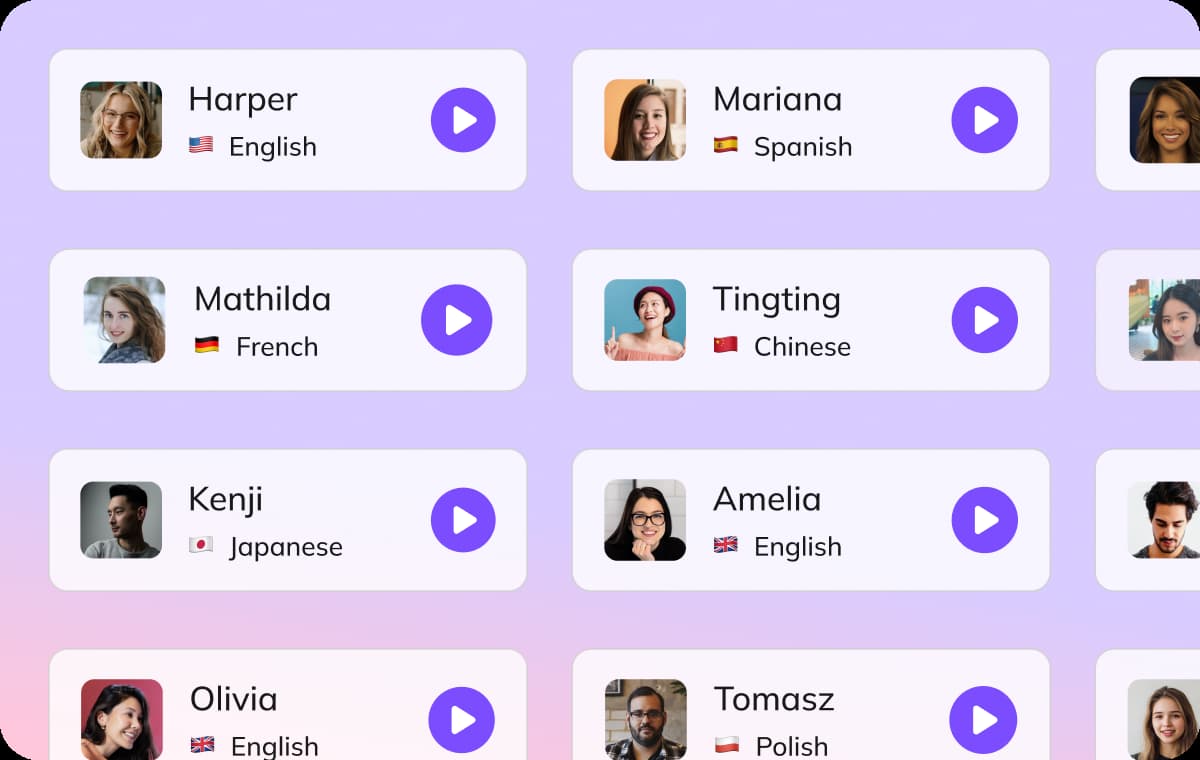
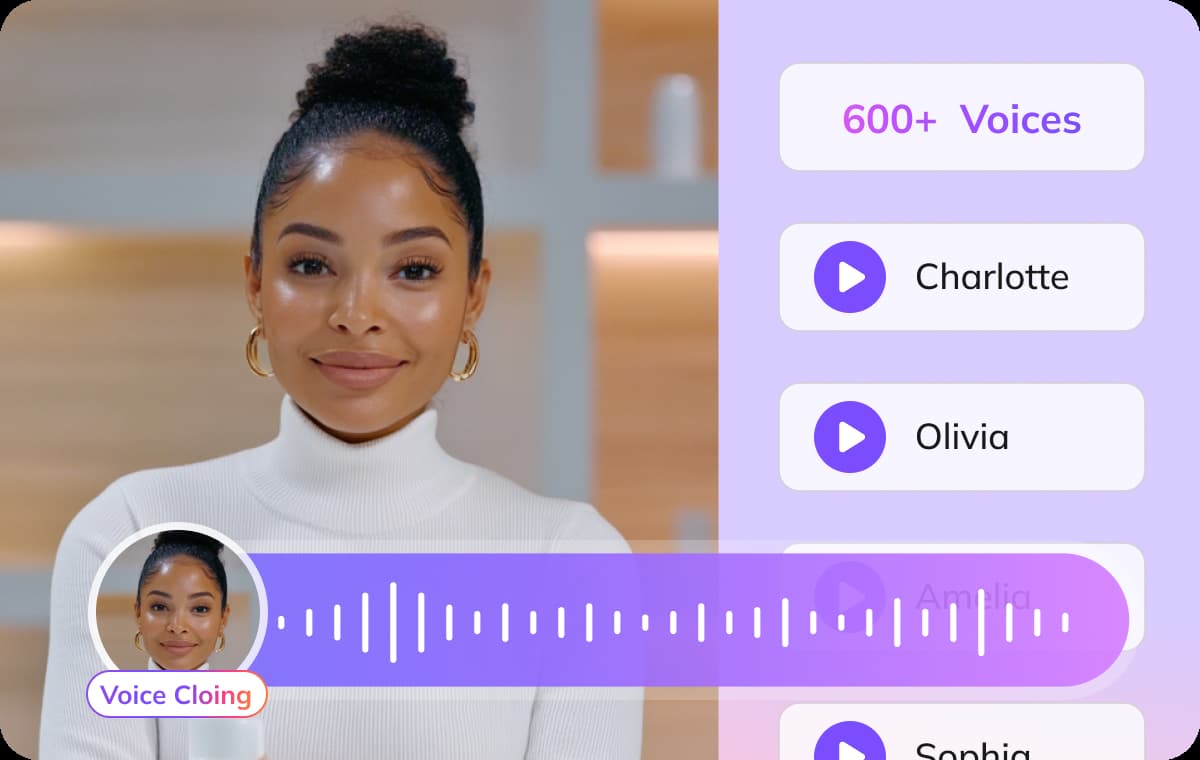
Every piece of content has its own tone, and your translated audio should match it. VMEG AI generates synchronized English subtitles from Urdu audio, helping viewers follow along easily.Voice cloning replicates the unique intonation and emotion of the Urdu speaker in English. VMEG AI processes complex audio inputs and separates speakers while maintaining clarity in translation.
Editing Made Simple
Fine-tune your translations with ease using VMEG’s built-in editing dashboard. You can adjust the timing of spoken words and refine the translated script. Multiple speakers? No problem. The system automatically distinguishes voices and synchronizes overlapping speech, ensuring every speaker is heard distinctly.
Who Uses VMEG Urdu to English Voice Translation

Podcasters, Creators and Media Professionals
Translate Urdu podcasts, YouTube videos, or interviews into English to reach international audiences.
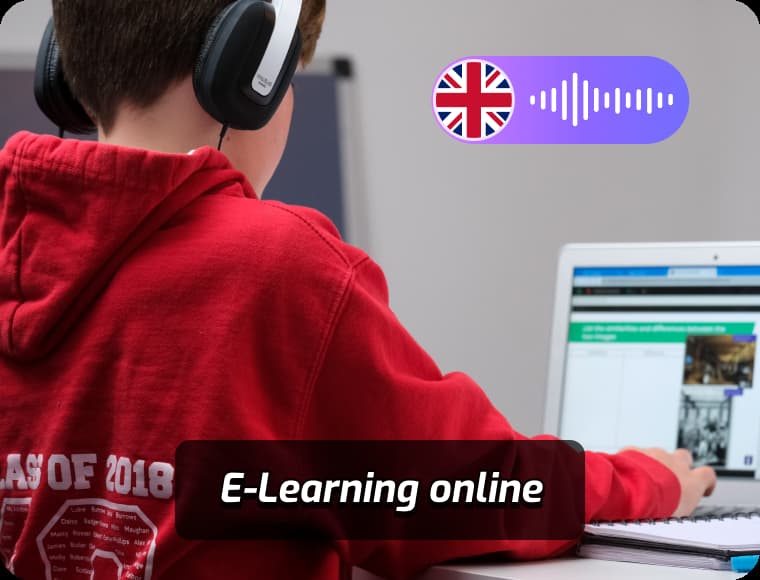
Educators, Students and Language Learners
Translate lectures and study materials from Urdu into English for students and researchers.
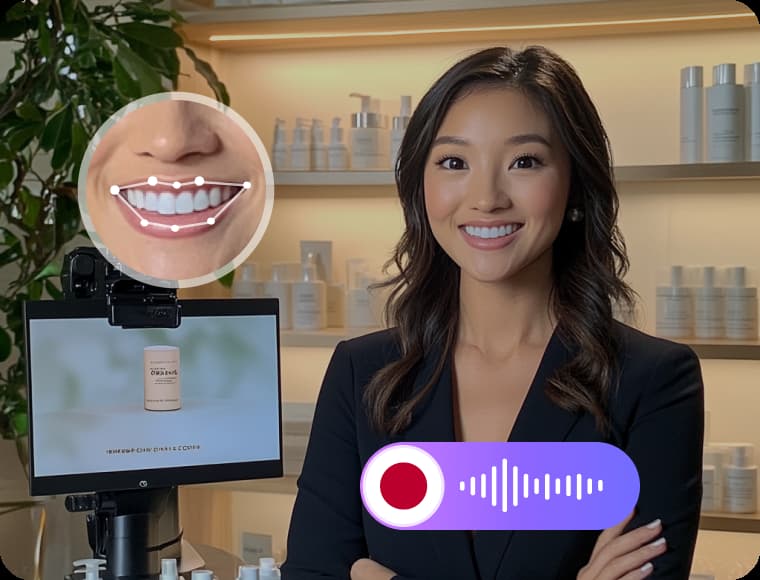
Brands, Businesses & Agencies
Convert Urdu training materials, meetings, and product content into English for global teams.
FAQs about Urdu to English Voice Translator
Can I re-translate or edit the translated English text?
Yes, VMEG includes a built-in transcript editor, allowing you to re-translate, make corrections, adjust translations, and customize your text before exporting.
Does VMEG support emotion adjustment in translated audio?
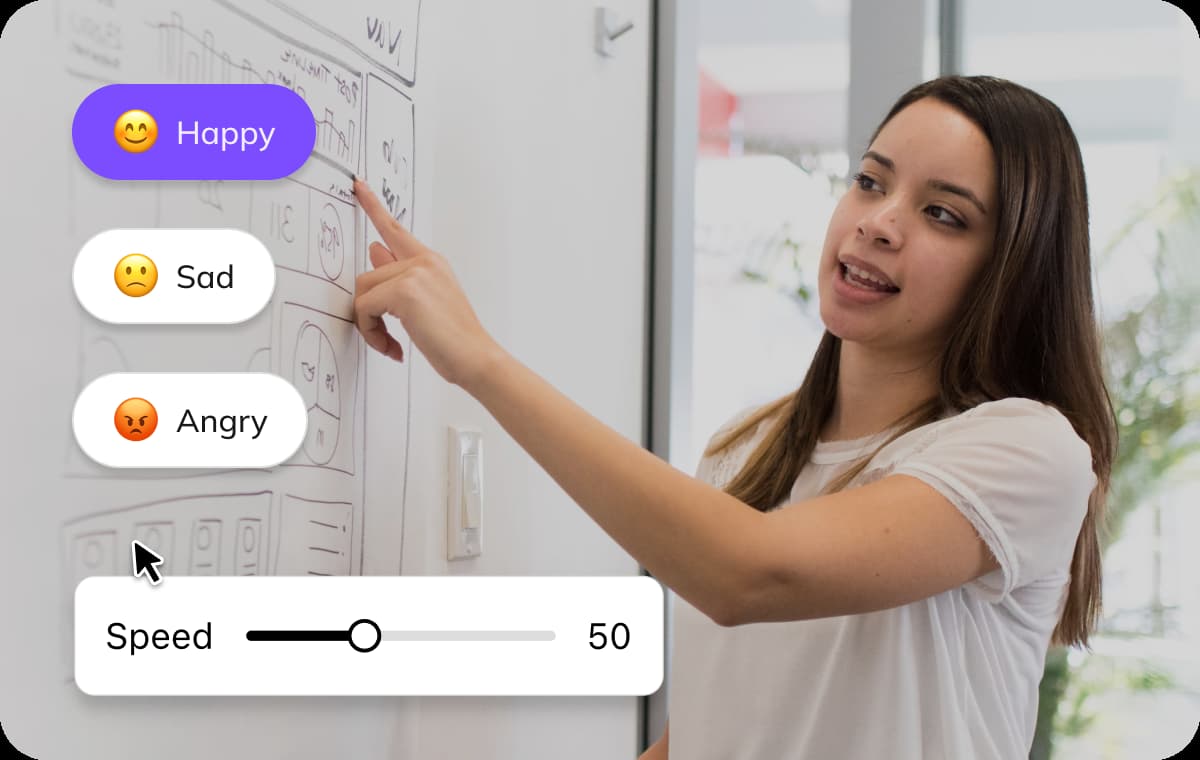
Yes, VMEG allows you to apply emotion settings like happy, sad, or neutral tones when generating voiceovers for your translated English audio.
Can I control the playback speed of translated audio?
Yes, you can adjust the speech speed by stretching or shortening the audio timeline, making it sound faster or slower based on your needs.
Can I translate Urdu to other languages besides English?
Yes, VMEG supports over 170 languages. You can translate Urdu audio into languages like French, German, Spanish, Chinese, and more.