Translate Arabic Audio to Urdu
Quickly translate Arabic audios, speeches, or voices into fluent Urdu language. VMEG preserves the original tone with realistic voice cloning while delivering precise translation.
How to translate Arabic to Urdu voice?
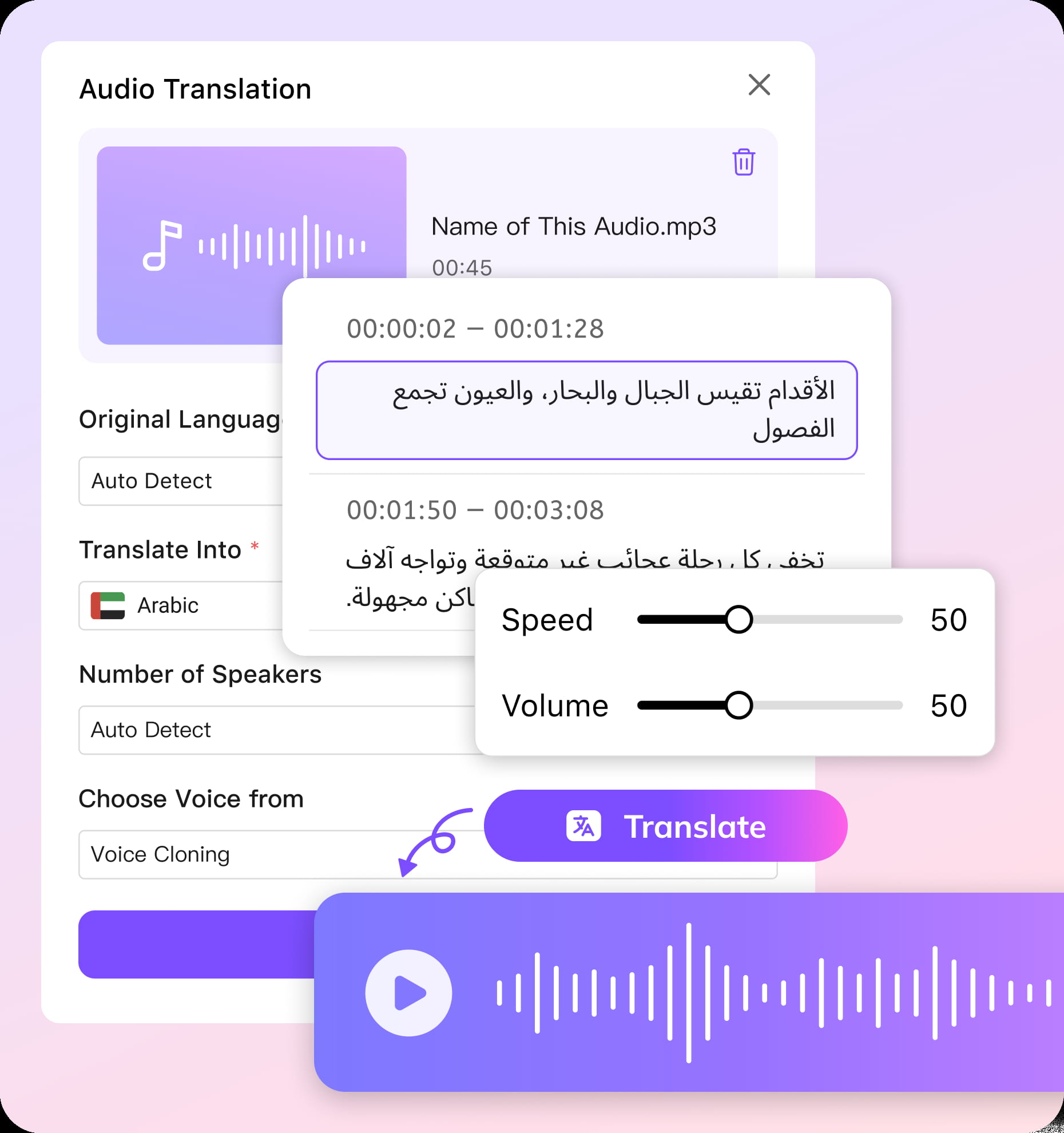
01Upload your Arabic recording
From Quran recitations to lively Gulf podcasts, you can upload almost any type of Arabic content up to 2 hours long. Select Arabic as the source language.
02Pick Urdu as the target language and customize settings
Choose Urdu as the output. Select your voice style from either voice cloning mode or stock voices. Once ready, submit your task.
03Check, fine-tune, and export
Once uploaded, the editor lets you polish transcripts, adjust timing, and tweak the translation. When ready, export your Urdu audio and share it with your audience.


Arabic to Urdu Audio TranslatorSmart and Accurate
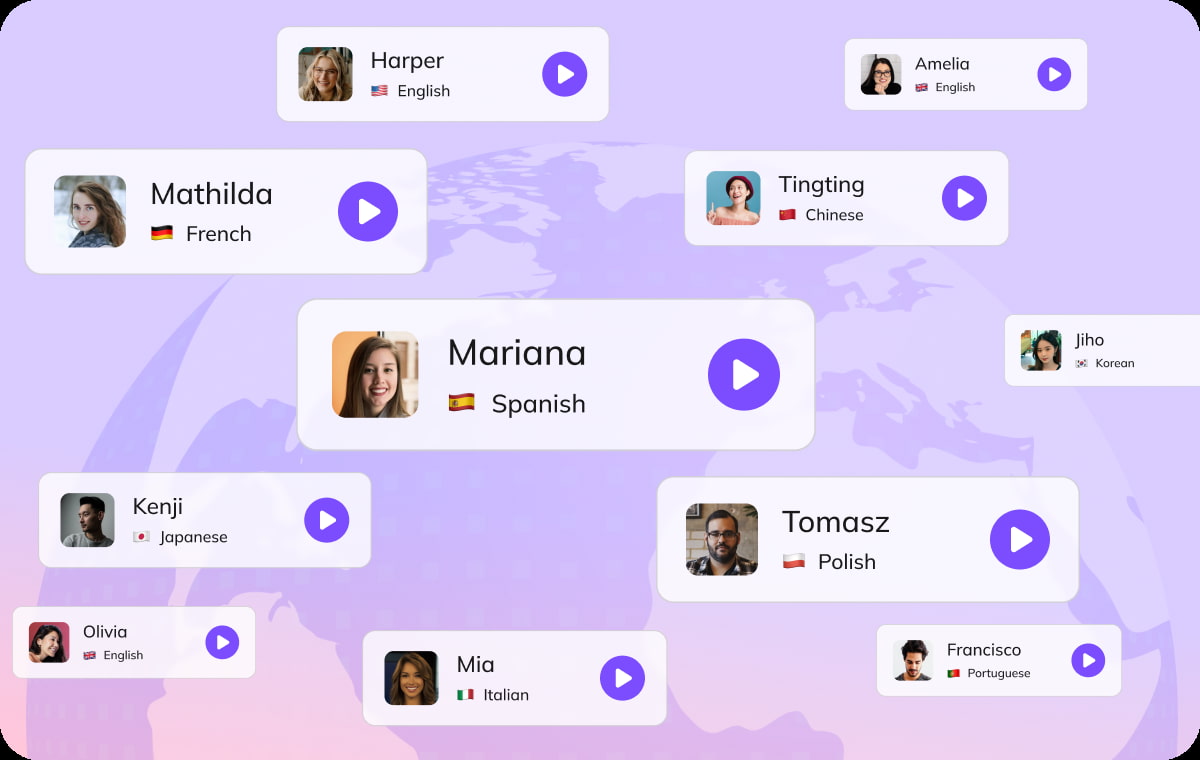
Authentic Arabic to Urdu Dubbing with Voice Cloning
Capture the true essence of Arabic speech and bring it alive in Urdu. VMEG voice cloning technology preserves every nuance. Your Urdu audience experiences not just the words, but the emotion and cultural context embedded in the original content.
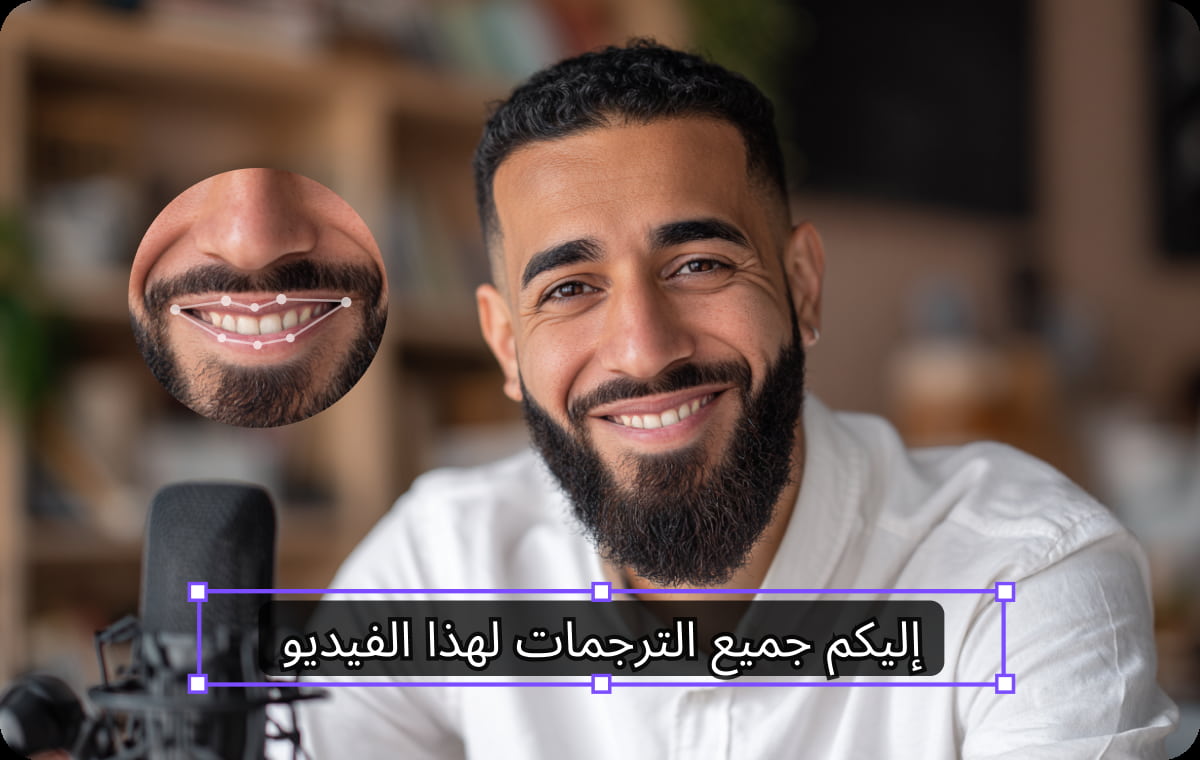
Powerful Editor to Fine-Tune Results
Polish your translations with our user-friendly editor. You can edit transcripts, adjust timing, and refine wording in a simple editor. It helps you sync multiple speakers and improve flow. You can also adapt local phrases and expressions so content feels natural for Urdu listeners.You can even adapt idioms and regional references to make the content feel familiar and relatable to your audience.
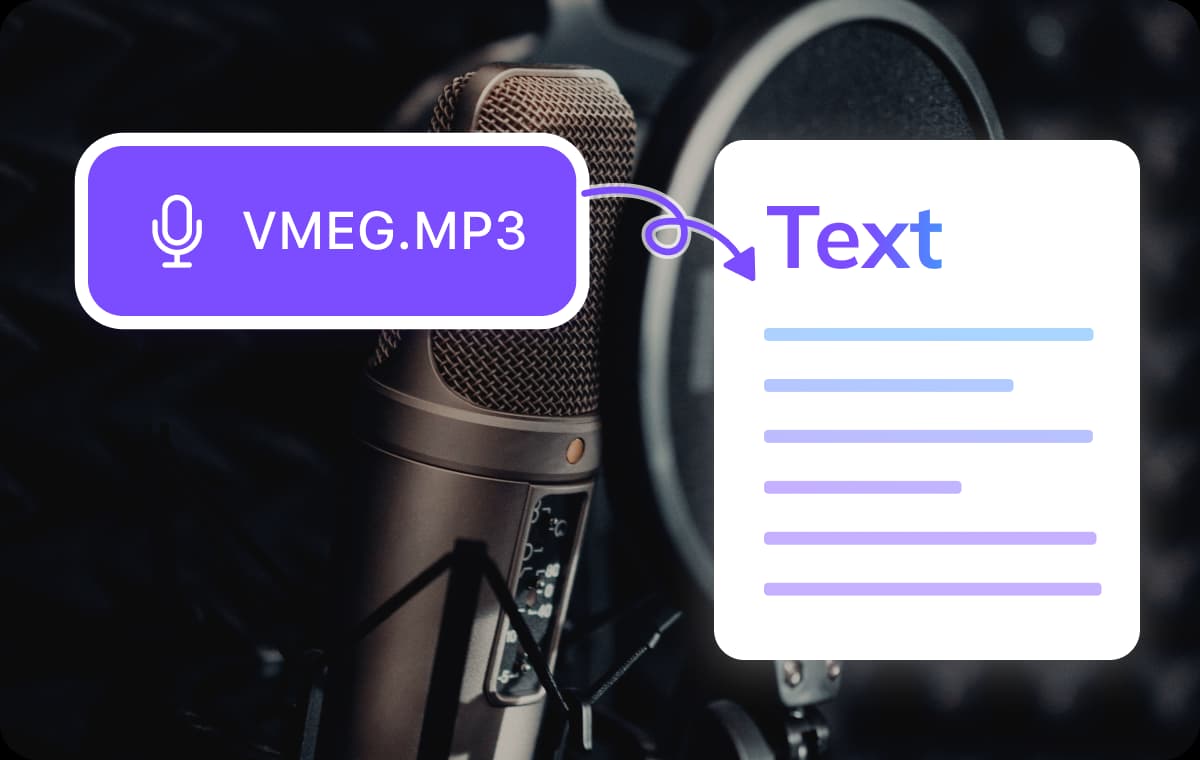
Accurate Arabic to Urdu Script Translation with Context
Our AI goes beyond literal translation to truly understand the meaning behind the words. The translation focuses on real meaning instead of literal words. It keeps cultural details, proverbs, and emotions intact. Dialogues, stories, and formal content stay clear and relatable for Urdu-speaking audiences.
Who Uses Arabic to Urdu Audio Translation
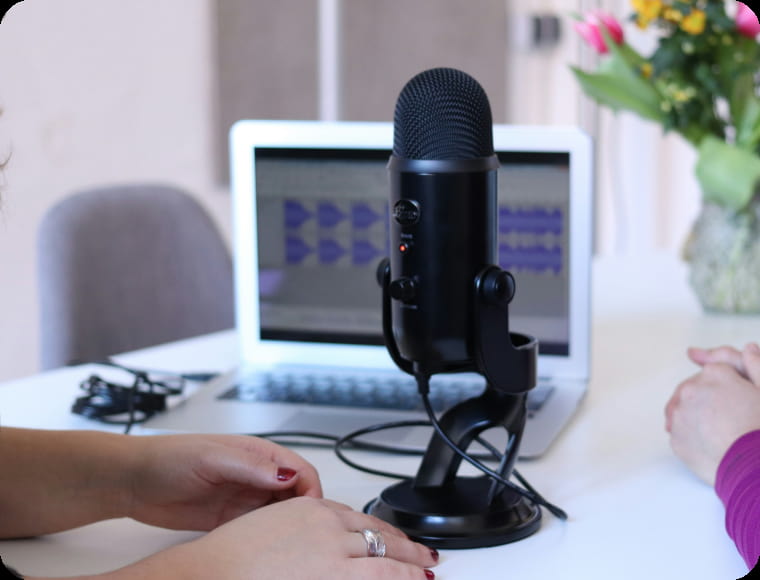
Podcasters & Content Creators
Arabic content creators can dub their shows and videos into Urdu to reach wider global audiences. The tool keeps the original tone and emotion so listeners feel connected to the real content.
Educators & Students
Teachers can turn Arabic lessons and lectures into clear Urdu audio for easier learning. Students gain accessible, context‑rich content that supports better understanding and engagement.
Brands, Agencies & Marketers
Businesses can adapt Arabic marketing and campaign content for Urdu‑speaking markets. The translation preserves key messages and cultural details to feel authentic and relatable locally.
FAQs about Arabic to Urdu Voice Translation
How accurate is the Arabic to Urdu translation?
Our AI goes beyond literal translation, understanding context, cultural references, and expressions. The result is natural, precise Urdu that retains the meaning and emotional tone of the original.
How long can my audio file be?
You can upload recordings up to 2 hours in length. Supported formats include MP3, M4A, AAC, and WAV.
Can VMEG handle multiple speakers in one recording?
Yes. The system automatically distinguishes multiple speakers and synchronizes overlapping speech, ensuring clarity even in interviews, panels, or group discussions.
What if my audio contains more than one language?
You can enable multi-language recognition, and VMEG will accurately identify and translate only the Arabic portions into Urdu.