


Czech Text to Speech
How to Generate Czech Audio with VMEG
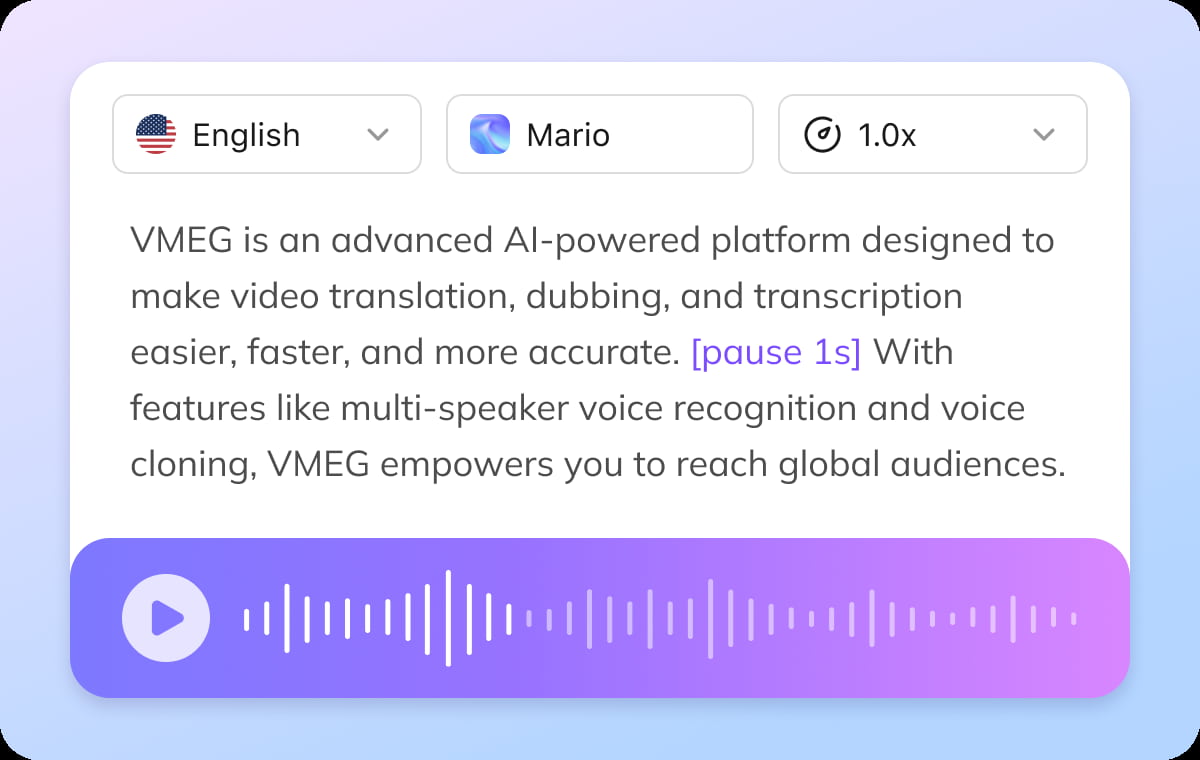
Add Your Text or Subtitles
Paste Czech text or upload an .srt file to automatically align narration with your content.
Select a Voice
Choose from a wide range of realistic AI voices and pick the tone that matches your use case — formal, educational, or conversational.
Generate and Export
Preview your voiceover, make quick edits if needed, and export high-quality Czech audio in seconds.
Why Choose VMEG for Czech Text to Speech
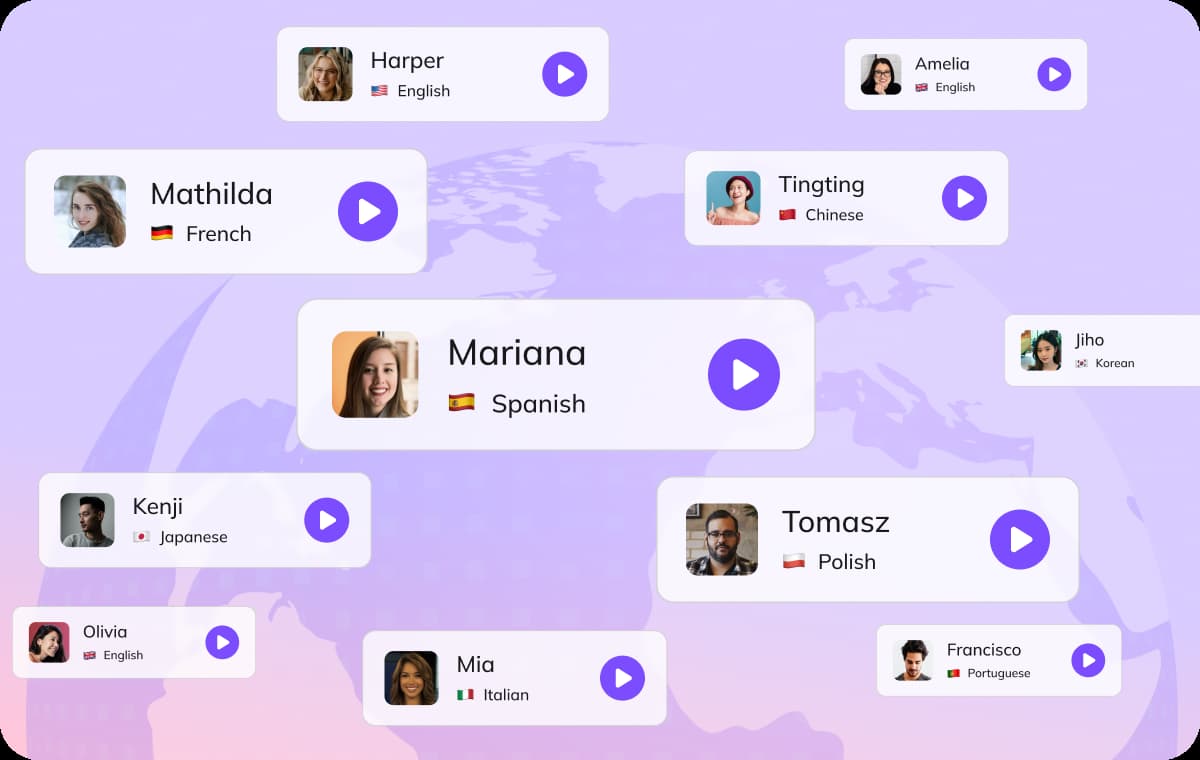
Accurate Czech Pronunciation and Natural Flow
Create Czech voiceovers that sound smooth and natural. VMEG’s AI model handles pronunciation, sentence rhythm, and speech flow — making the output suitable for professional use. Everything runs online, so you can generate high-quality narration without microphones, studios, or complicated setup.
Czech Text to Speech
Flexible Voice Selection for Any Scenario
Access a large library of AI voices designed for different use cases — including education, marketing, and storytelling. Adjust tone and delivery style to match your content, whether you need a formal narration or a more engaging voice.This makes it easy to maintain consistency across videos, lessons, and branded content.
Czech Text to Speech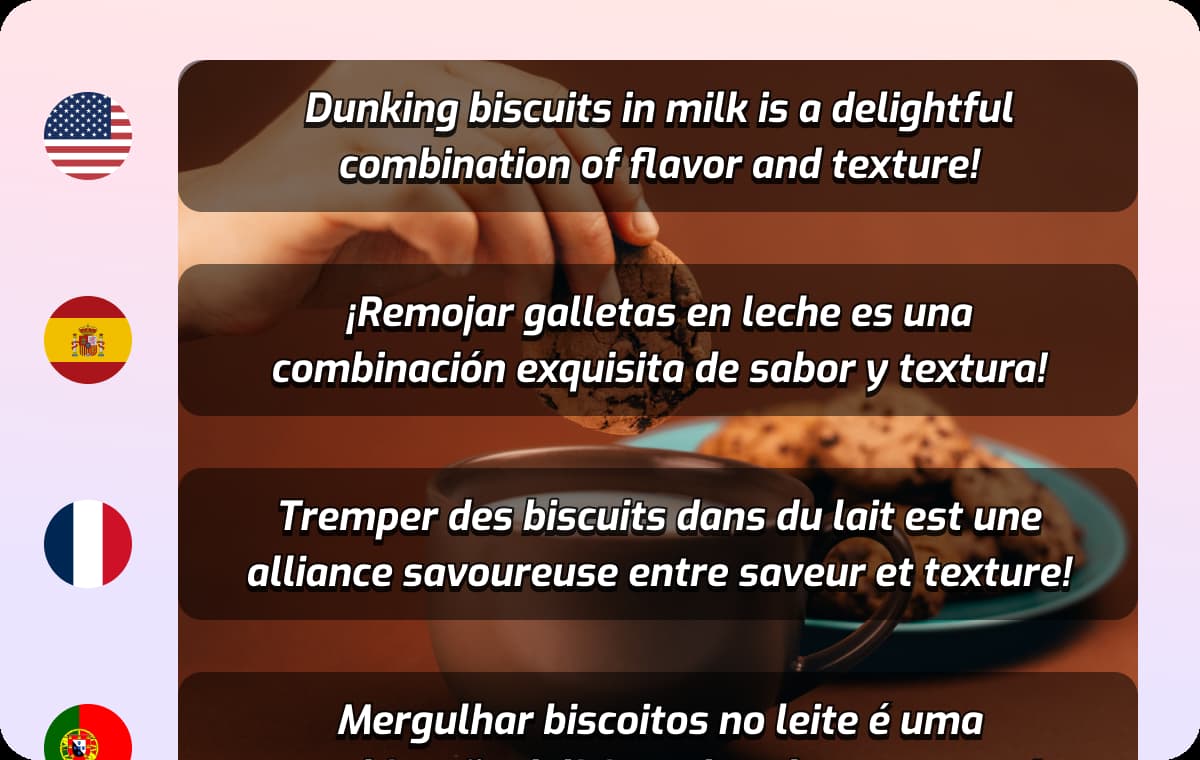
More Than TTS – Built for Content Localization
VMEG goes beyond text to speech by integrating tools like audio translation and speech-to-text. You can: generate narration from subtitles, convert Czech speech into text and adapt content into multiple languages. All within one streamlined workflow.
Czech Text to SpeechWho Uses VMEG’s Czech Text to Speech
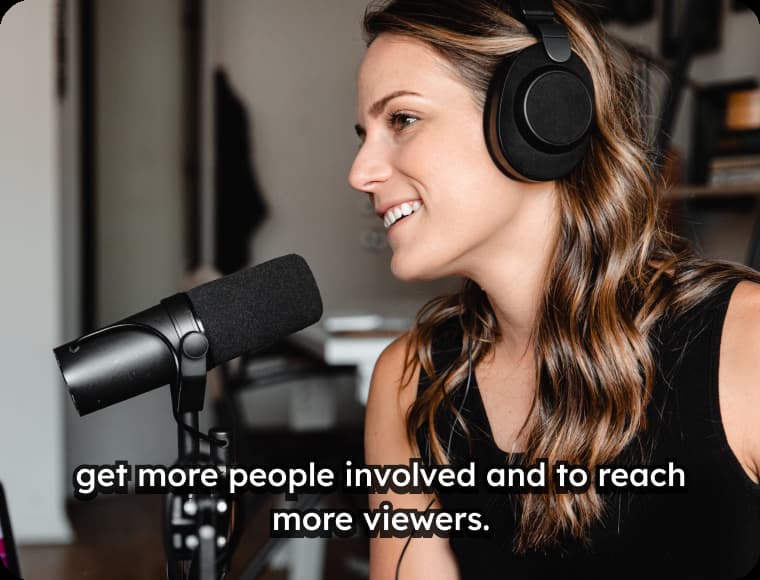
Content Creators & Video Producers
Generate Czech voiceovers for YouTube, social media, and digital campaigns — without relying on voice actors or recording setups.

Educators & Learners
Create clear audio materials for lessons, training, and language learning with accurate pronunciation and pacing.

Businesses & Teams
Produce localized product demos, onboarding content, and internal communication in consistent, professional Czech voices.
Czech Text to Speech - FAQs
Do I need to install any software to use VMEG’s Czech text to speech?
No. VMEG runs entirely in your browser, so there’s no need to download or install anything. You can generate Czech voiceovers, edit subtitles, and export audio directly online — making the workflow fast and accessible from any device.
How natural do the Czech AI voices sound?
VMEG’s voices are designed to deliver clear, smooth speech with realistic pacing — suitable for education, business, and media use.
Can I create Czech voiceovers from subtitles?
Yes. Upload an .srt file and VMEG will automatically generate time-synced Czech narration.
Can I convert Czech audio into other languages?
Yes. With built-in audio translation, you can transform Czech speech into multiple languages for global distribution.
Text to Speech in More Languages
Discover More on VMEG
Related Searches
Czech Text to Speech Online
Turn your Czech text into clear, natural-sounding voiceovers with ease. VMEG’s AI captures accurate pronunciation, rhythm, and speech flow — delivering professional, human-like audio for your content.
Czech Text to Speech