


Transcribe Google Meet Recording
Aautomatically converts Google Meet meeting audio into fast, accurate, and editable transcripts, ensuring you never miss any key points. VMEG also supports multilingual capabilities and content reuse.
How to Transcribe Google Meet
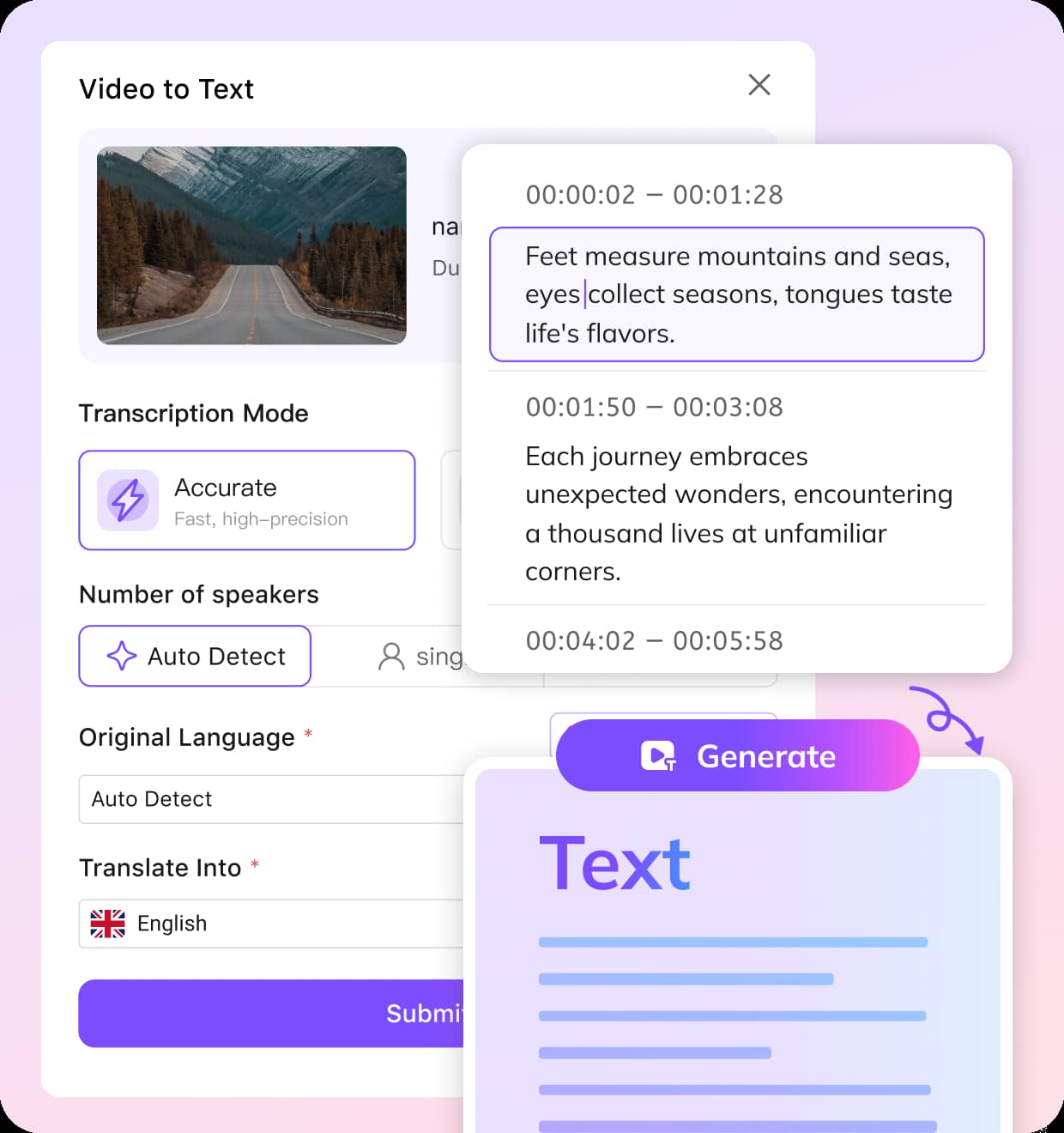
Upload Your Google Meet Recording
Download your meeting from Google Drive and upload it to VMEG. Supports MP4, WEBM, and other common formats.
Choose the Language
AI auto-detects the meeting’s spoken language, or you can select a target language for translation.
Review and Export
Edit your transcript in the editor, then export it as TXT, VTT, SRT, or translate it into 170+ languages.
Why Choose VMEG Google Meet Converter
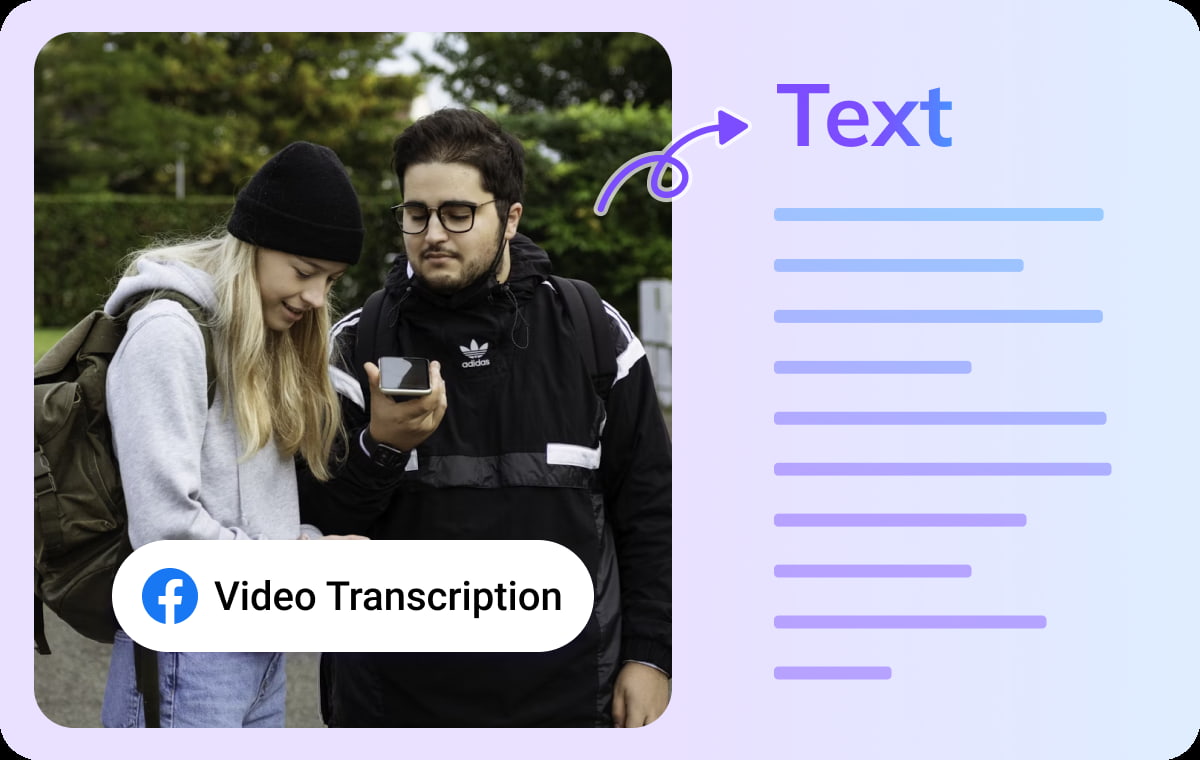
Auto-Transcribe Google Meet Recordings with High Accuracy
VMEG automatically recognizes and transcribes your Google Meet content. Whether it's team discussions, client presentations, online training sessions, or cross-departmental collaboration. VMEG converts it into clear, structured meeting transcripts.VMEG accurately captures different speakers from recordings, enabling you to obtain readable, shareable text immediately after meetings.
Transcribe Google Meet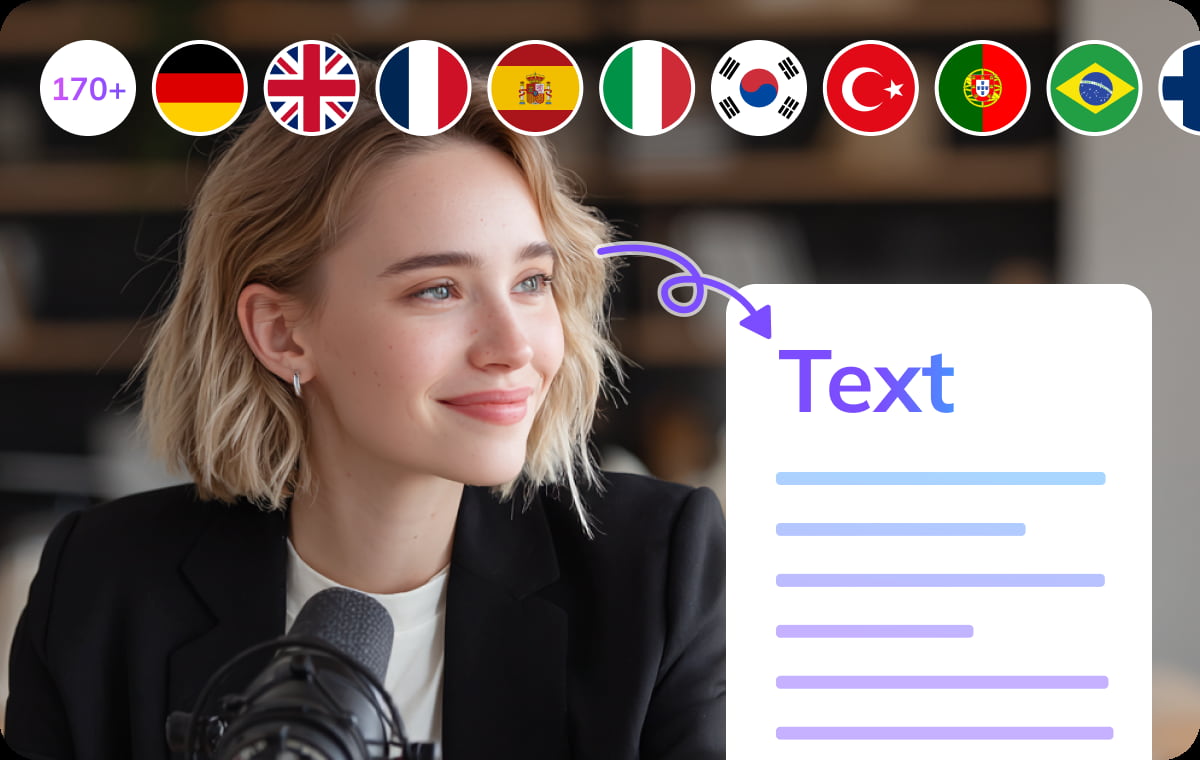
Multilingual Detection & Translation for Global Teams
Supports recognition of over 170 languages and dialects. Even when meeting participants come from different countries or communicate in multiple languages, VMEG accurately transcribes and maintains clear contextual understanding of the content.Translate meeting transcripts into any target language with a single click, facilitating multilingual collaboration, cross-team alignment, and international business communication. VMEG Google Meeting Transcriber will revolutionize your global workflow.
Transcribe Google Meet
Built-In Editor for Instant Review, Collaboration & Export
VMEG offers a lightweight online editor that allows you to quickly proofread or adjust document paragraph structure directly in your browser, creating more readable meeting minutes.Once transcription is complete, you can export it in multiple formats, including TXT, DOCX or subtitle files. This makes it easy to archive, share, study, or create formal documents, ensuring every Google Meet session can be efficiently reused.
Transcribe Google MeetWhy Choose VMEG’s Twitter (X) Video Transcription

Creators & Influencers
As a creator or influencer, Google Meet is often the place where collaborations, brainstorming sessions, and interviews happen. With VMEG AI’s transcription tool, you can turn these virtual meetings into valuable, shareable content that extends your reach and engagement.

Educators & Trainers
Google Meet is becoming a key tool in modern classrooms and training sessions. With VMEG’s transcription tool, educators and trainers can provide students with accurate, searchable transcripts that enhance learning and improve retention.

Businesses & Marketing Teams
For businesses and marketing teams, VMEG AI’s Google Meet transcription tool offers an efficient way to turn meetings and brainstorming sessions into valuable, accessible, and reusable content. Improve internal collaboration, customer engagement, and SEO with our automated transcription service.
FAQs about Transcribing Google Meet
To transcribe a Google Meet session using VMEG, simply upload your Google Meet recording or paste the meeting’s audio/video file link into the VMEG AI transcriber. The tool automatically converts the meeting audio into accurate, searchable text—no manual typing required. It works with English and multiple other languages.
Google Meet can record meetings, but it does not automatically generate full transcripts for all users. Transcription availability is limited to certain Workspace plans. VMEG solves this by letting you upload any Google Meet recording and instantly generate a complete transcript—regardless of your Google plan.
Google’s Gemini may provide AI note summaries in some Workspace tiers, but these are not full transcripts and often lack timestamps or speaker detail. With VMEG, you get a complete, editable transcript from any Google Meet recording.
There are third-party Chrome extensions that try to transcribe live Google Meet calls, but they often have accuracy, privacy, or stability issues. VMEG offers a simpler and more reliable approach: upload the meeting recording after your session, and VMEG generates a clean, structured transcript without installing anything.
Google Meet itself requires recording for most transcription workflows. But with VMEG, if you already have the audio from another attendee or exported meeting file, you can upload the audio directly—even if the meeting wasn’t officially recorded. VMEG will still generate a full transcript from the audio source.
Discover More on VMEG
Related Searches
Transcribe Google Meet Recording for Free
Automatically convert Google Meet meetings to text & record for sharing, archiving, and collaboration. VMEG also supports multilingual capabilities and content reuse.
Transcribe Google Meet