


Transcribe Twitter Video to Text
Leveraging AI speech recognition technology, automatically transcribe Twitter video audio into high-accuracy text transcripts or subtitles at lightning speed. No manual transcription required. Ideal for article excerpts, social sharing, and content repurposing.
How to Get Video Transcript from X
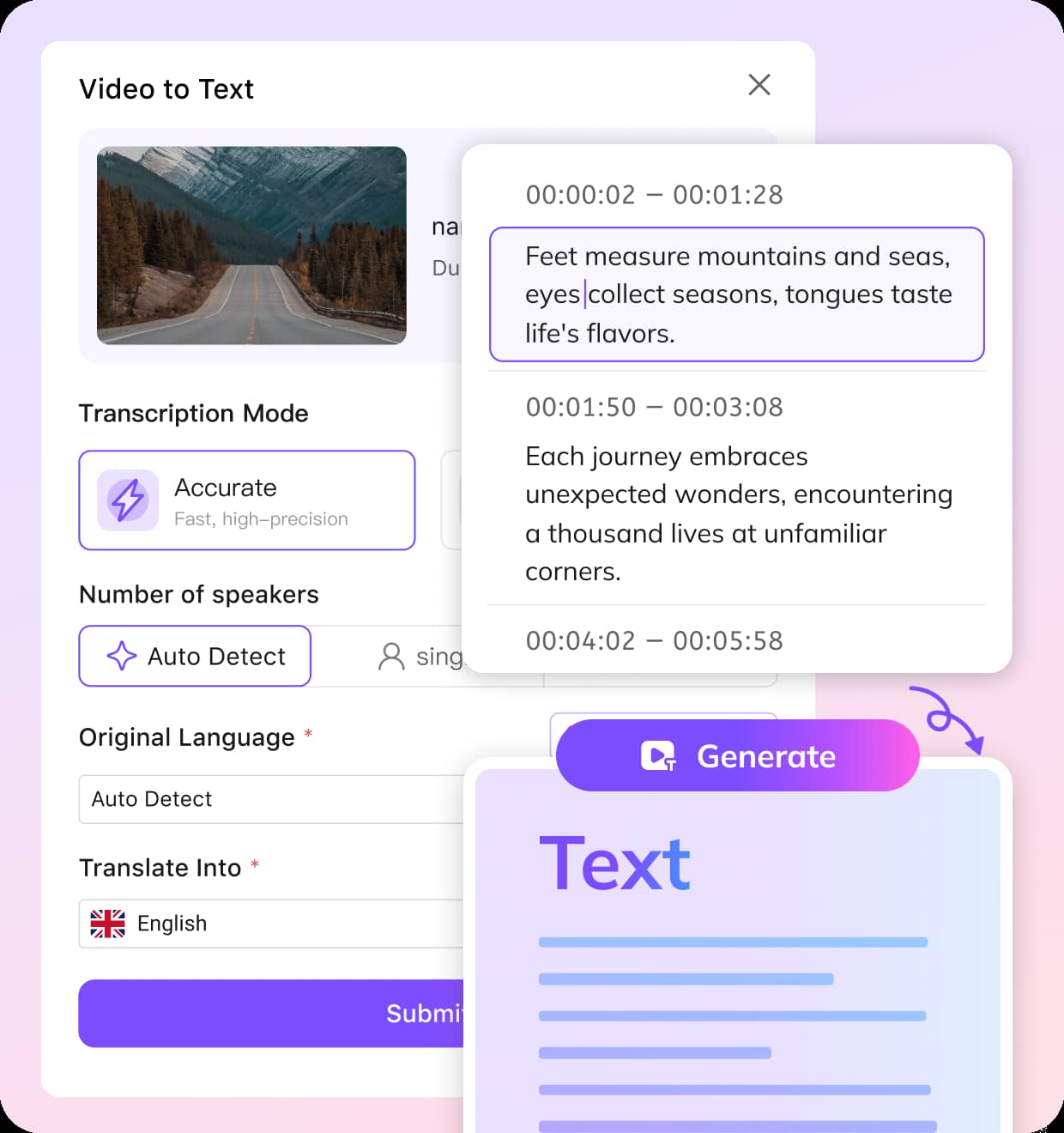
Upload Your Twitter/X Video
Download the video from X and upload it to VMEG. Supports MP4, MOV, and all common formats.
Choose the Language
AI auto-detects the spoken language, or you can pick a target language for translation.
Review and Export
Edit your transcript in the editor, then export it as TXT, VTT, SRT, or translate it into 170+ languages.
Why Choose Twitter Video Transcriber
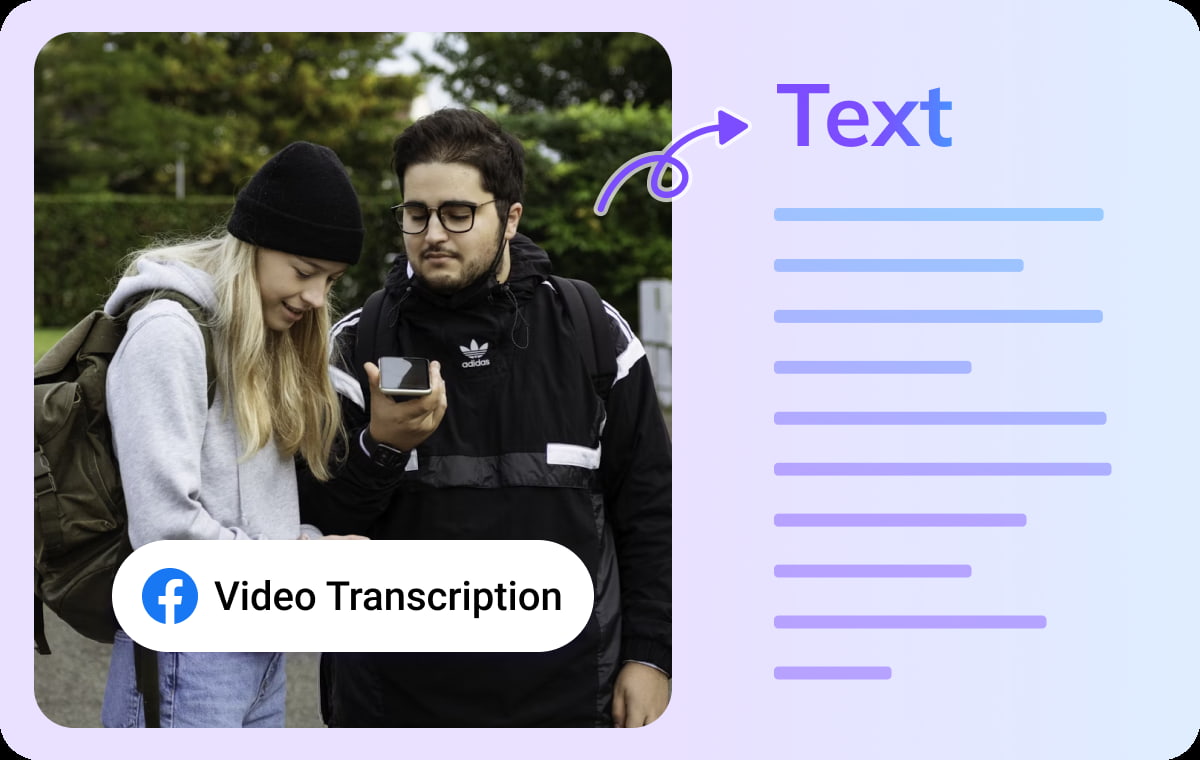
Convert Twitter (X) Videos to Text in One Click
VMEG lets you extract the text content from Twitter/X videos with a single click. Whether it's news clips, creator short videos, or other segments, it quickly transcribes them into editable text.Twitter Video Transcriber automatically handles timelines, speech clarity, and dialogue sequencing, making it easy to reuse content for learning, note-taking, script creation, or reposting on social media.
Transcribe Twitter Video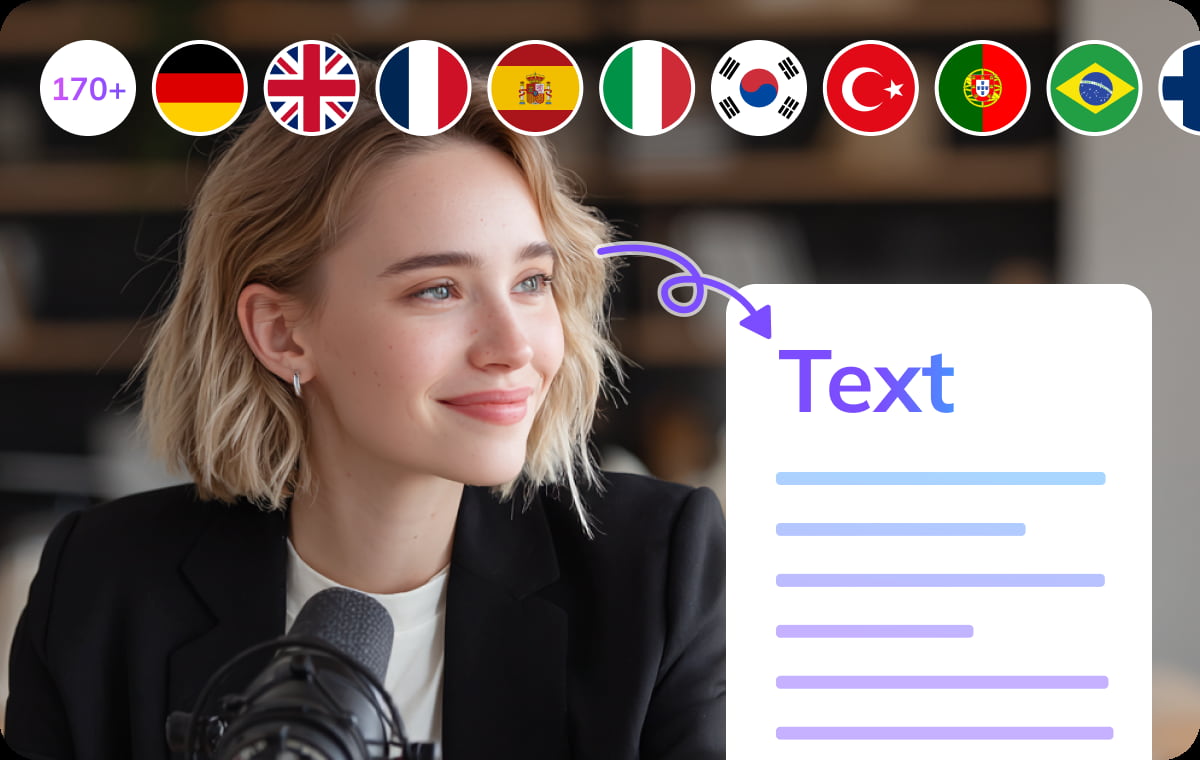
High-Accuracy Multi-Speaker Recognition for Complex Dialogues
Powered by speech recognition optimization, VMEG accurately distinguishes different speakers in videos, clearly presenting each conversation even in recordings featuring rapid dialogue, mixed languages, or noisy environments.For interview segments, live broadcast clips, or multi-person discussion videos, this feature significantly improves transcription quality.
Transcribe Twitter Video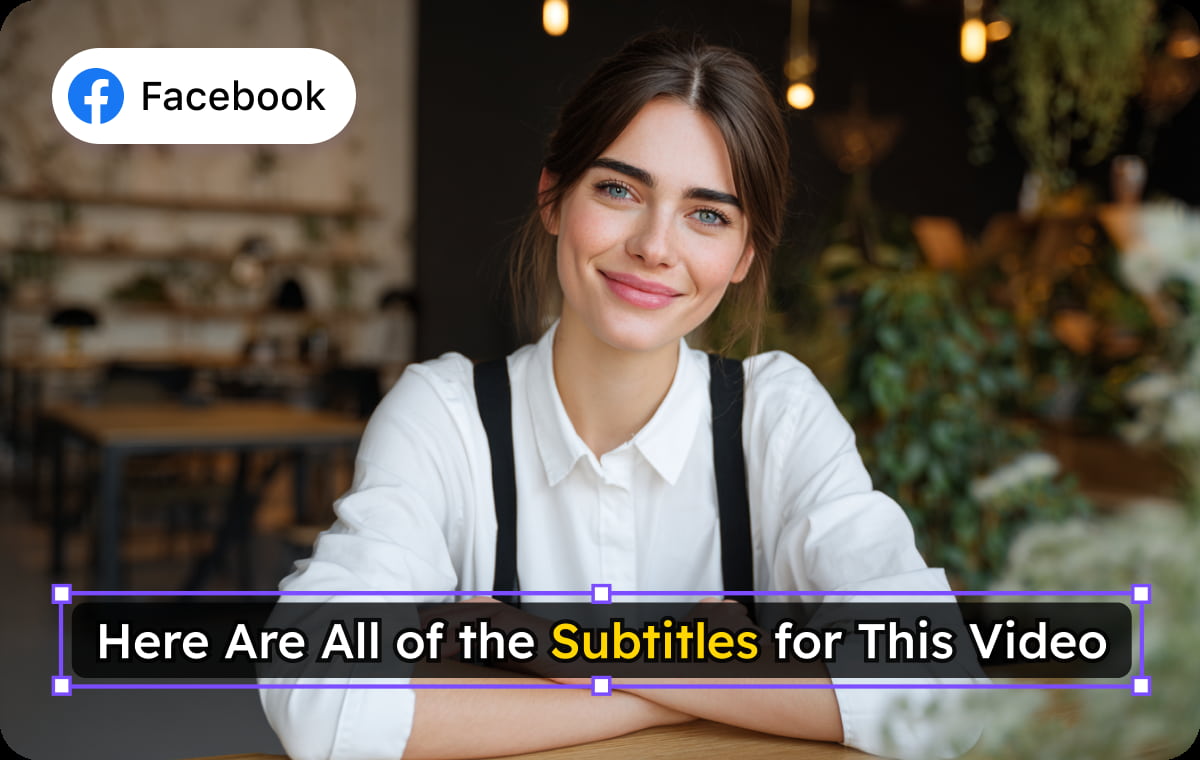
Export Clean Text or Subtitle Files for Reuse Anywhere
After completing the transcription, you can directly use VMEG's built-in editor online. Edit the content, proofread the text, adjust paragraph breaks, or add supplementary information.Whether you're a creator, researcher, or marketing team, you can quickly transform Twitter video content into searchable, shareable, and repurposable text assets.
Transcribe Twitter VideoWhy Choose VMEG’s Twitter (X) Video Transcription

Creators & Influencers
Transcriptions improve your video’s searchability both on and off the platform. Quickly turn video transcripts into posts, captions, threads, or blog content.
Educators & Trainers
Transcriptions make it easy for learners to find key insights without rewatching videos. Students can read along and revisit key topics anytime.

Businesses & Marketing Teams
Brands and marketing teams can maximize every video’s ROI using VMEG’s transcription to expand reach and drive results.
FAQs about Twitter Video Transcription
With VMEG’s Twitter Video Transcriber, you can generate a transcript in one click. Simply copy the video link from Twitter (X), paste it into the VMEG tool, and the platform will instantly convert the video’s audio into accurate, editable text.
Twitter (X) does not offer a built-in transcript or captioning feature for videos. To get a transcript, you can use VMEG’s transcription tool. It automatically extracts the audio from any public X video and generates a clean, readable transcript.
A Twitter video transcriber is a tool that converts audio from Twitter (X) videos into written text. VMEG’s Transcribe Twitter Video tool delivers high-accuracy transcripts that you can edit, search, and download—perfect for content creators, researchers, and accessibility needs.
VMEG allows you to transcribe Twitter (X) videos for free. Just paste the video URL into the tool, click Transcribe, and you’ll get a full transcript without needing to download the video or create an account.
Yes. Once your transcript is generated, you can copy it directly or download it as a text file for easy sharing, studying, caption creation, or repurposing into other content formats.
Discover More on VMEG
Related Searches
Get Video Transcript from X
One-click conversion of Twitter videos into editable transcripts or subtitle files for easy sharing, learning, and content reuse.
Transcribe Twitter Video