


Transcribe Vimeo Video
Convert any Vimeo video into clean, editable text or subtitle files using advanced AI speech recognition. Download transcripts instantly and repurpose them for blogs, captions, subtitles, SEO optimization, or multi-language content creation.
How to Transcribe Vimeo Video to Text
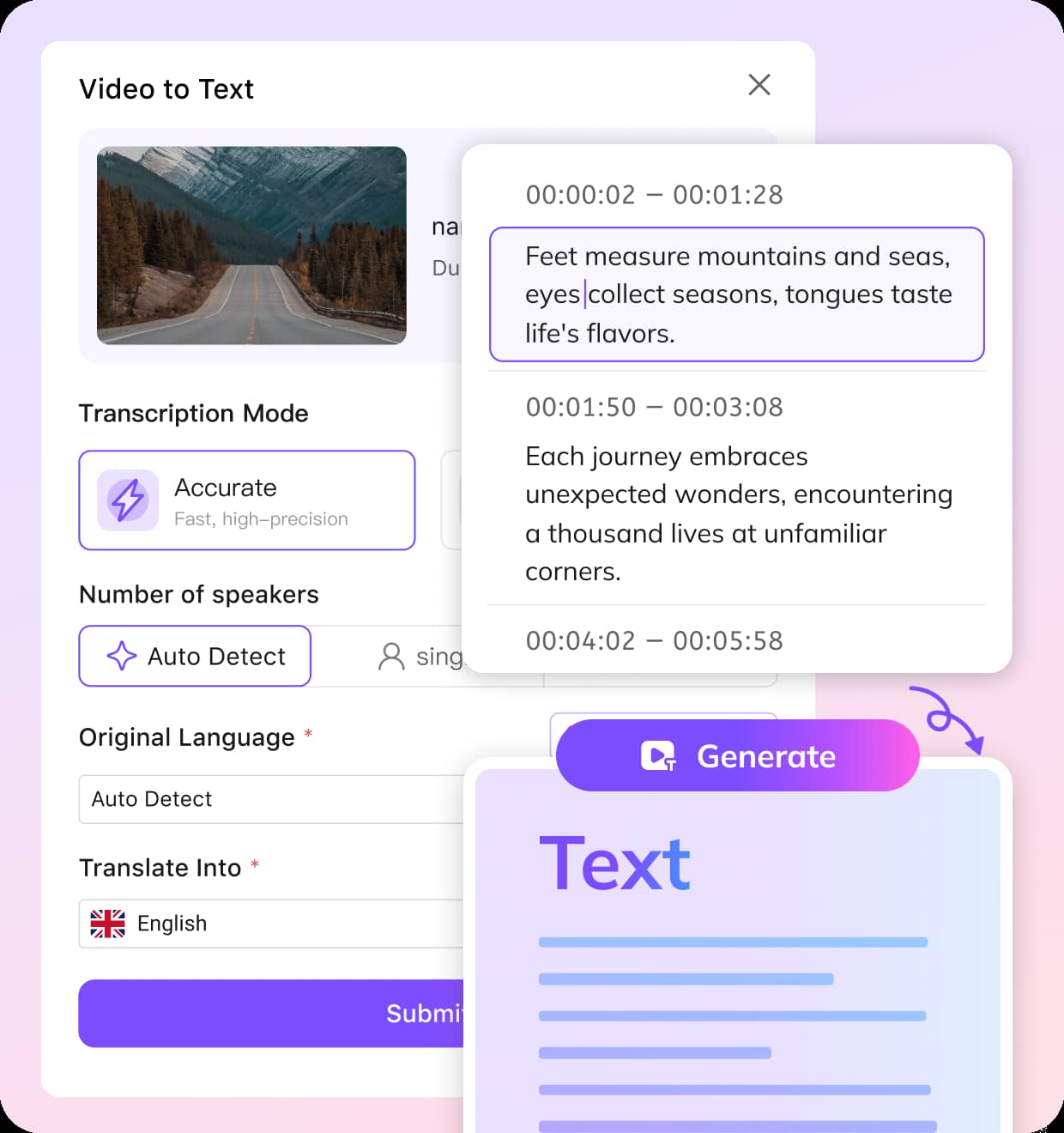
Upload Your Vimeo Video
Upload your downloaded Vimeo video to VMEG. We support MP4, MOV, AVI, and all major formats.
Choose the Original or Target Language
Our AI automatically detects the spoken language, or you can manually pick the language you want to translate into. Supports 170+ languages for transcripts, subtitles, and multilingual content creation.
Review in the Editor and Export
VMEG instantly transcribes your video, detects speakers, and converts speech to text with high accuracy. Review and polish your transcript in the editor, then export it as TXT, VTT, SRT—or translate it into any supported language for subtitles or dubbing.
Why Choose VMEG for Vimeo Transcription
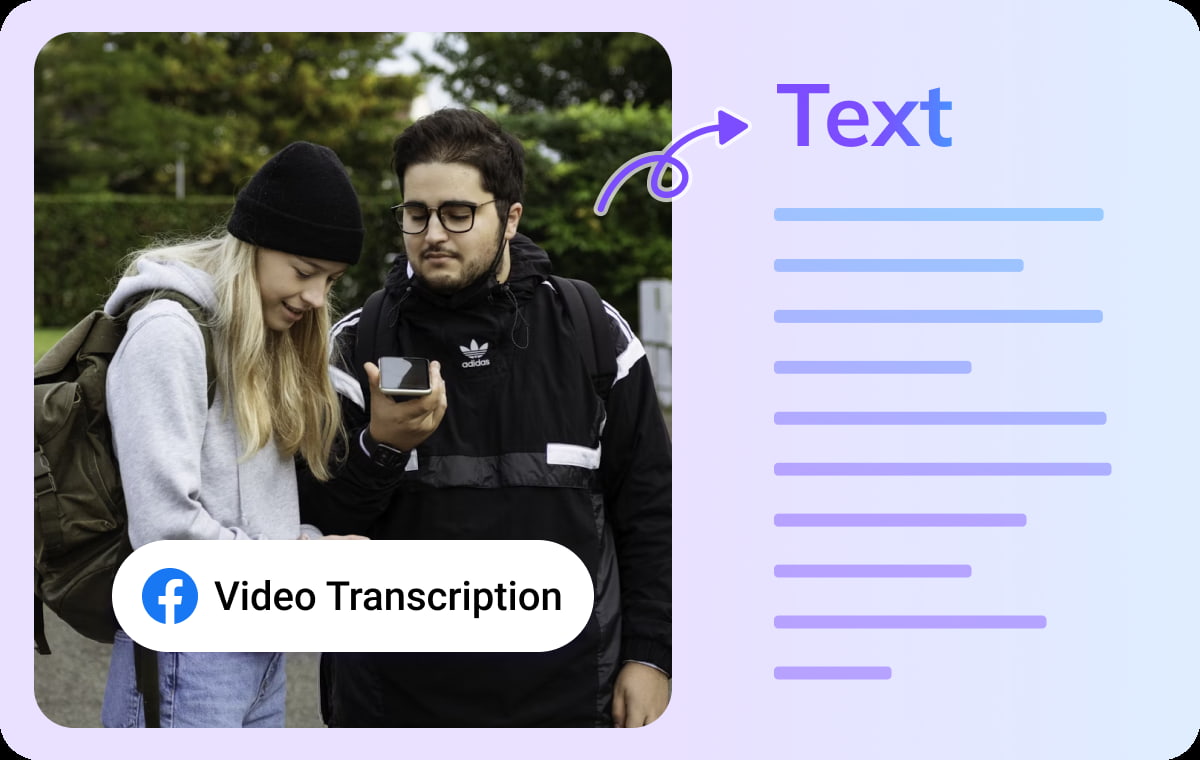
Accurate Vimeo Video Transcription with Multi-Speaker Detection
VMEG delivers professional-grade transcription services for Vimeo videos using a high-precision AI engine. VMEG's transcription feature accurately identifies multiple speakers while maintaining perfect synchronization between captions and the video timeline.No software installation is required. Transcribe Vimeo videos instantly online to create subtitles, content summaries, scripts, or text assets. VMEG ensures every word is captured precisely and presented cleanly.
Transcribe Vimeo Video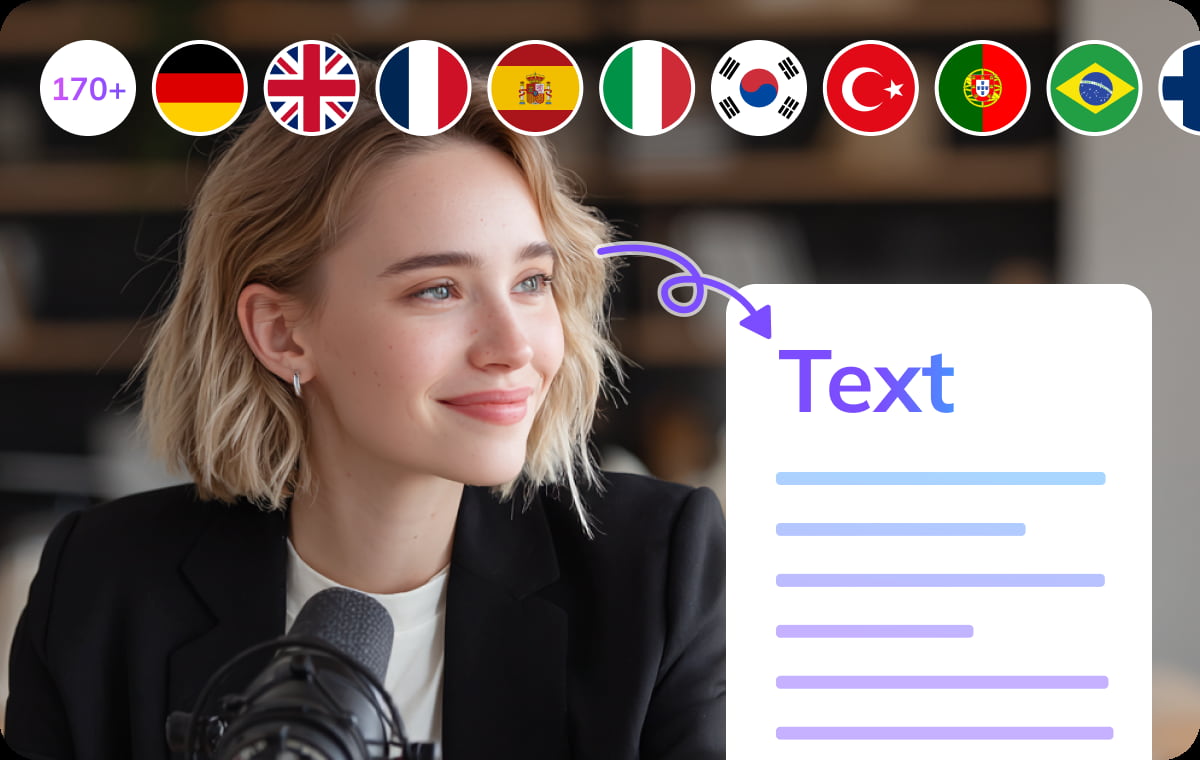
Translate Vimeo Videos into 170+ Languages
VMEG not only transcribes but also translates your Vimeo video content into 170+ languages, delivering natural expressions that sound like they were born in the target language.Whether it's international or multilingual content, VMEG handles it effortlessly. While presented as document content within the editor, you can freely choose the subtitle file format to generate.
Transcribe Vimeo Video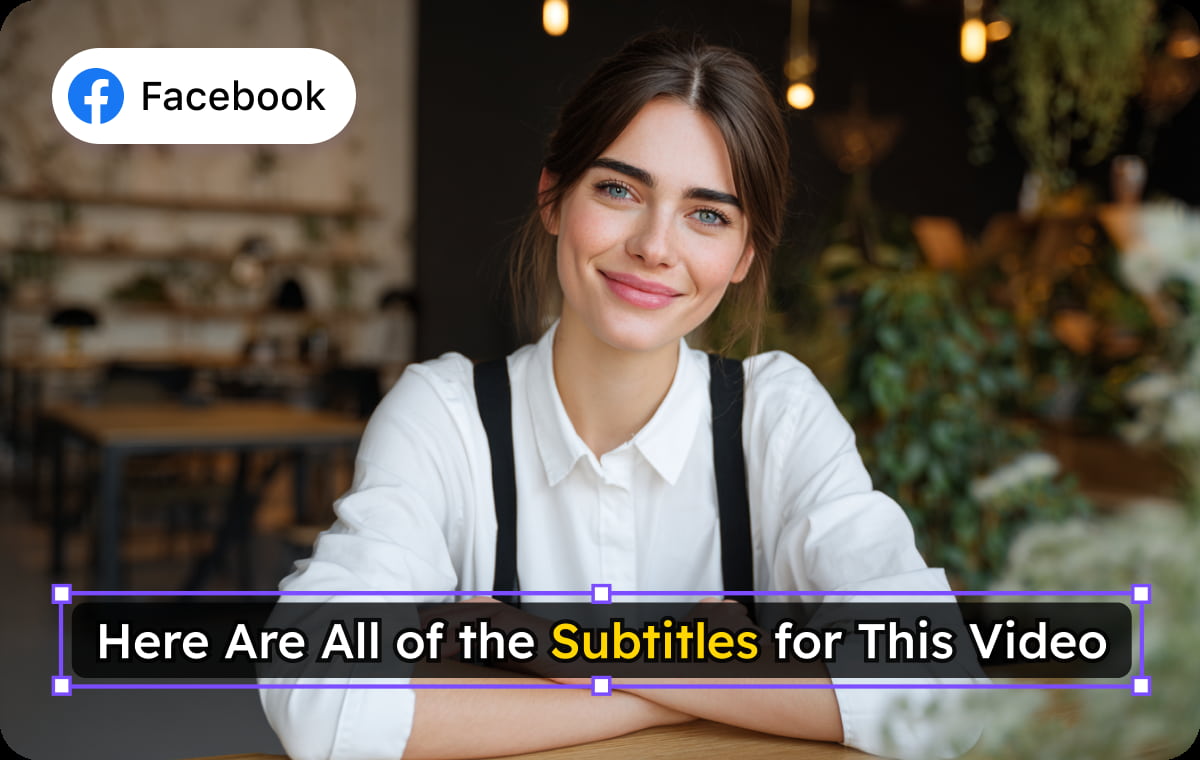
Isolate Voice from Background Noise for Clearer Transcription
VMEG's advanced audio processing technology effectively isolates human voices from background noise, enabling accurate identification and transcription of speech even in noisy environments. Whether capturing recordings on city streets, managing ambient noise in live streaming studios, or handling complex multi-party conversations, VMEG ensures clear and intelligible speech transcription.This technology enables users to obtain precise, high-quality transcripts even under suboptimal audio conditions, ensuring that each speaker's voice is accurately recognized and transcribed. This enhances the professionalism and usability of video content.
Transcribe Vimeo VideoWhy Choose VMEG’s Vimeo Video Transcription

Creators & Influencers
As a creator or influencer, connecting with your audience is key. VMEG’s Vimeo Video Transcription service makes your videos more engaging and accessible by providing high-quality transcriptions that complement your visual content.
Educators & Trainers
For educators and trainers, VMEG’s Vimeo Video Transcription service offers a streamlined way to provide comprehensive and accurate learning materials for your students. Ensure that every lesson is fully accessible and searchable.

Businesses & Marketing Teams
As a creator or influencer, connecting with your audience is key. VMEG’s Vimeo Video Transcription service makes your videos more engaging and accessible by providing high-quality transcriptions that complement your visual content.
FAQs about Vimeo Video Transcription
Vimeo video transcription refers to the process of converting the spoken content in a video into written text. It can be used to create subtitles, captions, or full transcriptions of the video's dialogue.
Vimeo does not natively provide automatic transcription. However, users can upload video files to third-party transcription services or use external software like VMEG AI to generate transcripts.
Yes—if you’ve downloaded them or have access rights. Upload the saved file to VMEG, and the system will handle the transcription securely.
If you use a third-party service, the accuracy will depend on the service itself. Automated transcriptions can sometimes struggle with accents, jargon, or background noise. Manual proofreading and editing may be required for high accuracy.
Vimeo supports subtitle file formats such as .srt and .vttfor captions. You can generate these files from transcription services or manually.
Discover More on VMEG
Related Searches
Transcribe Vimeo Video to Text — Fast & Accurate AI Video Transcription
Easily transcribe Vimeo videos to text with our AI-powered transcription tool. Generate accurate scripts or subtitles (SRT/TXT).
Transcribe Vimeo Video