


Subtitle Extractor
Extract subtitles from video files, MKV containers, or hardcoded subtitles.Convert speech and on-screen text into editable subtitle files for translation, editing, or reuse.
Try the demo and experience all features for free
 English
 Spanish
 German
 Russian
 Turkish
 Italian
 Chinese
 French
 Portuguese
 Hindi
Hindi


How to extract subtitles from video?
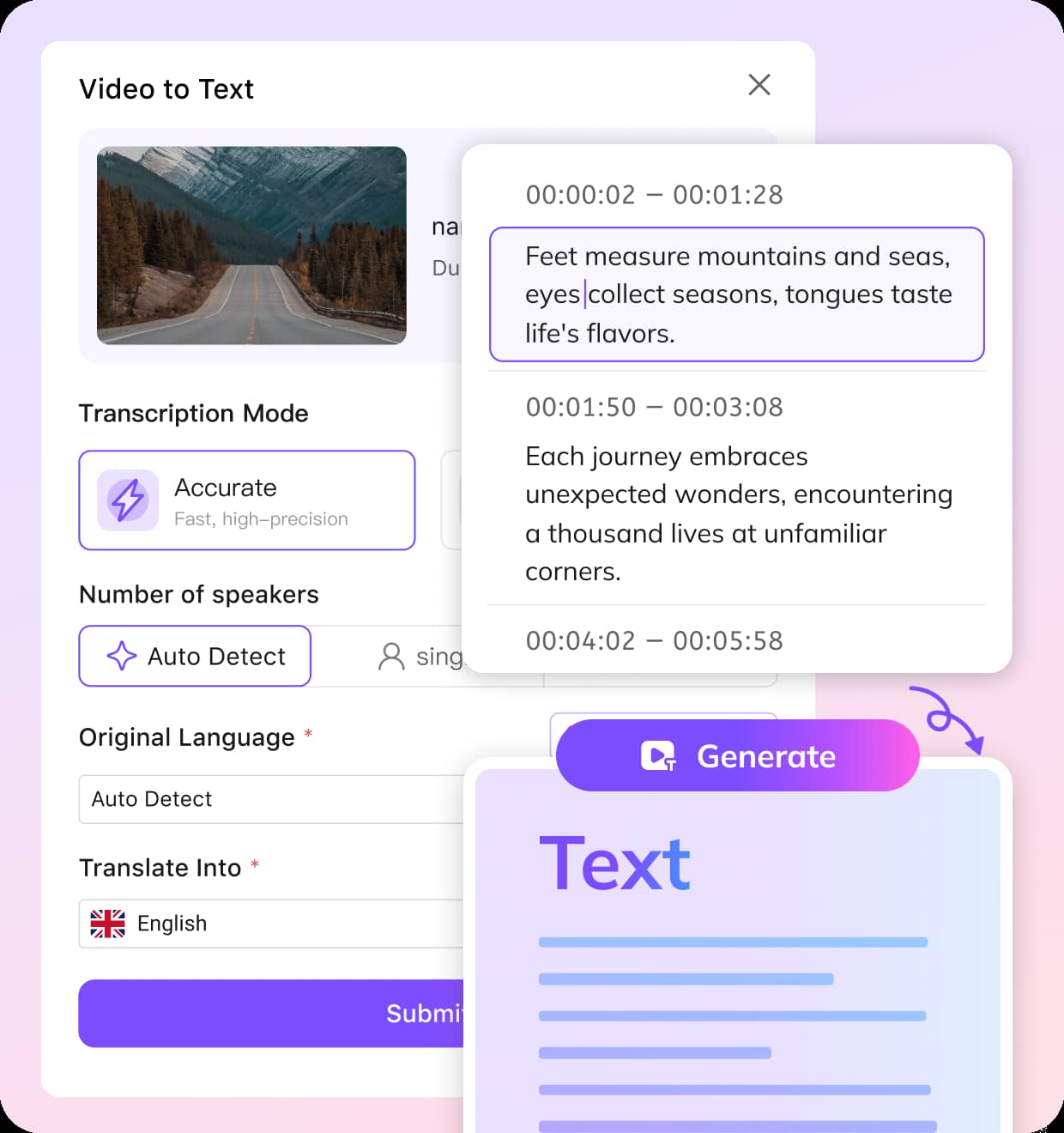
Upload your video file
Upload video files such as MP4, MOV, or MKV to start subtitle extraction.
Select subtitle extraction method
Choose to extract embedded subtitles, detect hardcoded subtitles, or generate subtitles from audio using speech recognition.
Export subtitles in editable format Download extracted subtitles as SRT or other formats, ready for editing, translation, or reuse.
VMEG quickly transcribes your YouTube video with speaker detection and support for 170+ languages. Edit YouTube subtitles and download it in formats like TXT, SRT, VTT, TTML, SBV and more.
How VMEG AI improves video subtitle extraction?
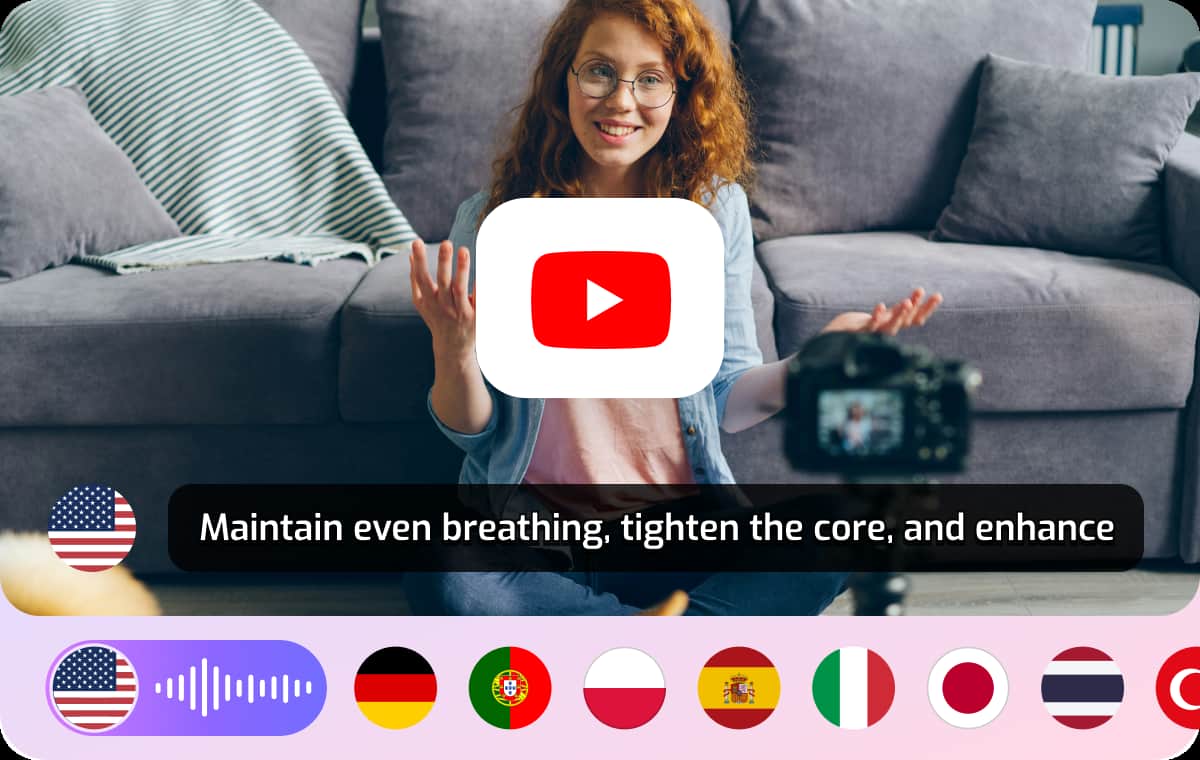
Extract subtitles from video and MKV files with multiple methods
Videos may contain embedded subtitle tracks, separate subtitle streams, or no subtitles at all.VMEG AI supports MKV subtitle extractor functions as well as subtitle extraction from standard video formats, allowing users to retrieve existing subtitles or generate new ones when needed.This reduces manual work and avoids the need to recreate subtitles from scratch.
Extracting Subtitles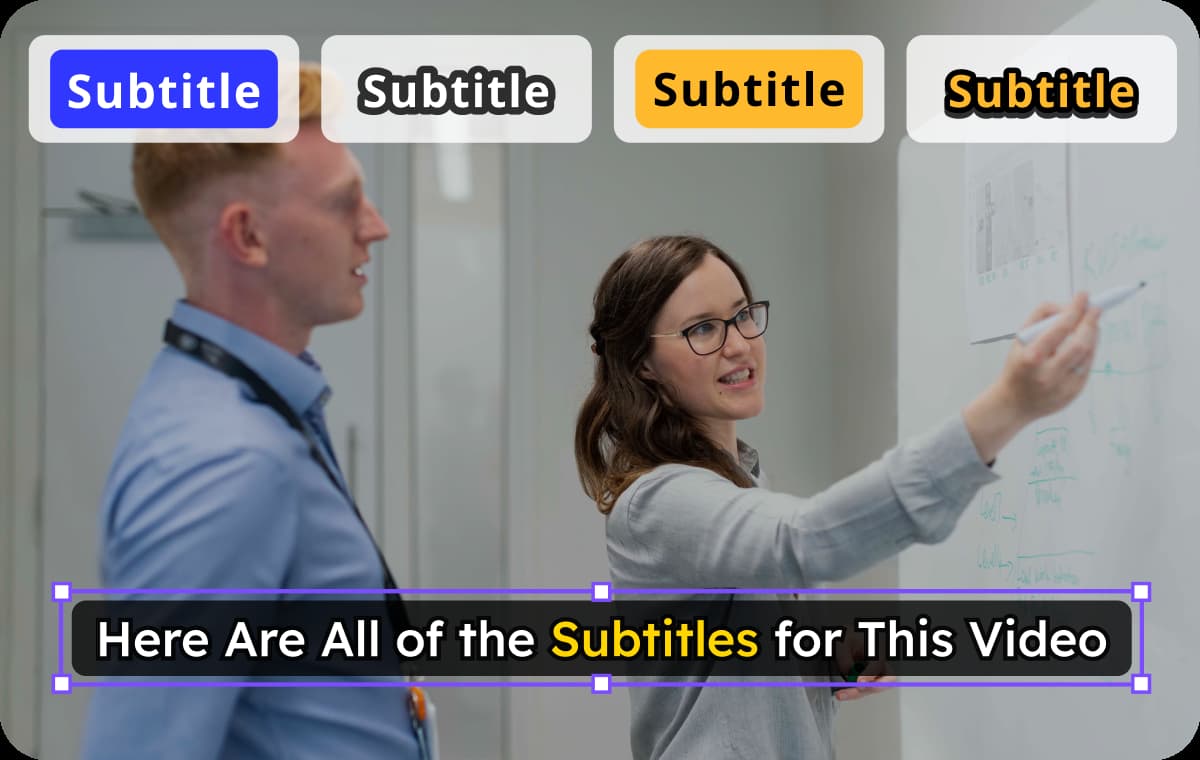
Detect and extract hardcoded subtitles from video
Hardcoded subtitles are burned into video frames and cannot be directly downloaded.VMEG AI detects on-screen text frame by frame and converts it into editable subtitle files, making it possible to reuse or translate subtitles that were previously fixed in the video.This is useful for movies, social media videos, and archived content.
Extracting Subtitles
Generate subtitles from audio when no subtitles exist
Some videos do not include any subtitle track.VMEG AI uses speech recognition to transcribe audio and convert it into subtitles, capturing spoken dialogue and syncing it with video timing.This helps create subtitles for tutorials, interviews, webinars, and user-generated content.
Extracting SubtitlesWho benefits from subtitle extractor tools?

For content creators: reuse and translate video subtitles
Creators often need subtitles for accessibility and global reach.Extract subtitles from existing videos or generate new ones to translate and republish content across platforms.

For editors: save time on subtitle workflows
Manual subtitle creation is time-consuming and repetitive.Subtitle extraction allows editors to quickly retrieve or generate subtitles, reducing editing time and improving efficiency.

For media teams: manage multilingual video content
Managing subtitles across multiple languages can be complex.Extracted subtitles can be edited, translated, and reused, making it easier to localize video libraries.
FAQs about Subtitle Extractor
What is a subtitle extractor?
A subtitle extractor is a tool that extracts subtitle tracks or text from video files, including embedded subtitles, MKV subtitle streams, or hardcoded subtitles.
Can subtitles be extracted from any video?
Yes, subtitles can be extracted from videos with embedded subtitle tracks, MKV files, or even hardcoded subtitles using text detection.If no subtitles exist, they can be generated from audio.
What is an MKV subtitle extractor?
An MKV subtitle extractor retrieves subtitle tracks stored inside MKV video containers, allowing users to export them as editable files.
How to extract hardcoded subtitles from video?
Hardcoded subtitles can be detected using visual text recognition, then converted into editable subtitle files for further use.
What formats can subtitles be exported in?
Extracted subtitles can be exported in formats such as SRT, making them easy to edit, translate, or upload to video platforms.
Can extracted subtitles be translated?
Yes, once subtitles are extracted, they can be translated into other languages and reused for global distribution.
Discover More on VMEG
Related Searches
Extract Subtitles from Video and MKV Files
Extract subtitles from video, MKV files, or hardcoded subtitles. VMEG AI video subtitle extractor converts speech and on-screen text into editable subtitles.
Extracting Subtitles