


ASS to SRT Subtitle Converter
Upload your subtitle file

Select File (srt, vtt, ass, ttml, dfxp, stl, sbv, sub, smi, xml, txt)
Convert to
How to Convert ASS to SRT in 3 Simple Steps
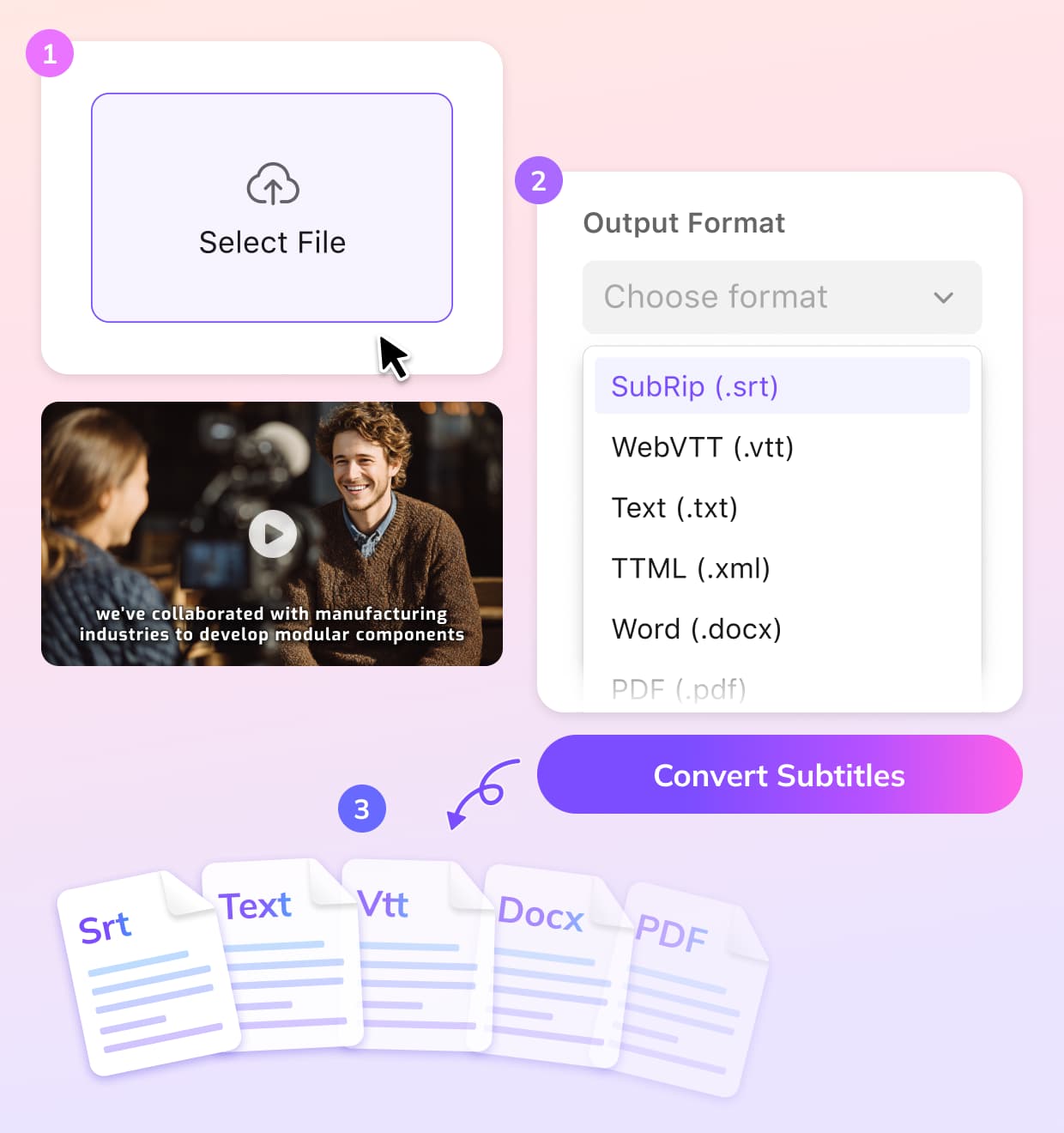
Upload Your ASS File
Choose your .ASS subtitle file and upload it to the VMEG platform directly from your device.
Convert to SRT Format
Choose SRT as your desired subtitle format. The converter will preserve the timing and structure of your subtitles.
Download SRT Subtitles
Once conversion is complete, download your SRT file. It’s ready to be embedded in your videos or used for editing.
Why Use VMEG to Convert ASS to SRT
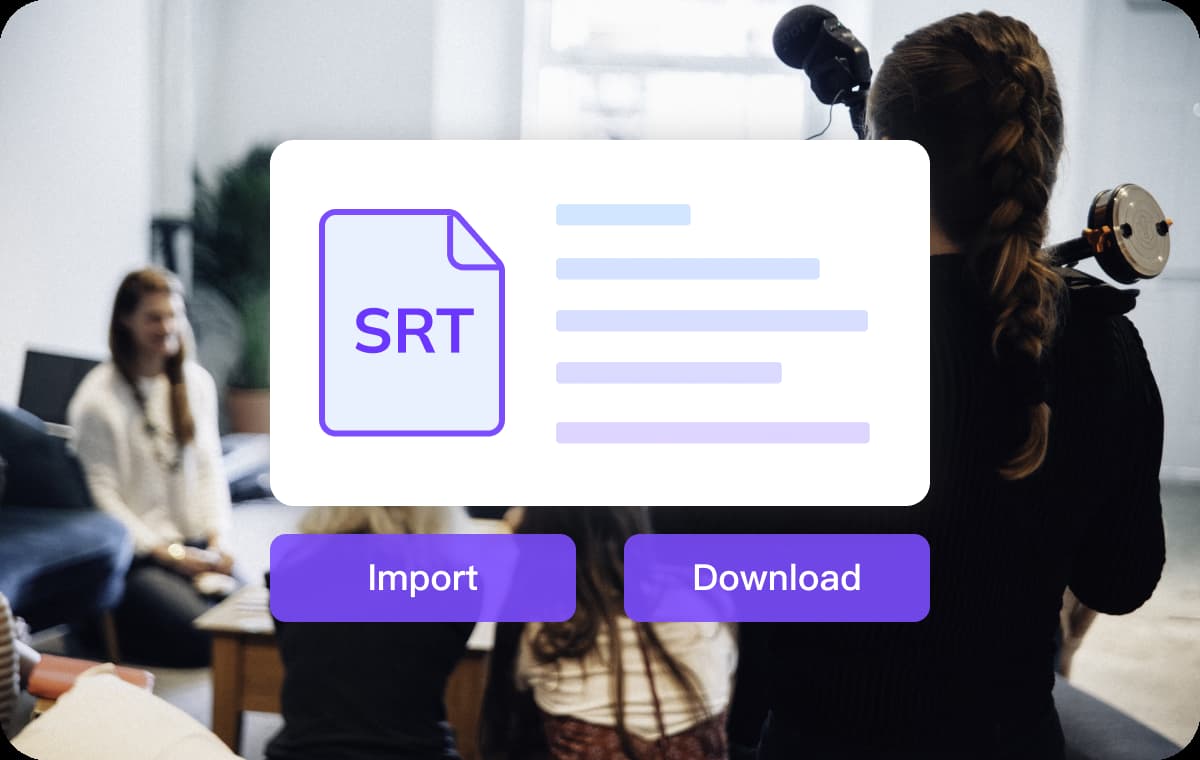
Easy Subtitle Conversion
VMEG’s platform makes converting ASS subtitles to SRT quick and hassle-free. Simply upload your file, select your desired format, and let the tool handle the rest.This fast conversion process ensures that your subtitles are ready to use without wasting time on manual adjustments. Whether you’re working on video projects or educational content, VMEG has you covered.
Convert Subtitles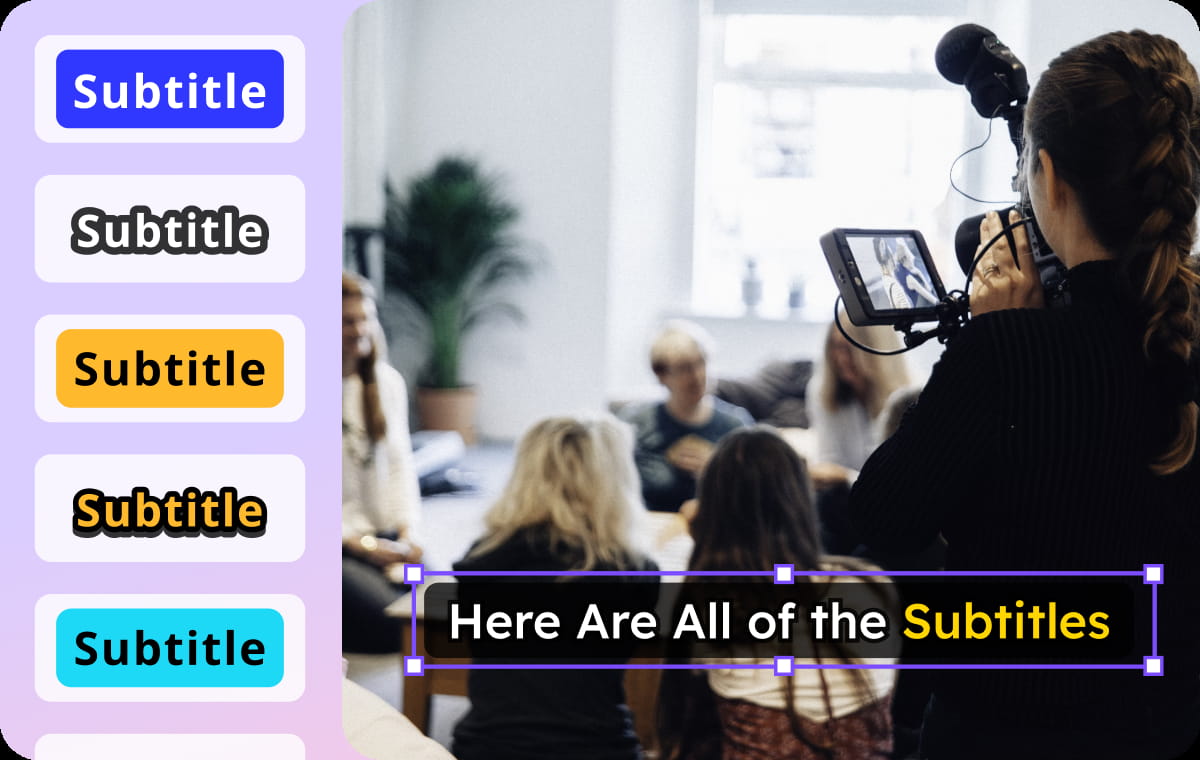
Advanced Subtitle Handling
While converting ASS to SRT, VMEG ensures that your timing and text remain perfectly intact. You can also modify subtitle timing, correct errors, and adjust text to your liking within the platform.This makes it ideal for video editors and creators who need flexibility and precision when formatting subtitles. You can also convert a video to SRT directly.
Convert Subtitles
Convenient and Multi-Platform Compatibility
Once converted to SRT, your subtitles are ready for use across a wide range of platforms, including YouTube, TikTok, and other video streaming services.You can also translate subtitles into 170+ languages if needed. Whether you need SRT files for social media content, corporate training videos, or personal projects, VMEG guarantees that your subtitles will be compatible and easy to use anywhere.
Convert SubtitlesWho Uses This Tool for ASS to SRT Conversion

Video Creators & Editors
For content creators and video editors, converting ASS subtitles into the SRT format makes subtitles easier to integrate into videos across multiple platforms.

Educators & Trainers
This subtitle converter helps educators and trainers convert subtitles for online learning materials. With clear, readable SRT files, educational videos become more accessible to learners on various platforms and a global audience.

Businesses & Localization Teams
Converting ASS to SRT is ideal for scaling marketing videos, product demos, and internal communications, ensuring your subtitles are ready for distribution and multilingual audiences.
FAQs About ASS to SRT Converter Online
What is the difference between ASS and SRT subtitles?
ASS subtitles support advanced formatting like fonts, colors, and positioning, while SRT is simpler and focuses only on timing and text.
How do I convert ASS to SRT?
Upload your ASS file to VMEG, select SRT as the output format, and the conversion will be done automatically in seconds.
Will the timing of my subtitles be preserved when converting to SRT?
Yes, VMEG ensures that subtitle timings are accurately maintained during the conversion from ASS to SRT.
Can I edit the subtitles after converting to SRT?
YES. After converting to SRT, you can use VMEG's subtitle editor to adjust timing, text, or fix any errors.
Is VMEG’s ASS to SRT converter free?
VMEG offers a free plan with limited credits, and you can try conversion features. For more extensive use, premium options are available.
Convert Subtitles to Any Format
Discover More on VMEG
Related Searches
ASS to SRT Converter
This converter makes it easy to get your ASS subtitle files to the widely-used SRT format, which ensures compatibility with all major video formats.
Convert Subtitles