TXT to SRT Converter


Upload your subtitle file

Select File (srt, vtt, ass, ttml, dfxp, stl, sbv, sub, smi, xml, txt)
Convert to
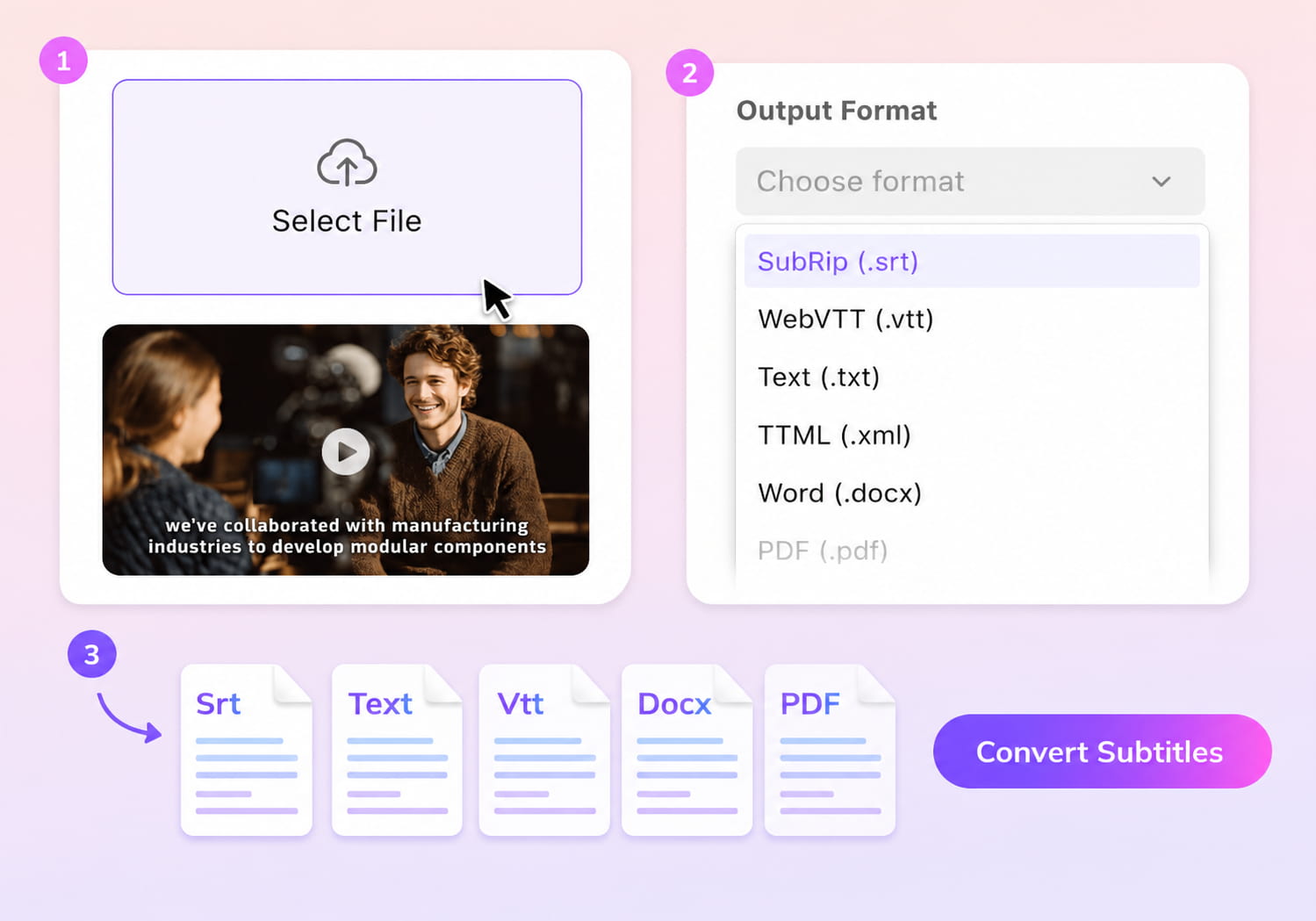
How to Convert TXT to SRT Online
01Upload Your TXT File
Choose the TXT file you want to convert.
02Choose SRT Output
Select SRT as the output format, and VMEG will add timing, structure the lines, and prepare proper subtitle blocks.
03Download Your Subtitle File
Download the finished SRT file, or adjust the timing and text in the editor if you need further refinements.


Why Use VMEG’s Text to SRT Converter
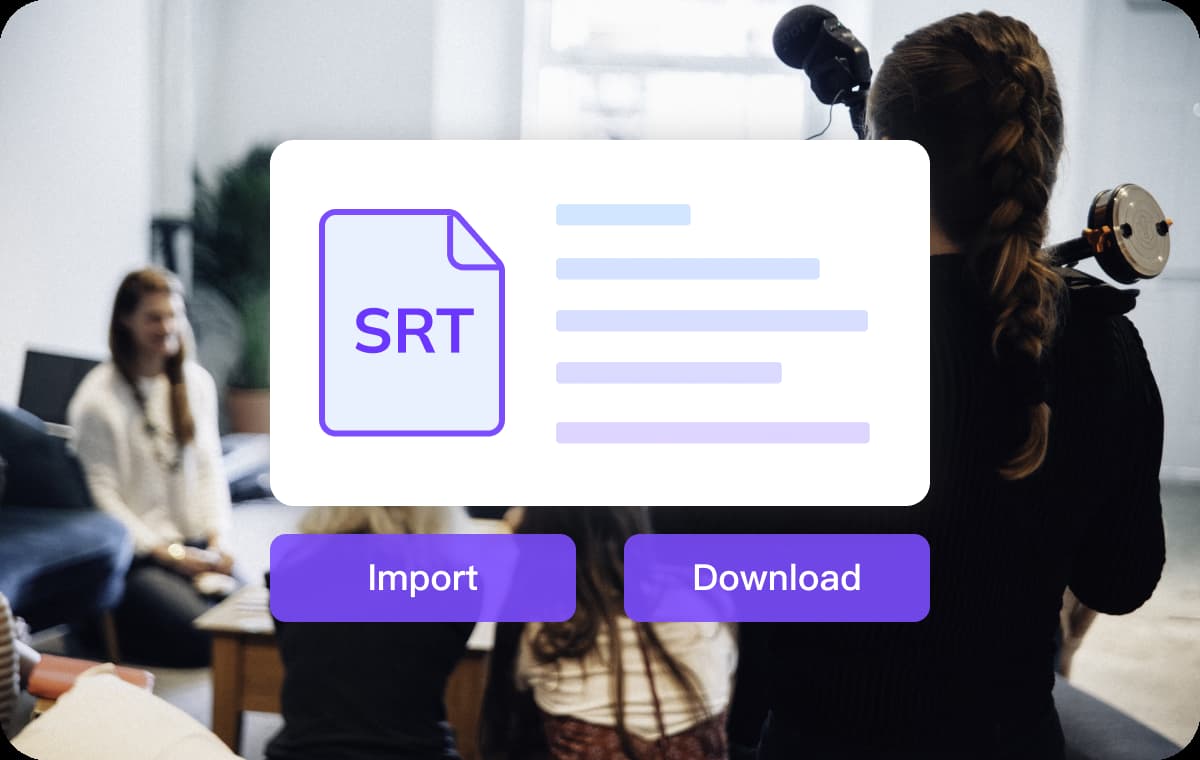
Turn TXT to Structured SRT Subtitles
Subtitle formatting standards are designed to improve readability and timing accuracy. W3C defines how caption blocks should be structured for consistent playback across platforms.VMEG transforms plain text into true subtitle format, organizing lines into readable caption blocks. The system assigns timing using natural pacing rules, avoiding overcrowded or rushed subtitles.The output removes formatting noise from TXT files and produces clean SRT files compatible with platforms like YouTube and video editing software.
Quick, Online, and Simple to Use
Everything runs directly inside your browser — no setup required. The conversion process is fast, even for long transcripts or detailed notes.The conversion process runs directly in the browser without installation. Even long transcripts can be processed without workflow interruption.This makes it suitable for users who need fast subtitle formatting without installing dedicated editing software.
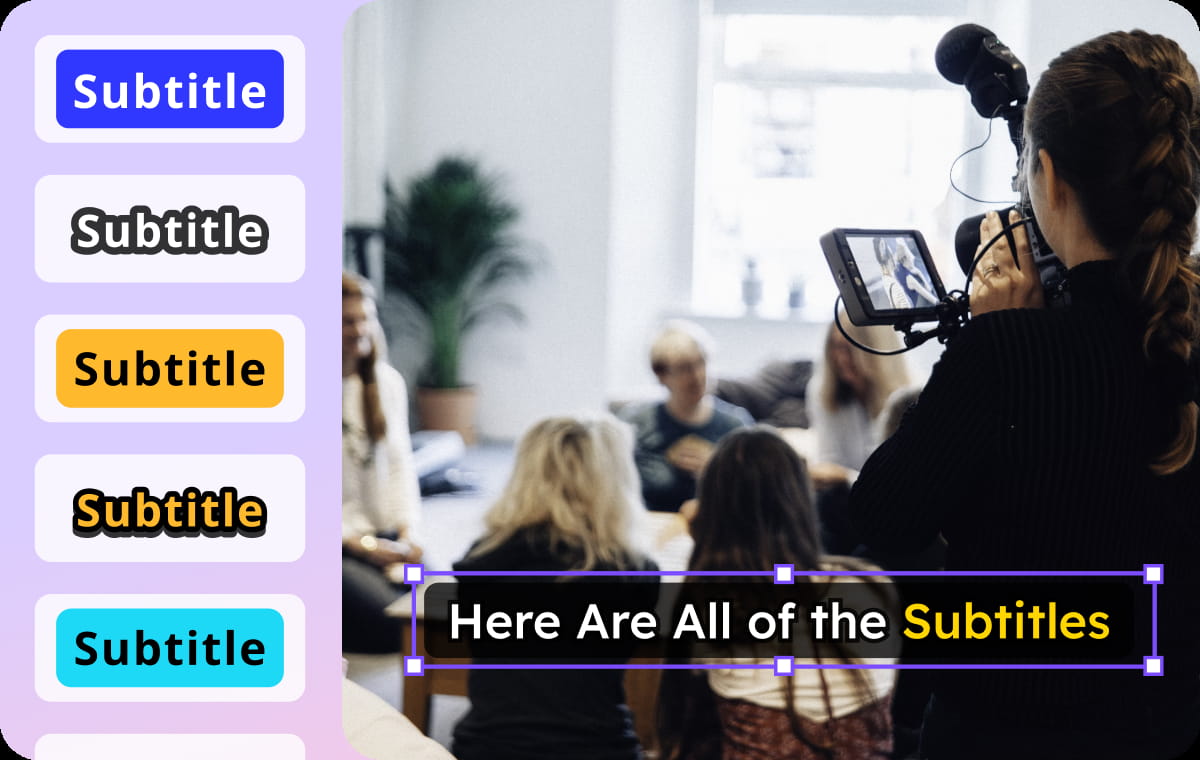
Flexible Editing and Multilingual Options
You can adjust line breaks, rewrite sentences, or tweak timing before exporting the SRT. If your TXT file must serve multiple audiences, you can translate it into a new language first.All formatting and timing updates stay consistent when exporting. This gives you a complete subtitle workflow from text to final SRT in one place.
Who Uses the TXT to Subtitle Converter

Creators
Creators often start with written transcripts from interviews or voiceovers. This tool helps turn those raw text files into subtitles ready for upload.

Teaching & Training
Educators can turn lesson notes or scripts into clear subtitles for online classes. The SRT output integrates smoothly with LMS systems.

Teams & Organizations
Marketing, onboarding, and product videos often need standardized SRT captions for distribution. VMEG gives teams a fast way to align subtitles across regions and platforms.
TXT to SRT Conversion FAQs
What does this tool do with a TXT file?
It transforms your text into a properly formatted SRT subtitle with sequential caption entries and timestamps.
How does it generate timing?
Timing is assigned based on reading flow, ensuring subtitles appear at a pace viewers can follow.
Can I translate the TXT first?
You can translate the text with VMEG's Subtitle Translator and then convert the translated version into SRT format.
Will timing stay accurate after conversion?
VMEG adjusts overlapping or inconsistent timestamps to keep everything properly synced.
Is there a cost to convert TXT to SRT?
You can convert files using free credits before choosing any paid options.