VTT to TXT Converter
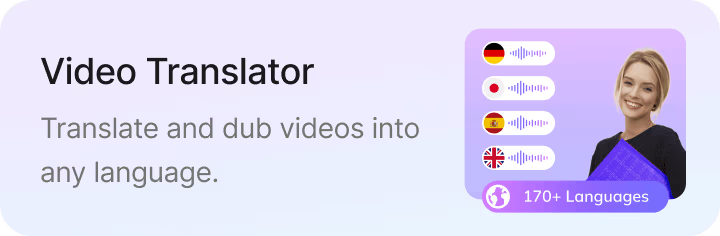


Upload your subtitle file

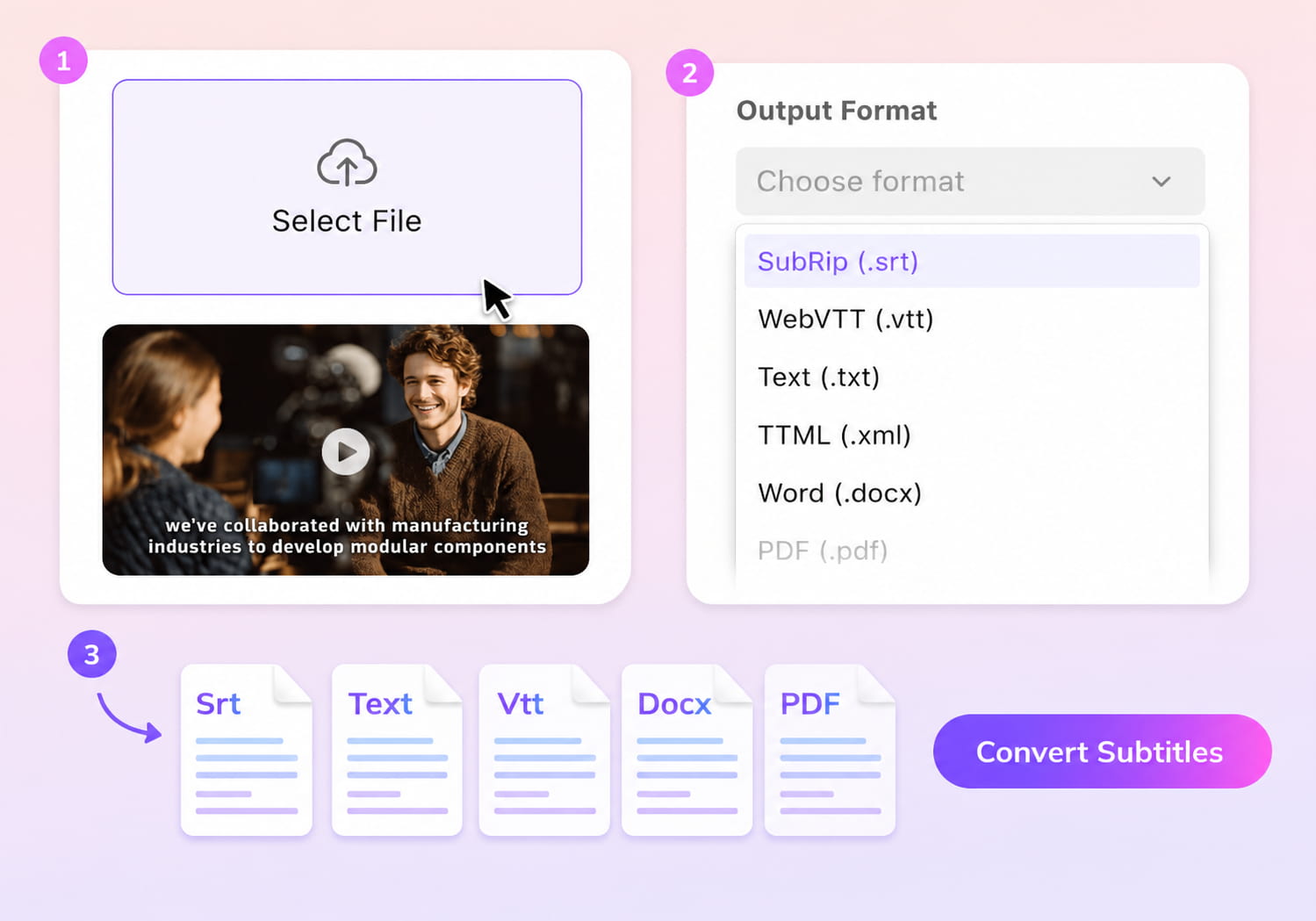
Select File (srt, vtt, ass, ttml, dfxp, stl, sbv, sub, smi, xml, txt)
Convert to
How to Convert VTT to TXT
01Upload Your VTT File
Choose the VTT subtitle file you want to convert.
02Select TXT Output
Pick TXT as your output format, and VMEG will strip timestamps and subtitle markers automatically.
03Download Your Text File
Save your clean TXT transcript or continue editing, translating, or exporting to other formats.


Key Features of VMEG’s VTT to TXT Converter
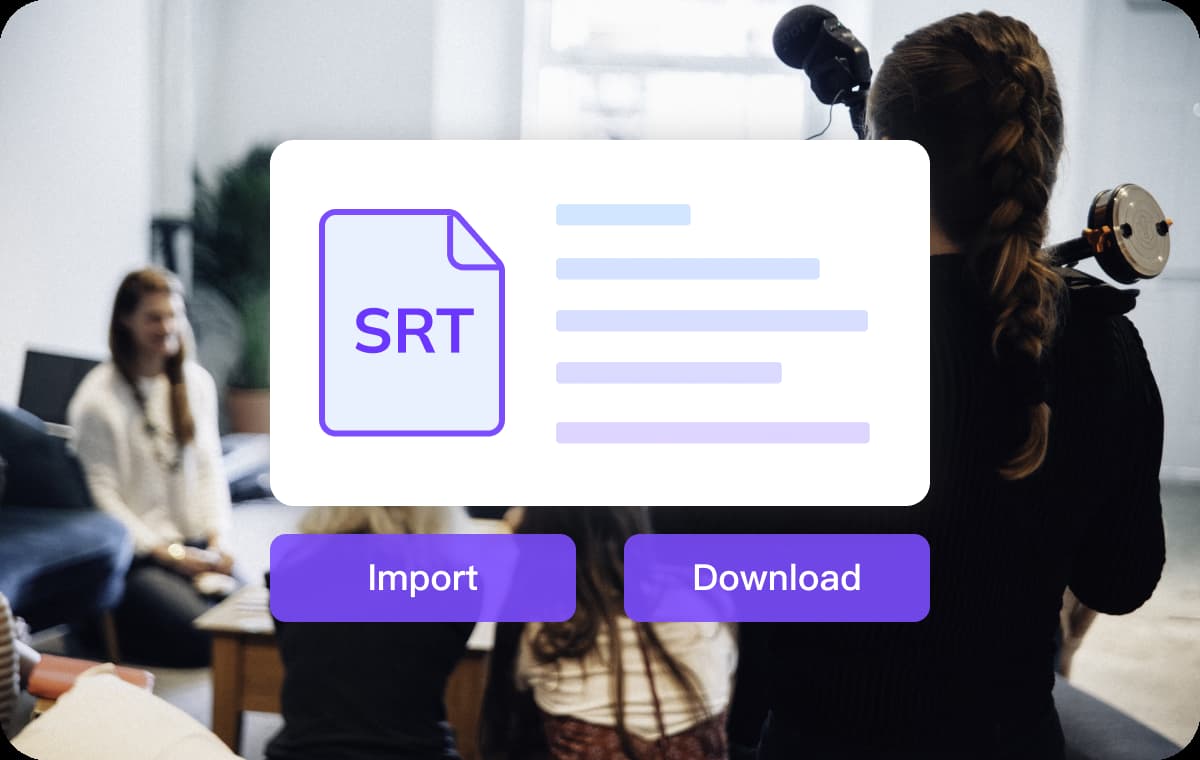
Clean VTT to TXT Conversion
VMEG removes timestamps, cue identifiers, and unsupported formatting from your VTT file, leaving only the spoken text. This produces a clear, readable TXT transcript suitable for scripts, blogs, documentation, or analysis.The output follows a logical reading order, saving you from manual cleanup. This flexibility keeps subtitle processing fast and friction-free in daily production workflows.
Fast, Online, and No Setup Required
Convert VTT to TXT directly in your browser—no software downloads or sign-ups needed. Even long subtitle files are processed quickly, making it ideal for one-off conversions or bulk subtitle cleanup.Free conversion credits make it accessible for creators, educators, and teams. This flexibility keeps subtitle processing fast and friction-free in daily production workflows.
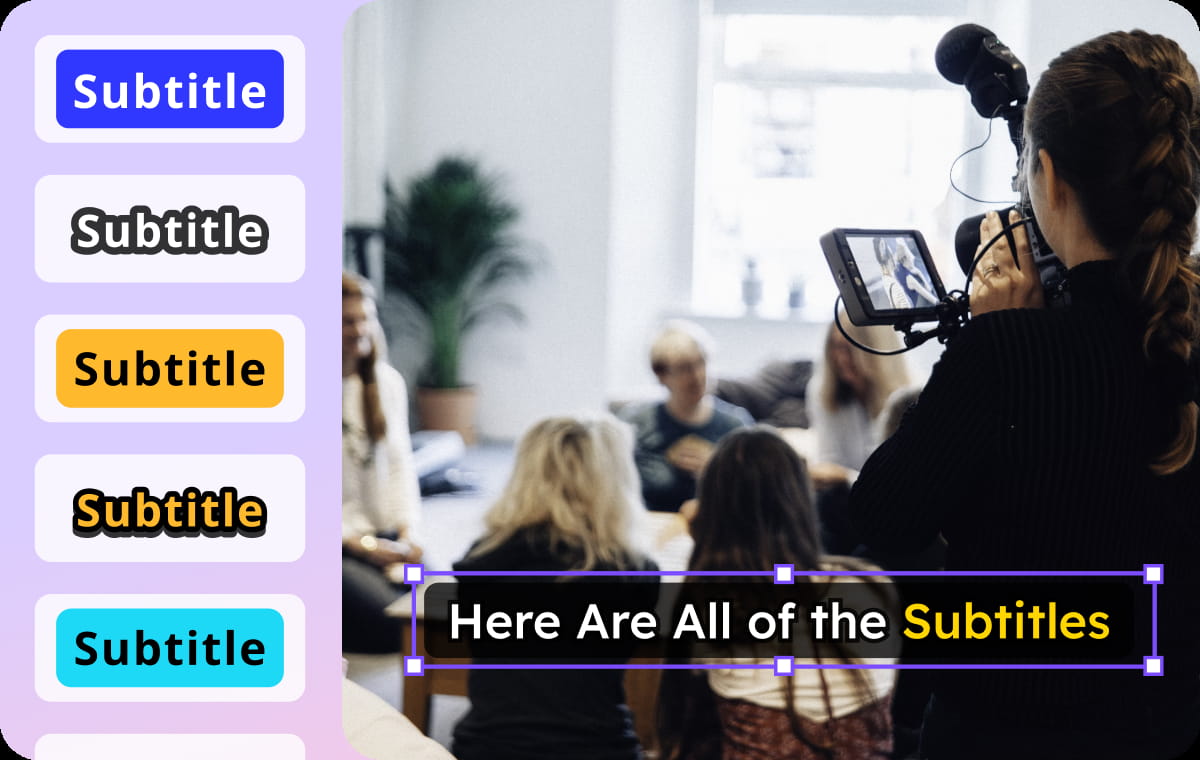
Generate or Translate Before Exporting
If you don’t have subtitles yet, you can generate them from video and then export directly as TXT. You can also translate your VTT subtitles into other languages before converting them to plain text.All edits, translations, and exports happen in one workspace, keeping your workflow simple and efficient.
Who Uses the VTT to TXT Converter

Creators
Repurposing Content: Creators turn their video scripts into blog posts, newsletters, or social media captions. Removing the timestamps (timecodes) allows them to quickly edit raw text into readable articles.

Education & Training Platforms
Data Analysis: Researchers convert interview subtitles (VTT) into plain text (TXT) to import them into qualitative analysis software (like NVivo) or to perform keyword searches across hours of footage.

Business & Localization Teams
Meeting Documentation: Companies that record Zoom or Teams meetings often get VTT files. Converting these to TXT allows them to save clean, timestamp-free minutes of the meeting for official records.
FAQs About Converting VTT to TXT
Why convert VTT to TXT?
TXT files are easier to read, edit, translate, and reuse. Converting VTT removes timestamps and formatting so you can work directly with the text.
Does VMEG remove timestamps automatically?
Yes. The converter strips all timing data, cues, and tags, leaving only clean subtitle text.
Can I translate subtitles before exporting to TXT?
Yes. You can translate your subtitles using VMEG’s Subtitle Translator and then export the translated version as TXT.
Will the text order remain correct?
Yes. VMEG preserves the original subtitle sequence to ensure the transcript reads naturally.
Can I generate subtitles from a video and export as TXT?
Absolutely. Upload your video, generate subtitles, and download the TXT transcript directly.