VTT to SRT Converter
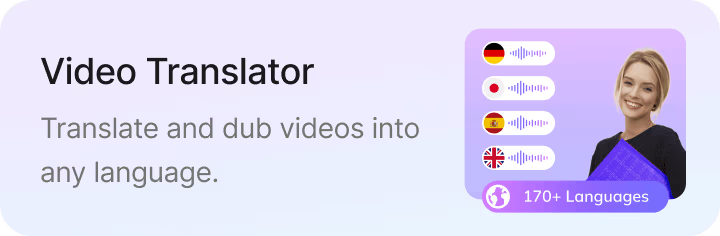


Upload your subtitle file

Select File (srt, vtt, ass, ttml, dfxp, stl, sbv, sub, smi, xml, txt)
Convert to
How to Convert VTT to SRT
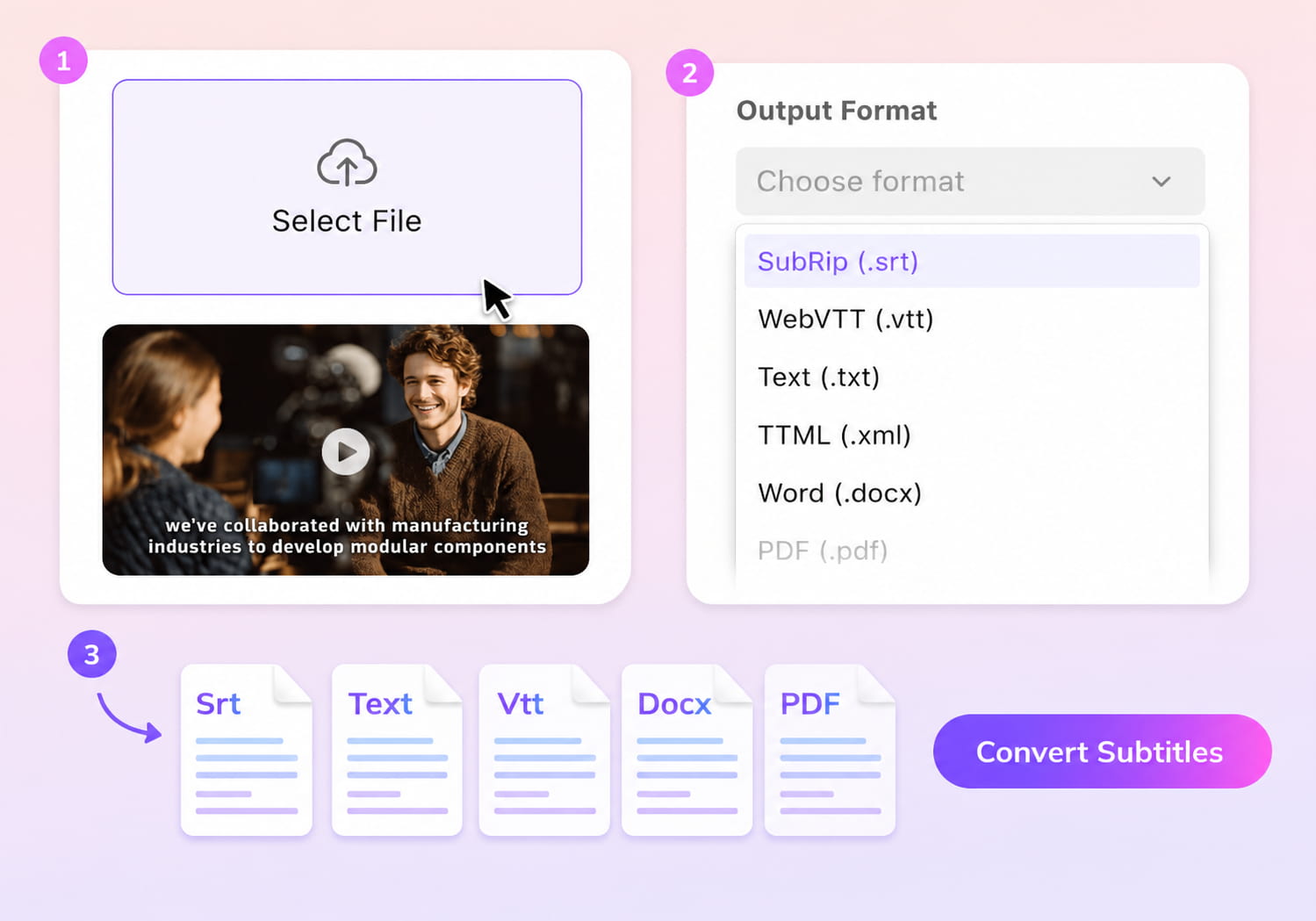
01Upload Your VTT File
Choose the VTT file you want to convert.
02Select SRT Output
Pick SRT as your output format, and VMEG will rebuild the file with proper SRT-style timing and formatting.
03Download Your New Subtitle
Save your new SRT file or continue editing and translating if needed.


Key Features of VMEG’s VTT to SRT Converter
Precise VTT to SRT Conversion
Subtitle formatting standards affect playback consistency across platforms. Guidelines from W3C define how caption timing and structure should be handled for compatibility. VMEG restructures timestamps and removes unsupported styling when converting VTT file into SRT. This avoids common issues such as broken timing or unreadable formatting. The output follows standard SRT structure, which reduces the need for manual cleanup and supports direct use in editors and media players.
Fast, Online, and Requires No Setup
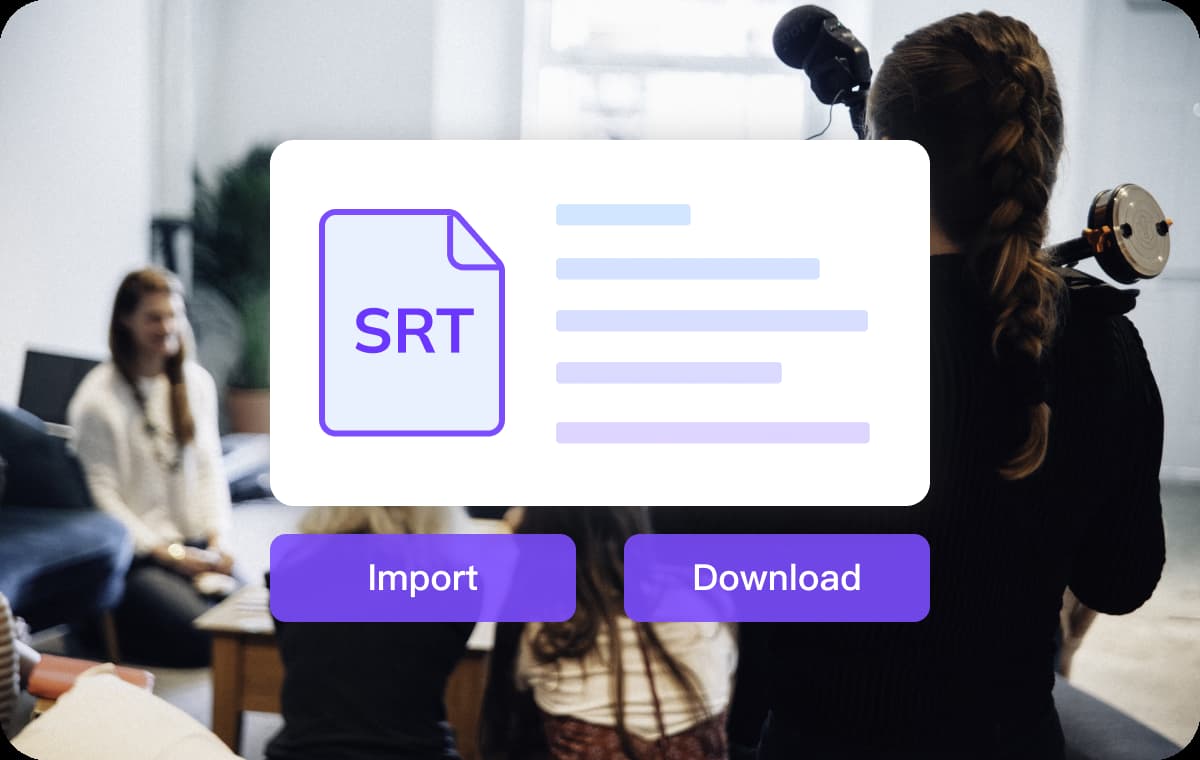
Browser-based tools are widely adopted for lightweight media tasks. VTT files can be converted to SRT directly in the browser without installation or account setup. Processing is handled quickly, even for longer subtitle files.This approach fits both quick edits and repeated use. It removes dependency on desktop software and simplifies subtitle conversion workflows.
Generate or Translate Subtitles Before Exporting
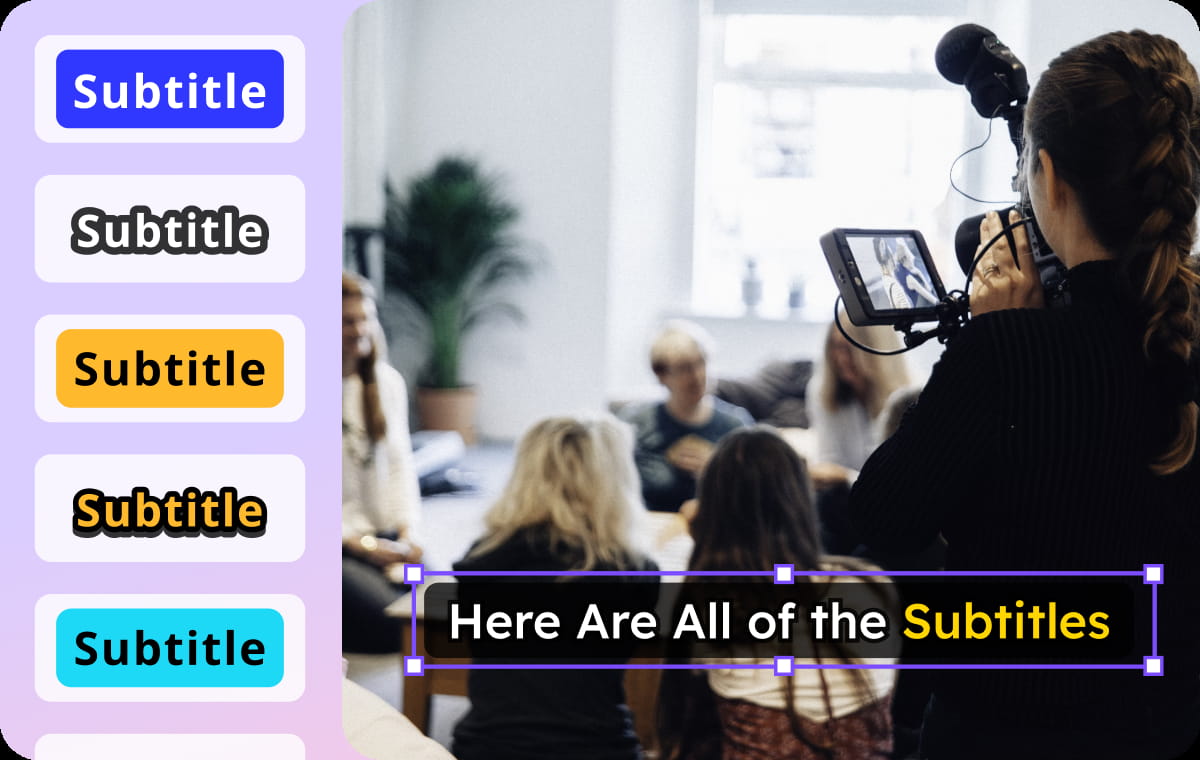
If you don’t have subtitles yet, you can create them from video and then export directly as SRT. Translation into other languages is supported within the same process.All adjustments, including timing and text updates, are handled in one workspace. This reduces file switching and keeps subtitle production more consistent.
Who Uses the VTT to SRT Converter

Creators
Many platforms accept SRT but not VTT, so creators often need conversions before publishing. VMEG lets them fix and convert subtitles quickly, keeping uploads smooth and consistent.

Educators
Online courses and LMS systems frequently require SRT files for captions. VMEG ensures teachers can convert VTT files effortlessly without losing timing accuracy.

Businesses
Marketing, onboarding, and product videos often need standardized SRT captions for distribution. VMEG gives teams a fast way to align subtitles across regions and platforms.
FAQs About Converting VTT to SRT
Why do I need to convert VTT to SRT?
Some platforms only accept SRT files, so converting VTT ensures your subtitles upload without errors.
Does VMEG fix formatting issues during conversion?
Yes, the tool rebuilds timestamps, removes styling tags, and outputs a clean SRT file.
Can I translate the VTT file before converting it?
Yes. You can translate your subtitles first with VMEG's Subtitle Translator, then export the final version as SRT.
Will timing stay accurate after conversion?
VMEG adjusts overlapping or inconsistent timestamps to keep everything properly synced.
Is the VTT to SRT converter free?
You can convert files using free credits with no subscription required.
Can I generate VTT from a video and export as SRT?
Absolutely. Upload your video, create subtitles, and download the SRT version directly.