Subtitle Converter Online


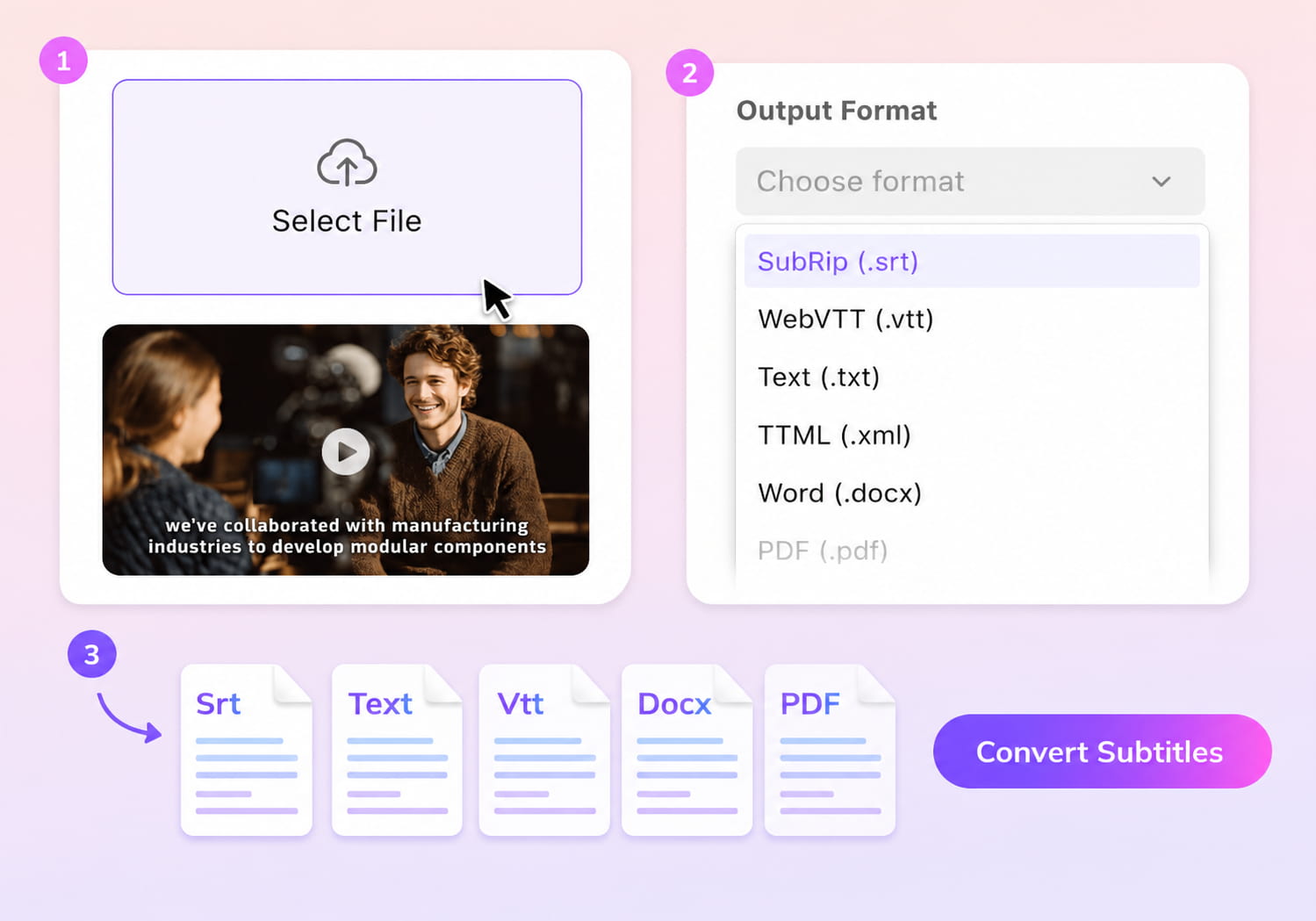
Upload your subtitle file

Select File (srt, vtt, ass, ttml, dfxp, stl, sbv, sub, smi, xml, txt)
Convert to
How to Convert Subtitles with VMEG AI
01Upload Your Subtitle File
Upload your existing subtitle file from your device.
02Choose Output Format
Select the subtitle format you want to convert to — VMEG instantly processes and restructures the file while preserving timing accuracy.
03Download & Use Anywhere
Preview, re-generate if needed, and download your converted subtitles or continue editing and translating in the same workspace.


Key Features of VMEG Subtitle Converter
Convert Across All Major Formats
VMEG Subtitle Converter lets you switch subtitle files between common formats such as SRT, VTT/WebVTT, TXT, and TTML with just a few clicks. It cleans up line breaks, fixes timing inconsistencies, and restructures your file so it’s ready to upload anywhere.Because everything is processed online, you don’t need to install software or handle complicated tools. This makes the entire workflow faster and more reliable, especially for creators and teams working with several different platforms.
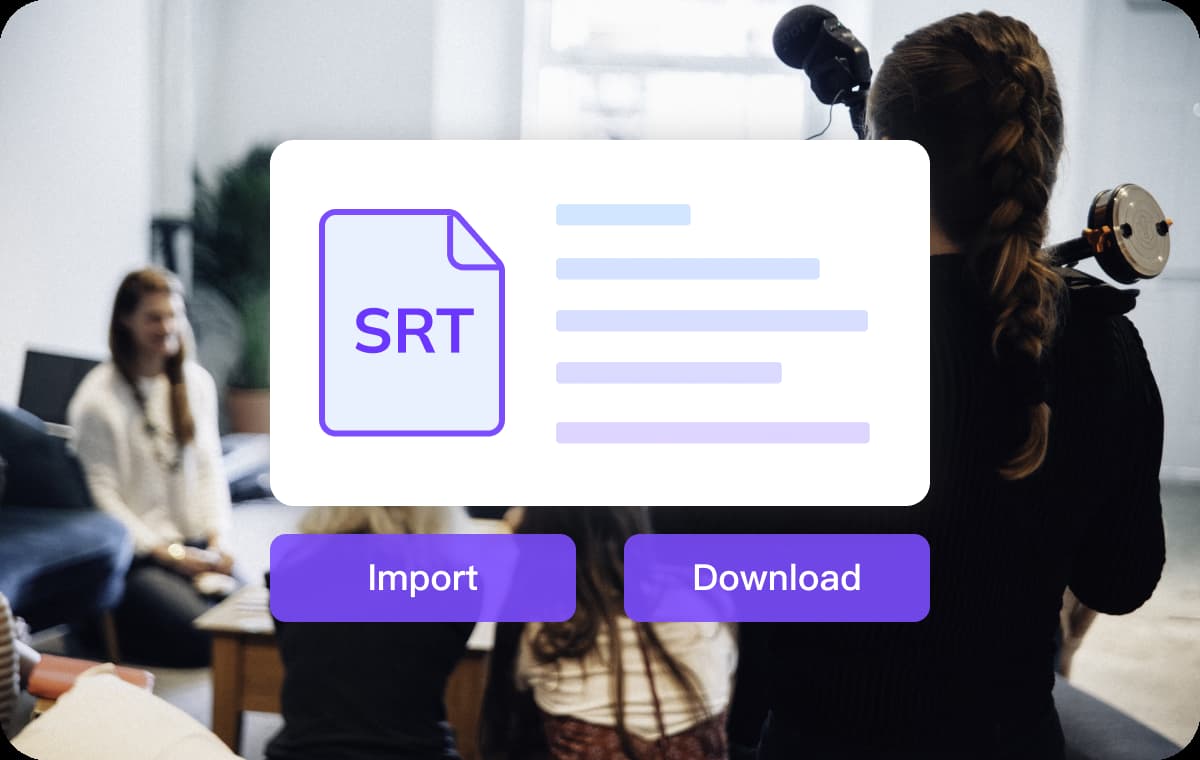
Free, Web-based, and Built for Fast Turnaround
The converter runs fully in your browser, allowing you to start working the moment you upload your file. Most conversions finish within seconds, reducing the time you would normally spend adjusting formats manually.Free usage credits make it easy to process subtitles without extra cost or commitment. For anyone who works with subtitles regularly, this means less time spent on repetitive editing and more time focused on actual content.
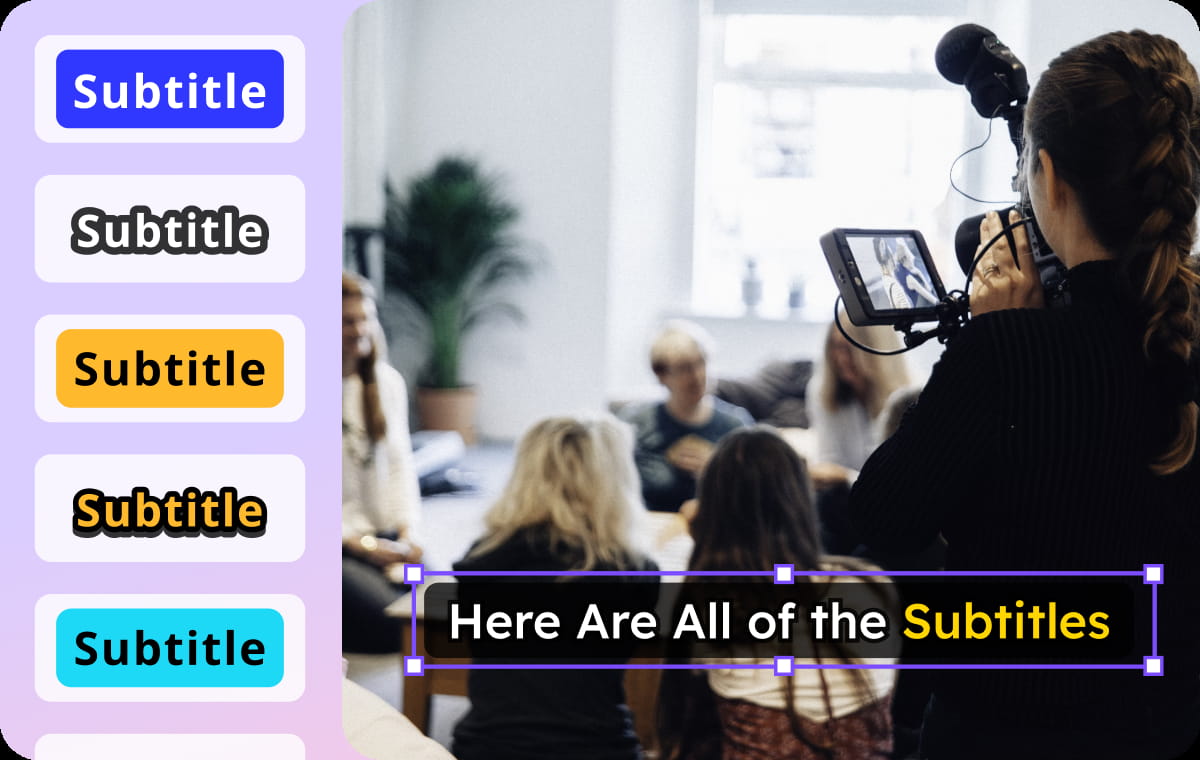
Generate or Translate Subtitles before Exporting in Any Format
VMEG allows you to create subtitles directly from video when no caption file is available, giving you clean, time-accurate text that is easy to edit. You can also translate your subtitles into more than 170 languages and refine the text to match your style or audience.Once you’re done generating or translating, the file can be exported in any supported subtitle format with just one click. This combined workflow removes the need to jump between tools and gives you a smooth, end-to-end subtitle process for multilingual and multi-platform use.
Who Uses VMEG Subtitle Converter

Creators & YouTubers
Creators often need subtitles in different formats for each platform they publish on. VMEG makes it easy to convert, prepare, and reuse the same subtitle file across YouTube, TikTok, Instagram, and more.

Online Education
Course creators and teachers can convert subtitles to match the requirements of different LMS platforms. It ensures lessons remain accessible, properly timed, and easy for students to follow.

Business & Localization Teams
Companies producing training or marketing content can standardize their subtitle formats quickly. With translation and flexible export options, teams can deliver consistent messaging across multiple regions.
FAQs About Subtitle Conversion
What does a subtitle converter do?
A subtitle converter transforms your existing subtitles into different formats so they can be used across various websites, editors, and streaming platforms.
How do I convert subtitles online?
Upload your file to VMEG Subtitle Converter, choose the output format, and click convert. The tool processes everything automatically.
Can I translate subtitles after converting them?
Yes. VMEG allows you to translate subtitles into 170+ languages with VMEG's Video Translation Tool.
Is subtitle conversion free?
VMEG provides free credits so you can convert and download subtitles at no cost.
Does VMEG support auto-subtitle generation?
Absolutely — you can generate subtitles from video or audio, then instantly convert them into any format you need.
Which platforms can use the converted subtitles?
Converted subtitles work on YouTube, Vimeo, TikTok, LMS systems, video editors, enterprise tools, and more.