


SMI to SRT Converter
Upload your subtitle file

Select File (srt, vtt, ass, ttml, dfxp, stl, sbv, sub, smi, xml, txt)
Convert to
How to Convert SMI to SRT on VMEG?
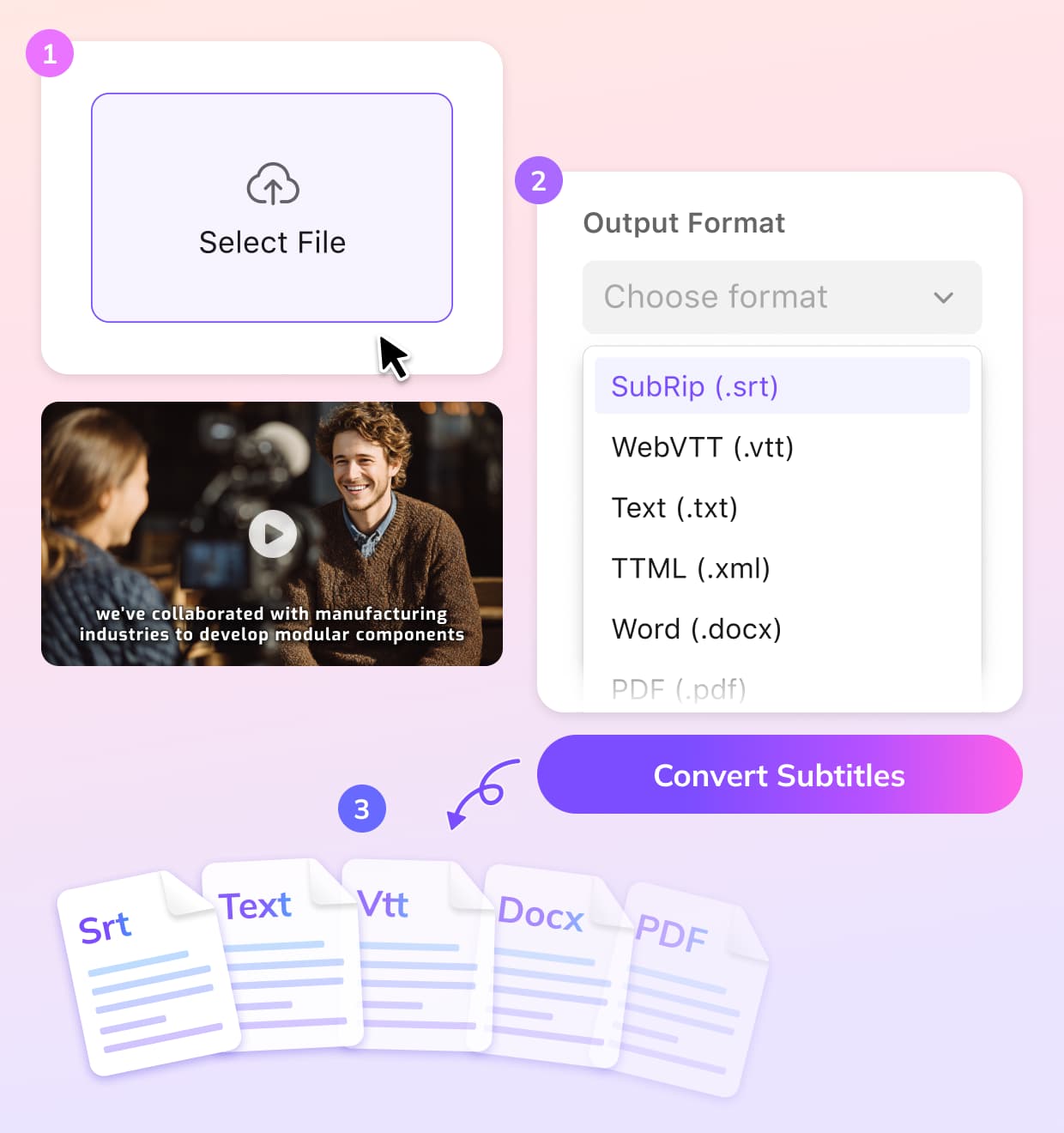
Upload Your SMI File
Click the "Upload" button or drag and drop your .smi (SAMI) file into the converter.
Select SRT as Output
Choose "SRT" from the format options. VMEG will automatically parse the complex SMI HTML-like tags into clean SRT blocks.
Download Your Result
Click "Convert" and download your ready-to-use .srt file instantly.
Key Features of VMEG’s SMI to SRT Converter
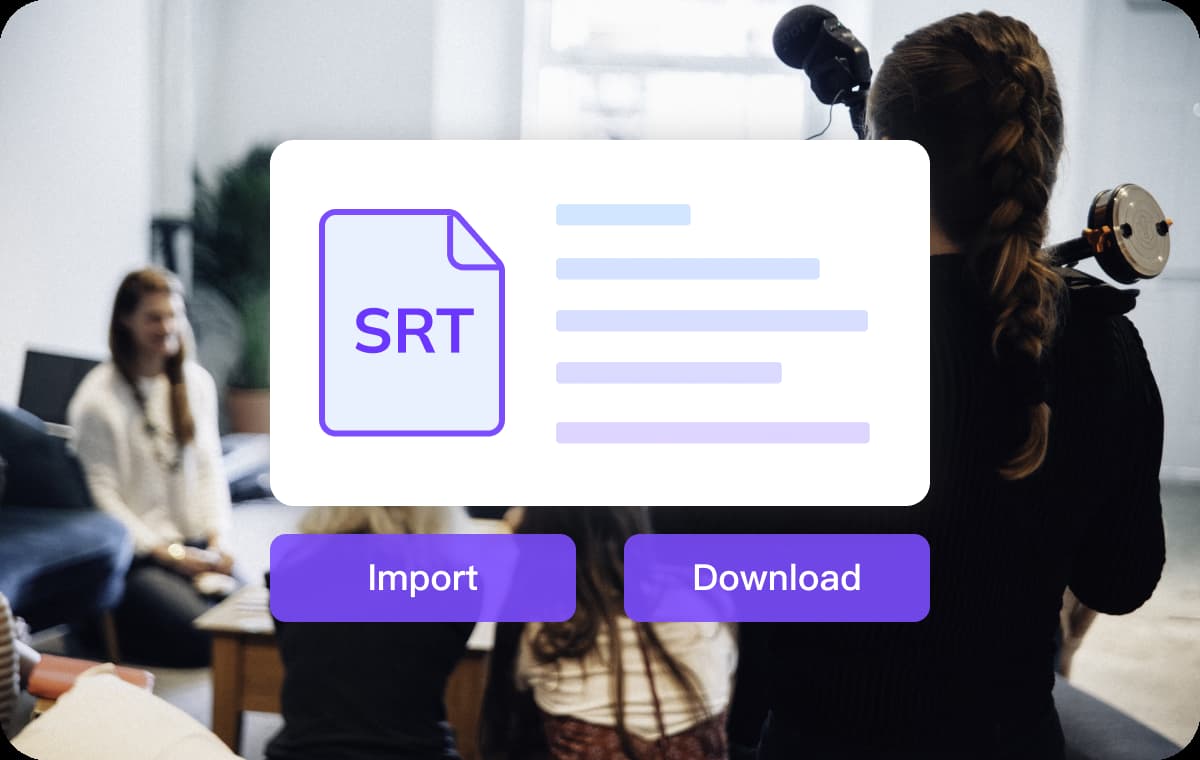
SAMI Tag Cleaning and Precision Conversion
VMEG’s converter excels at parsing complex SMI HTML-like tags, stripping away redundant headers to deliver a clean, standard SRT file instantly. Our tool intelligently identifies and extracts specific language tracks from multi-lingual SMI files, ensuring your subtitles remain perfectly synced and readable on any modern player.
Convert Subtitles
Instant Compatibility for Modern Media Players
Break the limitations of outdated SAMI formats by converting your SMI files into SRT for seamless playback on Smart TVs, mobile devices, and YouTube. We provide a 100% free, browser-based solution with unlimited submissions, allowing you to process entire K-Drama libraries or corporate archives without any daily caps.
Convert SubtitlesAutomate Your Entire Localization Workflow
After fixing your subtitle formats, use VMEG’s AI Subtitle Generator to automatically transcribe and time-sync any missing dialogue from your video files. Our platform empowers you to bridge the gap between old media and modern audiences using advanced Voice Cloning and automated video localization tools.
Convert SubtitlesWho Uses the SMI to SRT Converter

Creators
Social Media Optimization: Creators uploading archival footage to platforms like YouTube or TikTok convert SMI to SRT to ensure their captions are correctly indexed by search engines and displayed accurately across all mobile apps.

Education & Training Platforms
Clean Transcription for Study: SMI files often contain messy HTML code that confuses students. Converting them to SRT provides a clean, text-only version that is easier to read, print, or use as a study guide alongside the video.

Business & Localization Teams
Streamlining AI Workflows: Since most AI tools (including VMEG) prioritize SRT for AI Dubbing and Voice Cloning, teams convert their SMI files first to create a clean "source" for automated translation and high-fidelity lip-syncing.
FAQs About Converting SMI to SRT
What is an SMI file?
SMI (or SAMI) is a subtitle format developed by Microsoft. It uses HTML-like tags to define styles and timings, and was commonly used in Windows Media Player.
Why should I convert SMI to SRT?
SRT is the most widely supported subtitle format in the world. Many modern smart TVs, mobile apps, and social media platforms (like YouTube) do not support the older SMI format.
Will the conversion affect the subtitle sync?
No. VMEG ensures the internal timestamps are preserved accurately, so your subtitles will stay perfectly synced with the video.
Will the text order remain correct?
Yes. VMEG preserves the original subtitle sequence to ensure the transcript reads naturally.
Is my data secure when using VMEG’s converter?
Absolutely. We prioritize user privacy. All uploaded files are processed through an encrypted connection and are automatically deleted from our servers immediately after the conversion is complete.
Convert Subtitles to Any Format
Discover More on VMEG
Related Searches
Convert SMI to SRT Subtitles Online
Fast and free SMI to SRT converter. Convert your SRT subtitles to VTT (WebVTT) format online in seconds with high accuracy. Perfect for HTML5 video players.
Convert Subtitles