


SRT to ASS Converter
Upload your subtitle file

Select File (srt, vtt, ass, ttml, dfxp, stl, sbv, sub, smi, xml, txt)
Convert to
How to Convert SRT Subtitle Files to ASS Files
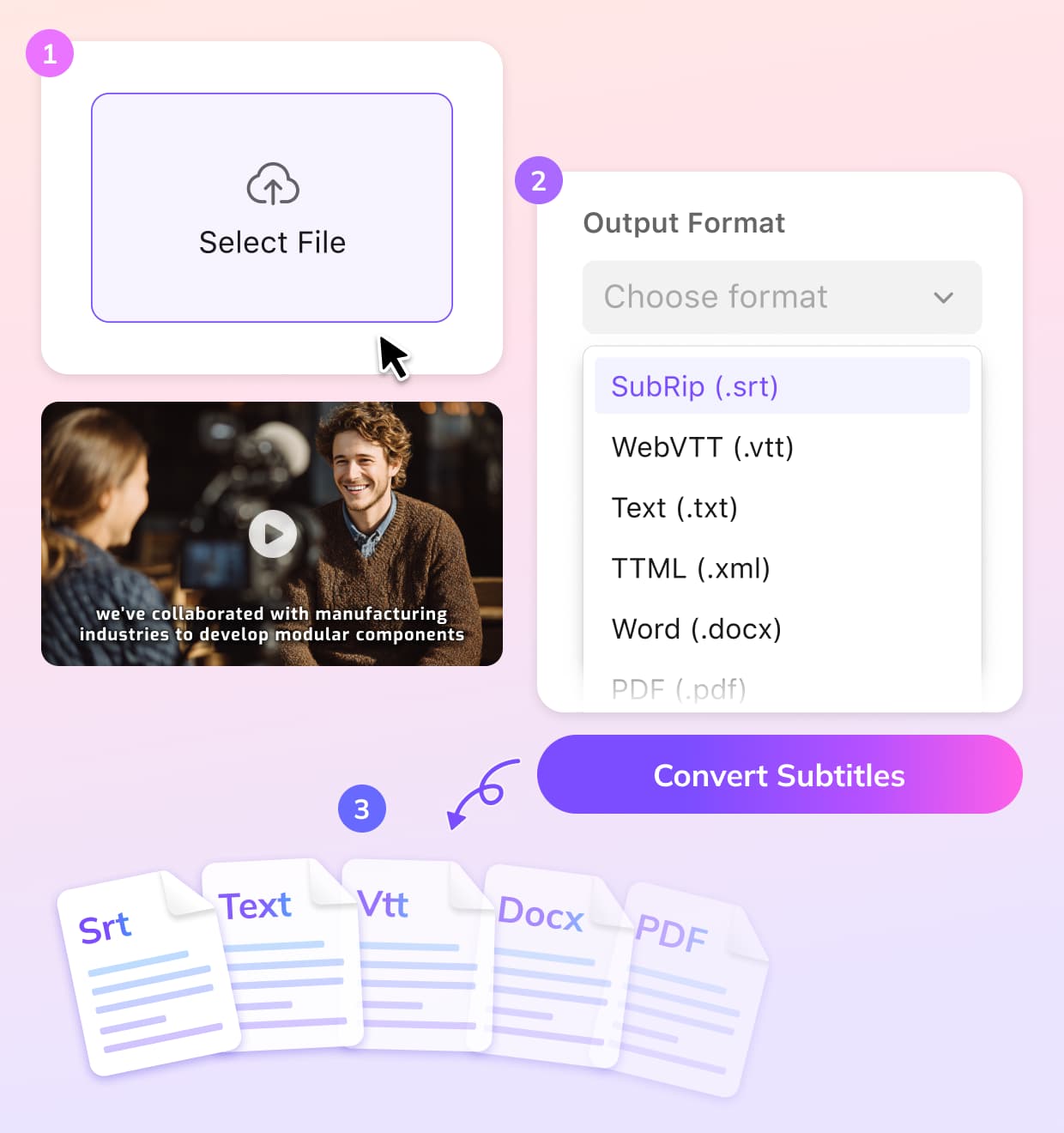
Upload
Choose your existing SRT subtitle file from your device and upload it to the VMEG platform.
Select ASS as the Output Format
Choose ASS as the format you want to convert your subtitles into. VMEG will automatically process the conversion while preserving the timing and structure.
Download
Once the conversion is complete, you can download your ASS subtitle file. Ready for use across all major platforms.
Why Choose VMEG for SRT to ASS Conversion
Efficient Subtitle Format Conversion
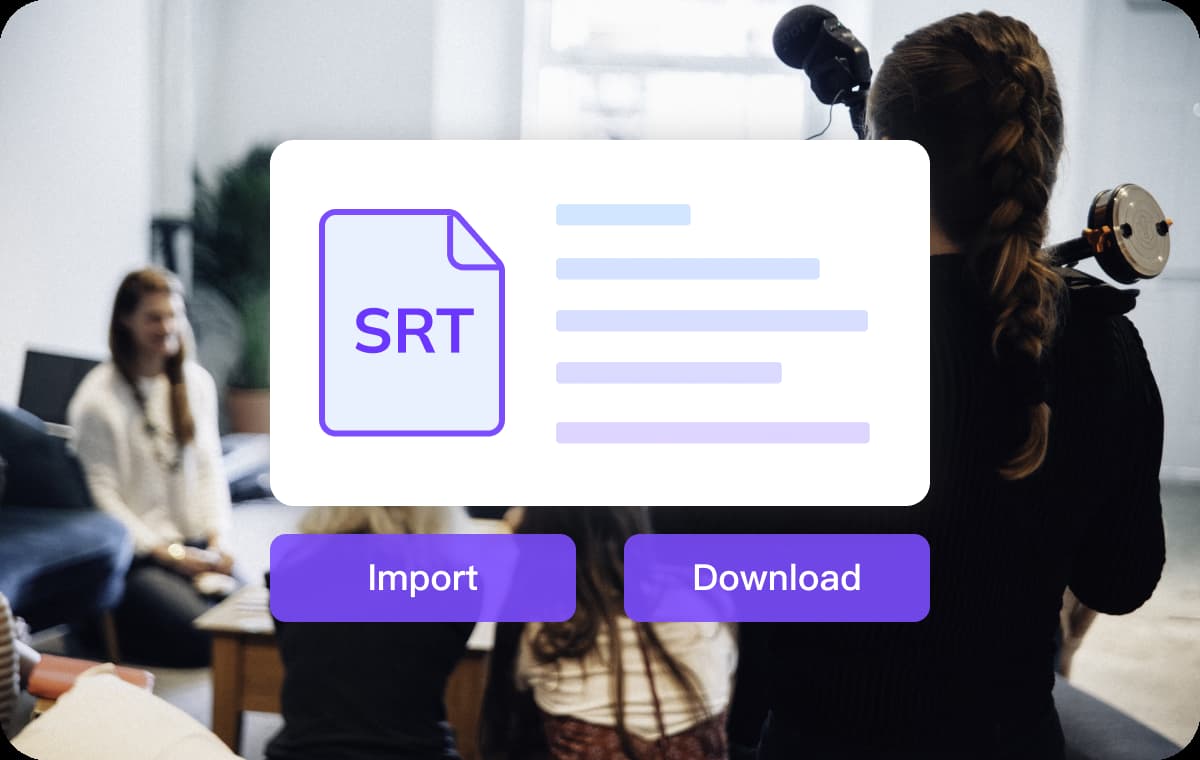
This converter streamlines the process of converting SRT files to ASS with its easy-to-use platform. You simply upload your SRT file, select the ASS format, and the system does the heavy lifting, preserving accurate timing and formatting.This makes it an ideal solution for content creators who need subtitles ready for advanced editing or for video platforms, such as streaming services or professional video editing tools.
Convert Subtitles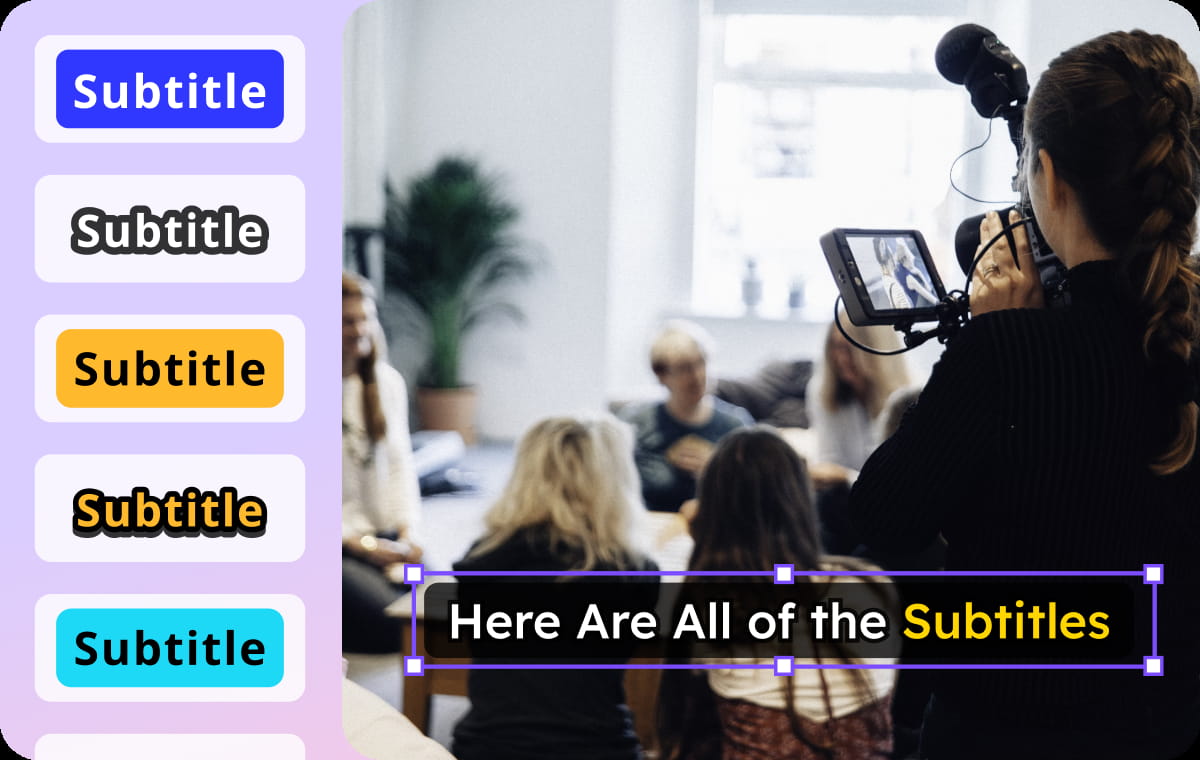
Customization and Precision with ASS Formatting
The converted ASS format offers advanced styling and customization options. With features like text positioning, color adjustment, and font size control, ASS is perfect for videos that need to display subtitles with unique visual requirements.VMEG ensures that all your subtitle text and settings are converted accurately, making the subtitle layout more dynamic and aligned with your creative or project needs.
Convert Subtitles
Fast, Multifunctional Conversion
VMEG operates entirely online, so you don't need to install any software to convert your SRT files to ASS. The entire process happens in your browser, with most conversions completed in just a few seconds.This efficiency is especially useful for video editors or professionals, allowing you to quickly generate the correct subtitle format without wasting time and ready to add it to video content. And it translates subtitles in 170+ languages if needed.
Convert SubtitlesWho Uses This SRT to ASS Converter

Video Producers & Creators
For filmmakers, YouTubers, and video editors, VMEG simplifies the process of preparing subtitles for various platforms. Converting SRT files to ASS format allows for better customization, making subtitles perfect for professional video editing.

Educational Institutions & E-learning
Teachers, instructors, and course creators use VMEG to convert subtitles into different formats, ensuring that their lessons are accessible and follow the specific formatting required by different LMS systems.

Global Companies & Marketing Teams
Companies working with international audiences often require subtitles in various formats or languages. VMEG helps localization teams convert and translate subtitles quickly and accurately, enabling them to scale their content globally.
FAQs About SRT Subtitles to ASS Format
What is the ASS format?
The ASS (Advanced SubStation Alpha) format is a subtitle file format that offers advanced styling options, including font, color, size, and positioning of subtitles.
Can you convert an SRT file to ASS?
Yes! VMEG subtitle converter can convert your SRT subtitle files into the ASS format with a few simple clicks.
How do I convert SRT files to ASS?
Open VMEG online, simply upload your SRT file, choose ASS as the output format, and VMEG will handle the rest.
Can I edit my converted ASS subtitles?
Yes! After converting to ASS, you can make further adjustments to the subtitles within the VMEG platform, such as editing text or adjusting the timing.
Is there a free option to convert SRT to ASS?
Yes! You can use free usage credits to convert your subtitles without any cost.
How long does it take to convert subtitles?
The conversion process is fast, usually taking just a few seconds to process your subtitles and prepare them for download.
Convert Subtitles to Any Format
Discover More on VMEG
Related Searches
SRT to ASS Converter
Convert SRT to ASS with VMEG to match the visual aesthetics of videos, create content with multiple language options, or scale your global operations.
Convert Subtitles