


TTML to SRT Converter
Upload your subtitle file

Select File (srt, vtt, ass, ttml, dfxp, stl, sbv, sub, smi, xml, txt)
Convert to
How to Use TTML to SRT Converter Online
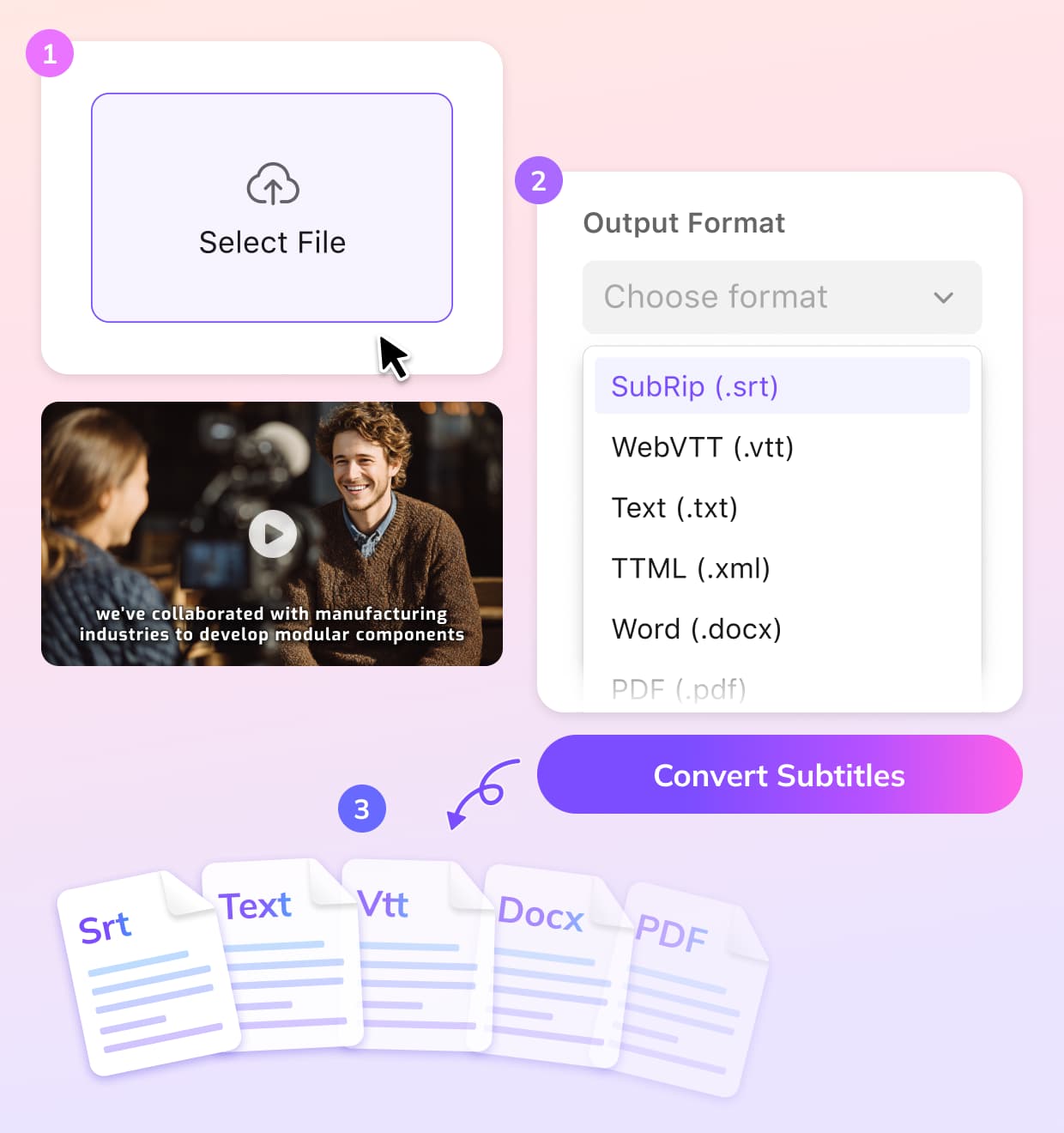
Upload Your TTML Subtitle File
Start by uploading your TTML file. VMEG supports all the standard subtitle formats, so you can easily import your TTML subtitles into the system.
Select SRT as the Output Format
Choose the SRT format from the available options. VMEG will automatically convert your TTML file.
Download the Converted File
Fine-tune the subtitles if needed, and download your SRT file.
Why Use Our TTML to SRT Converter
Quick and Accurate
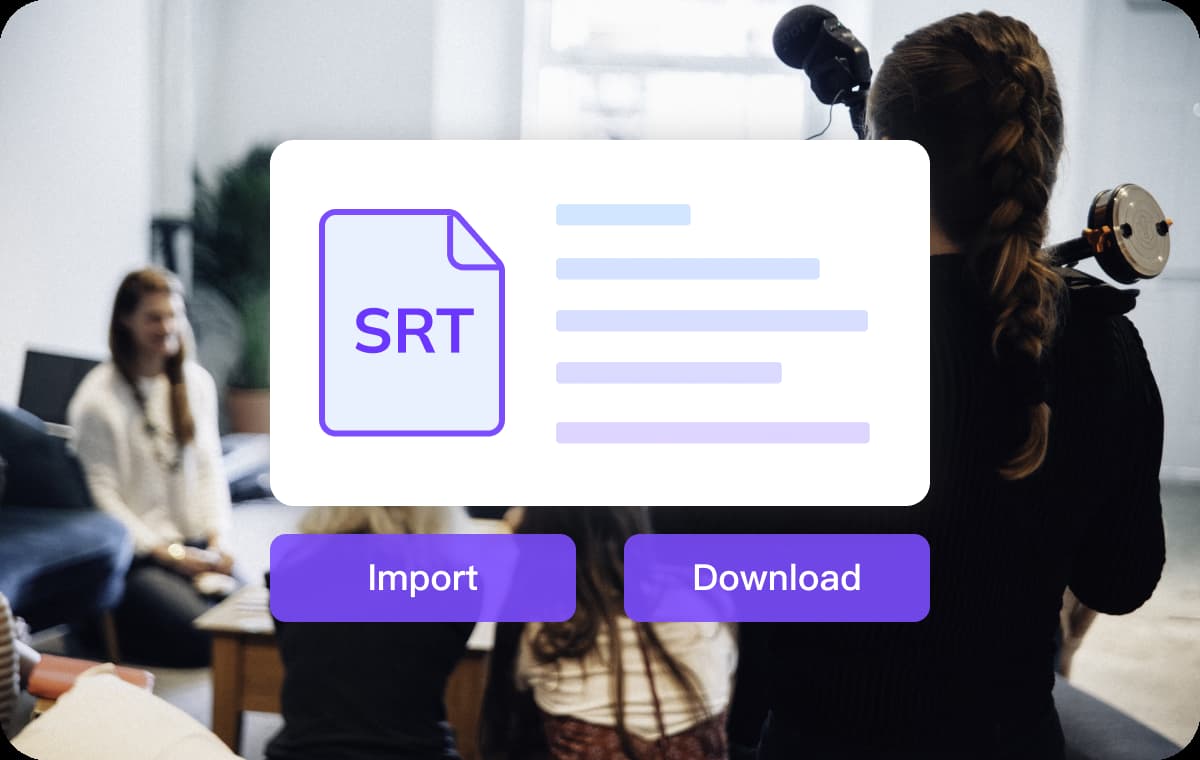
Converting TTML to SRT for simplicity, wider compatibility, and ease of use. VMEG makes it easier with a straightforward process — Simply upload your file, select your output format, and let VMEG handle the rest.You can focus on creating and sharing content while we take care of the technical side of things, ensuring that your subtitles are ready in no time.
Convert Subtitles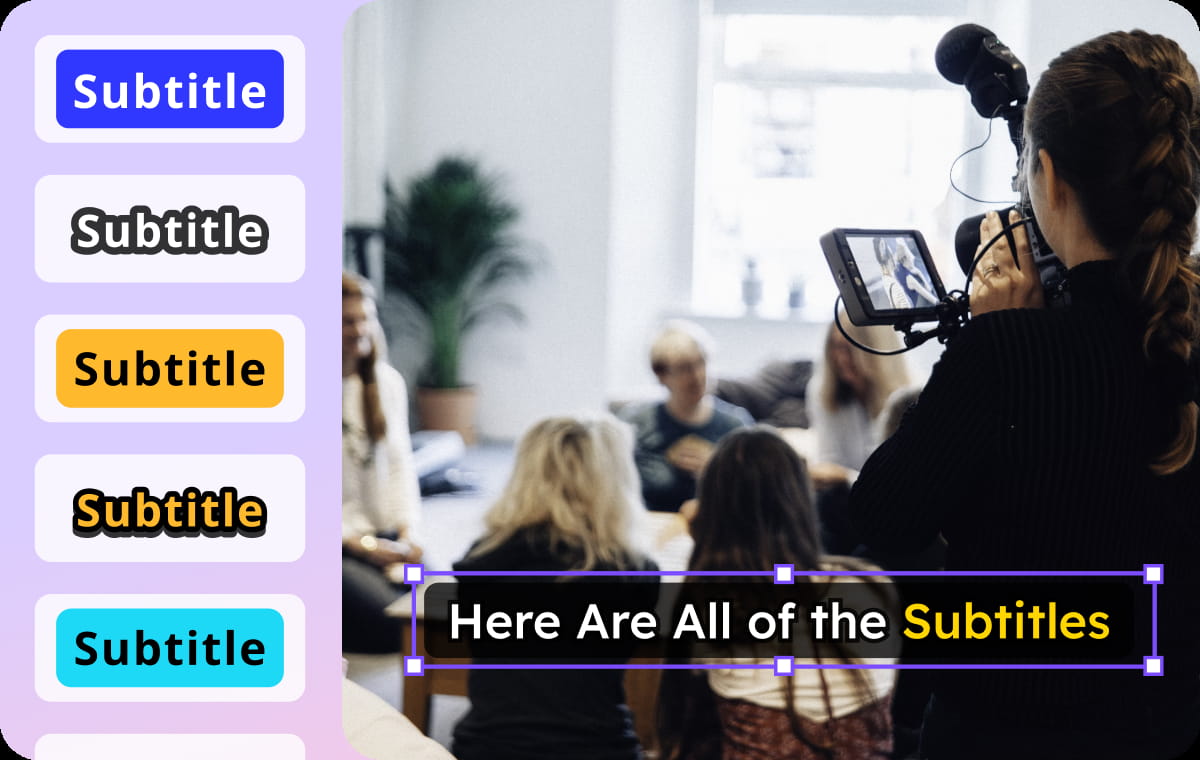
Efficient Timing and Subtitles Editing
During the conversion process, our converter ensures your subtitle timings are always in sync with your video. The tool fixes timing and formatting issues automatically.You can also tweak the timing and duration of individual subtitles, or even delete unnecessary lines with simple built-in subtitle editor. This ensures your subtitles fit perfectly with your video content.
Convert Subtitles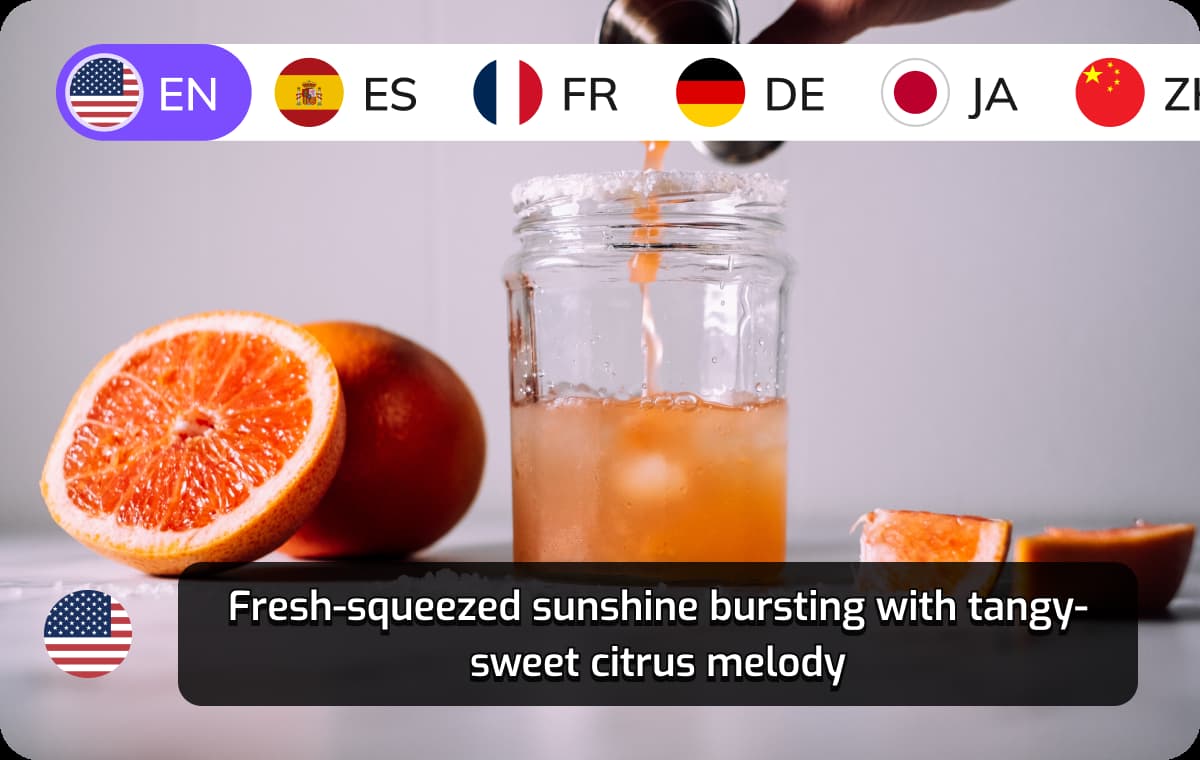
Wider Compatibility
SRT is one of the most universally accepted subtitle formats, ensuring that your content is accessible to a global audience. You can now easily add the SRT to a video, or integrate with other platforms.Also, you can translate your subtitles into 170+ languages for a broader audience. This comprehensive platform enables you to create accessible and multiligual content easily.
Convert SubtitlesWho Can Benefit from Our TTML to SRT Converter

Content Creators & Video Editors
As a creator, the ability to convert TTML subtitles into SRT format allows you to enhance your videos with subtitles that are universally compatible. SRT files are accepted across major platforms, so your content can be viewed by more people. This tool simplifies the process and saves you time for video creation.

Educators & Learners Online
Online educators and course providers often require subtitles for their videos to make learning materials more accessible. VMEG makes it quick and simple for educators to prepare their content for a broader audience across different regions and platforms.

Corporates & Marketing Teams
Businesses can use subtitles to make their training materials, marketing videos, and corporate presentations accessible to a global workforce. VMEG makes TTML to SRT conversion simple, allowing companies to focus on their messaging while leaving the technical details to us.
FAQs About VMEG TTML to SRT Converter
What is the TTML format for subtitles?
TTML (Timed Text Markup Language) is a XML-based format for displaying timed text, typically used in professional video applications. Converting TTML to SRT makes video content more accessible.
How do I convert TTML subtitles to SRT?
Simply upload your TTML file to VMEG, select the SRT format, and let the tool convert it for you in seconds.
Is there a limit on the size of the TTML file I can convert?
VMEG allows you to upload files up to 1GB in size for conversion.
Can I convert TTML to other formats besides SRT?
Yes, VMEG supports converting TTML files to a wide variety of formats, including VTT, TXT, and SRT, among others.
Can I convert TTML to SRT for free?
YES. VMEG offers both free and premium options. You can try the conversion process for free with limited credits, while premium plans offer higher file limits and additional features.
Can I use this tool to convert TTML subtitles for YouTube videos?
Absolutely! After converting TTML to SRT, you can easily upload the SRT file to YouTube or any other video platform that supports SRT subtitles.
Convert Subtitles to Any Format
Discover More on VMEG
Related Searches
TTML to SRT Converter
Converting TTML to SRT for a widely used subtitles or captions format. VMEG handles timing and formatting automatically during the conversion.
Convert Subtitles