


XML to SRT Converter
Upload your subtitle file

Select File (srt, vtt, ass, ttml, dfxp, stl, sbv, sub, smi, xml, txt)
Convert to
How to Convert XML to SRT with VMEG AI
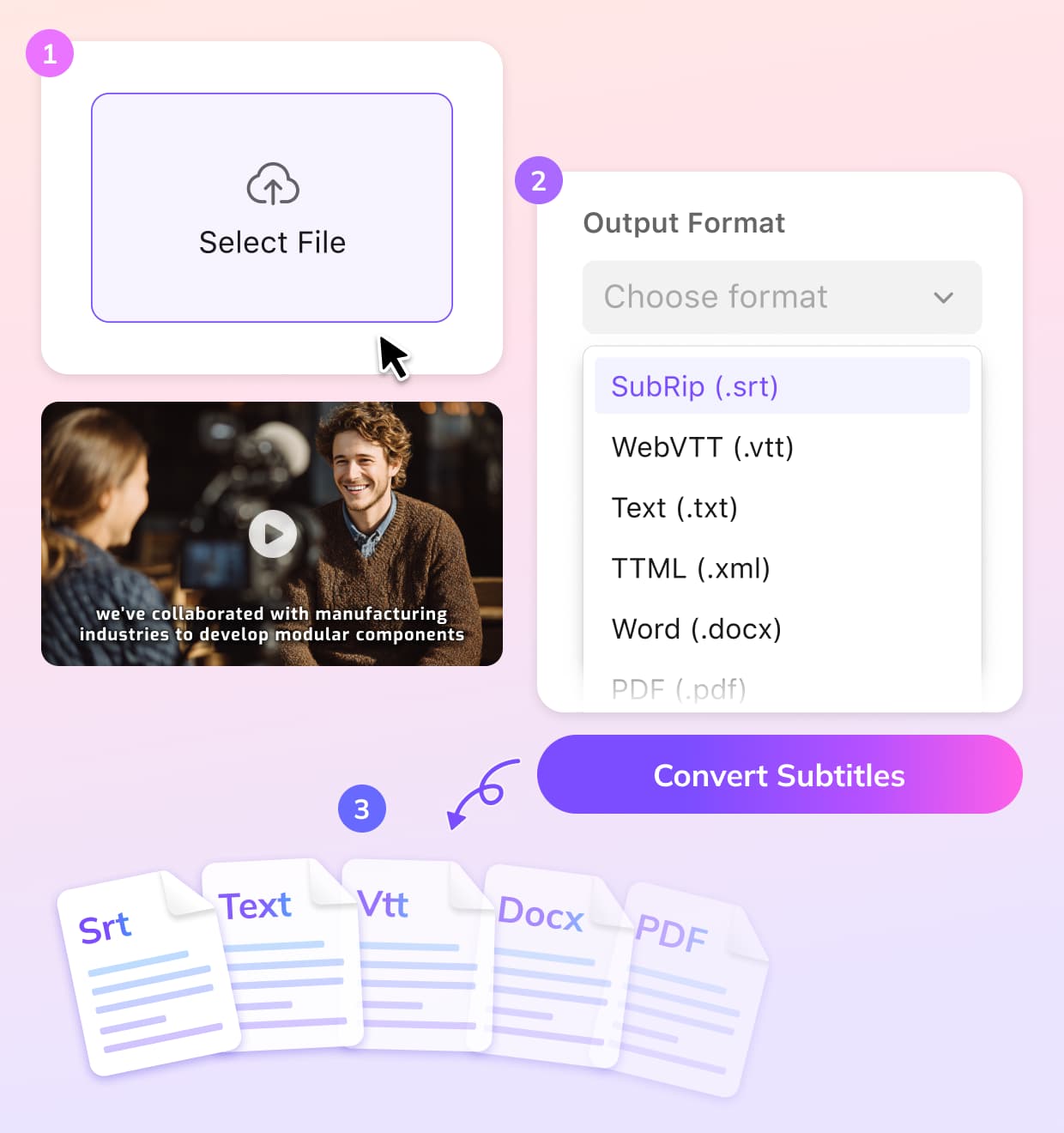
Upload Your XML File
Upload your existing XML subtitle file from your device.
Choose SRT as Output Format
VMEG converts XML subtitle data into standard SRT format while preserving timing and text accuracy.
Download & Use Anywhere
Download the SRT file for immediate use or further editing.
Key Features of VMEG XML to SRT Converter
Accurate XML to SRT Conversion
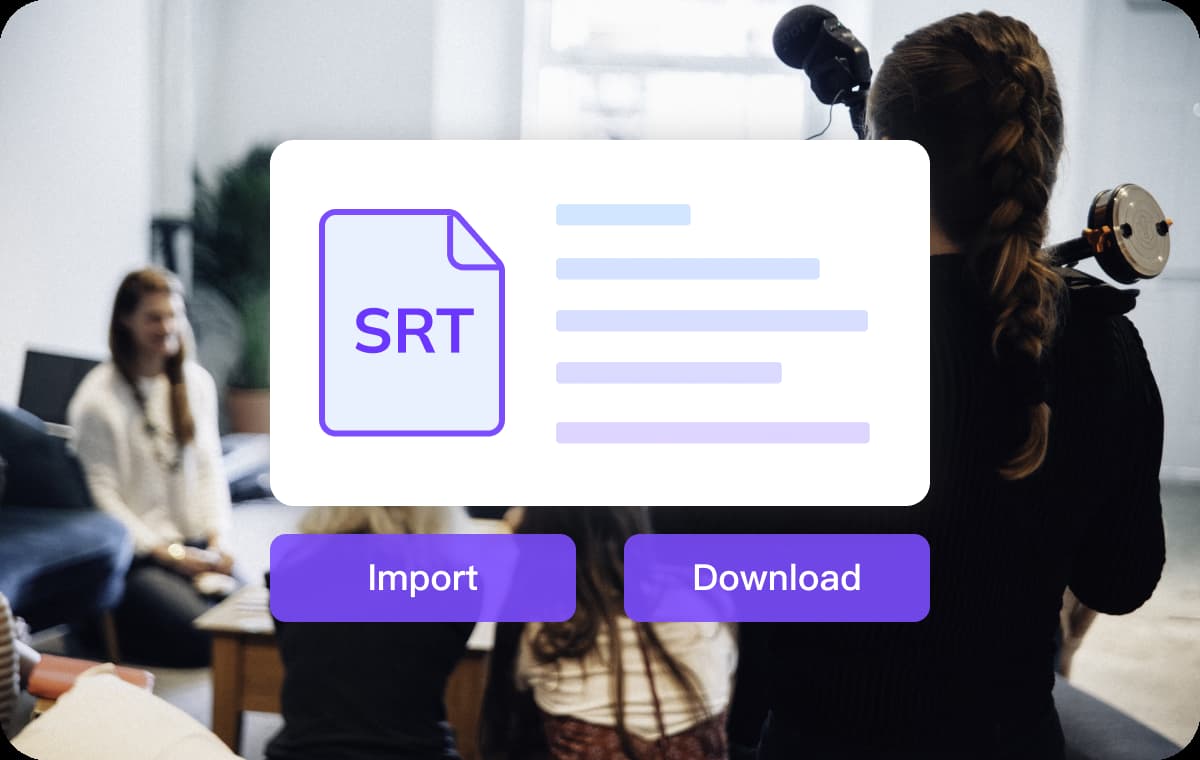
XML subtitle formats are often platform-specific and not directly compatible with most video players. VMEG accurately parses XML subtitle data and converts it into standard SRT format with clean timing and readable text blocks.This ensures your subtitles remain synchronized with video playback and are ready for use across popular platforms and editing tools.
Convert Subtitles
Free, Web-based, and Optimized for Speed
The XML to SRT converter runs entirely in your browser, so there’s no need to install software or configure complex settings. Simply upload your file and receive a converted SRT within seconds.With free usage credits available, creators and teams can process subtitle files efficiently without additional cost or commitment.
Convert Subtitles
Generate or Translate Subtitles Before Exporting
If you don’t already have an XML subtitle file, VMEG allows you to generate subtitles directly from video or audio content. You can also translate subtitles into more than 170 languages before exporting them as SRT.This integrated workflow makes it easy to prepare subtitles for multilingual distribution without switching between multiple tools.
Convert SubtitlesWho Uses VMEG XML to SRT Converter

Creators & Video Editors
Video creators and editors often receive subtitles in XML formats that are incompatible with their tools. VMEG helps convert these files into SRT, making subtitles easy to edit, upload, and reuse across different platforms.

Education & Training Platforms
Educators and course creators can convert XML subtitles into SRT to meet the requirements of LMS platforms and video players, ensuring accessibility and consistent timing across lessons.

Business & Localization Teams
Teams working with enterprise video platforms or broadcast systems can standardize subtitle workflows by converting XML files into SRT. This simplifies collaboration, translation, and distribution across regions.
FAQs About Converting XML to SRT
What is an XML subtitle file?
An XML subtitle file stores subtitle text and timing information in a structured format commonly used by broadcast systems and enterprise video platforms.
How do I convert XML subtitles to SRT?
Upload your XML file to VMEG Subtitle Converter, choose SRT as the output format, and click convert. The tool handles the conversion automatically.
Will the subtitle timing remain accurate after conversion?
Yes. VMEG preserves timing information during XML to SRT conversion to ensure subtitles stay in sync with video playback.
Can I translate subtitles after converting XML to SRT?
Yes. After conversion, you can translate SRT subtitles into over 170 languages using VMEG’s subtitle translation tools.
Convert Subtitles to Any Format
Discover More on VMEG
Related Searches
XML to SRT Converter
Use VMEG to convert XML subtitle files into standard SRT format, making them compatible with video players, editing software, and major streaming platforms.
Convert Subtitles