


Add English Subtitles to Arabic Video
VMEG's Arabic to English subtitle generator easily makes your Arabic content accessible worldwide by turning it into a video with English subtitles.
Try the demo and experience all features for free
 English
 Spanish
 German
 Russian
 Turkish
 Italian
 Chinese
 French
 Portuguese
 Hindi
Hindi


How to Convert Arabic Audio to English Subtitles
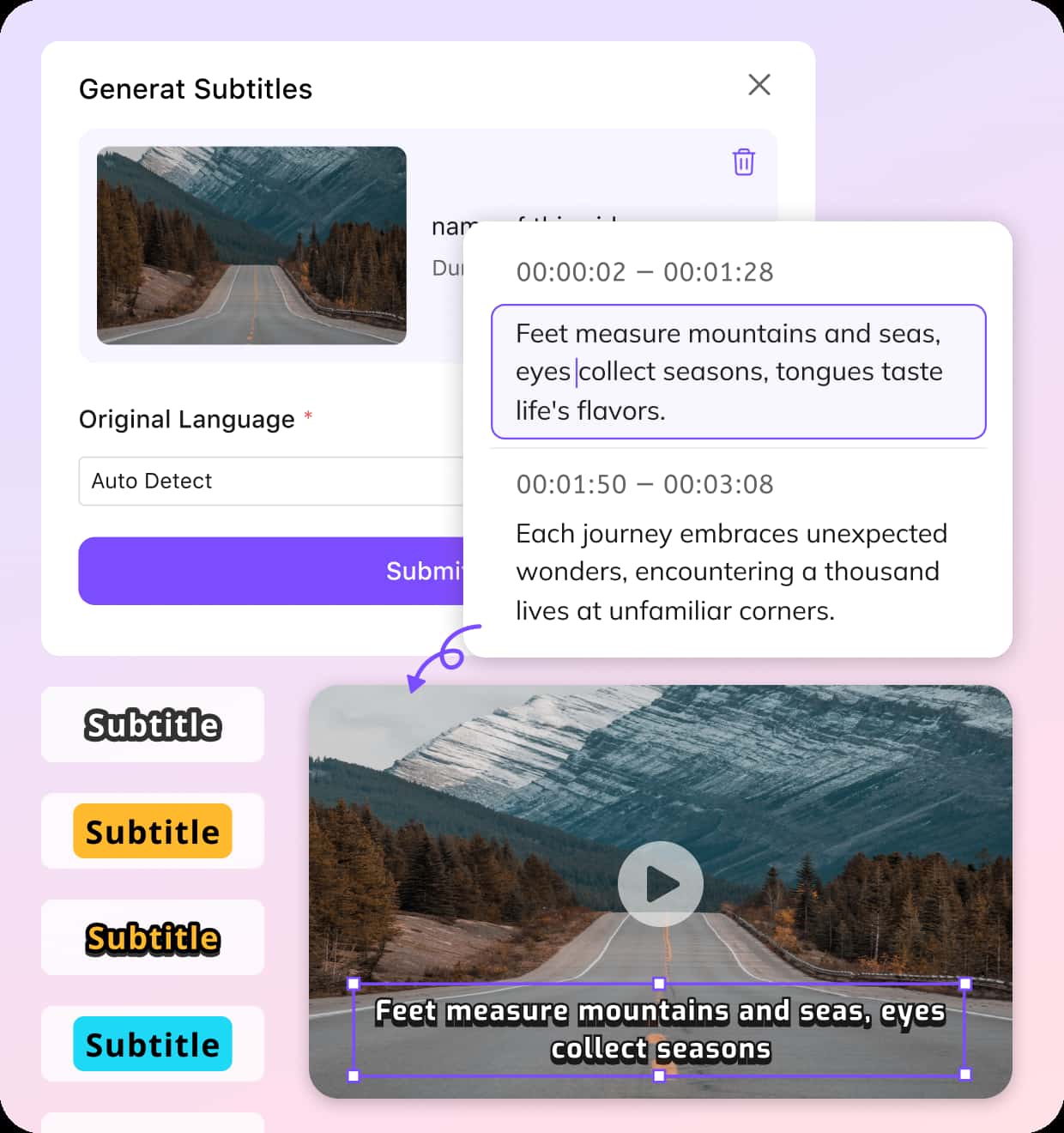
Import Video
Start with a local upload or a direct video URL from platforms like YouTube or TikTok. So you can easily add English subtitles to an Arabic video from YouTube.
Convert Speech & Translate to English
Select Arabic as the source language, then choose English as your target. The system works as a subtitle generator for Arabic—transcribing and translating in one continuous step.
Export Arabic Video with English Subtitles
Preview the subtitles, refine both Arabic and English text, customize timing or styles, regenerate if needed. Then export your Arabic video with captions or download subtitle files.
Why VMEG Works for Arabic Videos with English Subtitles
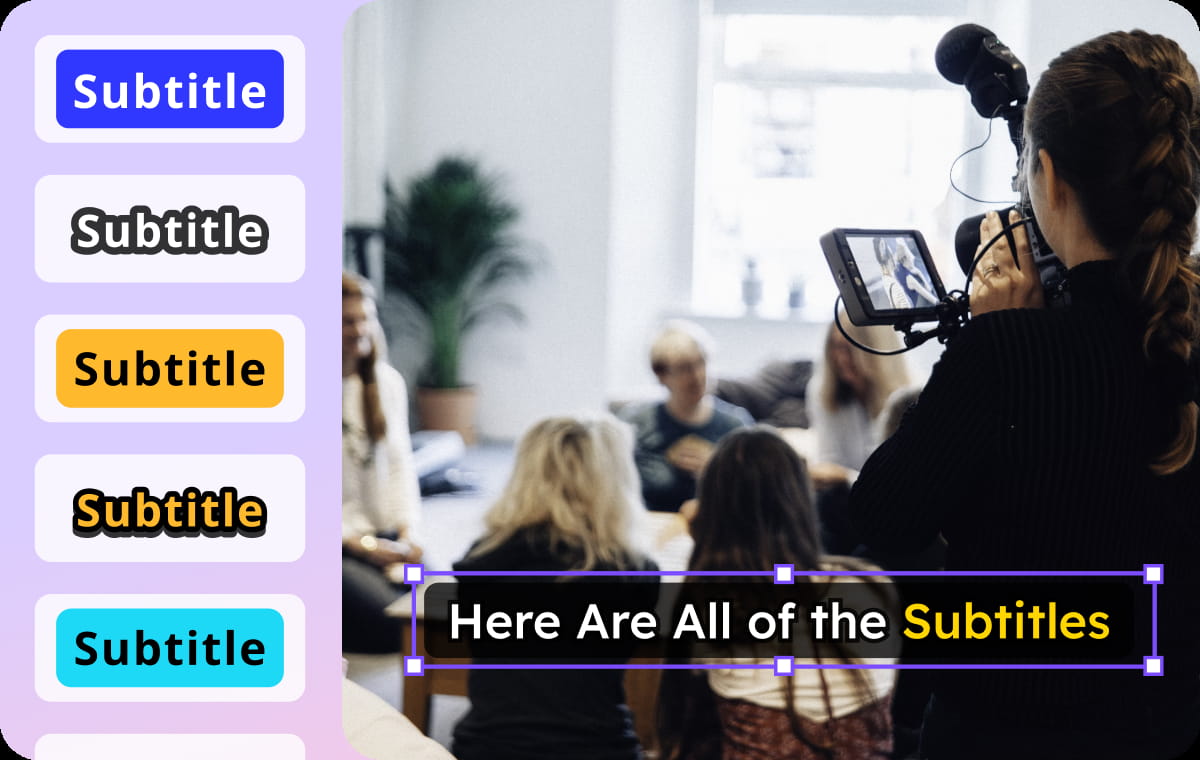
One Workflow Instead of Multiple Tools
Traditional subtitle creation often requires separate tools for transcription, translation, and editing. VMEG combines them into one workflow, saving time and reducing manual effort.It is easy to create English subtitles or other 170+ languages for Arabic videos without switching platforms or repeating steps. It works well for meetings, interviews, lectures, and storytelling content.
Adding English Subtitles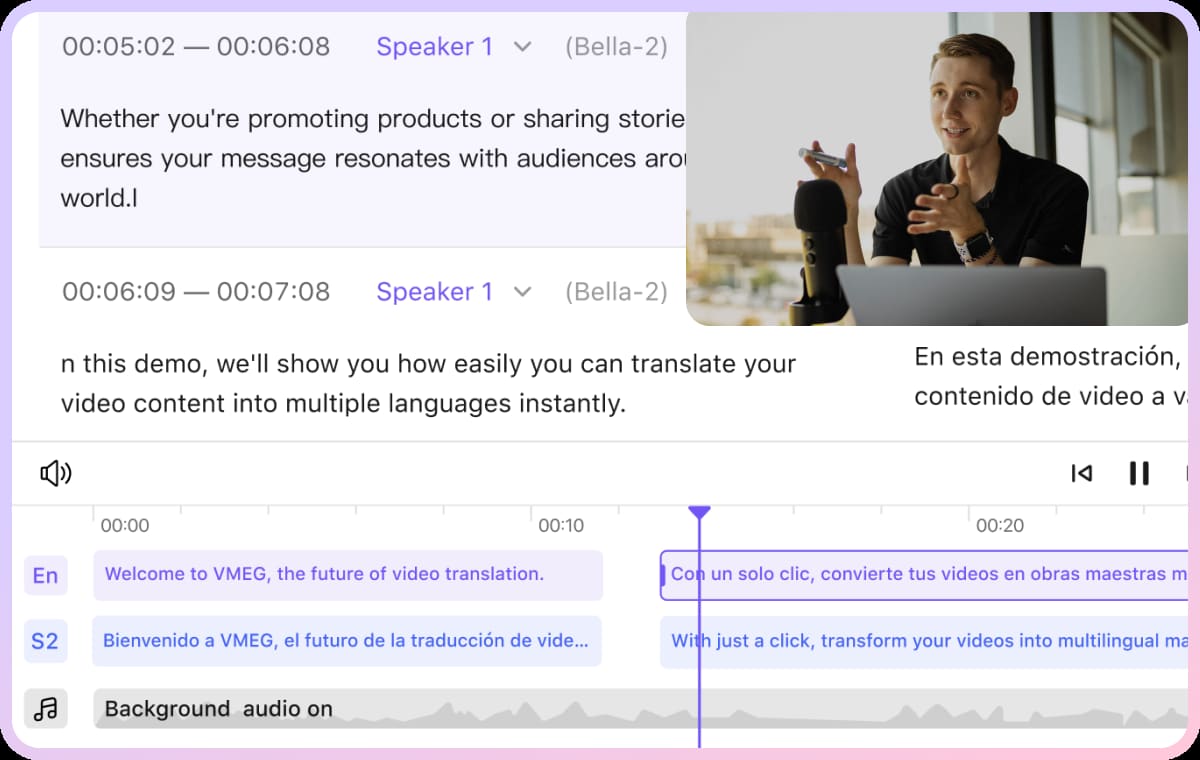
Arabic Speech Translation & Subtitles Editing
Arabic content often includes dialect differences, rapid speech, and context-heavy phrasing. VMEG processes these nuances and converts them into structured English subtitles that are both accurate and readable.And, VMEG built-in editor allows you to edit Arabic transcription, adjust English translation, or regenerate instantly. You can also control subtitle timing and customize styles—suitable for adding subtitles to a video in another language while maintaining quality.
Adding English Subtitles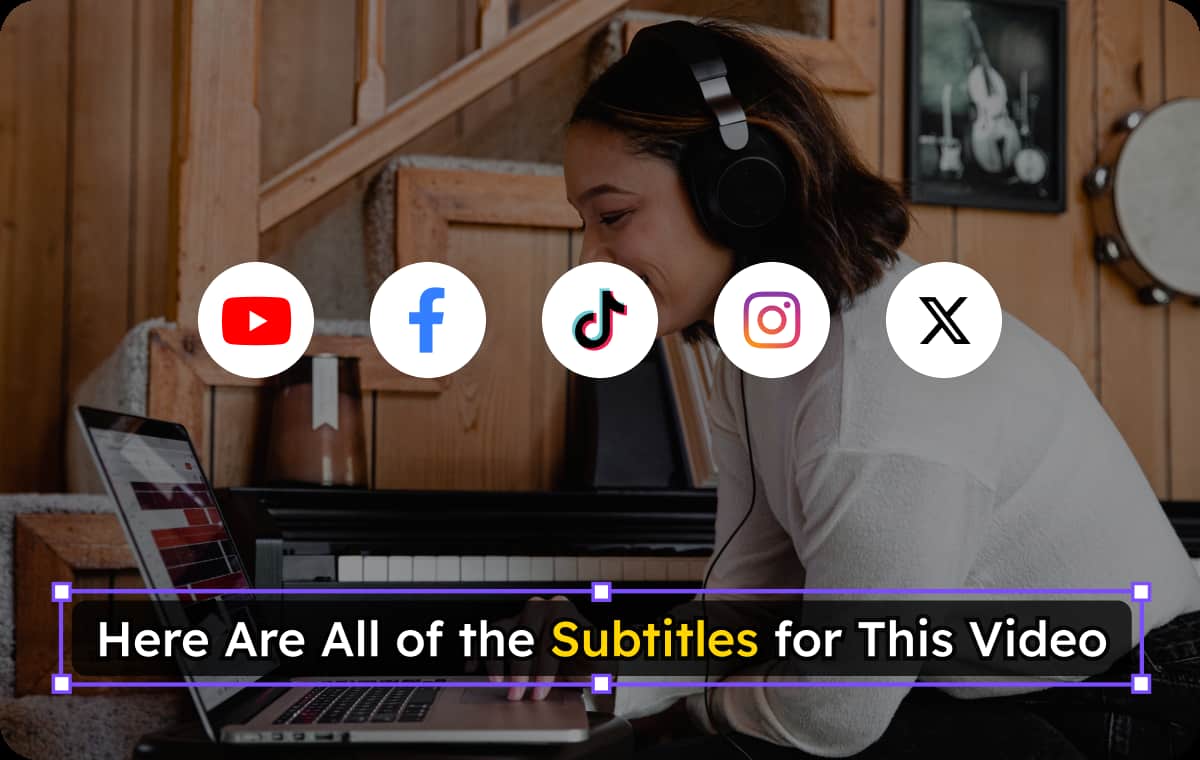
Designed for Real Publishing Scenarios
Whether you're preparing content for social media or training materials, subtitle flexibility matters. You can export videos with embedded captions, download original or translated SRT files for editing and reuse.This is particularly helpful if you plan to add English subtitles to an Arabic video on YouTube or distribute content across multiple platforms. It simplifies both distribution and collaboration.
Adding English SubtitlesWho Needs for Creating Arabic Videos with English Subtitles

Creators & YouTubers
English subtitles helps creators expand beyond Arabic-speaking audiences with accessibility, while making content perform better across global platforms.
Educators & Platforms
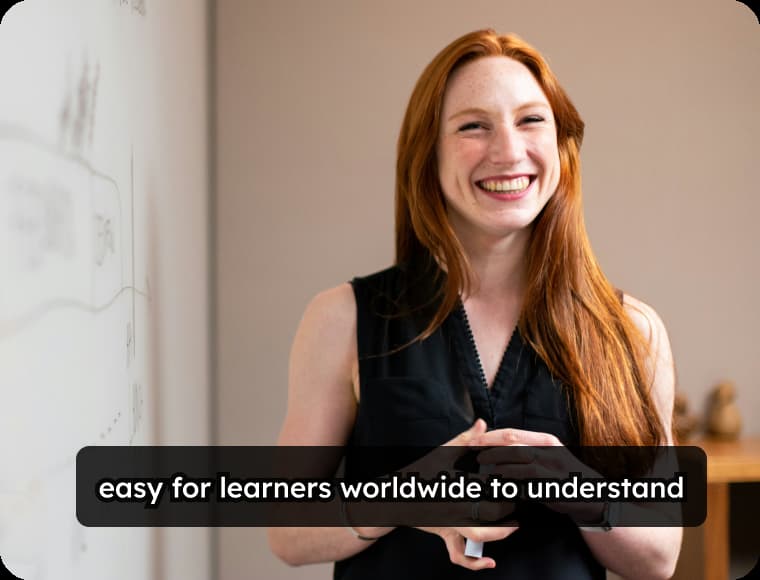
Courses and tutorials recorded in Arabic become easier to follow for international learners. Subtitles bridge the language gap and improve understanding.
Companies
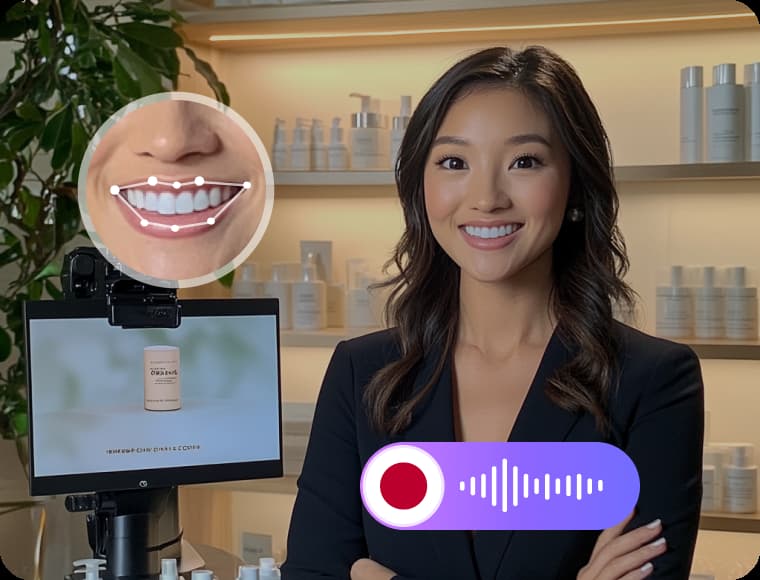
Businesses can adapt Arabic videos for international teams, customers, or partners with English subtitles, ensuring messages are clearly understood across regions.
FAQs – Generate English Subtitles for Arabic Videos
How to add subtitles to a video in another language easily?
VMEG supports you add 170+ language subtitles to a video. For example, upload your video, select Arabic as the source and English as the target language, and let the system handle the rest.
Can I generate English subtitles directly from Arabic audio?
Yes, VMEG can automatically detect Arabic speech and generate English subtitles without requiring any manual transcription.
Do I need an existing subtitle file?
No, subtitles can be generated directly from your video without any pre-existing captions.
Can I export subtitles separately?
Yes, subtitle files like SRT can be downloaded, or you can export a video with embedded captions.
Can I use a YouTube link directly?
Yes, you can paste a link to generate English subtitles from an Arabic video on YouTube without downloading the file.
How to customize how the subtitles look on screen?
You can choose preset subtitles styles or fully customize subtitle appearance, including font, layout, and bilingual display options.
Discover More on VMEG
Related Searches
Arabic to English Subtitle Generator
VMEG instantly generates English subtitles from Arabic videos using its built-in editor. You can choose to add subtitles automatically or make them fully customized.
Adding English Subtitles