
What is Localization
Meaning of Localization
In marketing, localization means adapting a product, service, or piece of content so that it is relevant to a particular market. It goes beyond language to account for local context and audience expectations.
Translation vs Localization
Translation converts content from one language to another. Localization may also adapt terminology, dates, currencies, imagery, layouts, humor, product experience, and market-specific requirements. For video, it can additionally include subtitle timing, dubbing, voice choice, and lip sync.
Examples of Localization
- Software and apps: Adapt interface strings, date and currency formats, payments, and local user expectations.
- Marketing and advertising: Adapt messaging, imagery, tone, references, and campaigns for the target market.
- Education: Adapt examples, names, measurements, currencies, and learning context.
- Media and entertainment: Adapt subtitles, dubbing, on-screen text, timing, and cultural references.
- Websites and e-commerce: Adapt copy, trust signals, support content, local spelling, checkout, and policies.
What Makes a Great AI Localization Tool?
The right criteria depend on the work you need to localize. A video team needs different controls from a product team managing app strings or a marketing team publishing multilingual web content.
Language Coverage & Accuracy
Confirm the language pairs, regional variants, and quality controls you actually need. A large language count is useful only when the tool supports the required market and lets you review the output.
Context-Aware Translation
Look for ways to preserve tone, intent, terminology, and cultural context. For product and enterprise workflows, this can include glossaries, translation memory, visual context, and quality checks.
Multimedia Support (Video, Audio, Subtitles)
If you localize media, check that the tool supports the inputs and outputs you need: video, audio, subtitle files, transcripts, dubbing, lip sync, or captioned exports.
Automation & AI Agents
Evaluate whether automation fits the workflow you already use. For example, product teams may need APIs and content synchronization, while video teams may need batch processing and repeatable review steps.
Integrations
Useful integrations connect the localization process to the systems where content is created, approved, published, or measured.
Human-in-the-Loop Options
AI output should be reviewable before publication. For high-visibility, regulated, technical, or customer-facing content, confirm how the tool supports editing, approval, and professional linguistic review.
Pricing & Scalability
Compare the cost model against your volume, number of languages, team size, required integrations, and review needs. Verify current plan limits and exports directly with the provider before purchase.
Best AI Localization Tools
| Tool | Primary workflow | Best for | Review and governance | Plan model |
| VMEG AI | Video and audio localization | Subtitle translation, dubbing, voice workflows, and lip sync | Edit bilingual scripts, subtitles, timing, and voice settings before export | Try free; credit-based plans |
| Lokalise | Continuous product and content localization | Apps, websites, software, and marketing content | Context management, AI profiles, quality scoring, and workflow automation | Plans vary; check current pricing |
| Smartling | Enterprise translation management | Organization-wide web, product, help-center, and marketing localization | TMS workflows, translator tools, analytics, integrations, and human translation options | Contact sales; plan-based pricing |
| Maestra | Media localization | Video and audio translation, subtitles, transcription, dubbing, and live workflows | Subtitle timing, text, styling, and export review | Try free; paid plans and limits vary |
| Phrase | Enterprise multilingual content operations | Software, websites, digital products, and multimedia workflows | TMS, AI capabilities, quality evaluation, automation, APIs, and integrations | Plans vary; check current pricing or request a demo |
Tool capabilities and plan access change over time. The table focuses on primary workflow fit rather than treating every product as the same type of localization solution.
Best AI Localization Tools:
Here are five tools for different AI localization workflows.
VMEG AI – Best for Video Localization, Dubbing, and Voice Workflows
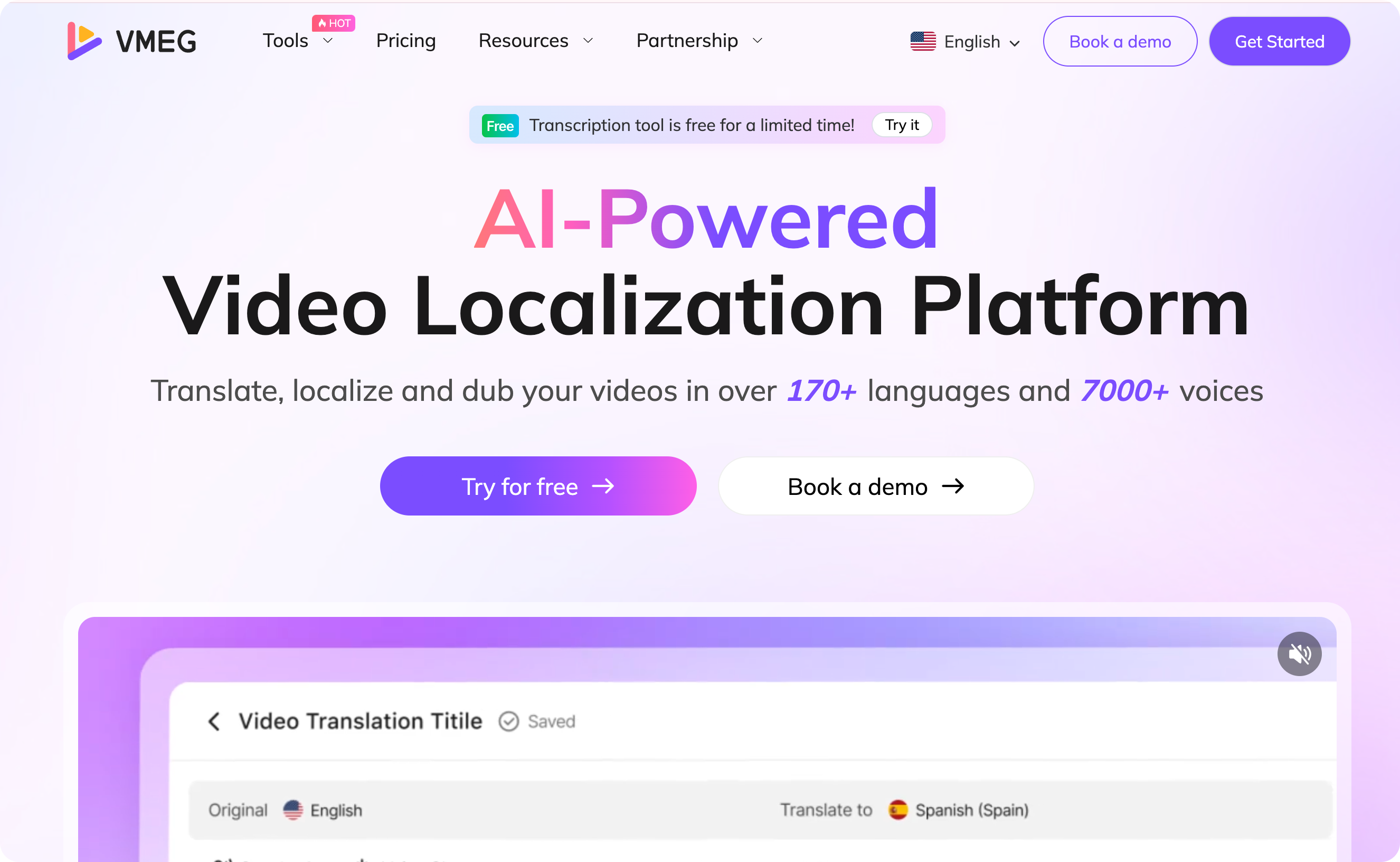
- Language and voice coverage. VMEG AI supports 170+ languages and offers 17,000+ premium voices for multilingual video workflows.
- Video localization workflow. Use audio translation, subtitles, AI dubbing, and lip sync when the project requires more than translated text.
- Review before export. Edit bilingual scripts, subtitle timing, layout, style, voices, speed, and intonation before final delivery. Text-to-speech and video-to-text workflows can support script preparation and voice production.
- Multi-speaker and terminology controls. Identify speakers, assign voices, and use glossary and pronunciation controls where available.
- Scale when the workflow is proven. Batch production and automation, professional workflow, and the localization agent are relevant for recurring multilingual video projects.
Lokalise – Best for Continuous Product and Content Localization
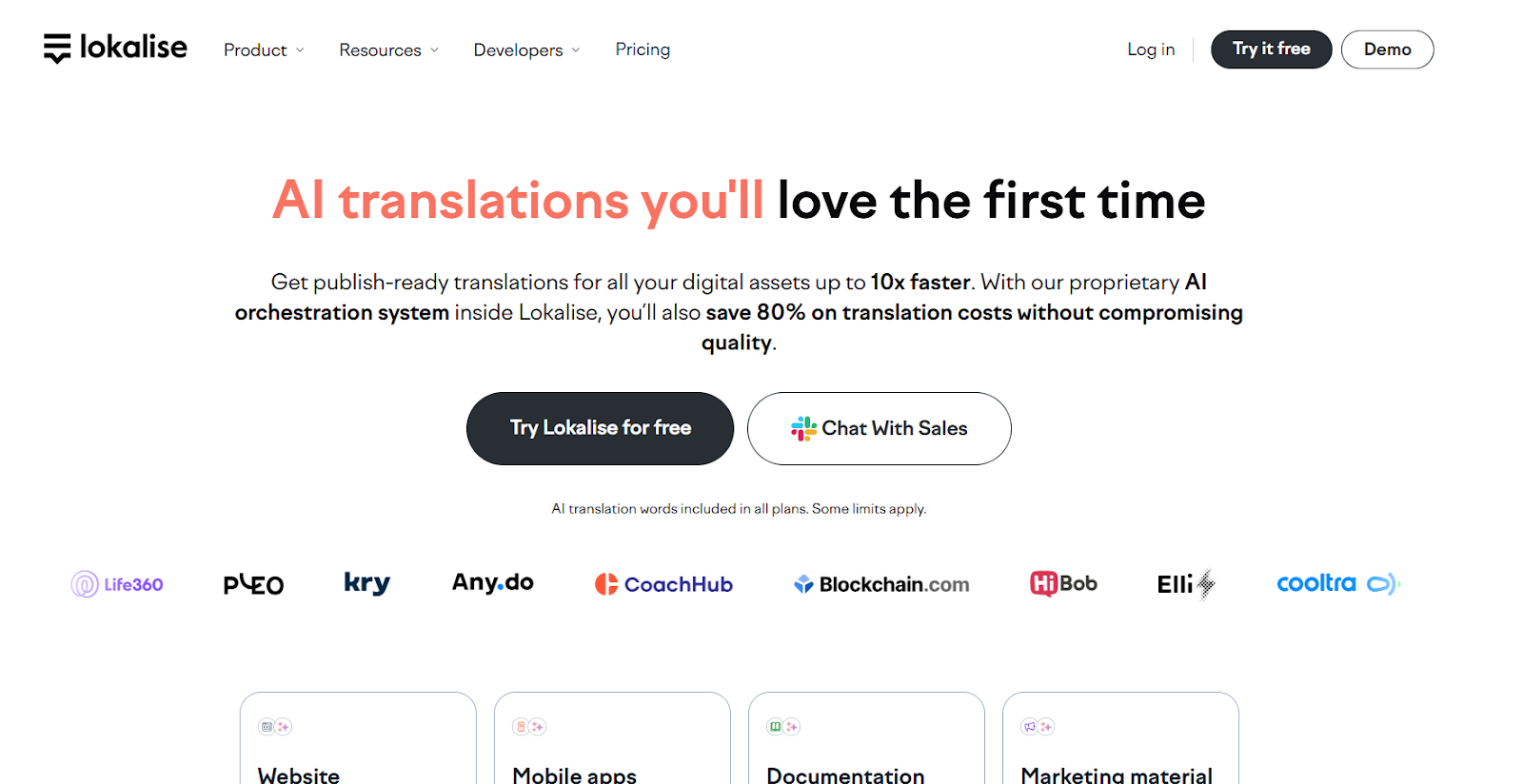
Image credit: Screenshot from the Lokalise website, used for illustrative purposes.
- Continuous localization. It supports workflows for software, mobile apps, websites, and marketing content.
- Context and quality controls. Its current platform emphasizes custom AI profiles, context management, AI scoring, and reporting.
- Developer and content integrations. It offers workflow automation, a translation API, and integrations with tools such as GitHub, Figma, CMS platforms, and project-management tools.
Smartling – Best for Enterprise Translation Management
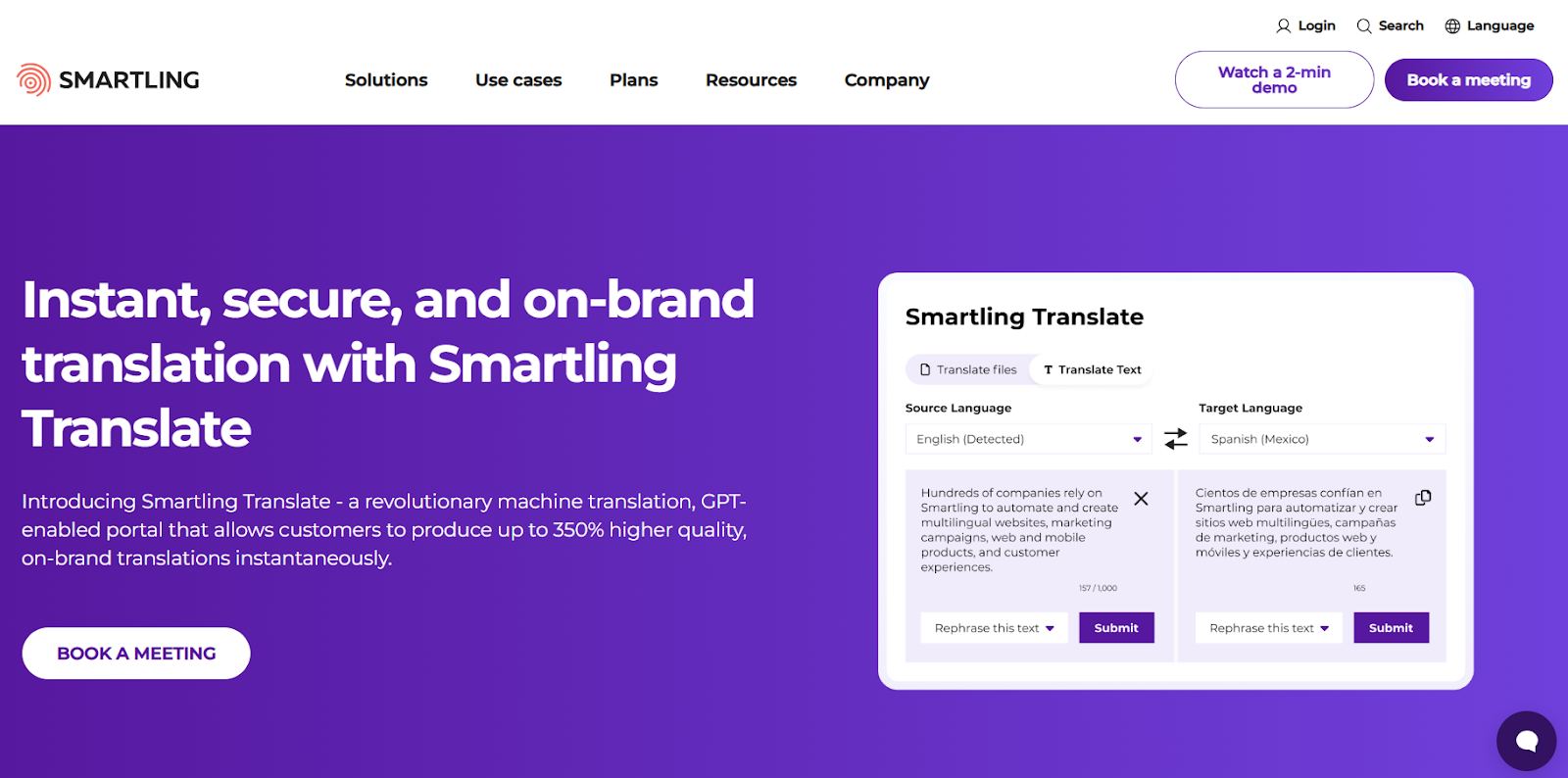
Image credit: Screenshot from the Smartling website, used for illustrative purposes.
- Translation management. Smartling provides an all-in-one TMS with configurable workflows and automation for organization-wide localization.
- Translation options. Its current product set includes AI Translation, AI Hub, translator tools, and professional human translation options.
- Integration and visibility. It offers integrations, website translation options, and analytics for managing translation performance.
Maestra – Best for AI Media Localization
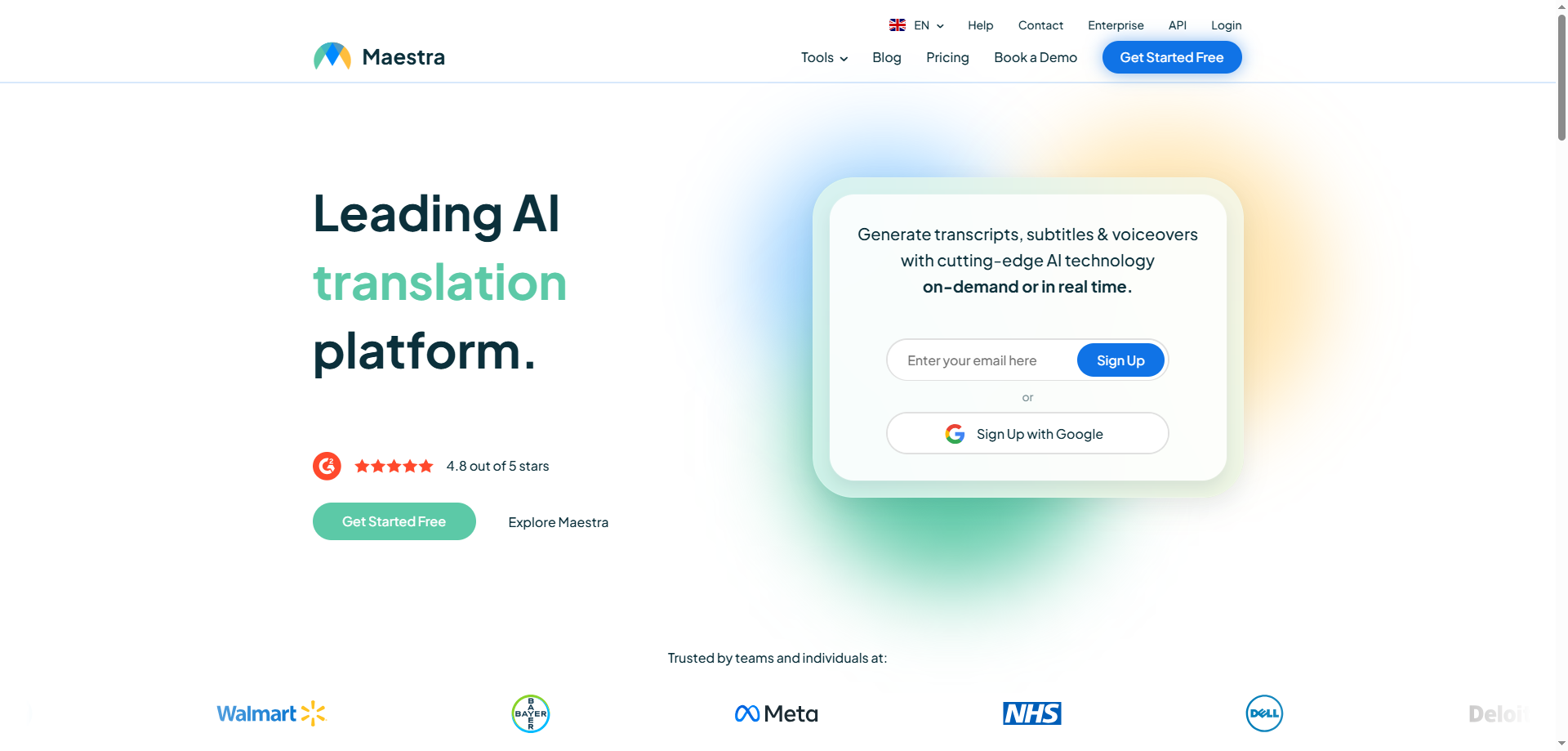
Image credit: Screenshot from the Maestra website, used for illustrative purposes.
- Media workflow coverage. It offers video and audio translation, transcription, subtitle translation, and AI dubbing.
- Subtitle production controls. Users can generate or import subtitles, then edit timing, text, styling, and exports such as SRT or VTT.
- Live and integrated workflows. It offers live translation products, API access, and integrations for meeting, streaming, social, and automation workflows.
Phrase – Best for Enterprise Localization Automation
Image credit: Screenshot from the Phrase website, used for illustrative purposes.
- Broad localization platform. Phrase combines AI capabilities, a TMS, translation portals, tracking, reporting, and automation.
- Quality and workflow controls. It provides AI-powered translation, quality evaluation, and configurable workflows for internal and external contributors.
- Technical and multimedia support. Its current platform supports software, website, and multimedia localization, including subtitles and video dubbing, with APIs and integrations for enterprise workflows.
How to Choose the Best AI Localization Tool for Your Business
Start by identifying the localization category, then compare the capabilities that affect the finished deliverable.
Identify Content
Clarify whether you are localizing product strings, a website, marketing assets, documents, video, audio, or a combination. This first decision determines whether you need a TMS, a media-localization platform, or both.
Check Supported Languages
Check the exact source and target language pairs, regional variants, and output formats required for your project. Do not choose by language count alone.
Accuracy
Assess whether the workflow lets you preserve context, terminology, names, numbers, and brand voice. Review AI-generated output before publication, especially for high-visibility content.
Culture and Context
Choose a workflow that lets your team adapt tone, cultural references, visual details, and market-specific requirements—not only the words.
Budget and Team Size
Compare pricing against expected volume, number of languages, required approvals, integrations, and human review. Confirm the latest plan limits directly with each provider.
Why Localization Matters
Localization helps content make sense in the markets it is intended to serve. Its value comes from making language and presentation more relevant, usable, and trustworthy for the audience.
Reach Global Audiences
Localized content can make a product, campaign, course, or video more understandable to people who prefer another language or market context.
Unlock New Opportunities
Adapting content for new markets can support international launches, partnerships, customer education, and content distribution.
Build Trust and Authority
Clear, culturally appropriate language can reduce friction and help audiences understand the value and expectations of a brand.
Improve User Experience
Localized interfaces, support content, and media can make information easier to understand and act on for a target audience.
Save Time, Effort, and Resources
Automation can reduce repetitive production work, but editing and quality review remain important for accuracy, context, and brand consistency.
How To Successfully Localize With VMEG AI?
For video and audio localization, use a repeatable process that combines AI production with review before publishing.
Identify Content for Localization
Choose the videos or audio assets that have clear market value, then prepare the source file, script, terminology, and target-market requirements.
Set Target Language and Audience
Define the target language, regional variant, audience, and purpose of the content before selecting voices, subtitles, or dubbing options.
Choose the Localization Tool You Need
Use the VMEG workflow that matches the deliverable: translation and subtitles for text-on-screen access, or dubbing and lip sync when viewers need a spoken-language version.
Upload Content or Paste Content Link to VMEG AI
Upload a supported source file or use a supported source link where available. Confirm the current input options in the product before starting a large project.
Review and Refine
Review source and target scripts, terminology, speaker assignment, subtitle timing, visual layout, voice choice, and pronunciation before export. For high-stakes content, add a qualified human review step.
Export and Distribute
Choose the subtitle, audio, or video export that fits the destination platform, then publish the localized asset with the correct language labels and metadata.
Measure Content Performance
Measure audience retention, completion, engagement, conversion, and viewer feedback by market to identify which localized assets and languages deserve further investment.
Scale Global Localization
Once the review process is working, use consistent terminology, voice, style, and approval rules to scale recurring video localization more reliably.
FAQs
How is AI used in localization?
AI can accelerate transcription, translation, subtitle generation, dubbing, quality checks, and workflow automation. Human review remains important for context, cultural fit, terminology, and high-stakes content.
Will AI replace localization?
No. AI can automate parts of the process, but effective localization still requires market context, quality control, and—in many workflows—human editorial or linguistic review.
What is the best AI tool to translate?
The best tool depends on the content and deliverable. For video and audio workflows that need subtitles, dubbing, voice controls, and editing, VMEG AI is one option to consider. For software and website localization, a TMS may be a better fit.
What is the best AI localization tool?
There is no single best tool for every workflow. VMEG AI and Maestra focus on media localization, while Lokalise, Smartling, and Phrase are better suited to broader product, website, and enterprise localization workflows.
Are AI localization tools accurate?
AI can produce useful first drafts, but accuracy varies by language pair, source quality, context, terminology, and content type. Always review the output before publishing.
Conclusion
The right AI localization tool starts with the work you need to deliver. Choose a TMS when you manage software, websites, or ongoing multilingual content; choose a media-localization platform when you need subtitles, dubbing, voice work, or localized video output. For video-first workflows, VMEG AI combines translation, subtitles, dubbing, voice controls, and editing in one platform.

