
Movie translation can mean different things: translating subtitles, producing dubbed audio, or adapting a complete video for another market. The right output depends on your audience, distribution channel, and how much review the project needs.
This guide compares tools for authorized films, TV episodes, short films, and video content. It is not a guide to bypassing copyright or distribution rights. Before you upload a title, confirm that you have the rights to use the picture, dialogue, music, voices, subtitles, and any performer likeness involved.
What Is A Movie Translator?
A movie translator is a tool or service that helps adapt spoken dialogue and on-screen language for viewers in another language. Depending on the workflow, it can create translated subtitles, a voice-over track, dubbed dialogue, or a more complete localized video.
Choose the output before choosing a platform:
- Translated subtitles: Keep the original audio and add timed translated text.
- Dubbed audio or voice-over: Replace or layer spoken audio in the target language.
- Full localization: Review dialogue, subtitles, terminology, voices, timing, on-screen text, and—where appropriate—lip sync.
Filmmakers, streaming teams, educators, and content creators may use the same software, but a short social clip and a feature-length narrative film should not be held to the same review standard.
Best Movie Translator Tools and Apps: Comparison
| Tool | Primary workflow | Output options | Best for | Key consideration |
| VMEG AI | Multilingual video localization | Subtitles, dubbed audio, translated video, optional lip sync | Creators and teams localizing video in one workflow | Review translation, voice choice, timing, and rights before release |
| CAMB AI | Enterprise and media localization | Translation, dubbing, voice and speech workflows | Organizations with larger media or distribution needs | Confirm project-level services, delivery process, and commercial terms |
| Kapwing | Browser-based creator editing | Subtitles, translation, dubbing, and video editing | Short-form content and creator-led localization | Check the editing and review depth required for long-form titles |
| HeyGen | Video translation with lip-sync options | Translated video, dubbed audio, subtitles, and visual sync | Presenter-led or visible-speaker video | Confirm whether the source format and review needs fit the project |
| Rask AI | Video and audio localization | Subtitles, dubbing, voice cloning, and lip sync | Teams managing multilingual business video | Verify current plan limits, language support, and approval workflow |
Capabilities, pricing, trials, language availability, and plan limits can change. Verify current details and commercial-use terms on each provider’s official page before purchasing.
Best Movie Translator Tools and Apps
VMEG AI - Best for Video Localization and Movie Translation
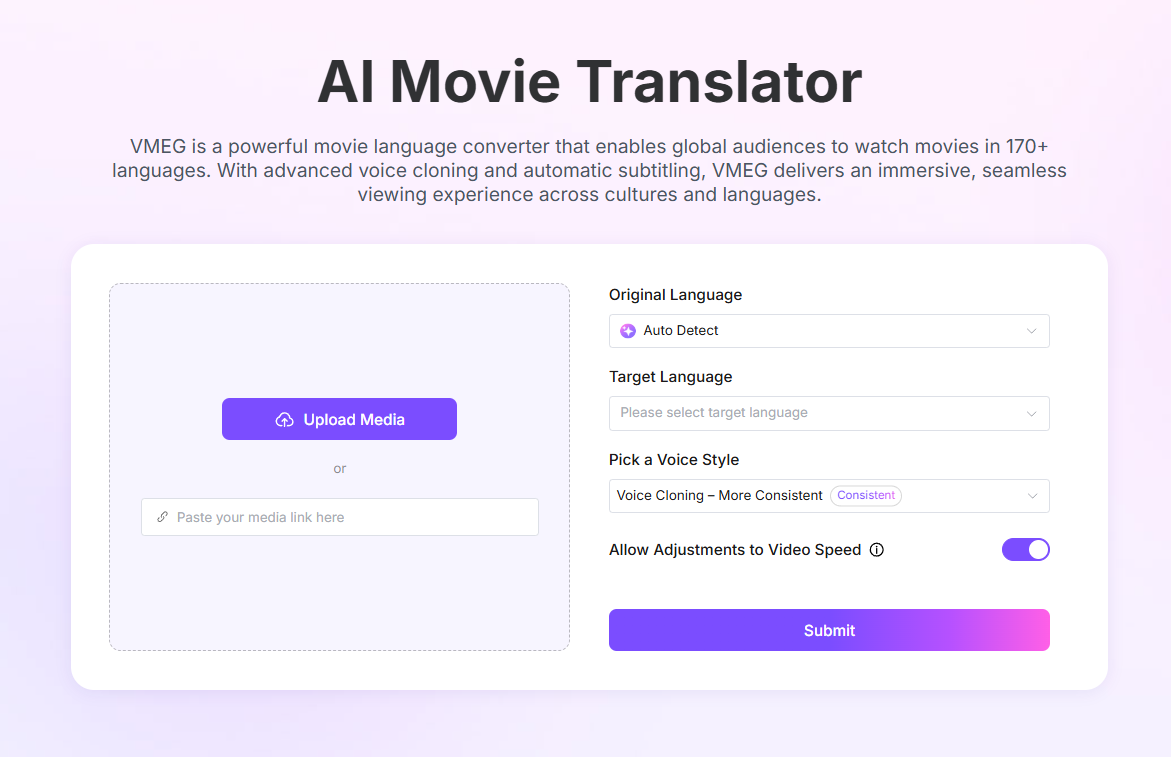
VMEG AI Movie Translator is designed for a multilingual video-localization workflow. It can support translated subtitles, dubbed audio, voice selection, speaker-aware review, and optional lip sync when a project needs more than a subtitle file.
Why it fits movie and video localization:
- Supports work across 170+ languages and regional accents.
- Provides access to 17,000+ AI voices and authorized voice-cloning workflows.
- Lets teams review transcripts, subtitles, voice choices, timing, and final output before export.
- Connects translation with subtitles, dubbing, and optional lip sync in one workflow.
Consider: AI can accelerate a first pass, but narrative dialogue, character voice, cultural references, songs, and sensitive scenes still need project-appropriate human review.
Camb AI - Best for Enterprises
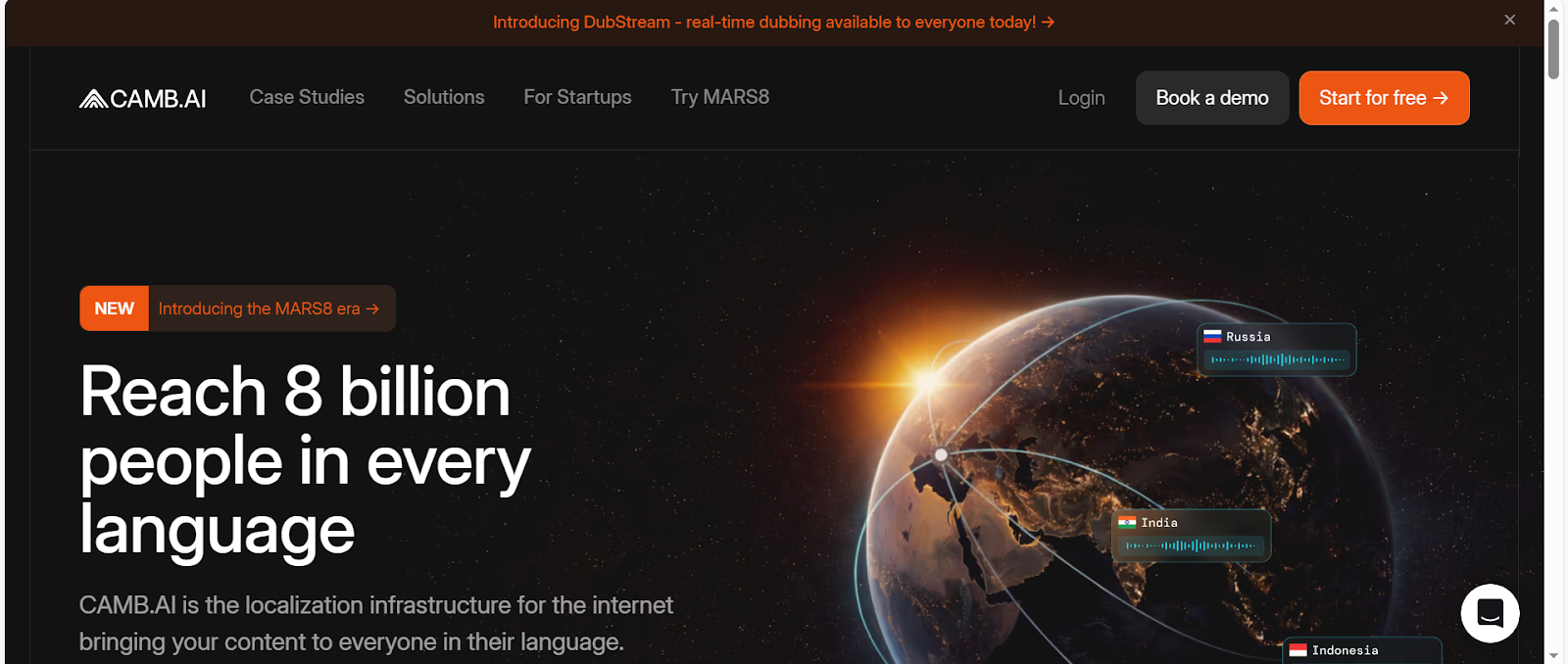
CAMB AI is relevant for enterprises and media organizations that need AI speech, translation, and dubbing capabilities across broader content operations. Its public case material includes cinematic localization work, but each production should be assessed against its own rights, review, and delivery requirements.
Best for: larger media, sports, entertainment, and distribution workflows that require more than a one-off subtitle export.
Consider: confirm current enterprise services, language coverage, security requirements, and the approval process for final assets.
Kapwing - Best for Storytelling and Creativity
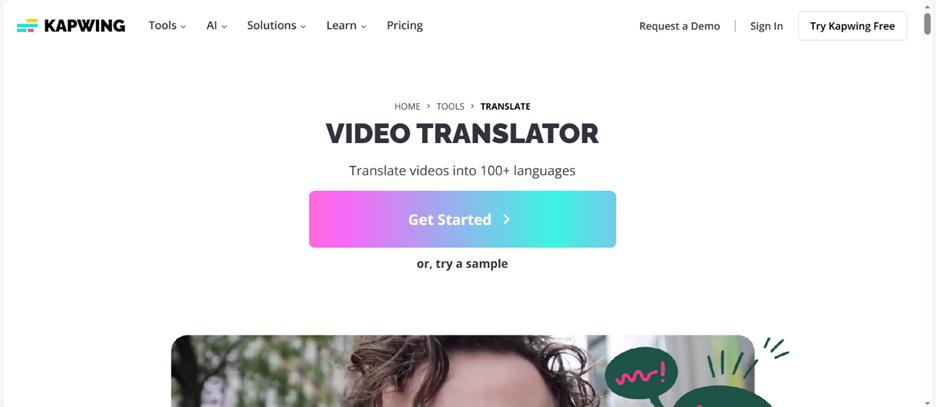
Kapwing combines translation features with browser-based video editing. That can suit creators who need to translate short films, social clips, or marketing videos while also adjusting captions and the final edit in the same workspace.
Best for: creator-led video, short-form storytelling, and projects where editing and caption review happen together.
Consider: for long-form film or broadcast work, validate subtitle QA, terminology control, and review workflows before treating a creator editor as a full localization pipeline.
HeyGen - Best for Video Translation
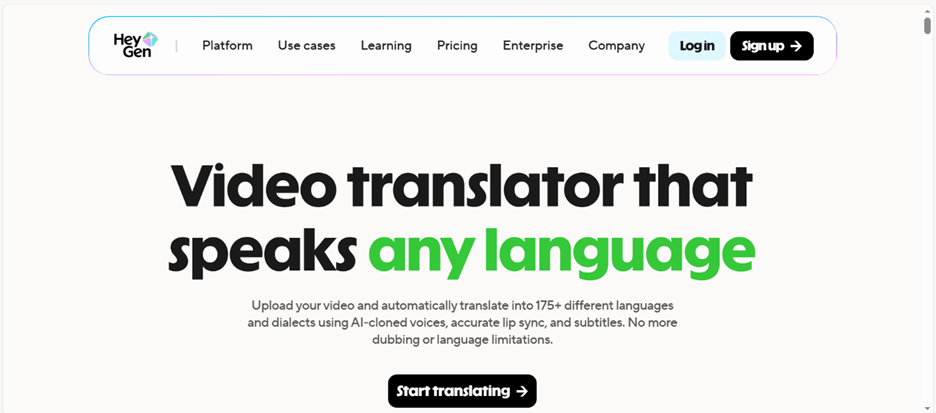
HeyGen is a video-translation option for content with visible speakers, where dubbed speech and visual lip sync can affect how natural the localized result feels.
Best for: presenter-led videos, interviews, explainers, and other on-camera content that benefits from a synchronized localized delivery.
Consider: lip-sync quality depends on the source footage, camera angle, speech pace, and target language. Review representative scenes rather than relying on a single short test.
Rask AI - Best for Global Business
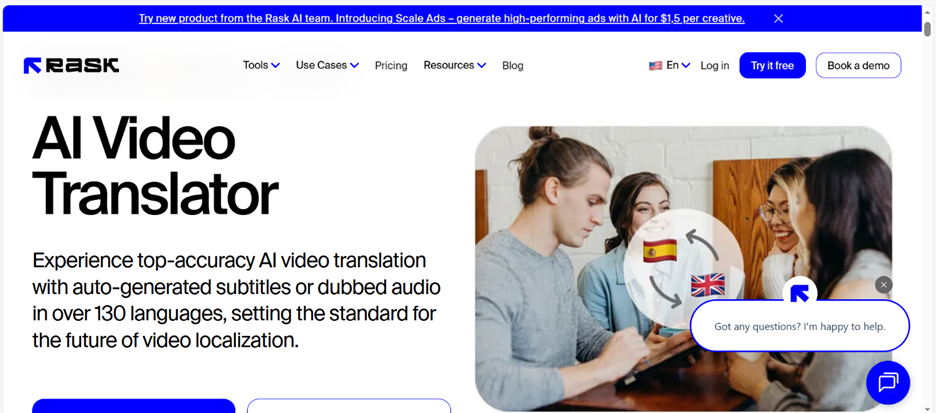
Rask AI focuses on video and audio localization workflows, including translated subtitles, dubbed audio, voice cloning, and lip-sync-related options.
Best for: teams localizing business, learning, marketing, or creator video for multiple markets.
Consider: confirm current export options, speaker handling, review controls, and plan limits against the length and number of videos in your project.
How to Easily Translate & Dub Movies/TV Series to Any Language with VMEG AI
- Confirm rights and choose the deliverable. Decide whether you need subtitles, dubbed audio, or a complete localized video for content you are authorized to use.
- Upload the source video. Start a Movie Translator or Video Translation project and upload a representative file.
- Review the transcript and speakers. Check names, dialogue segmentation, speaker assignments, songs, and on-screen text before translating.
- Select target language and voice approach. Choose the target language, voices, and—where appropriate—an authorized custom voice.
- Translate, dub, and optionally apply lip sync. Use lip sync only where a visible speaker makes it useful to the viewer experience.
- Run a final quality review. Check terminology, pronunciation, subtitle timing, reading load, voice timing, and the final export before release.
How to Choose the Best Translation App for Movies
Subtitle Accuracy & Timing
Check whether the tool gives you an editable transcript and timed subtitle cues. A translation can be linguistically correct yet still fail if it arrives late, disappears too early, or cannot be read at the pace of the scene.
Multi-Language Support
Select target languages based on the languages, accents, and regional variants your audience actually needs. Confirm the current product support for your specific language pair rather than relying on a headline count.
AI vs Human-in-the-Loop Translation
AI is useful for transcription, first-pass translation, scale, and repeatable workflows. Add human review when the film relies on humour, idioms, character voice, cultural references, legal sensitivity, or a client and broadcaster quality standard.
Voice Dubbing & Lip Sync Capabilities
Decide whether viewers need subtitles, audible translation, or a visually synchronized dub. Dubbing and lip sync solve different problems: audio can be translated without changing visible mouth movements, while lip sync is most useful for close, on-camera speakers.
Cultural & Contextual Localization
For narrative content, review jokes, formality, slang, names, references, and emotional intent in context. A direct line-by-line translation may not preserve the story’s meaning in another culture.
Supported Video Formats & Length Limits
Check supported formats, file sizes, duration limits, speaker counts, export options, and batch needs before committing to a platform—especially for episodic or feature-length projects.
Pricing & Commercial Usage Rights
Compare the cost of the full production workflow, not only the first translation. Verify commercial-use rights, third-party voice permissions, music and likeness rights, credits, and any terms that apply to the final release.
AI vs Human Movie Translation – What Delivers the Best Results?
AI and human expertise perform different parts of a movie-localization workflow well.
AI is useful for:
- Transcribing and translating a high volume of routine dialogue quickly.
- Creating a consistent first draft, subtitle cues, or preliminary dubbed audio.
- Producing reviewable versions across multiple target languages.
Human review is most valuable for:
- Subtext, humour, irony, cultural adaptation, and character voice.
- Names, terminology, songs, screen text, and sensitive scenes.
- Final approval against a client, broadcaster, or distribution style guide.
Best practical approach: use AI to accelerate the first-pass workflow, then give qualified reviewers the time and controls to correct meaning, timing, and audience fit before publication.
Movie Subtitle Quality Standards You Should Know
Characters Per Line (CPL) and Reading Speed
Subtitle length and reading speed should match the target audience, language, platform, and scene pace. Use the delivery platform’s style guide where one exists instead of applying a single universal number to every project.
Subtitle Line Length & Positioning
Keep lines readable, avoid blocking important visual information, and test the placement against lower-thirds, signage, and speaker framing. Break lines by meaning where possible, not at arbitrary word counts.
Speaker Identification in Movies
Verify who is speaking in multi-character scenes, off-screen dialogue, and interruptions. Speaker mistakes can affect translation choices, subtitle labels, and voice assignment.
Formatting Rules for Professional Films
Use the client, platform, broadcaster, or distributor style guide for punctuation, speaker labels, sound cues, forced narratives, and accessibility requirements. Run a final watch-through after export, not only a text review.
FAQs
What is the best translator for movies?
The best option depends on the output you need. Choose a subtitle-first workflow for readable translated text, a dubbing workflow for translated audio, or a full localization workflow when you also need terminology review, voice choice, timing, and optional lip sync.
What is the best video translator?
For authorized content, compare whether a tool can handle your source format, target languages, subtitles, dubbed audio, editing, review, and export requirements. A strong tool for short presenter video may not be the best fit for long-form narrative content.
How do I translate a movie into another language?
First confirm that you have the necessary rights. Then create or review the transcript, translate it with the intended audience and context in mind, select subtitles or dubbed audio, and complete a timing, terminology, and final export review.
How to translate movies with AI?
Upload authorized video to a translation platform, confirm the transcript and speakers, choose target languages and outputs, generate a first pass, then review the translated subtitles or audio before publication. AI output should be treated as a production draft, not an automatic final master.
Is there a free AI video translator?
Some platforms offer trials, limited free credits, or free subtitle features. Availability, duration limits, watermarks, exports, and commercial-use rights vary, so check the current plan before relying on it for a project.
Conclusion
Movie translation is more than replacing dialogue word for word. A useful workflow chooses the right output, preserves timing and meaning, reviews voices and subtitles in context, and respects the rights attached to the original content.
VMEG AI is a practical option when you need multilingual video translation alongside subtitles, dubbing, voice selection, and optional lip sync. Whatever tool you choose, test it on representative scenes and complete a final human review before release.


The VMEG Team
Behind VMEG stands a passionate team of creatives, engineers, and language lovers. At the crossroads of AI and storytelling, they craft tools that bridge languages and cultures.