Types of translation can sound like a glossary problem. In practice it is a buying and workflow problem. Teams usually ask three different questions at once: How should meaning transfer (word-for-word or sense-for-sense)? What medium are we changing (documents, UI, live speech, or video)? And how much machine help is appropriate (none, CAT, machine translation with post-editing, or a full audiovisual pipeline)?
This guide maps 12 translation types across those three axes. It also covers types of computer-assisted translation (CAT), because CAT is not a content genre. It is an assistance model with its own subtypes, and confusing it with machine translation is one of the most expensive mistakes in localization planning.
If you already know you need cultural and format adaptation beyond words, start with the broader idea of content localization. The sections below stay focused on translation methods, media, and assisted workflows.
Key takeaways
- Translation types are clearest when you separate method, medium, and assistance model.
- Specialized domains (legal, medical, technical) need subject expertise first. Tool choice comes second.
- Audiovisual work (subtitles, dubbing, voice-over) adds timing, reading speed, and sync constraints that text CAT tools were not built to solve alone.
- Under ISO 17100, CAT supports human translation; machine translation (MT) generates target text automatically. Most modern stacks combine both.
- Pick the lightest process that still protects meaning, brand, and risk. Escalate only when the medium or stakes require it.
A simple three-axis map
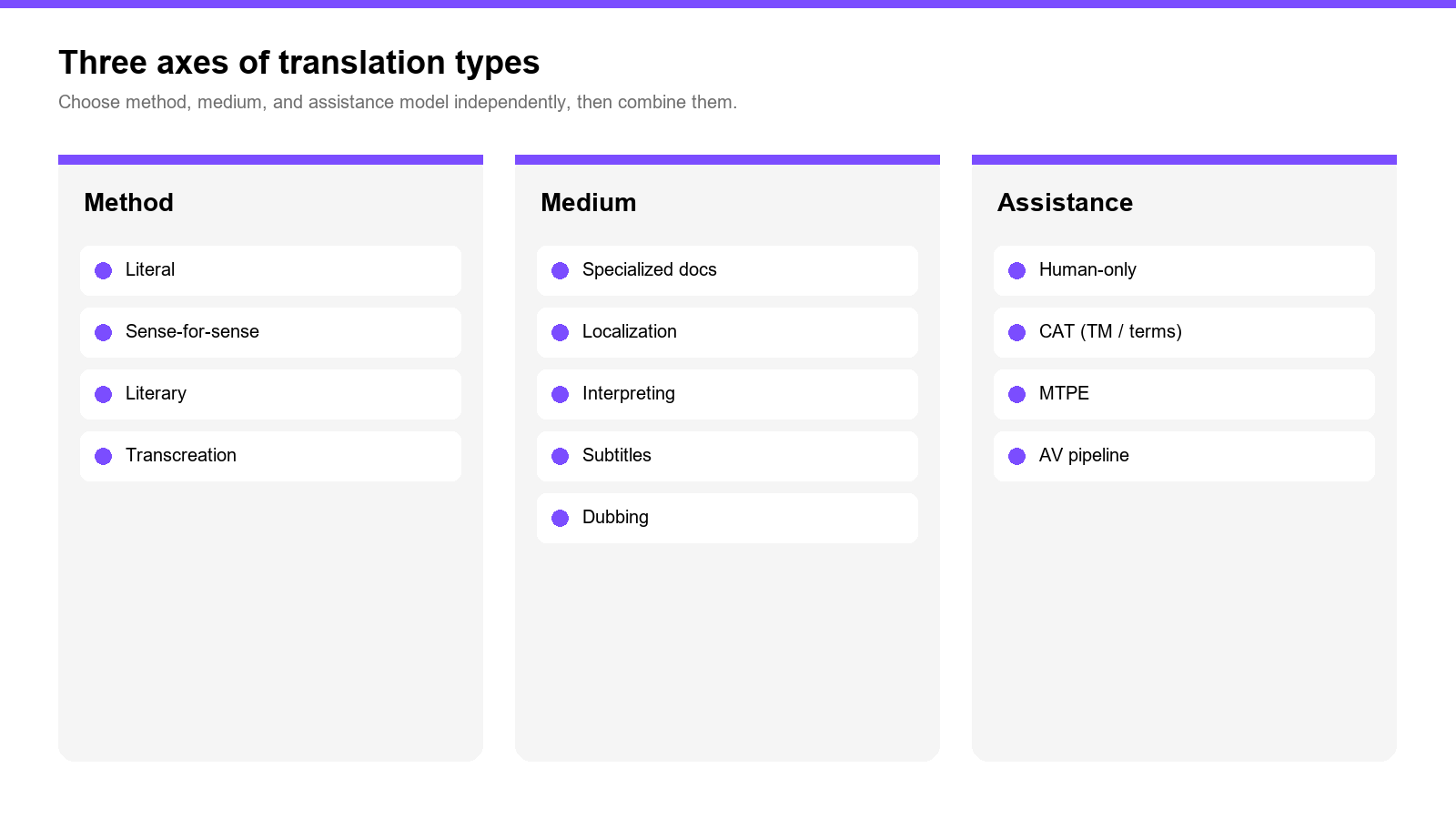
| Axis | What you are choosing | Examples in this article |
|---|---|---|
| Method | How closely you cling to source form | Literal, sense-for-sense, literary, transcreation |
| Medium | Channel and delivery constraints | Specialized docs, localization, interpreting, subtitles, dubbing |
| Assistance | Who or what drafts and enforces consistency | Human-only, CAT (TM/termbase/QA), MTPE, AI AV pipeline |
You can combine axes. A medical e-learning video might use specialized terminology + subtitling + CAT glossaries for on-screen text, then a separate dubbing pass for spoken audio.
Method types
1. Literal (word-for-word) translation
Literal translation keeps source wording and structure as close as the target language allows. It is useful when form itself carries risk or authority: statutes, patent claims, some contracts, and bilingual reference materials where readers may compare both languages line by line.
Where it breaks: Idioms, marketing headlines, and dialogue. A literal line can match the source word for word and still be unusable on screen because it sounds foreign or burns subtitle reading time.
Choose it when: Equivalence of wording matters more than natural style, and a reviewer can check both languages.
2. Sense-for-sense (communicative / free) translation
Sense-for-sense translation prioritizes meaning and natural target-language style over matching every word. Most business prose, help centers, product copy, and training scripts live here.
Where it breaks: When a client expects literal fidelity without saying so, or when terminology must stay fixed while style stays free. Fix that with a glossary and a style guide, not by swinging back to pure literalism.
Choose it when: The audience should feel the text was written for them, not reconstructed from another language.
3. Literary translation
Literary translation covers novels, poetry, drama, and other works where voice, rhythm, imagery, and cultural texture are part of the product. Creativity is not optional decoration. It is the job.
Where it breaks: Treating literary work like reusable documentation. Translation memory reuse is limited; MT drafts often flatten style.
Choose it when: Artistic effect and authorial voice are primary deliverables.
4. Transcreation
Transcreation rebuilds a message so it lands with the same intent and emotional effect in another market. Taglines, campaign concepts, brand lines, and some social creative belong here. The output may differ substantially from the source wording.
Where it breaks: Regulated claims, exact product specs, and legal disclaimers. Those need controlled translation, not creative reinvention.
Choose it when: Persuasion and cultural fit matter more than sentence-level equivalence.
Medium and channel types
5. Specialized (domain) translation
Specialized translation is defined by subject matter: legal, medical, financial, scientific, engineering, IT, and similar domains. The shared requirement is domain competence. Terminology mistakes are not style polish problems. They are product or compliance defects.
Common subtypes people search for:
- Legal / judicial: contracts, filings, judgments
- Medical / life sciences: IFUs, clinical materials, patient information
- Technical: manuals, specs, industrial documentation
- Financial: reports, prospectuses, audit materials
Where it breaks: Sending domain text to a generalist workflow with no termbase, no SME review, and no second-linguist check on high-risk passages.
Choose it when: Wrong terms create safety, legal, or financial exposure.
6. Localization (product and market adaptation)
Localization includes translation, but it also adapts locale formats, visuals, examples, units, compliance wording, and sometimes UX behavior. Software strings, websites, apps, games, and market-specific campaigns usually need localization rather than language transfer alone.
Where it breaks: Translating UI strings without context (screenshots, character limits, placeholders). That produces truncated buttons and broken variables even when the words look fine in a spreadsheet.
Choose it when: The deliverable must work as a product in the target market, beyond reading correctly as text.
7. Interpreting (spoken transfer)
Interpreting transfers spoken (or signed) meaning in real time or near real time. Common modes include simultaneous, consecutive, and whispered interpreting. It is a different skill set from written translation: memory, turn-taking, and delivery pressure dominate.
Where it breaks: Treating recorded meeting audio as live interpreting when what you actually need is transcription plus written translation or subtitles for later reuse.
Choose it when: People must understand each other during an event.
8. Audiovisual translation: subtitling and captioning
Subtitling renders speech (and sometimes key sounds) as on-screen text. Captioning often emphasizes accessibility (including non-speech information). Both are constrained by reading speed, line length, shot changes, and speaker identification.
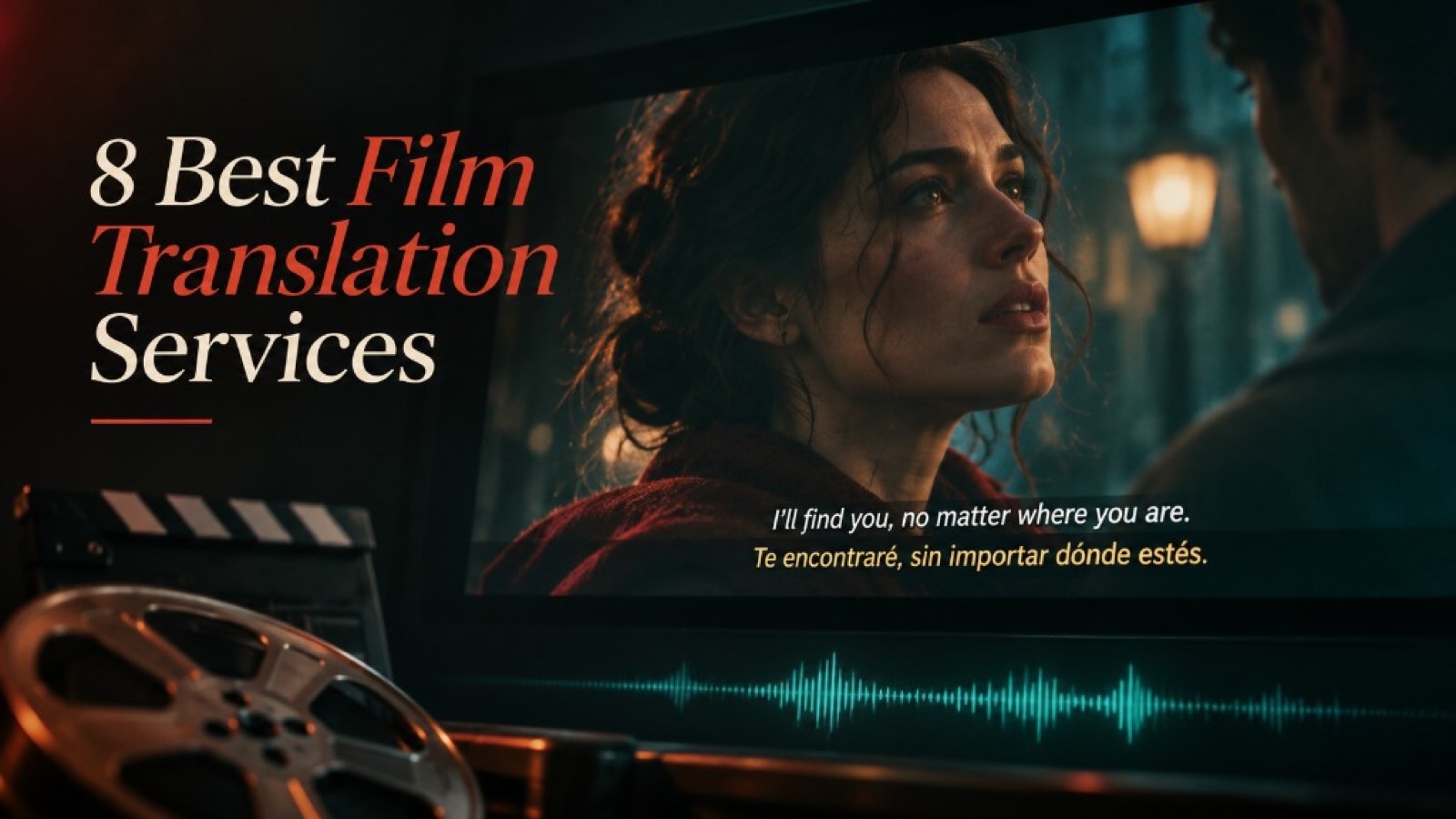
For many training and marketing teams, subtitles are the first audiovisual step because they keep original audio and ship faster than a full dub. The operational details look less like document translation and more like media production: cue timing, line breaks, and QA against picture. If you are comparing raw transcripts with viewer-facing captions, see transcription vs caption.
Where it breaks: Pasting a full document translation into a subtitle file. Overlong lines, late cues, and unreadable stacks destroy comprehension even when the wording is accurate.
Choose it when: Viewers can (or should) hear the original voice, and text on screen is enough for comprehension or accessibility.
9. Audiovisual translation: dubbing and voice-over
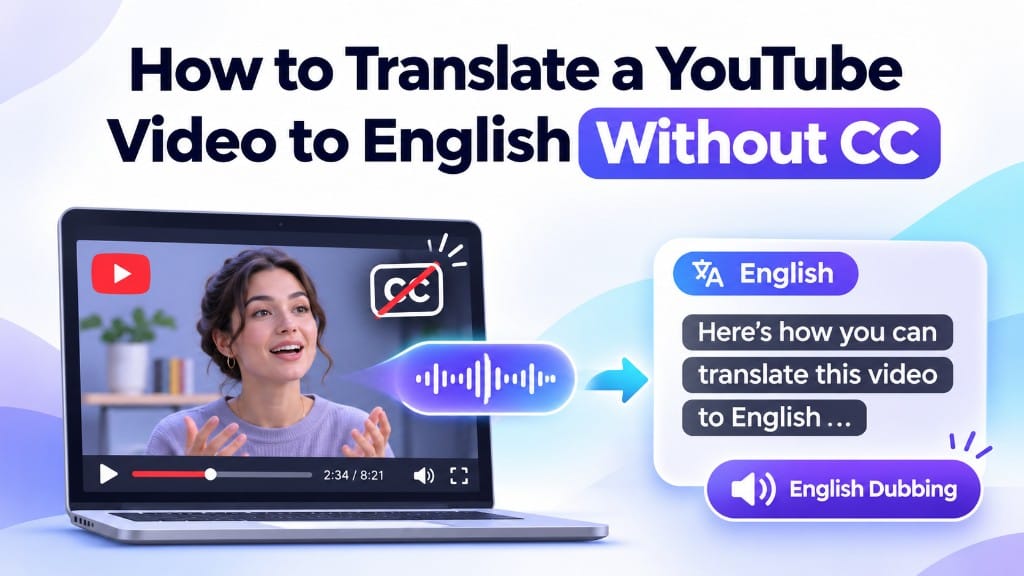
Dubbing replaces the spoken track with a target-language performance. Voice-over often sits over or beside the original (common in documentaries and some e-learning). Both need translation that fits timing. Full lip-sync dubbing adds phonetic and visual constraints.
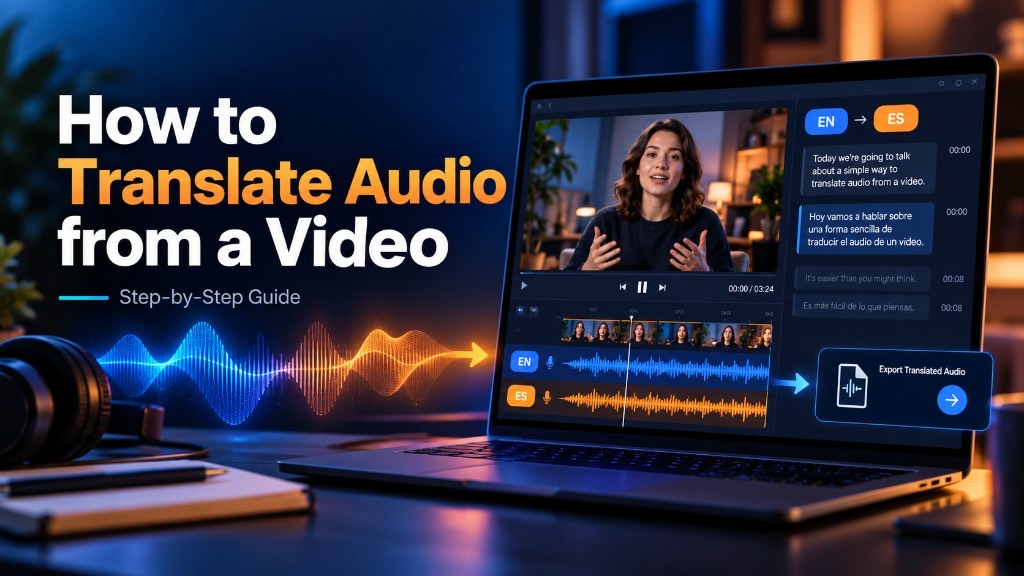
This is where text-only CAT workflows stop being sufficient as the whole system. You still may use glossaries and approved terms, but the pipeline must handle speech, timing, and picture. Teams that localize product demos, courses, or channel video often move from subtitle-first to dubbed versions once markets prove demand. Tools such as the VMEG video translator sit in this audiovisual lane: speech and subtitle workflows, not desktop document CAT alone.
Where it breaks: Excellent text translation that does not fit the mouth flaps or scene timing. Viewers often blame the wording when the real failure is sync and pacing.
Choose it when: The audience expects to listen in their language, or when watching with sound off is not the primary mode.
Assistance models and types of computer-assisted translation
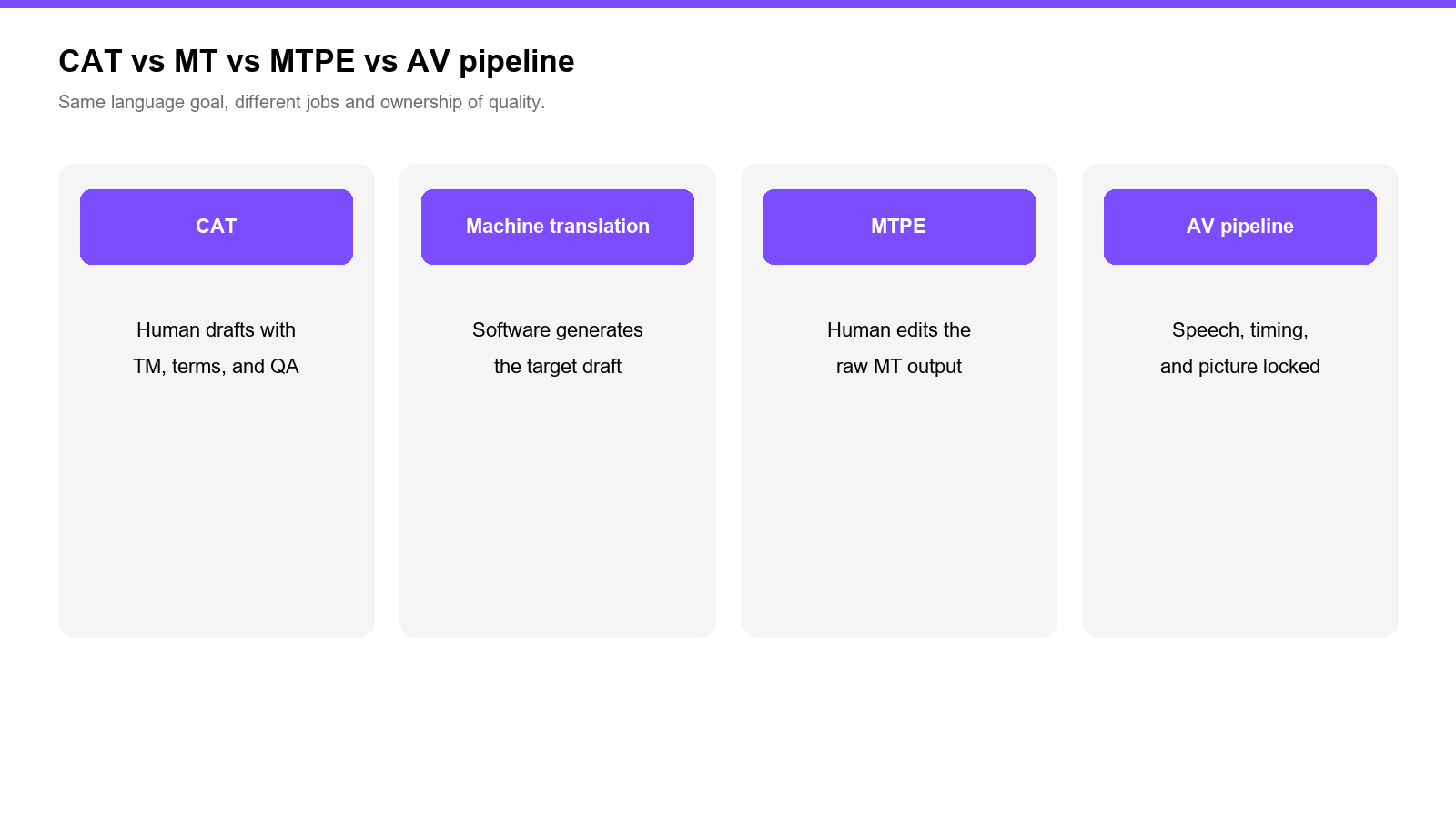
This is the secondary intent behind types of computer assisted translation. CAT types are not rivals to legal or literary work. They describe how humans get leverage while remaining responsible for linguistic decisions.
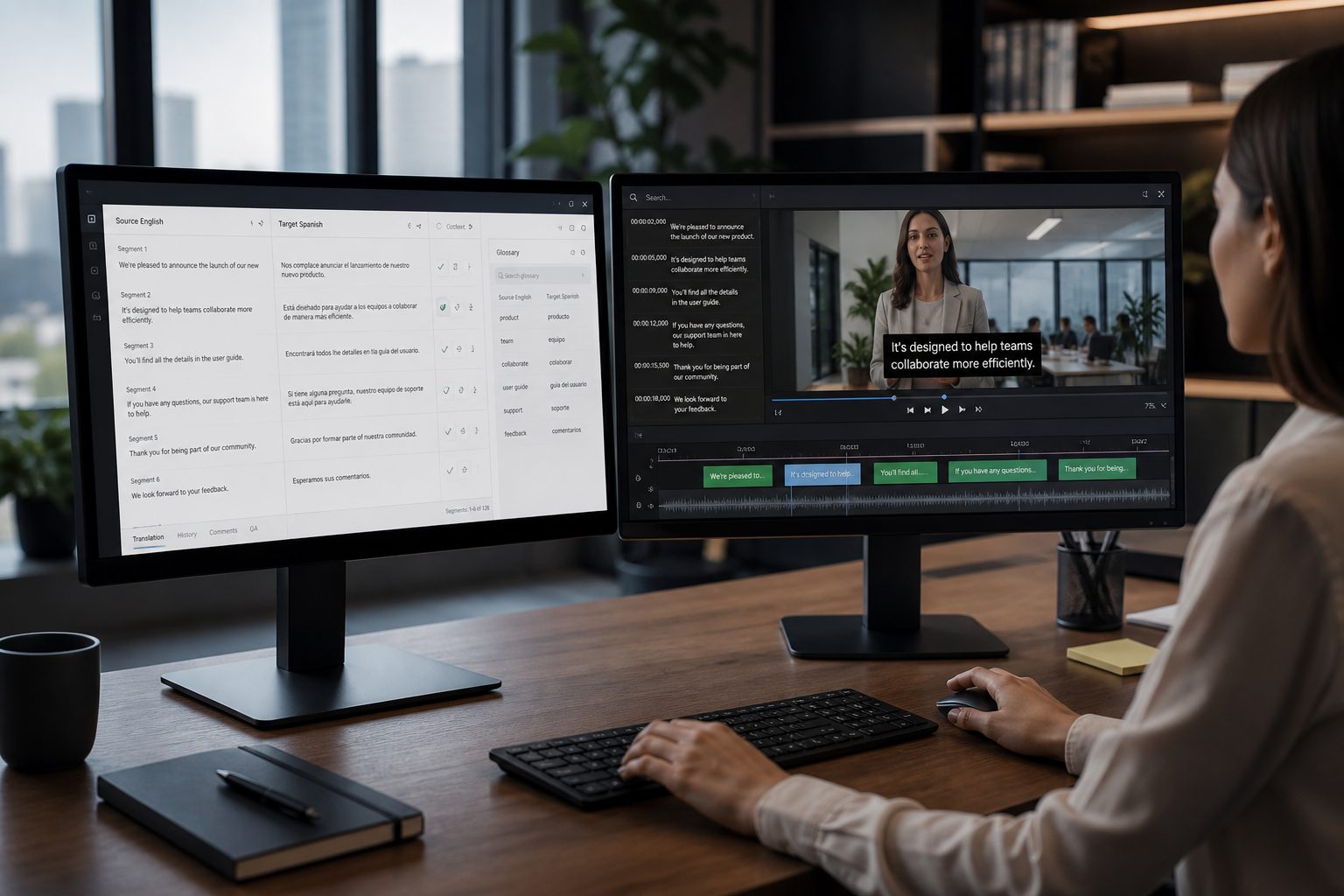
ISO 17100 frames computer-aided translation (CAT) as software support for human translation, and machine translation (MT) as automated generation of target text. In production, the useful split looks like this:
10. Translation-memory (TM) CAT
A translation memory stores aligned source-target segments so identical or similar sentences can be reused. Exact matches and fuzzy matches speed updates to manuals, release notes, and recurring UI strings.
Best for: High-repetition documentation and versioned products.
Limit: Video dialogue and creative lines rarely repeat cleanly enough for TM to dominate savings.
11. Terminology-driven CAT
Termbases and glossary enforcement keep product names, forbidden terms, and regulated vocabulary consistent across linguists. Many CAT environments combine TM + termbase + QA checks (numbers, tags, placeholders).
Best for: Multi-linguist programs and specialized domains.
Limit: A glossary cannot fix missing context for UI or on-screen space limits.
12. MT-integrated CAT and MTPE; desktop, cloud, and TMS-integrated CAT
Modern CAT environments often embed MT suggestions. Machine translation post-editing (MTPE) means a human edits raw MT output to an agreed quality level. That is different from classical CAT, where the human drafts from scratch with TM/term support.
Deployment shapes collaboration as much as features do:
| CAT delivery type | How it runs | Typical fit |
|---|---|---|
| Desktop / standalone | Installed locally | Freelancers, offline or locked-down environments |
| Cloud / browser CAT | Shared online projects | Distributed teams, centralized TM/term assets |
| TMS-integrated CAT | CAT inside a translation management system | Programs with handoffs, vendors, connectors, reporting |
| MTPE hybrid | MT draft + human edit inside CAT/TMS | High volume, controlled domains, clear quality tiers |
Where assistance models break for video: Assuming a document CAT license equals an audiovisual localization stack. Subtitle timing, dubbing, speaker separation, and picture-locked QC need media-aware tools and review, even when your terminology still lives in a termbase.
For a deeper accuracy and cost tradeoff between automated and human paths, see AI translation vs human translation.
How to choose: a practical decision table
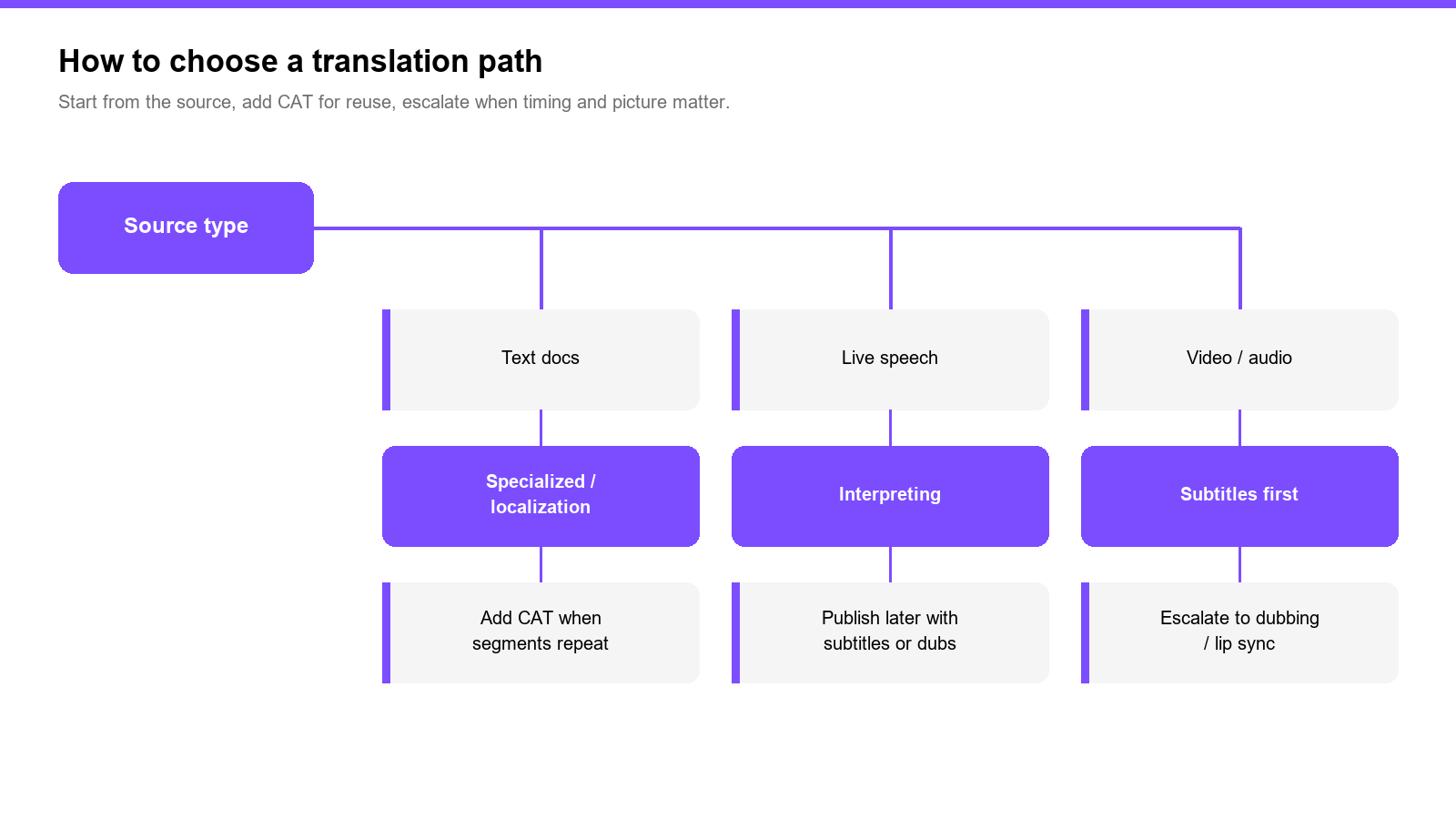
| If your source is | Start with | Add CAT when | Escalate to AV pipeline when |
|---|---|---|---|
| Contracts, patents, clinical docs | Specialized + human review | You have recurring clauses and a termbase | The source is actually spoken training on video |
| App/UI/help center | Localization + sense-for-sense | Strings repeat across versions | In-product video tours need subtitles/dubs |
| Ads and slogans | Transcreation | Brand terms must stay locked | The campaign is video-first |
| Webinar or course video | Subtitles first | On-screen UI text reuses product glossary | You need full dubbed audio / lip sync |
| Live conference | Interpreting | N/A for the live moment | You later publish a subtitled or dubbed recording |
| Novel / script for performance | Literary (plus AV if filmed) | Limited; protect creative memory carefully | Screen adaptation needs subtitles or dubbing |
Rule of thumb: use CAT to protect consistency and speed on text assets; use audiovisual workflows when time, picture, and speech are part of the product.
FAQ
Is computer-assisted translation the same as machine translation?
No. CAT tools help a human translator with memories, terms, segmentation, and checks. Machine translation generates a draft automatically. Many workflows combine them as MTPE inside a CAT or TMS environment.
How many types of translation are there?
There is no single official count. Vendor blogs list anything from eight classic types to fifty-plus specialty labels. For planning, the useful move is to name your method, medium, and assistance model, then pick vendors and QA to match that combination.
Do I need CAT tools for video subtitles and dubbing?
You may still use glossaries and approved terms, but timing and sync mean subtitle/dubbing tools (or an AV localization platform) do work that document CAT was never designed to own end to end.
Closing
Translation types stop being abstract once you attach them to a real deliverable: a clause that must not drift, a UI string that must fit a button, a subtitle that must be readable at 12 characters per second, or a dubbed line that must land on a cut. Name the method, name the medium, then choose the assistance model that matches the risk. That sequence prevents two common failures: buying a TMS when you needed a video pipeline, and buying raw MT when you needed specialized human review.