
Getting Started

Payment & Billing
Video Translation
Getting Started
- Get Started with VMEG
- Onboarding & Account
Voice Cloning
Ask Questions
Subtitles
Transcription
Text to Speech
Audio Translation
Onboarding & Account
Sign Up
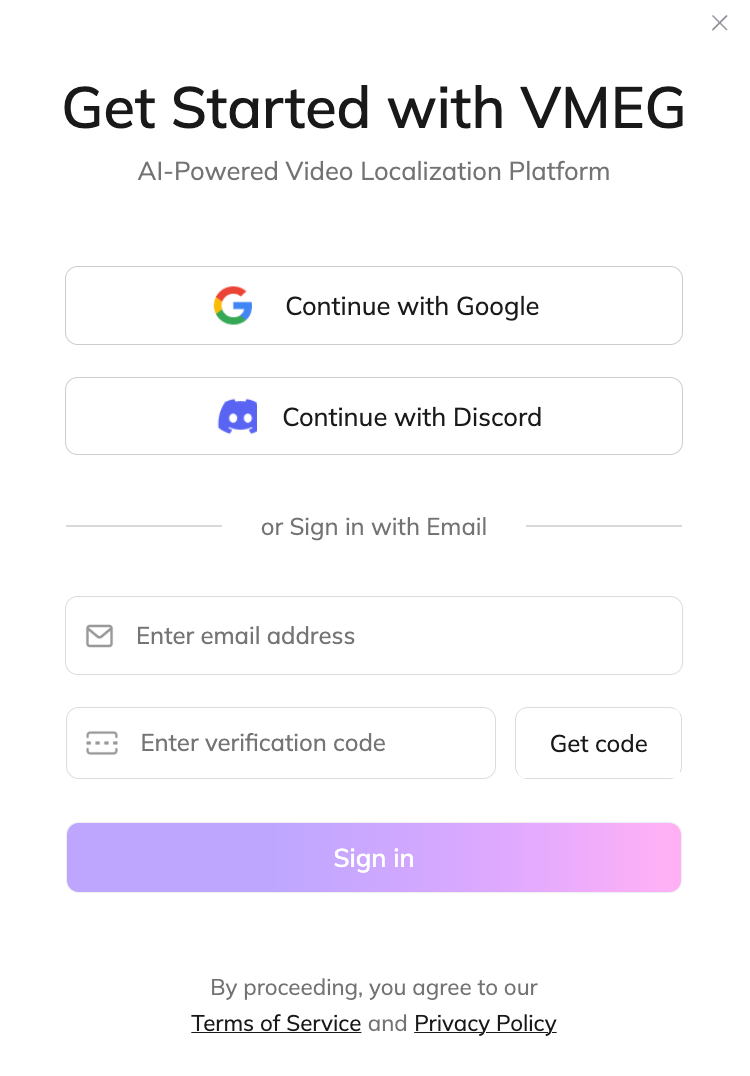
Click Sign in to choose your preferred sign-up method:
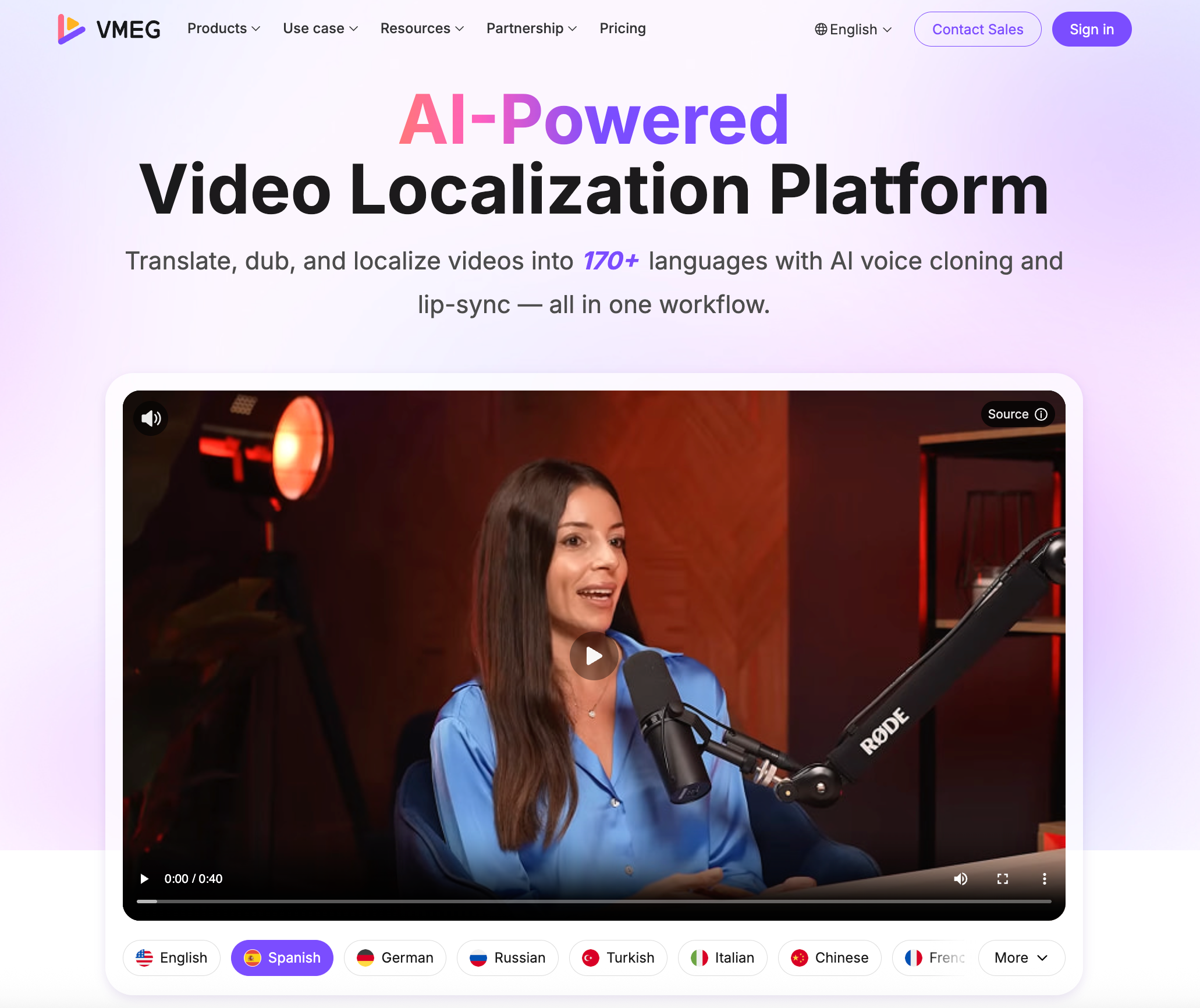
You can create a VMEG account using your Google or Discord credentials, or by registering with an email and password.
- Sign Up with GoogleThe easiest option. Whether you're a new or returning user, you can log in to VMEG using your existing Google account: the same one you use for Gmail, Google Play, Photos, and other Google services.
- Sign Up with DiscordUse your credentials to sign up and access VMEG if you already have a Discord account.
- Sign Up with EmailPrefer to use an email and password? Just enter your email address, click "Get Verification Code", enter the code you receive, and you’re all set to begin your journey.
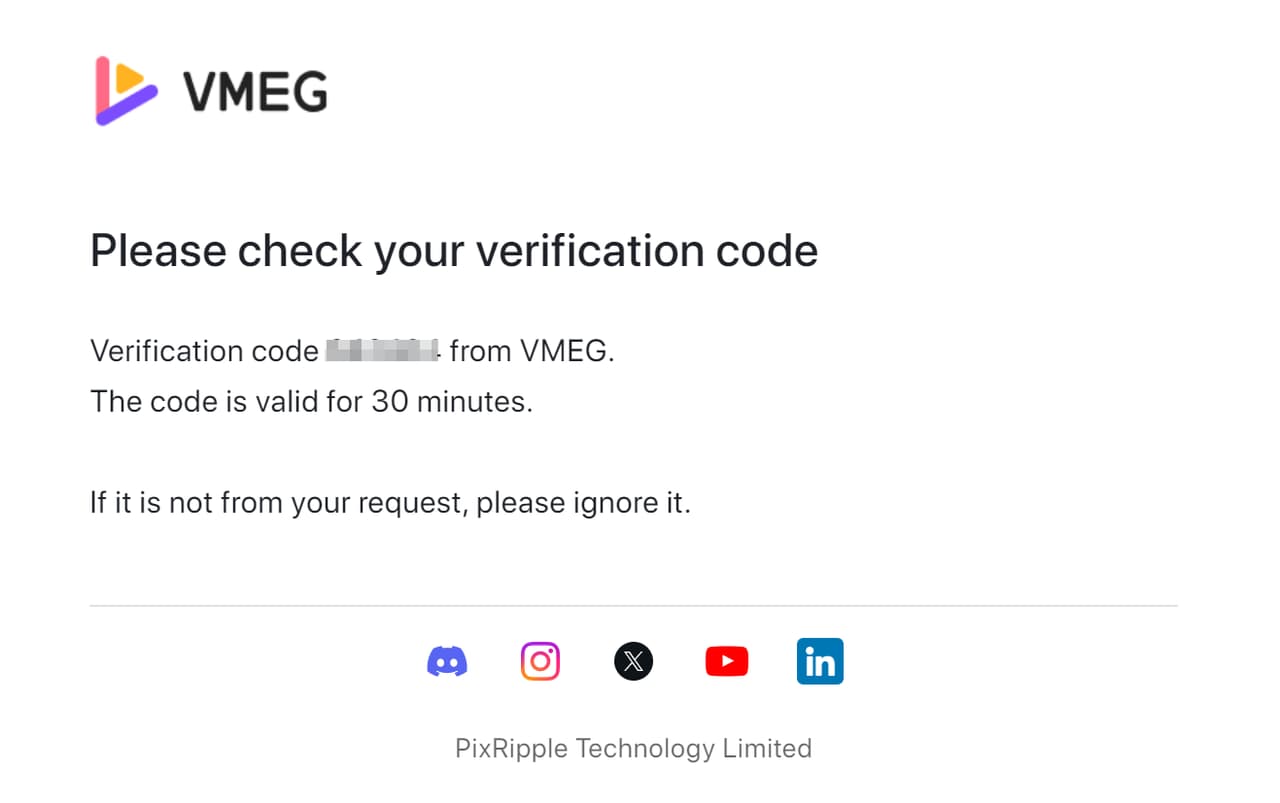
Email Verification
To verify your account, we’ll send a 6-digit code to the email address you provided during sign-up. If you don’t receive the email, here are two possible reasons:
- Spam FolderThe email may have been flagged as spam by your provider or company firewall. Please check your spam folder and move the email to your primary inbox to avoid this in the future.
- Incorrect Email IDIf you entered the wrong email during sign-up, you won’t receive the code. In that case, click to restart the verification process with the correct address.
If you've tried the above steps and cannot verify your account, please don't hesitate to contact our customer support team via live chat or support@pixripple.com. We'll be happy to help!
How to Delete Your Account?
At VMEG, we take your data privacy and security seriously. To ensure the protection of your account and prevent accidental data loss, account deletions are currently handled manually by our support team.
If you wish to permanently delete your account, please reach out to us via Live Chat or email us at support@vmeg.ai, and our team will verify your request and assist you with the process promptly to ensure all your information is handled according to our privacy standards.