


SBV to VTT Converter
Upload your subtitle file

Select File (srt, vtt, ass, ttml, dfxp, stl, sbv, sub, smi, xml, txt)
Convert to
How to Convert SBV to VTT Online
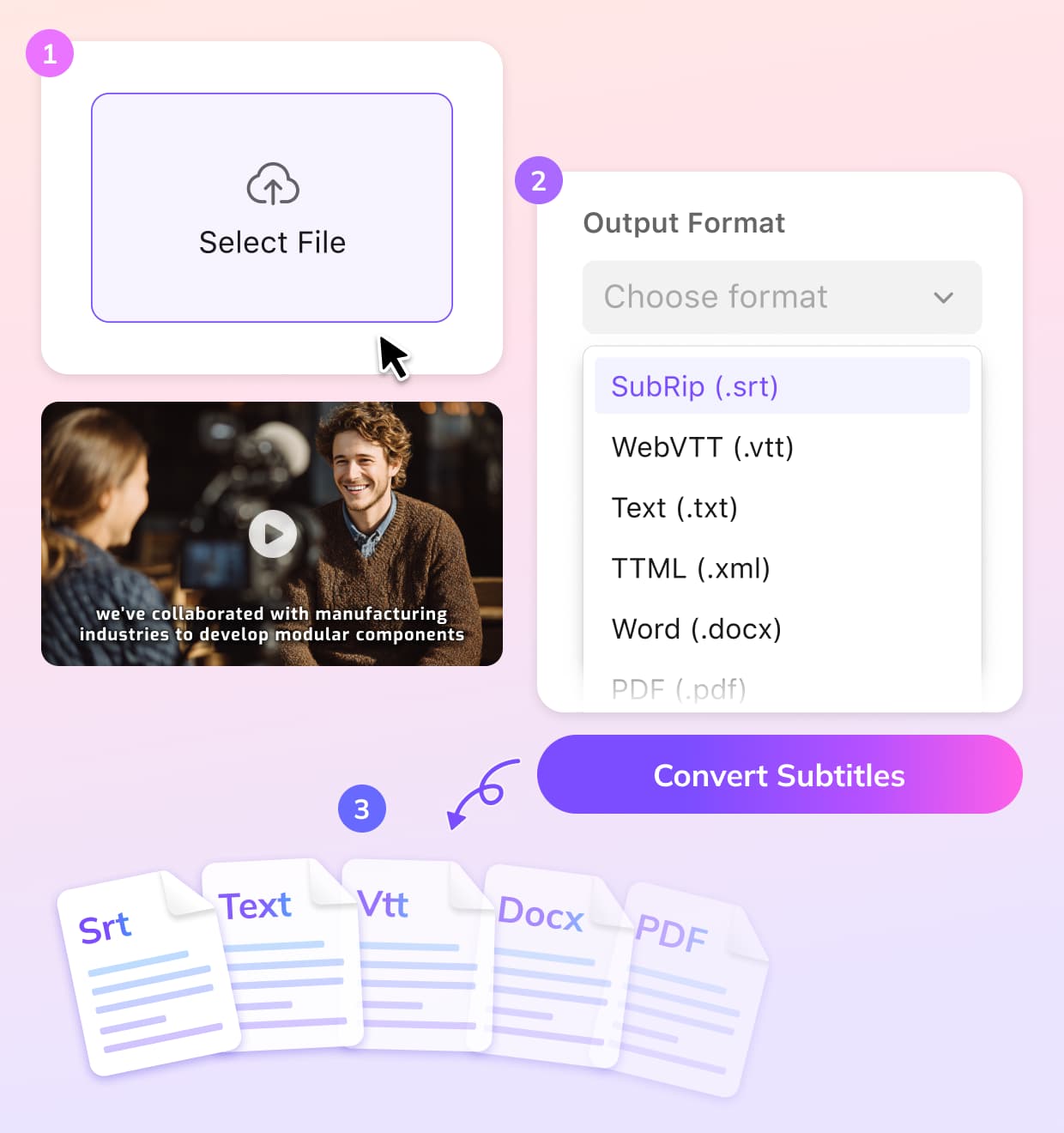
Upload Your SBV Subtitle File
Upload the SBV subtitle file you want to convert. The converter quickly reads the file and prepares it for VTT format conversion.
Convert SBV to VTT
Click convert to start the process. The SBV to VTT converter automatically transforms your subtitles while keeping accurate timing and subtitle structure.
Download the VTT File
Once the conversion is complete, download your VTT subtitle file instantly. The file is ready to use for web videos, streaming platforms, or subtitle editing.
Why Use VMEG’s SBV to VTT Converter
Fast and Reliable SBV to VTT Conversion
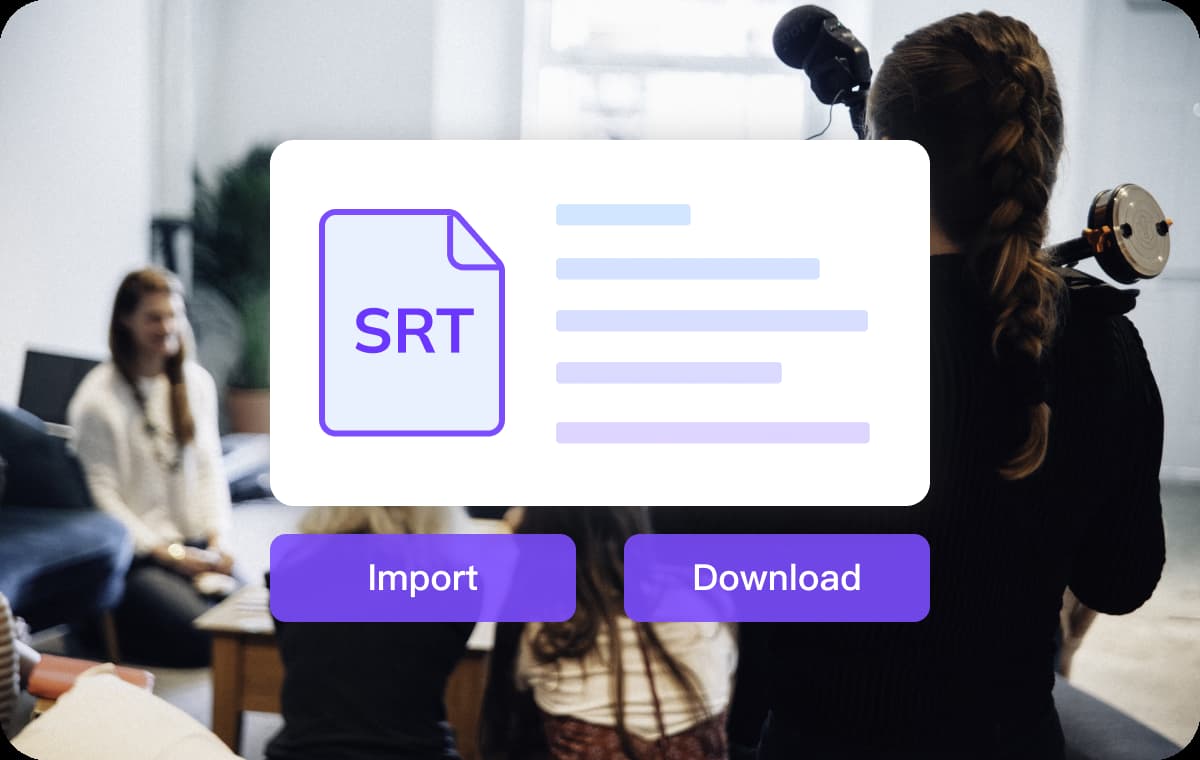
Quickly convert SBV to VTT using VMEG’s free online SBV to VTT converter. Upload your SBV subtitle file and generate a VTT file in seconds without installing any software.The tool preserves subtitle timing and text accuracy during the SBV to VTT conversion process, ensuring your subtitles remain synchronized with the video.
Convert Subtitle File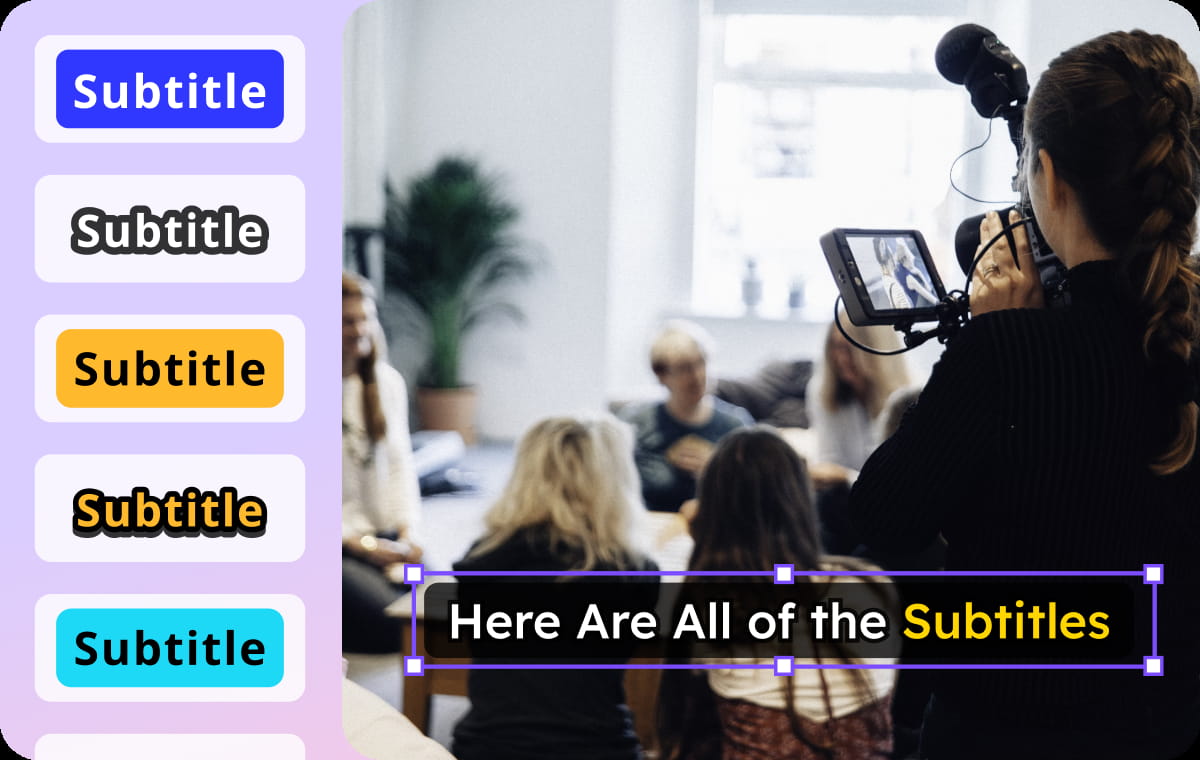
Perfect for Web Video and Streaming Platforms
Many modern web players and streaming platforms use the WebVTT format. Our SBV to VTT converter helps creators easily convert subtitle files for HTML5 video players, streaming services, and online learning platforms.This makes it easier to prepare subtitles for YouTube-style videos, educational content, and global media distribution.
Convert Subtitle File
Clean Subtitle Format for Editing and Localization
After you convert SBV to VTT, the resulting subtitle file is structured and easy to edit. Editors and localization teams can quickly adjust text, timing, or translations.The converted VTT subtitles integrate smoothly into subtitle editing tools and video production workflows, helping teams manage multilingual subtitle projects more efficiently.
Convert Subtitle FileWho Uses This SBV to VTT Tool

Content Creators and Video Editors
Creators who publish videos on platforms like YouTube or streaming sites often need WebVTT subtitles. Converting SBV to VTT makes it easier to upload captions, edit subtitles, and keep videos accessible to a wider audience.

Education & Training Platforms
Online courses and training providers convert SBV subtitles into VTT format so they work smoothly in web video players. This helps learners follow lectures with accurate captions and improves the overall learning experience.

Business & Localization Teams
Companies handling multilingual video content use SBV to VTT conversion when preparing subtitles for websites or international campaigns. Converting the format ensures subtitles display correctly across modern web players and streaming platforms.
SBV to VTT Conversion FAQs
What is an SBV to VTT converter?
An SBV to VTT converter is a tool that changes subtitle files from SBV format into WebVTT (VTT) format. This makes the subtitles compatible with modern web video players and streaming platforms that support VTT subtitles.
How can I convert SBV to VTT online?
You can convert SBV to VTT easily with the VMEG SBV to VTT converter. Just upload your SBV subtitle file, start the conversion, and download the VTT file once the process finishes.
Is the SBV to VTT converter free to use?
Yes. The VMEG SBV to VTT converter is free to use and works directly in your browser, so you do not need to install any software.
Will subtitle timing stay the same after converting SBV to VTT?
Yes. When you convert SBV to VTT, the subtitle timestamps are preserved so the subtitles remain synchronized with your video.
Discover More on VMEG
Related Searches
Convert SBV to VTT Online
Convert SBV to VTT easily with our free SBV to VTT converter. Upload your subtitle file and quickly convert SBV to VTT format for web videos, streaming platforms, and subtitle editing.
Convert Subtitle File