Text to Speech Voice for YouTube Videos
VMEG is a high-fidelity YouTube text to speech platform engineered for content creators who demand studio-quality audio. VMEG AI engine converts your scripts into a professional voice over on YouTube that sounds indistinguishable from a human narrator.
How to add voice over to YouTube video?
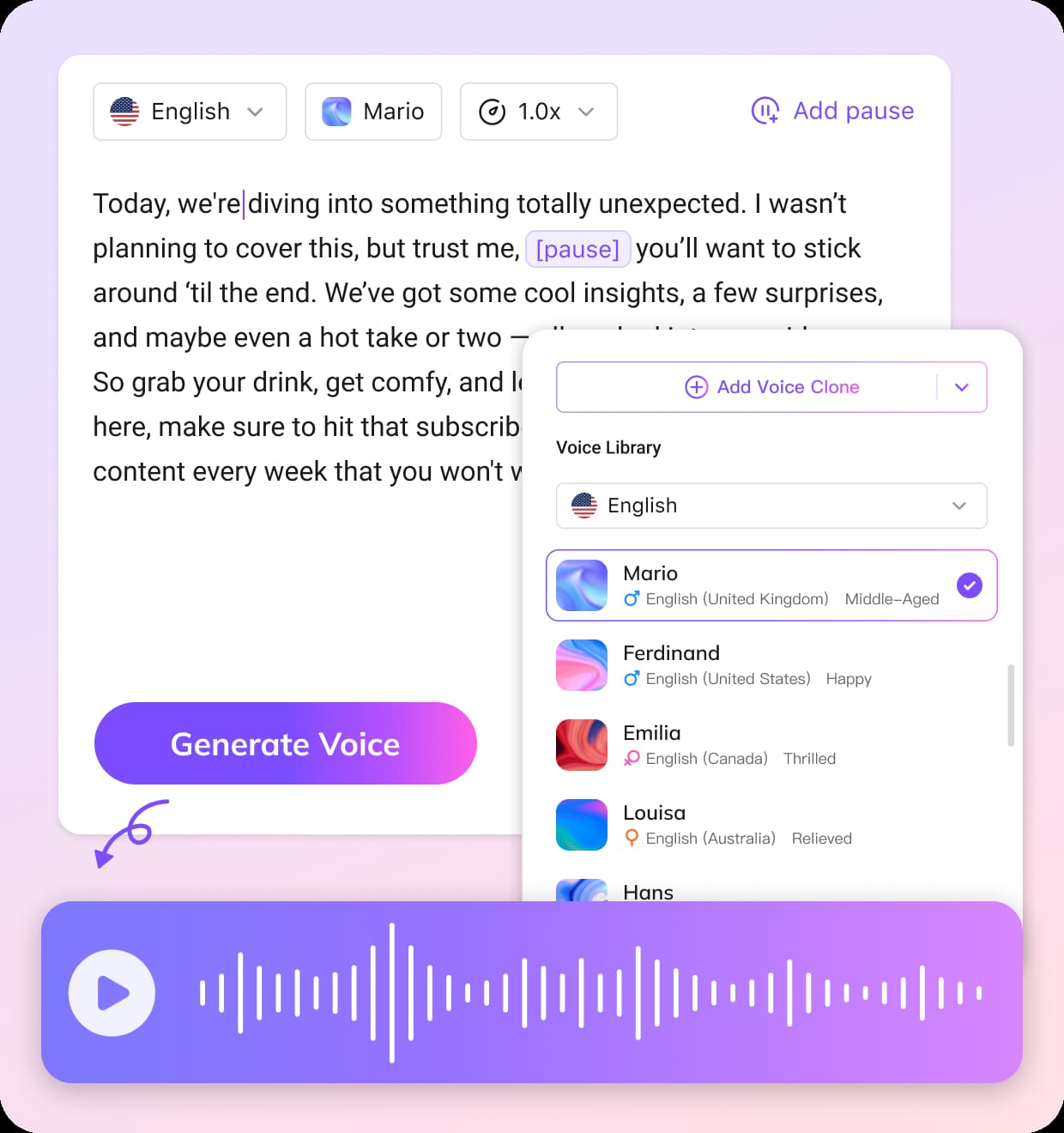
01Paste Your Script
Simply type or paste your channel script into our dashboard. VMEG’s YouTube text to speech technology immediately analyzes the text for optimal delivery.
02Select Your Narrator
Browse our extensive library to find the perfect text to speech voice for youtube. Filter by gender, age, and style to match your channel's unique identity.
03Refine, Generate & Download
Use our emotion sliders to tweak how your narrator sounds. Once you are satisfied, generate and download your high-fidelity audio file to mix into your video project.


Why VMEG is the best text to speech software for YouTube videos?
Unrivaled Vocal Realism
Most platforms sound robotic, but our text to speech voice for youtube is built on advanced neural networks that replicate the natural prosody, breathing, and emotional nuance of real human speech. This ensures your YouTube voice over remains engaging, preventing the listener fatigue often caused by low-quality, monotonous AI narrators.

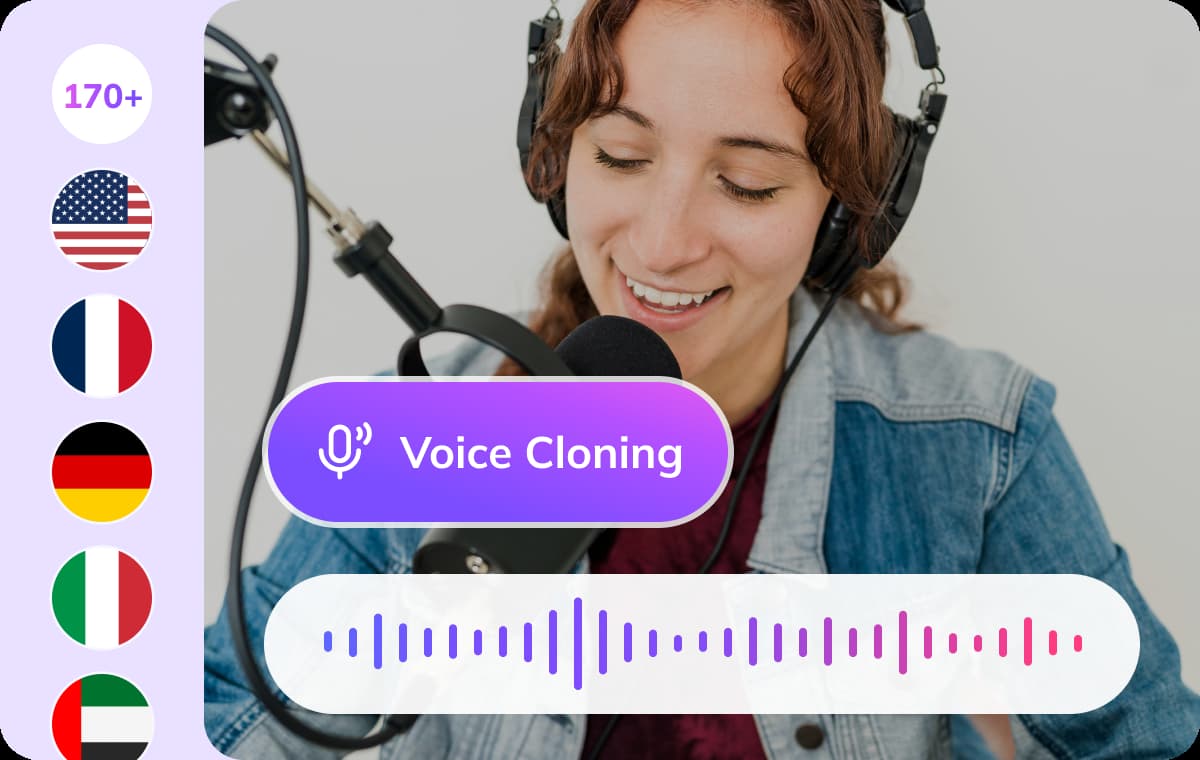
Extensive Library for Every Niche
Your channel's brand depends on the right tone. With over 7,000+ vocal personas, you can find a narrator that fits your niche—from authoritative documentary styles to high-energy vlogger personalities. Our library is designed to make it simple to find the perfect text to speech voice for youtube that keeps your viewers watching until the end.
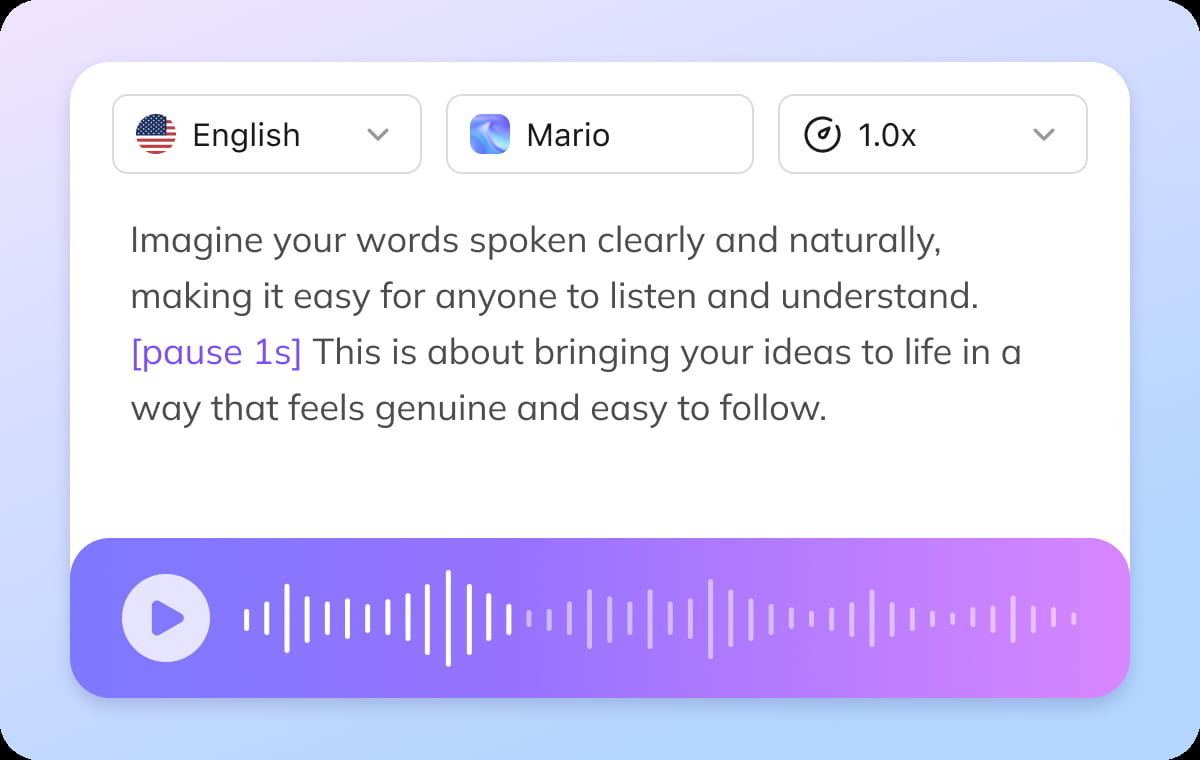
Full Control Over Your Narration
Great storytelling requires specific emotional weight. Our editor allows you to adjust the pacing, volume, and inflection of every line. By using intuitive emotion controls, you can make your voice over on YouTube sound excited for an introduction, serious for a deep-dive, or calm for a tutorial, giving you complete creative freedom over your audio.
Pro-Quality Video, Budget-Friendly Solution
Say goodbye to expensive outsourcing, complex editing, and hours of effort. With VMEG, you can create professional-looking videos in less than 1/10 of the time, effort, and cost.
Other Voice-over Platforms
Needed separate tools for transcription, translation, and voiceover.
Hiring voice actors was costly and complicated.
Syncing audio was slow and often off.
Adjusting voice style or speed required multiple apps.
Slow turnaround delayed releases.
Voice quality was inconsistent, hurting brand image.
Client reviews were a pain to manage.
Making videos in other languages was overwhelming.
Project files and updates were scattered and hard to track.
VMEG AI Localization Platform
Do it all in one streamlined workflow.
Instantly get pro-quality voiceovers, no hiring needed.
Easily fine-tune timing for natural, spot-on results.
Control voice style and speed in one place, anytime.
Get your localized videos ready to share, fast.
Consistent, high-quality voiceovers keep your brand strong.
Share and edit projects together with just a click.
Effortlessly create multilingual content for global reach.
Keep everything organized and accessible in one secure spot.
What people say about VMEG AI

"Human support that actually cares"
Support is fast and effective, but also human. The team really listens and keeps improving the platform.



"Surprisingly good Thai dubbing"
The program is easy to use. If you don't understand something, there are staff members who are willing to help quickly and willingly. In addition, the Thai voice dubbing is high quality and accurate

"Easy to use, even on day one"
I love VMEG.AI for its clean UI, which made my learning curve very comfortable and allowed my friends, who never worked with similar tools, to easily create a very solid video on their first try.

"Scale global creatives without freelancers"
VMEG helps this user translate ad creatives for a global audience without needing to hire freelancers. It keeps the same consistent, natural voice across languages, so their ads don't sound robotic or like a generic voice pack, and the setup was easy enough to start using it right away.

"Voices that sound like real people"
The most natural AI voice I've ever used. It doesn't just translate words, it delivers the nuance.

"Made for perfectionists and pros"
My go-to-tool for natural English–Italian video dubbing. Love the editing tool! As a perfectionist, I tweak until it's exactly what I envisioned and no credits are used in the process!

"Best video translator for Italian to Spanish"
The VMEG.AI video translator is the BEST I've ever tried for translating videos from Italian to Spanish. It even changed the voice in the two-way sections. And if the scene changes, it adjusted the length of the scenes as needed. Awesome! Impressive Voice Changes and Scene Timing

"Saves me hours on every video I localize"
It handles translation, subtitles, lip‑sync, voice cloning, and multi‑language output in one place, which makes video localization much more efficient and saves users significant editing time.

"Impressive dubbing for YouTube channels"
I have a YouTube channel with 127k subscribers. I needed to expand my audience to other areas. With VMEG, I achieved a fantastic result, and the dubbing is very natural. It's exactly what I was looking for.

"Best tools for dubbing videos"
Everything is great. Best tools to translate and dub videos. There is nothing I don't like about it. It's a very complete tool.

"A fast-acting team that takes feedback seriously"
When some features were missing at the beginning, the team moved fast to add what was needed and fix bugs, and they appreciate being able to regenerate multiple voice options until they find the one that fits best.

"Impressive Accuracy"
The accuracy of subtitles and timing is impressive, and voice cloning adds a professional touch that keeps the speaker's tone consistent. It saves me hours of manual editing and improves audience reach globally.

FAQs about Fake Girl Voice Message Generator
Why is VMEG considered the best text to speech software for youtube videos free?
VMEG combines high-fidelity audio generation with a user-friendly interface. Our platform provides the most natural-sounding YouTube voice over results available, making it the top choice for creators who want to combine professionalism with an efficient workflow.
Can I use this YouTube text to speech tool for commercial content?
Yes. All audio generated using VMEG is suitable for professional and commercial use, making it ideal for channel monetization, branded content, and educational videos.
How do I choose the right text to speech voice for youtube?
We recommend selecting a narrator that aligns with your niche. For example, use deep, authoritative voices for documentaries or bright, energetic voices for lifestyle vlogs. Our YouTube text to speech library includes smart filters to help you sort by persona type.
Does VMEG support custom narration pacing for YouTube Shorts?
Absolutely. You can adjust the narrative speed to match the fast-paced style required for YouTube Shorts, ensuring your voice over on YouTube is perfectly synced with your visual pacing.