YouTube Voice Changer
VMEG is built for editing gaming content, Letplays, and walkthroughs. Instead of configuring complex desktop software, you can simply swap voices, translate audio, and add studio-grade effects.
How to Use Voice Changer for YouTube Videos
01Import Your File (Video or Audio)
Upload a content file from your device (pc or mobile), or use a YouTube link to upload files directly.
02Select & Customize Your Audio
Browse the AI voice library to choose an ideal character profile. Open the editor to adjust the vocal pitch, fine-tune text lines, or apply emotion prompts to match the vibe of the level.
03Export & Download
Once the task is ready, you can view the text of the spoken content in the editing studio to proofread or edit it. You can also reselect the voice. Export options include MP4 and SRT files.
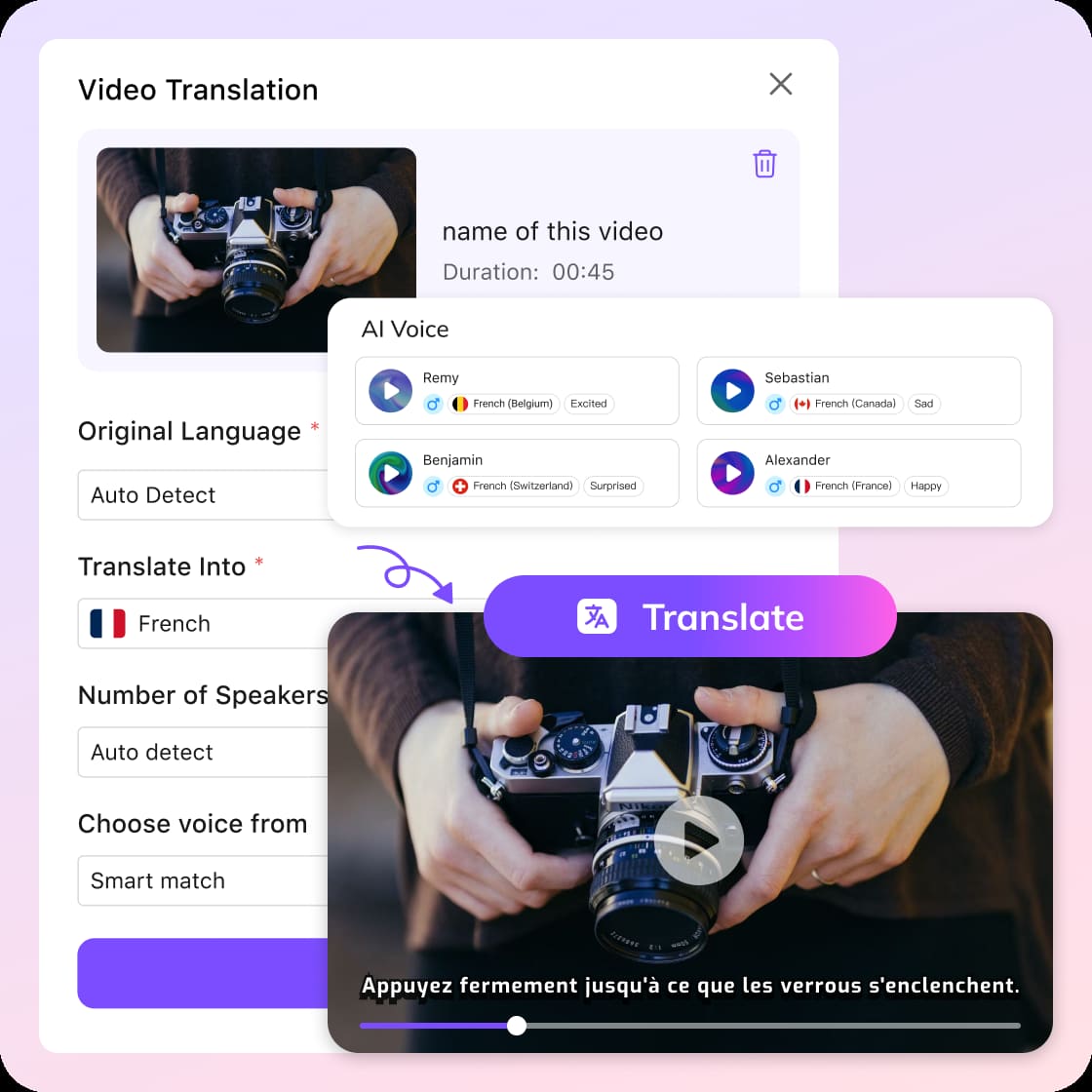


AI YouTube Voice Changer: Scale Your Video Content Creation
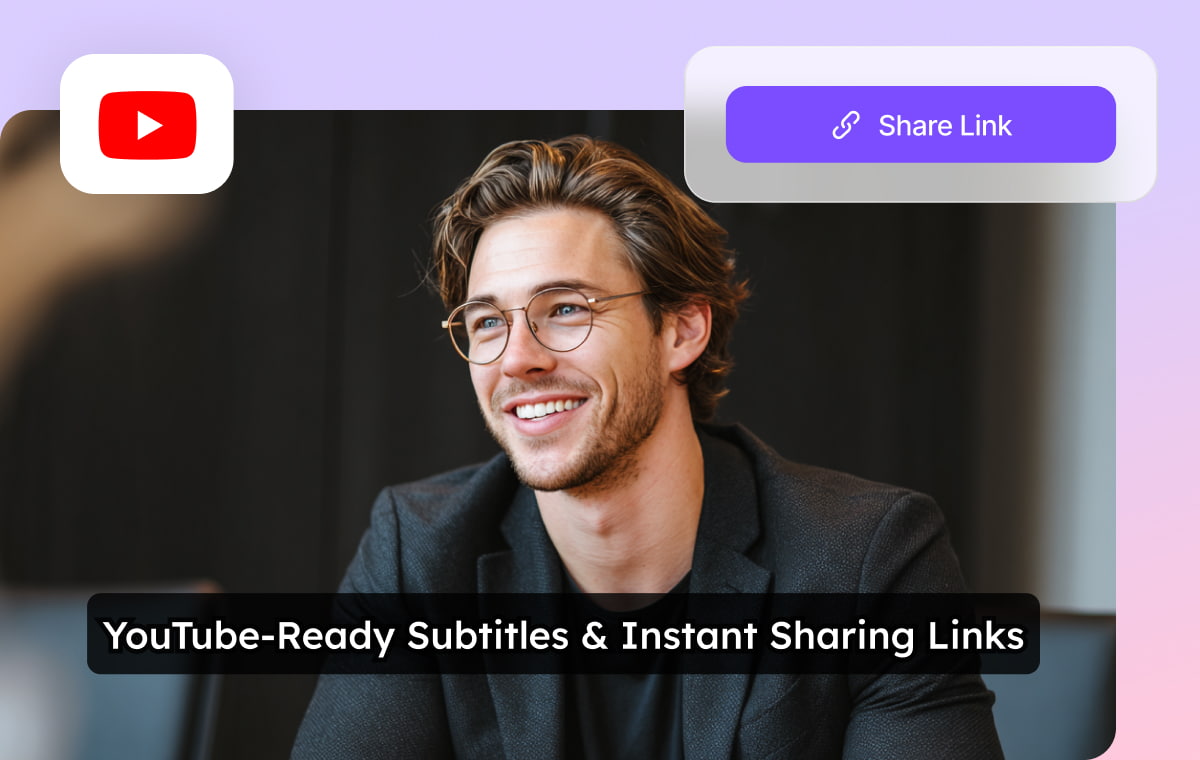
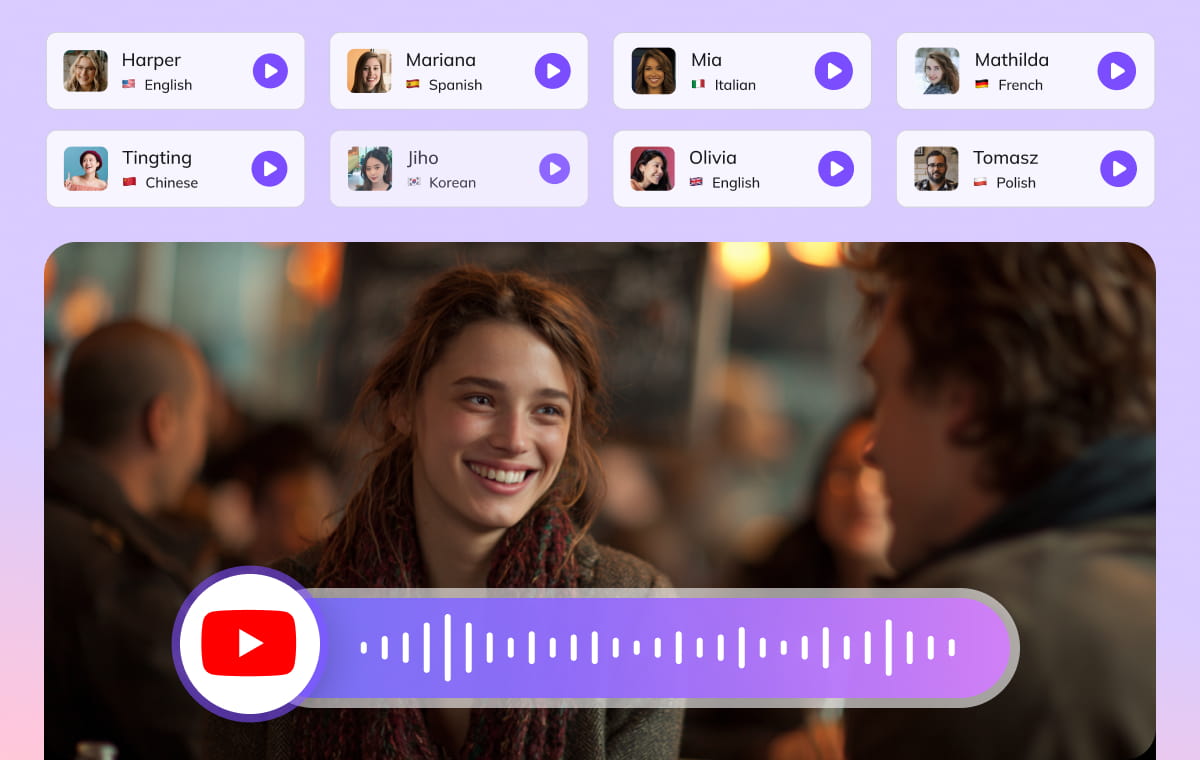
Scale Faceless Channels with Our Smart YouTube Voice Changer Library
VMEG AI YouTube voice changer features an extensive gallery of human-like vocal profiles tailored for specific video niches. You can filter voices by character type and save your top choices. This ensures your brand voice remains perfectly consistent across every long-form upload or Short.

Simplify Multi-Guest Video Editing with a Dedicated YouTuber Voice Changer
Managing chaotic collaborative files, podcast interviews, or street commentary can slow down your editing process. VMEG’s intelligent multi-speaker mapping automatically separates distinct audio tracks from a single video import. You can assign a completely unique YouTuber voice changer persona to an online guest or a co-host while leaving your primary narration untouched.
Maximize Audience Retention via Expressive Controls in the Voice Changer for YouTube
VMEG advanced editing studio is engineered to give you full cinematic control over your audio asset. Beyond adjusting basic speed or pitch, you can use intuitive "Emotion Prompts" to make your selected voice changer for youtube sound sarcastic, hyper-excited during a climax, or low and intense during a serious explanation, matching the visual pacing of your B-roll perfectly.
Beyond voice changer for YouTubers, VMEG is more powerful




What people say about VMEG AI

"Human support that actually cares"
Support is fast and effective, but also human. The team really listens and keeps improving the platform.



"Surprisingly good Thai dubbing"
The program is easy to use. If you don't understand something, there are staff members who are willing to help quickly and willingly. In addition, the Thai voice dubbing is high quality and accurate

"Easy to use, even on day one"
I love VMEG.AI for its clean UI, which made my learning curve very comfortable and allowed my friends, who never worked with similar tools, to easily create a very solid video on their first try.

"Scale global creatives without freelancers"
VMEG helps this user translate ad creatives for a global audience without needing to hire freelancers. It keeps the same consistent, natural voice across languages, so their ads don't sound robotic or like a generic voice pack, and the setup was easy enough to start using it right away.

"Voices that sound like real people"
The most natural AI voice I've ever used. It doesn't just translate words, it delivers the nuance.

"Made for perfectionists and pros"
My go-to-tool for natural English–Italian video dubbing. Love the editing tool! As a perfectionist, I tweak until it's exactly what I envisioned and no credits are used in the process!

"Best video translator for Italian to Spanish"
The VMEG.AI video translator is the BEST I've ever tried for translating videos from Italian to Spanish. It even changed the voice in the two-way sections. And if the scene changes, it adjusted the length of the scenes as needed. Awesome! Impressive Voice Changes and Scene Timing

"Saves me hours on every video I localize"
It handles translation, subtitles, lip‑sync, voice cloning, and multi‑language output in one place, which makes video localization much more efficient and saves users significant editing time.

"Impressive dubbing for YouTube channels"
I have a YouTube channel with 127k subscribers. I needed to expand my audience to other areas. With VMEG, I achieved a fantastic result, and the dubbing is very natural. It's exactly what I was looking for.

"Best tools for dubbing videos"
Everything is great. Best tools to translate and dub videos. There is nothing I don't like about it. It's a very complete tool.

"A fast-acting team that takes feedback seriously"
When some features were missing at the beginning, the team moved fast to add what was needed and fix bugs, and they appreciate being able to regenerate multiple voice options until they find the one that fits best.

"Impressive Accuracy"
The accuracy of subtitles and timing is impressive, and voice cloning adds a professional touch that keeps the speaker's tone consistent. It saves me hours of manual editing and improves audience reach globally.

FAQs about YouTube Voice Changer
Will using a voice changer for youtube affect my channel monetization?
YouTube's policies penalize low-quality, repetitive robotic speech. Because our voice changer for youtube generates high-fidelity, expressive, and human-like inflections, your videos sound completely professional and eligible for standard channel partner monetization.
Can I use this free voice changer for youtube videos to create Shorts or TikTok clips?
VMEG is fully optimized for short-form video dimensions. You can paste any short-form link directly into the platform to use it as a voice changer youtube importer, making it highly efficient for reaction content or parity edits.
Can I save my settings for episodic channel series?
Yes. You can save your customized pitch, speed modifications, and character preferences to a custom profile. This allows any youtuber voice changer creator to open a new project and apply their exact signature brand settings with one single click.
Can I use the link-paste feature to edit clips directly from YouTube?
Yes. If you are making reaction videos, highlight compilations, or shorts, you can simply paste the public URL into VMEG. The system imports the clip directly, saving you the time it takes to download and re-upload large files.