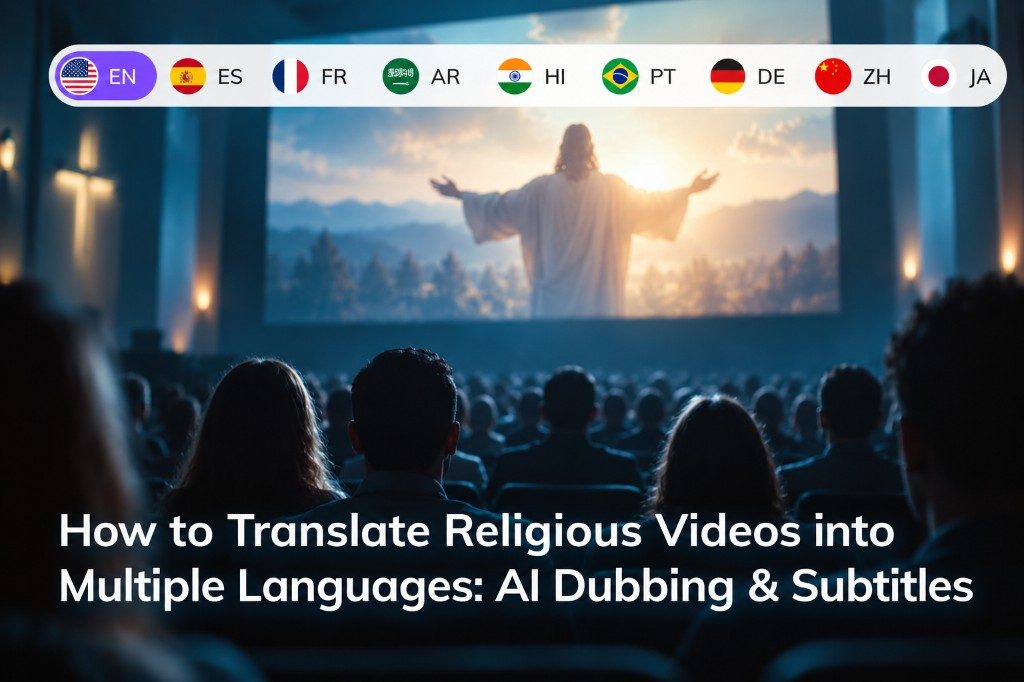
Religious videos often reach audiences who speak different languages. Whether you're sharing sermons, spiritual teachings, recorded lectures, or community events, translating these videos can help more people understand the message.
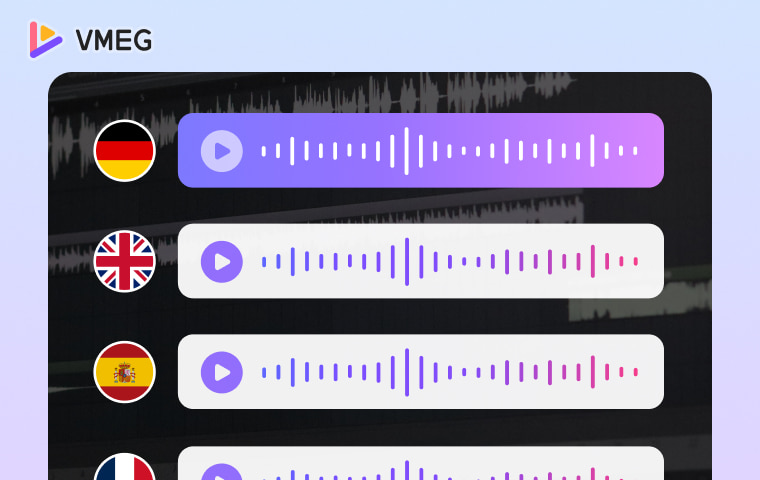
There are two main ways to translate religious videos with AI: voice dubbing and subtitle translation. AI dubbing generates spoken audio in another language, while subtitle translation adds translated text without changing the original speaker's voice.
Both methods can significantly reduce manual translation work. However, religious content requires special care with terminology, quotations, pronunciation, and tone.
This guide explains how each method works, when to use it, and how to translate religious videos using VMEG AI.
AI Dubbing vs. Subtitle Translation: Which Should You Choose?
Before translating your video, consider how your audience prefers to consume the content.
| AI Dubbing | Subtitle Translation | |
|---|---|---|
| What changes? | Spoken audio | On-screen text |
| Original voice | Replaced by translated speech | Preserved |
| Best for | Sermons, lectures, long-form teachings | Educational videos, recorded events, multilingual captions |
| Main advantage | Viewers can listen naturally | Keeps the original speaker's delivery |
| Main challenge | Pronunciation and speech timing | Readability and subtitle timing |
Choose AI dubbing if your audience would rather listen in their native language, especially when watching longer videos.
Choose subtitle translation if preserving the original voice matters more, or if you want to provide multiple language options without producing separate audio tracks.
You can also combine both approaches.
Method 1: How to Translate Religious Videos with AI Dubbing
AI dubbing converts the speech in a recorded video into another language. Instead of recording a new voiceover manually, AI handles transcription, translation, and speech generation.
Here's how to do it using VMEG AI Video Translator.
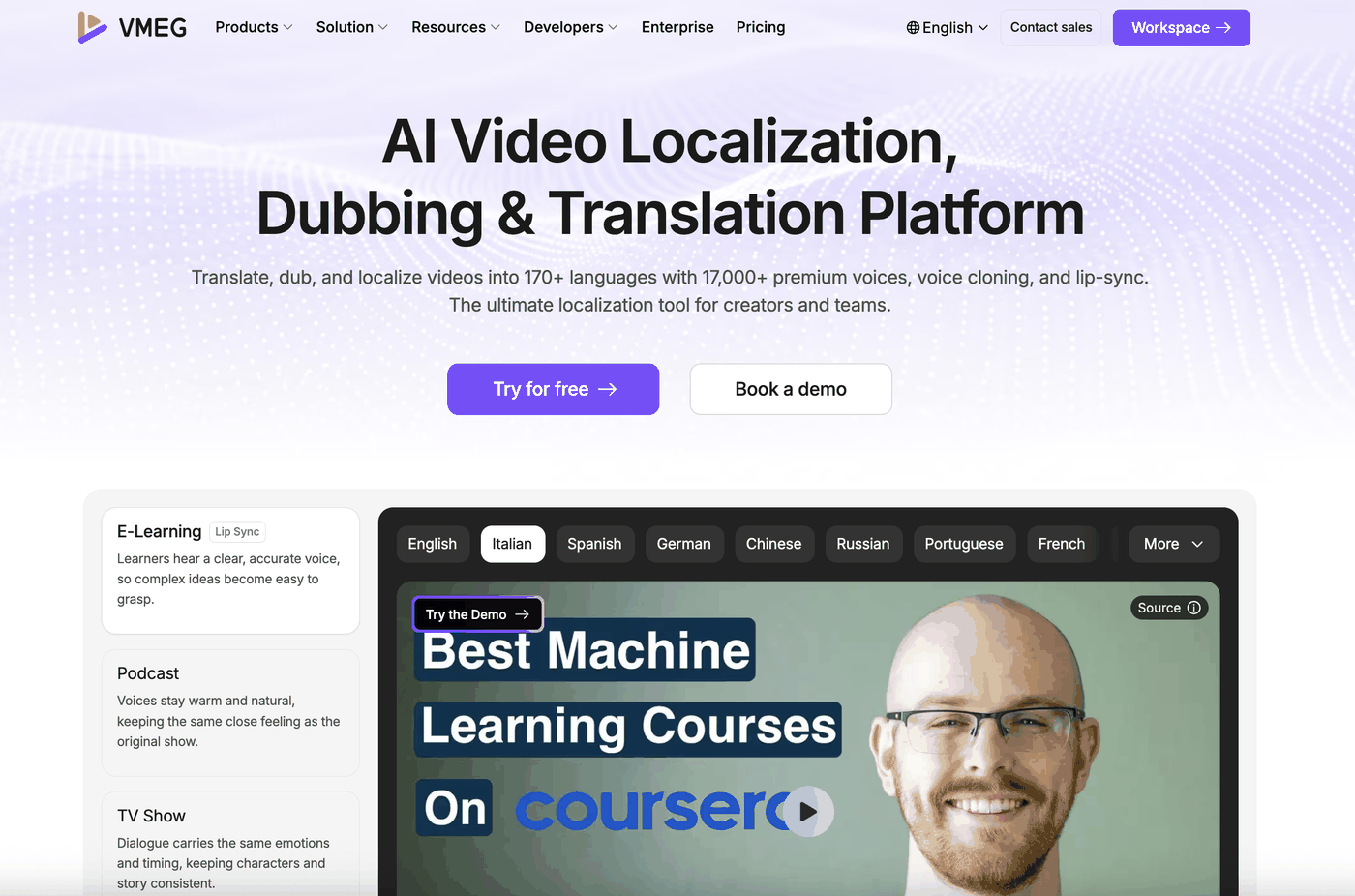
Step 1: Upload Your Video and Select Languages
Open the Video Translator and upload your recording or paste a supported video URL.
Choose the original language and the language you want to translate into. VMEG supports over 170 languages and lets you generate multiple target-language versions from the same source.
For example, an English-language teaching video could be translated into Spanish, French, Arabic, Hindi, or Portuguese.
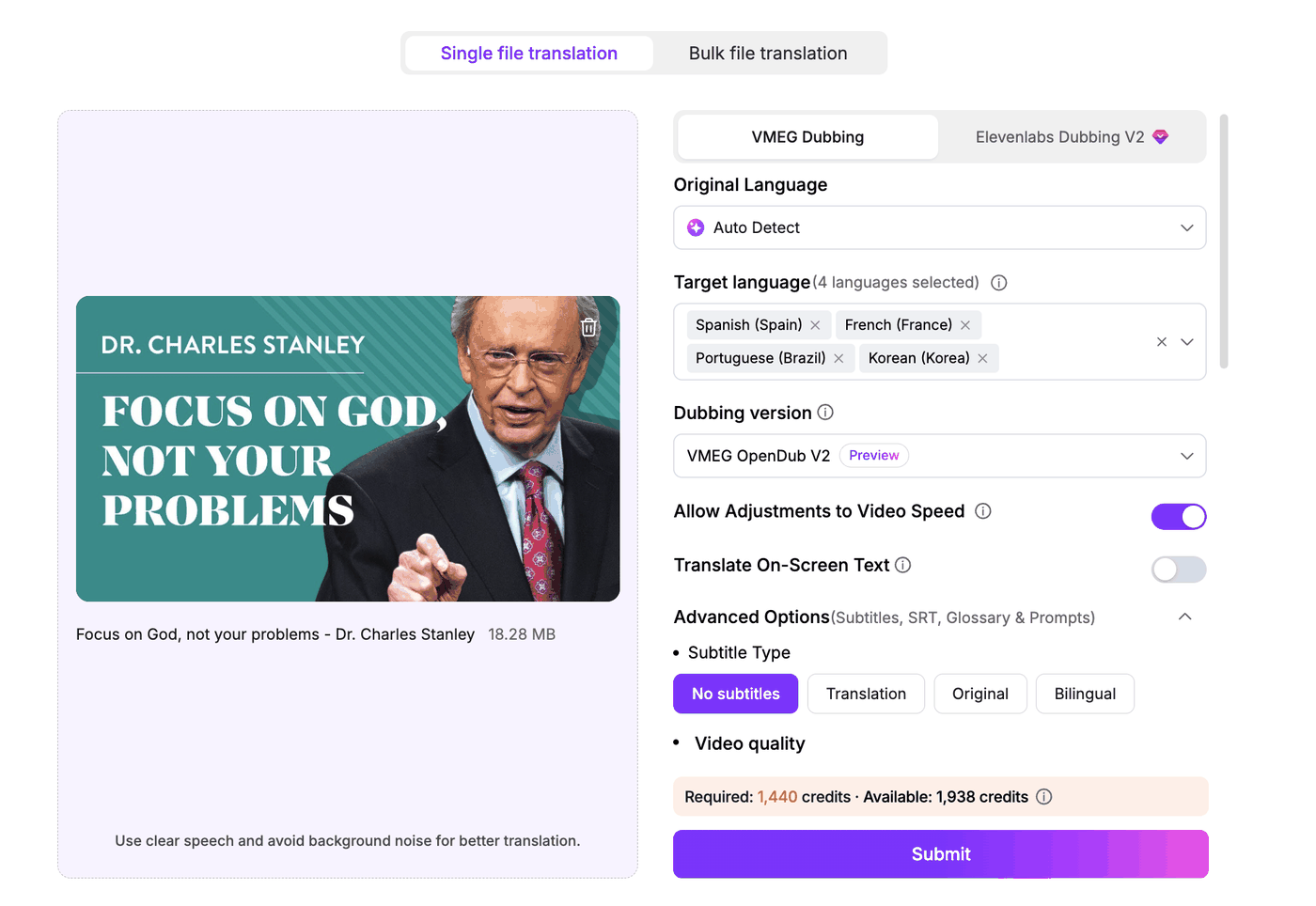
Step 2: Choose a Voice and Set Translation Preferences
Next, choose how the translated speech should sound.
You can clone the original speaker's voice (with permission) or select an AI voice in the target language.
For religious content, translation settings deserve particular attention. Names, sacred-text references, and specialized expressions may have established translations that should remain consistent.
If your tool supports glossaries or translation prompts, prepare them before generating the translated video.
For example, you could use this instruction:
Maintain a respectful, natural speaking style. Preserve the original meaning, use consistent terminology, and avoid unnecessary paraphrasing of quotations or important references.
Step 3: Review and Edit the Dubbed Video
After processing, check both the translated script and the generated audio.
Pay attention to whether important terms are translated correctly, whether names are pronounced naturally, and whether the speaker's tone still fits the original message.
VMEG's editor allows you to modify translated sentences, change voices, adjust timing, and regenerate dubbing without starting a completely new task.
This is particularly helpful for longer lectures, where correcting a few sentences is more practical than recording the entire translation again.
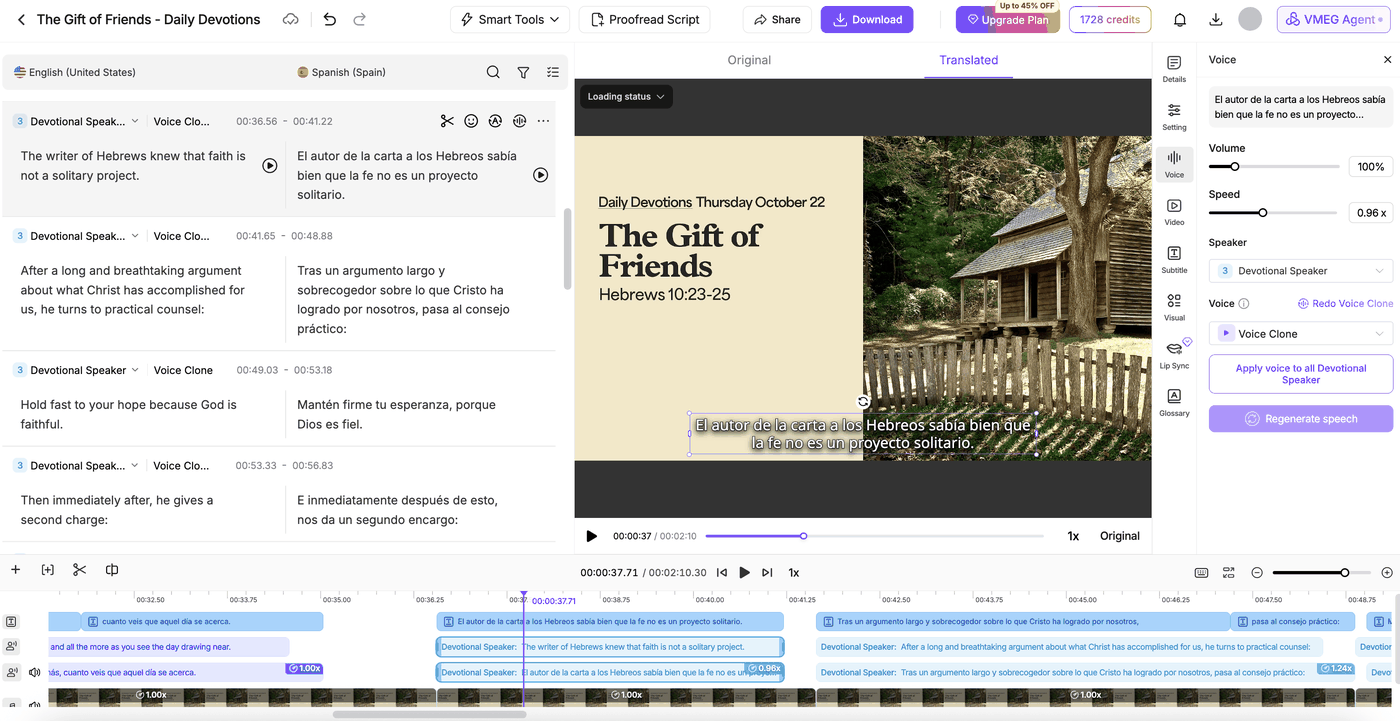
Once you're satisfied, export the dubbed video or translated audio for publishing.
Method 2: How to Translate Religious Videos with AI Subtitles
If you want to preserve the original audio, subtitle translation is often the simpler option.
AI subtitle translation identifies spoken content, translates it, and aligns the translated text with the video timeline.
You don't need to manually transcribe every sentence or synchronize each subtitle from scratch.
Step 1: Upload Your Video or Existing Subtitles
Open VMEG AI Subtitle Translator and upload your video.
If you already have an accurate subtitle file, such as an SRT, you can use it as the source for translation.
This can be especially useful when the original transcript has already been reviewed.
Step 2: Select Your Language and Subtitle Format
Choose the target language and subtitle type.
You can create translated subtitles or bilingual subtitles showing both the original and translated text.
Bilingual subtitles are useful for language learners or audiences who want to compare the translation with the original speech. However, for long videos, single-language subtitles may be easier to read.
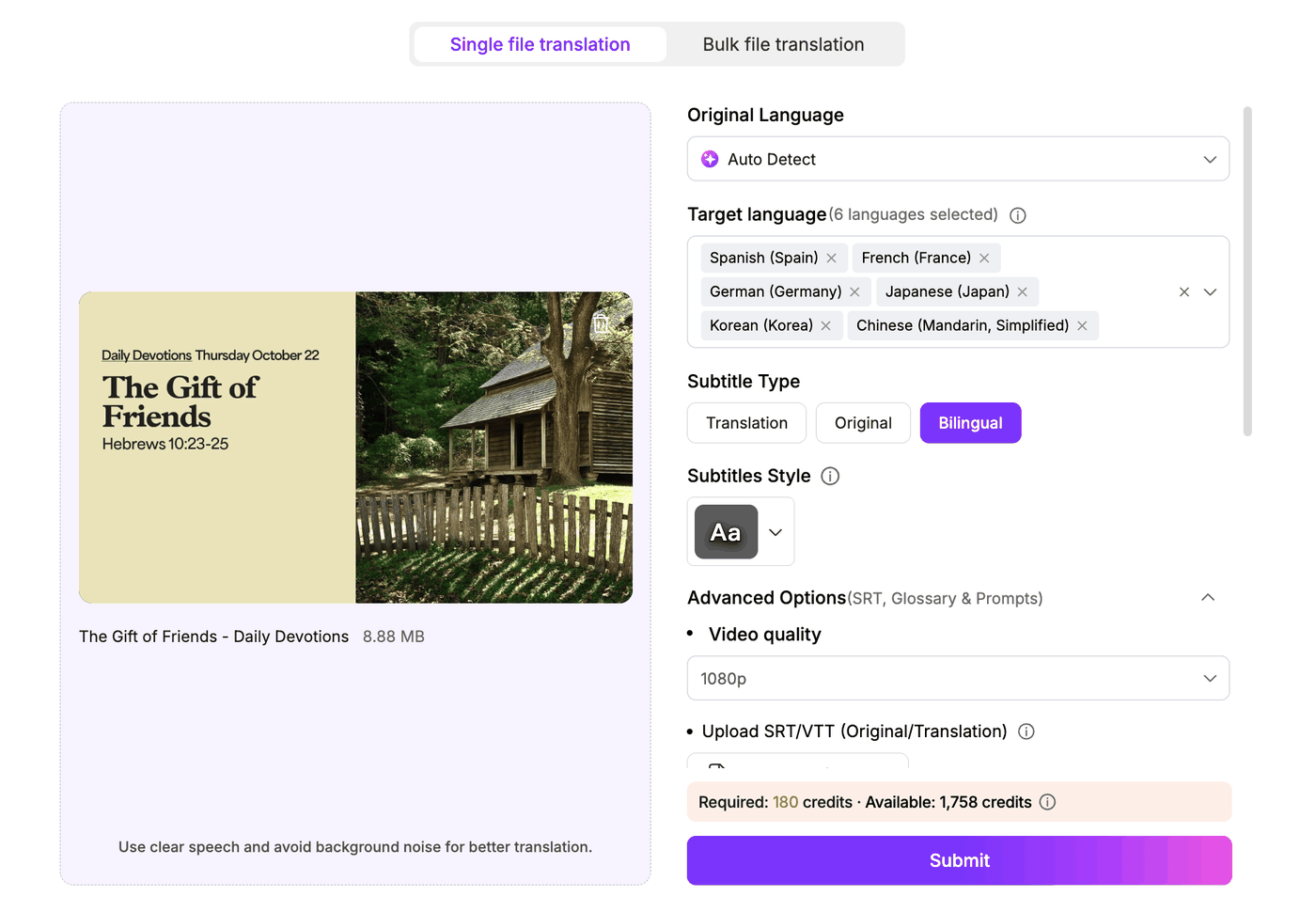
Step 3: Edit Subtitle Text and Timing
Once the translated subtitles are generated, review the text and check how it appears on screen.
Long translated sentences may need to be shortened or split across subtitle lines. Certain languages also require different reading time or line breaks.
With VMEG's subtitle editor, you can correct translations, adjust subtitle timing, and customize how subtitles appear.
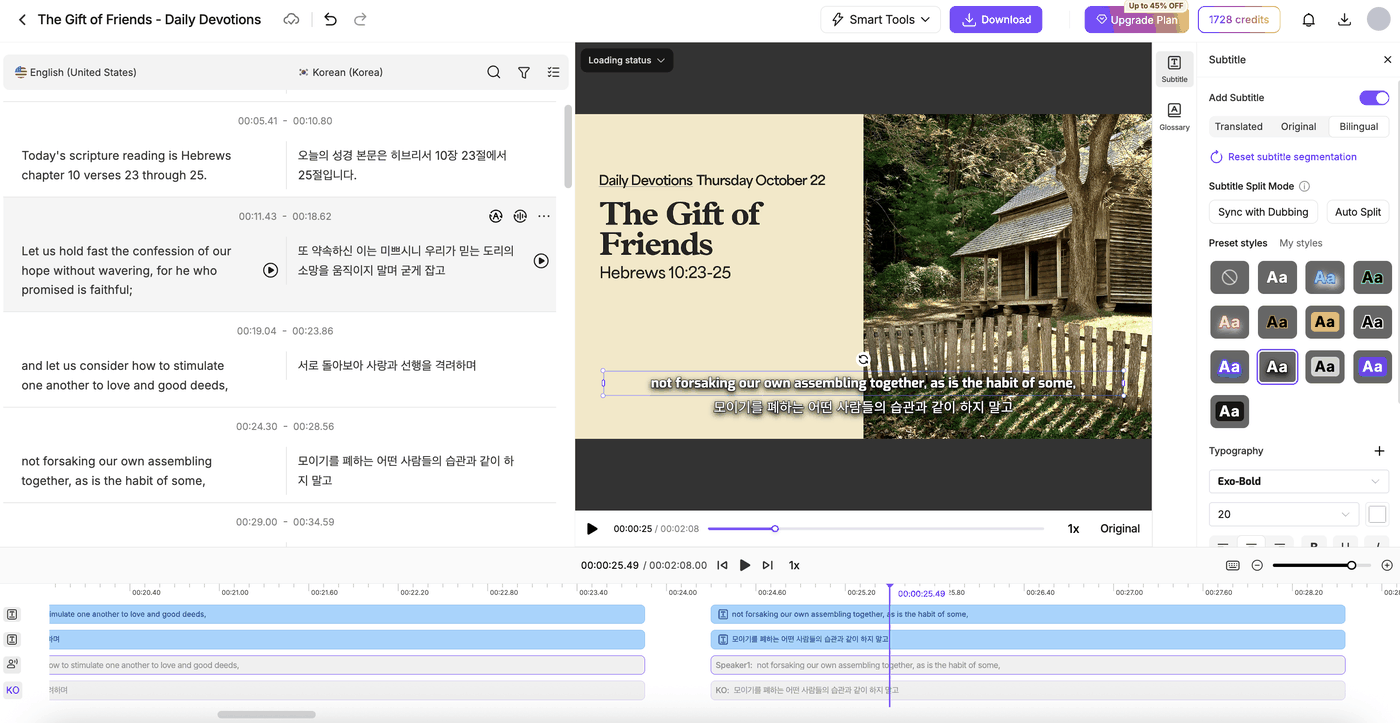
You can then export the video with subtitles or download the translated SRT file for use on YouTube or other video platforms.
How to Maintain Accuracy When Translating Religious Content
Regardless of whether you choose dubbing or subtitles, translation accuracy matters more than simply producing another language version.
Here are four practical checks worth including in your workflow.
- Review specialized terminology. Religious expressions can carry different meanings across traditions and languages. Prepare a glossary of approved terms, names, and titles.
- Check quotations and references. AI translations may paraphrase passages or use wording that differs from an established translation. Verify important quotations against your preferred source.
- Preserve the original tone. A respectful lecture, a reflective message, and an energetic speech should not all sound the same. Review formality and emotional delivery.
- Test a short segment first. Before translating a full-length video, check a few minutes containing difficult terminology, multiple speakers, or important quotations.
For sensitive content, have someone familiar with both the target language and the relevant religious context review the final result.
Frequently Asked Questions
Can AI translate religious videos into multiple languages?
Yes. AI video translators can convert recorded religious videos into multilingual dubbed audio or subtitles. VMEG supports more than 170 languages, although output quality varies by language pair and source recording.
Is dubbing or subtitle translation better for long religious videos?
AI dubbing is useful for audiences who prefer listening without reading throughout the video. Subtitles are useful when keeping the original speaker's voice is important. The better option depends on your viewers.
Can I correct things after AI translation?
Yes, if the tool provides an editable transcript or dubbing editor. VMEG lets users revise translated text, adjust subtitle timing, and regenerate audio within an existing task.
Can AI translate live religious services?
Recorded-video translation and live interpretation are different workflows. VMEG is designed for uploaded recordings rather than real-time simultaneous translation.
Can I translate a video's voice and add subtitles at the same time?
Yes. With VMEG AI Video Translator, you can generate AI dubbing and translated subtitles in the same workflow. Simply upload your video, select the target language, choose a dubbing voice, and enable Add Translated Subtitles. You can then review and edit both the translated audio and subtitles before exporting your video.
How long can a sermon video be for translation on VMEG?
VMEG supports sermon videos up to 3 hours long per upload, making it suitable for full-length sermons, religious lectures, and recorded teachings.
Final Thoughts
Translating religious videos doesn't have to involve manually transcribing, translating, and recording every language version.
AI dubbing makes videos easier to listen to in different languages, while subtitle translation preserves the original speaker's voice. Both can work well when combined with careful terminology management and human review.
If you'd like to try either approach, you can use VMEG AI Dubbing for dubbing or VMEG Subtitle Translator for captions.
For additional guidance on terminology, translation quality, and review workflows, explore the Religious Video Localization Research Report.