

Spotify Video Translator
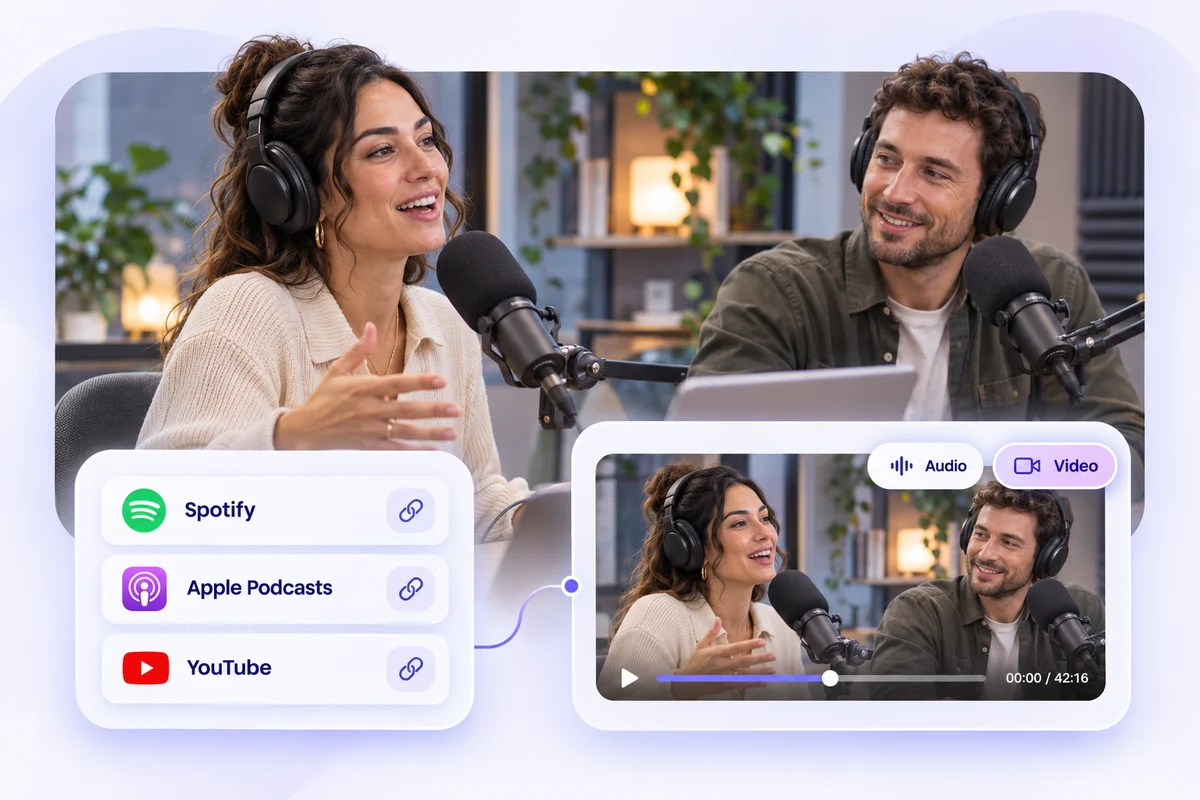
Paste a Spotify episode link to translate video podcasts, interviews, and discussions into your preferred language. Keep the original voices with translated subtitles, dub the conversation into another language, or combine both. VMEG supports 170+ languages and video and audio imports from Spotify, Apple Podcasts, and YouTube.
How to Translate Spotify Video Podcasts
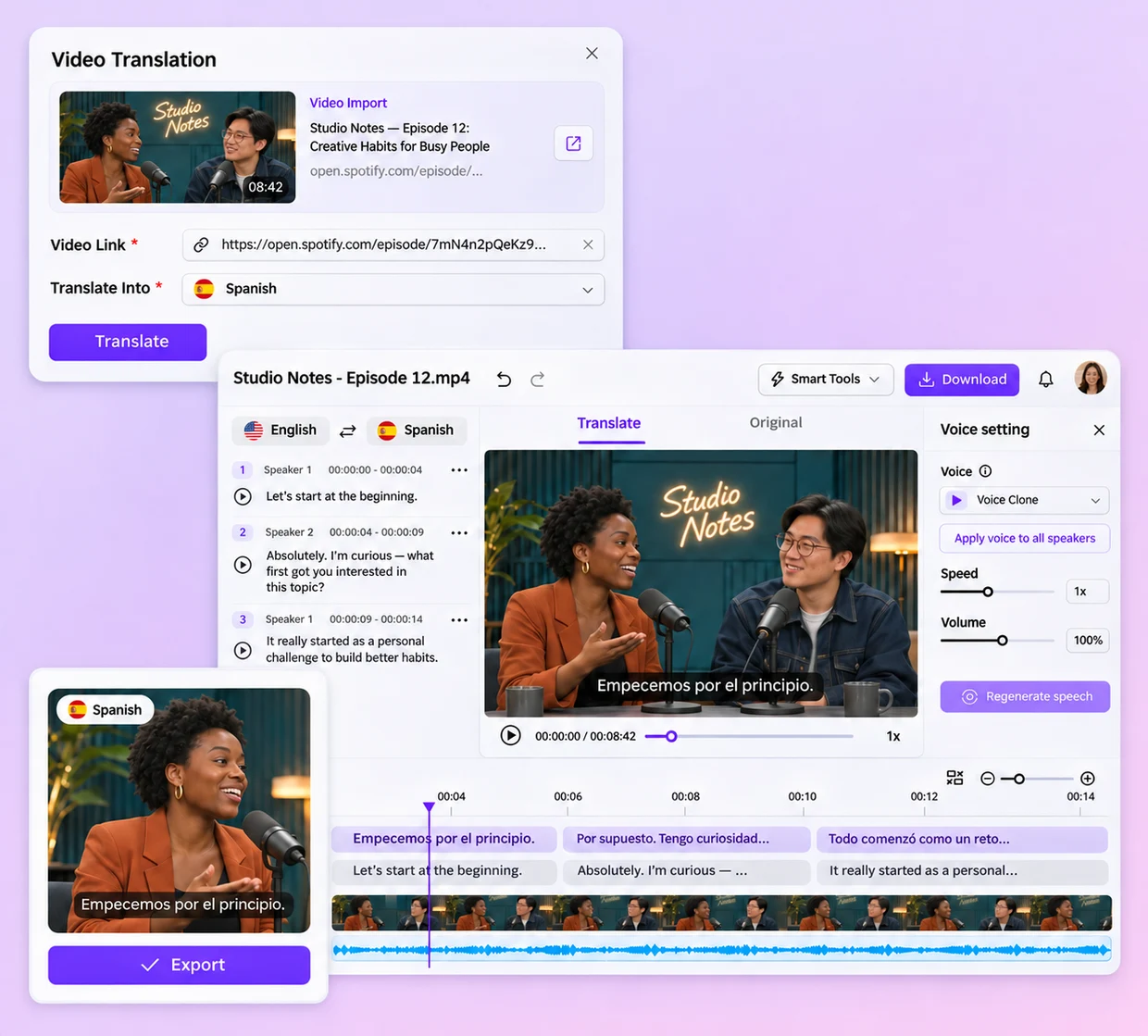
01Paste Your Spotify Episode Link
Open a podcast episode in the Spotify app or web player, select Share, and copy the episode link. Paste it into VMEG to import the episode directly.
02Choose Your Language & Translation Mode
Select your target language and choose subtitles only, dubbing only, or both. For dubbing, clone the original speakers' voices or choose from a library of natural AI voices.
03Review, Edit & Download
Review the translation and adjust individual sentences, speaker voices, pronunciation, or subtitle timing. Download your translated podcast as an MP4 video, MP3 audio track, or subtitle file.


What Can You Do with VMEG Spotify Video Translator?
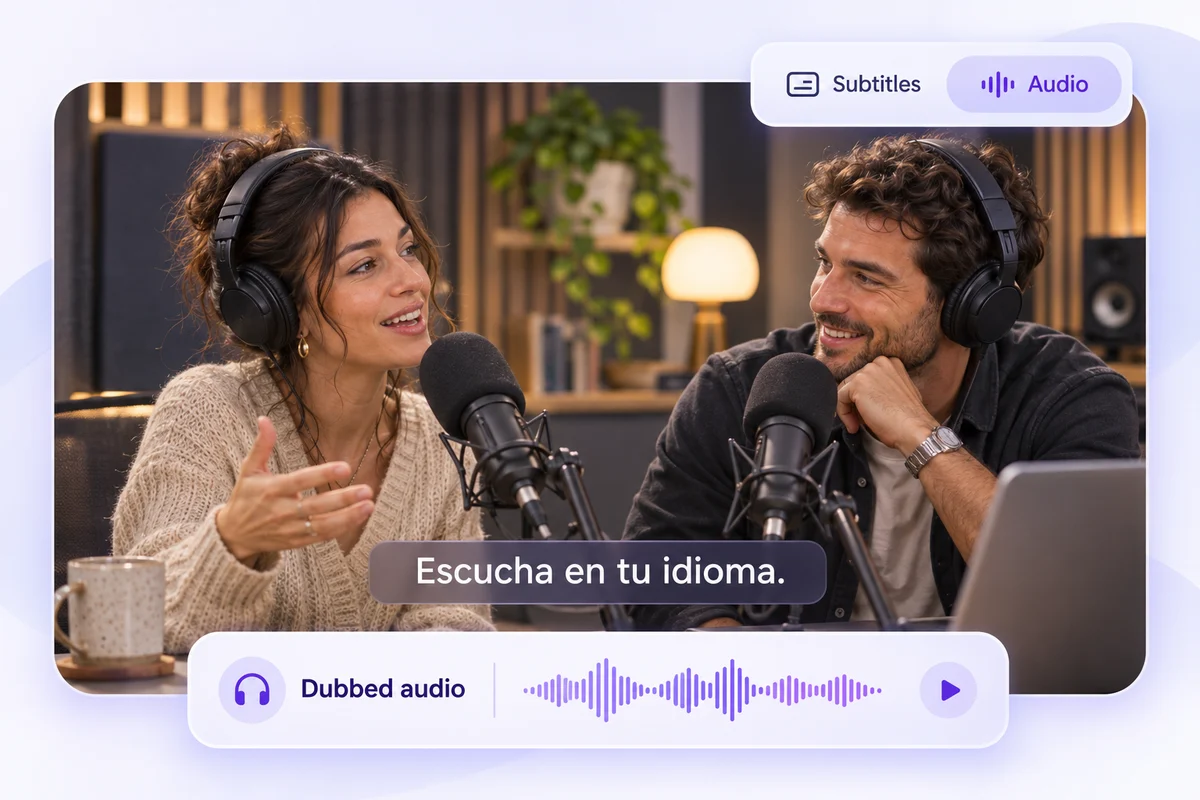
Watch with Translated Subtitles or Listen with Dubbing
Spotify video podcasts can be enjoyed with or without watching the screen. VMEG lets you choose the translation format that suits your listening habits.Keep the original conversation and add translated or bilingual subtitles, or generate dubbed audio to listen in your own language while commuting or exercising. You can also combine dubbing and subtitles in the same video.For audio-only episodes, explore our Audio Translator.
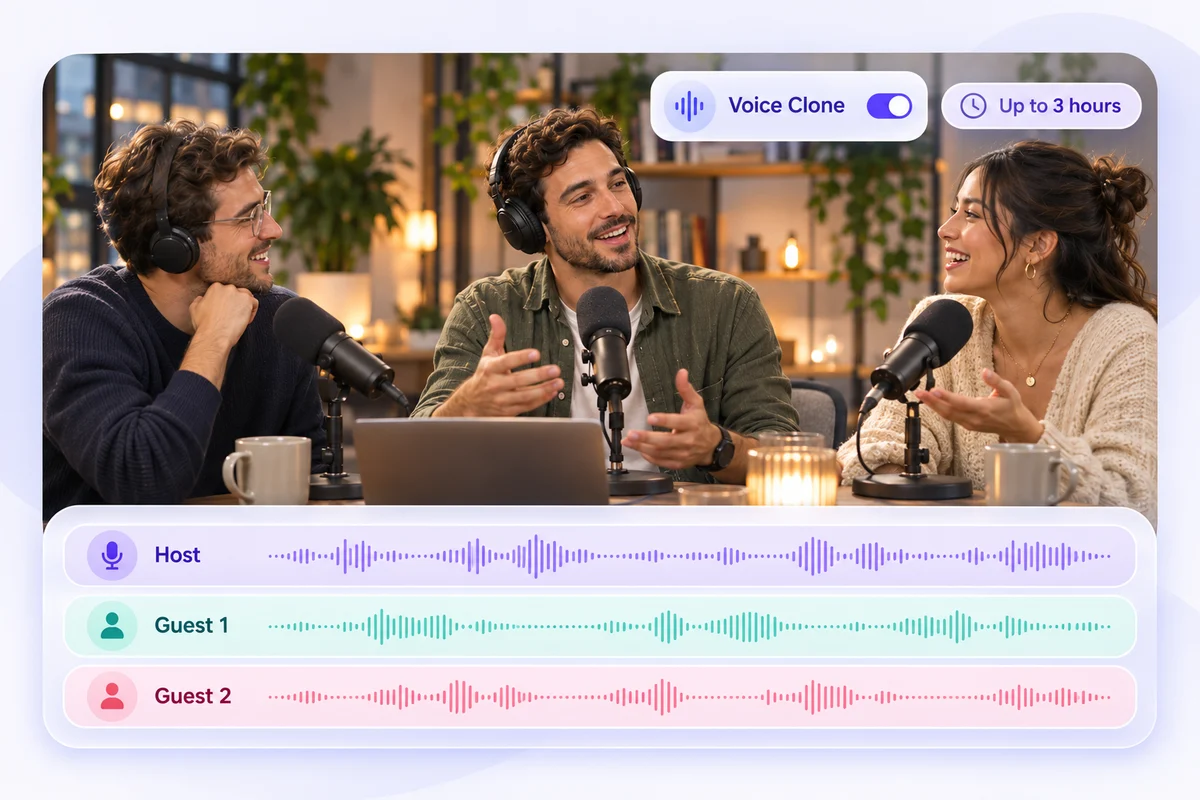
Translate Full Podcast Episodes with Multiple Speakers
Translate complete Spotify podcast episodes up to 3 hours long without splitting them into shorter clips. VMEG automatically identifies hosts and guests and uses voice cloning to retain their individual voices and speaking styles.Use custom translation prompts, glossaries, and pronunciation dictionaries to handle guest names, industry terminology, and informal conversations. Edit and redub individual sentences without processing the entire episode again.
Translate Podcasts from Spotify, Apple Podcasts & YouTube
Many podcasts are available across several platforms, with audio episodes on Spotify and Apple Podcasts and full video recordings on YouTube.VMEG supports direct link imports from all three platforms. Translate full episodes, interview recordings, and promotional clips in one workspace, whether the source is audio or video.For podcasts from other sources, use our Podcast Translator or upload your original recording.
Who Uses Spotify Video Translator?
Podcast Listeners & Language Learners
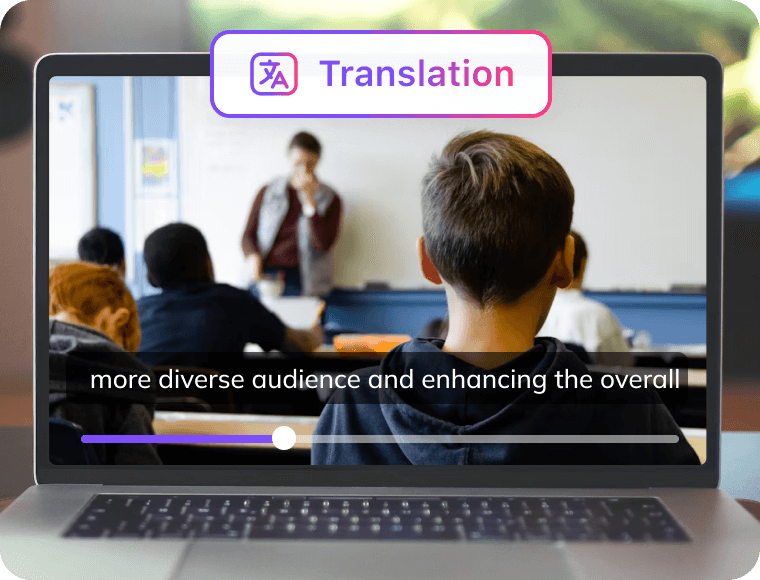
Listen to international podcasts about business, technology, science, culture, and your personal interests. Choose translated audio for everyday listening or bilingual subtitles to follow the original conversation and learn new vocabulary.
Podcasters & Podcast Networks
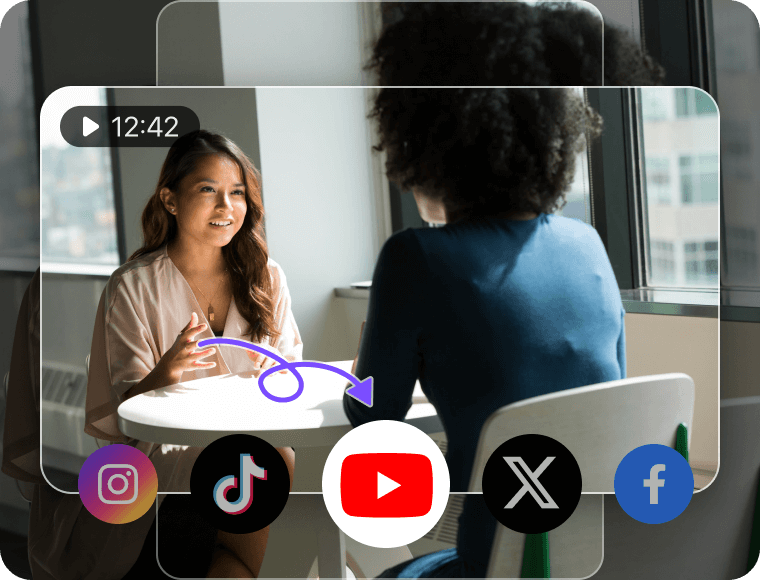
Translate existing episodes and new releases into up to 20 target languages at once. Reuse cloned host voices and maintain consistent terminology across your podcast series without recording each episode again.
Video Podcasters & Social Media Creators
Localize full video episodes, interview highlights, and promotional clips for different language markets. If you also publish on YouTube, use our YouTube Video Translator to create multilingual versions of your video content.
Frequently Asked Questions about Spotify Video Translation
How can I translate a Spotify podcast into another language?
Copy the episode link from Spotify and paste it into VMEG. Select your target language and choose subtitles, dubbing, or both. Review and download the translated episode.
Can I add translated subtitles without changing the original audio?
Yes. You can generate translated or bilingual subtitles while keeping the original audio unchanged. You can also download the subtitles separately.
Can I translate audio-only Spotify podcasts?
Yes. VMEG supports both video and audio podcasts. You can translate spoken content, generate natural voiceovers, and download translated audio as an MP3 file.
Can I translate Spotify podcasts without downloading them first?
Yes. Simply paste a supported Spotify episode link into VMEG. If an episode cannot be imported due to access restrictions, you can upload a video or audio file that you have permission to use.
Can I also translate podcasts from Apple Podcasts and YouTube?
Yes. VMEG supports podcast imports via links from Spotify, Apple Podcasts, and YouTube. You can translate audio episodes and video podcasts using the same translation workflow.
Can I keep the original voices of podcast hosts and guests?
Yes. VMEG automatically detects multiple speakers and supports individual voice cloning. You can also adjust each speaker's voice, pronunciation, speaking speed, and volume in the editor.
Can I get a transcript of a Spotify podcast?
Yes. VMEG automatically transcribes spoken content without requiring an existing transcript. If you only need a text version for reading, research, or note-taking, use our Spotify Podcast Transcript Generator.
Can I listen to translated podcasts directly on Spotify?
VMEG is a standalone translation tool, not a Spotify playback extension. You can download translated episodes for listening or viewing outside Spotify. Creators can also publish their localized episodes through their own distribution channels, provided they have the necessary rights.
Can I translate Spotify songs and lyrics?
VMEG is designed for spoken content, including podcasts, interviews, and discussions. It does not currently support song or sung lyric translation.
Is Spotify Video Translator free to try?
You can try VMEG with available trial credits. Pricing depends on episode duration and the translation features selected.