Enterprise Video Platforms in 2026: Features, Use Cases, and Solutions for Global Businesses
Video has become an important part of how businesses communicate, train employees, market products, and support customers. Companies use video for everything from internal announcements and online courses to product demonstrations, webinars, and global marketing campaigns.
However, producing a video is only one part of the process. As video libraries grow and audiences become more geographically diverse, businesses also need reliable ways to record, manage, distribute, secure, and localize their content.
An enterprise video platform helps organizations manage these workflows at scale. Some platforms focus on video hosting and content management, while others specialize in recording, live streaming, sales communication, or multilingual video localization.
This guide explores the main capabilities of enterprise video platforms and introduces 11 solutions businesses can consider in 2026.
What Is an Enterprise Video Platform?
An enterprise video platform is a software solution designed to help organizations create, manage, distribute, and analyze video content across teams and audiences.
Unlike basic consumer video tools, enterprise solutions typically provide features that support larger organizations, such as access controls, centralized video libraries, analytics, integrations, and security management.
Businesses use enterprise video platforms for a wide range of purposes:
- Internal communications: Executive announcements, company town halls, and employee updates.
- Employee training: Onboarding videos, compliance training, and professional development courses.
- Marketing and sales: Product demonstrations, customer testimonials, webinars, and promotional videos.
- Customer education: Tutorials, product walkthroughs, and knowledge libraries.
- Corporate learning: Online courses, recorded lectures, and training materials.
- Global communication: Multilingual videos for international employees, customers, and business partners.
Not every platform covers all these needs. Some are designed to host and organize large video libraries, while others focus on producing high-quality recordings or preparing content for international audiences.
Why Do Businesses Need Enterprise Video Solutions?
Consumer platforms such as YouTube and social media services are useful for public content distribution. However, they may not provide the level of control and workflow management that larger organizations require.
Centralized Video Management
As companies produce more video content, files can become scattered across shared drives, email attachments, and different software tools.
An enterprise video content management system (Video CMS) provides a centralized place to store, organize, search, and share videos. Employees can find relevant training materials, meeting recordings, and product information without relying on individual team members to locate files.
Better Access Control and Security
Not every video should be available to everyone. Internal training, executive communications, product launches, and confidential presentations may require restricted access.
Enterprise platforms can offer features such as single sign-on (SSO), role-based permissions, password protection, domain restrictions, and secure video delivery. These controls help organizations manage who can view, edit, or distribute their content.
More Efficient Content Production
Businesses often need to produce videos regularly across multiple departments. Recording, editing, publishing, and managing these assets manually can create unnecessary work.
Platforms with team collaboration, automated transcription, editing tools, and workflow integrations can reduce repetitive tasks and help teams maintain a consistent production process.
Global Content Distribution
Companies operating in multiple markets need more than a single-language video strategy. Employees, customers, and partners may speak different languages, and a video that works in one market may not be accessible to another.
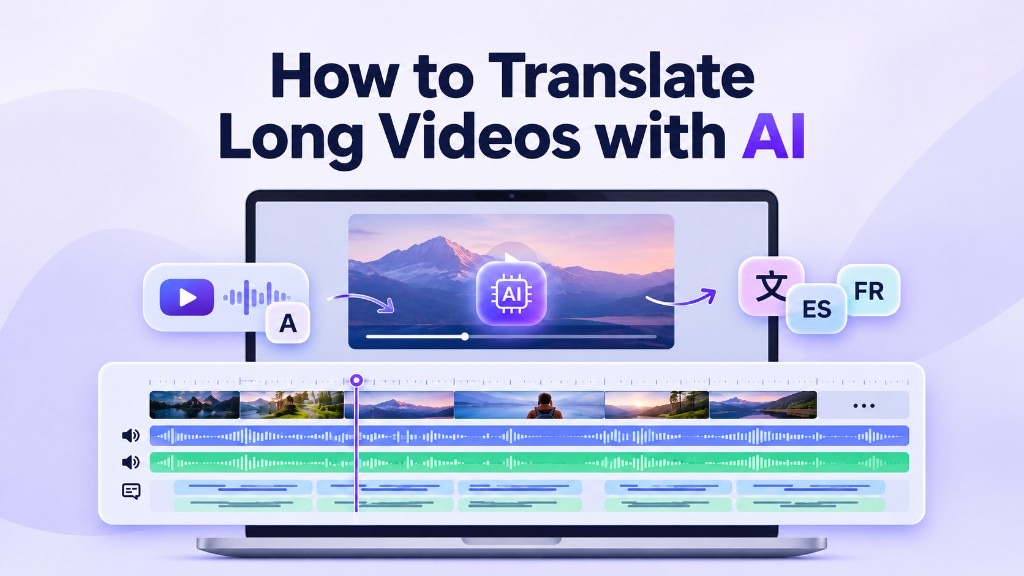
Video localization tools help businesses translate subtitles, generate multilingual voiceovers, and adapt existing videos for international audiences without recording every version from scratch.
Key Features to Look for in Enterprise Video Software
The right platform depends on the type of video content your organization produces. Before choosing a solution, consider the following capabilities.
Video Recording and Editing
For teams producing interviews, presentations, tutorials, and marketing videos, recording quality and editing flexibility matter.
Look for high-resolution recording, separate audio and video tracks, screen recording, collaborative editing, and tools that simplify post-production.
Video Hosting and Content Management
A growing video library needs more than cloud storage. Searchable metadata, video categorization, content permissions, and centralized management help teams keep their assets organized.
Live Streaming and On-Demand Playback
Companies may need to broadcast town halls, webinars, product launches, and training sessions to large audiences. Consider whether a platform supports live streaming, on-demand playback, adaptive streaming, and reliable content delivery.
Security and User Permissions
Enterprise software should give administrators control over content access. Depending on the organization's requirements, useful features may include SSO, multi-factor authentication, encryption, audit logs, and granular permissions.
Analytics and Reporting
Video analytics help teams understand how audiences interact with content. Metrics such as views, watch time, completion rates, and engagement can inform future content decisions.
Multilingual Video Localization
For international businesses, localization is an important part of the video workflow. Look for support for multiple languages, subtitle translation, AI dubbing, voice cloning, speaker identification, and terminology management.
Human review may also be necessary for technical training, regulated industries, and customer-facing content where translation accuracy matters.
Enterprise Video Platforms and Solutions in 2026
Enterprise video software covers several different categories. The following platforms are not ranked because they serve different business needs. Some focus on recording and content creation, others on video hosting and management, and some specialize in localization.
1. Riverside
Category: Video Recording and Content Creation
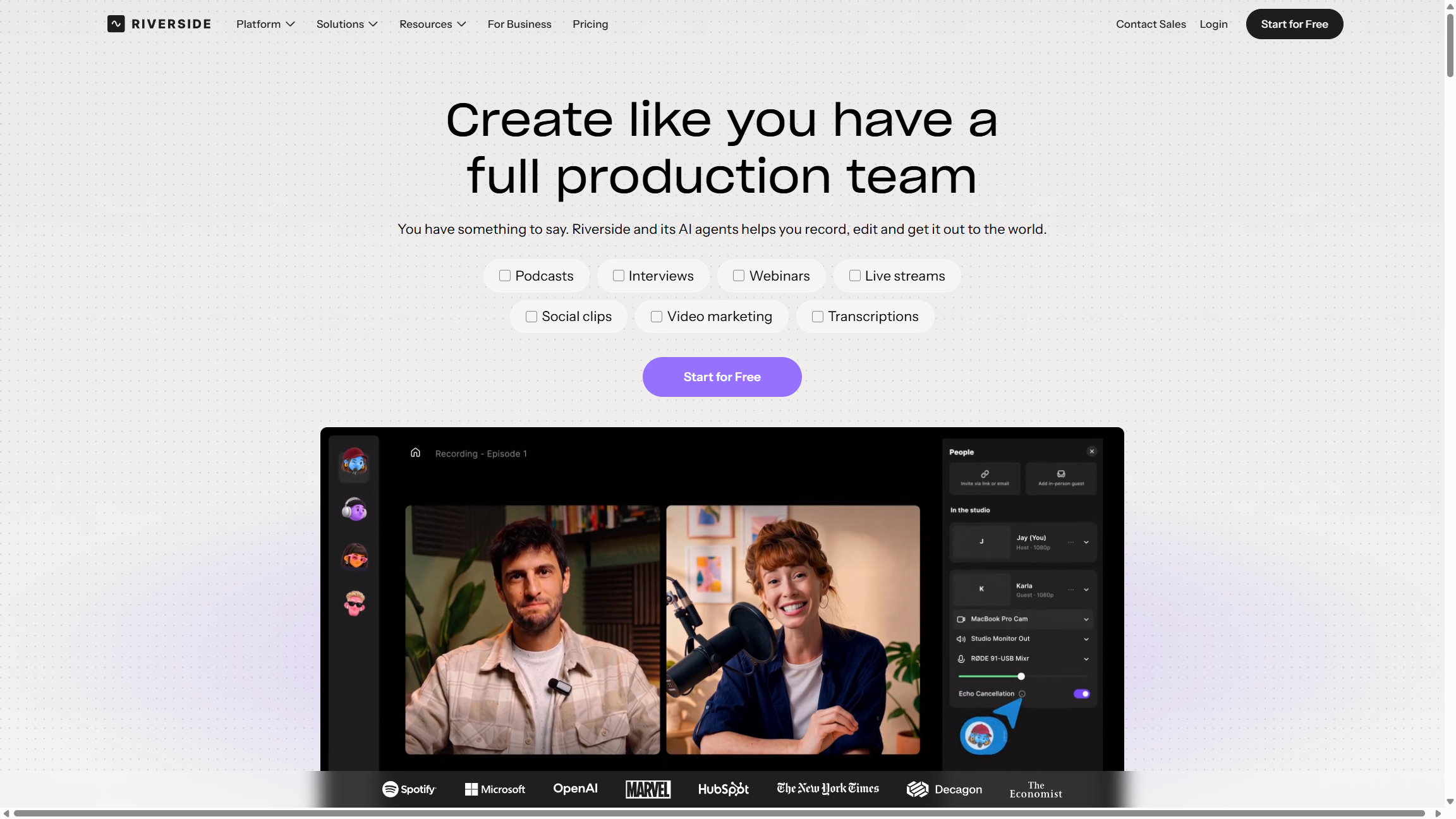
Riverside is a browser-based recording and editing platform designed for businesses, content teams, and media professionals. It is particularly useful for producing interviews, podcasts, webinars, and other video content involving remote participants.
The platform records participants locally, helping maintain recording quality even when internet connections fluctuate. It supports video recording up to 4K, separate audio and video tracks, and uncompressed audio. Teams can then edit recordings, create short clips, and prepare content for publishing.
Key features include:
- Local recording with up to 4K video quality
- Separate audio and video tracks for participants
- AI-powered audio enhancement
- Text-based video editing
- Screen sharing and live streaming
- Team collaboration and shared workspaces
- Tools for repurposing recordings into short clips
Riverside is useful for marketing teams, media agencies, learning and development departments, and businesses that regularly produce interviews or educational content.
It is primarily a recording and content creation solution rather than a traditional enterprise video CMS. Organizations that need extensive video library management may require an additional platform.
2. Brightcove
Category: Enterprise Video Hosting and Streaming
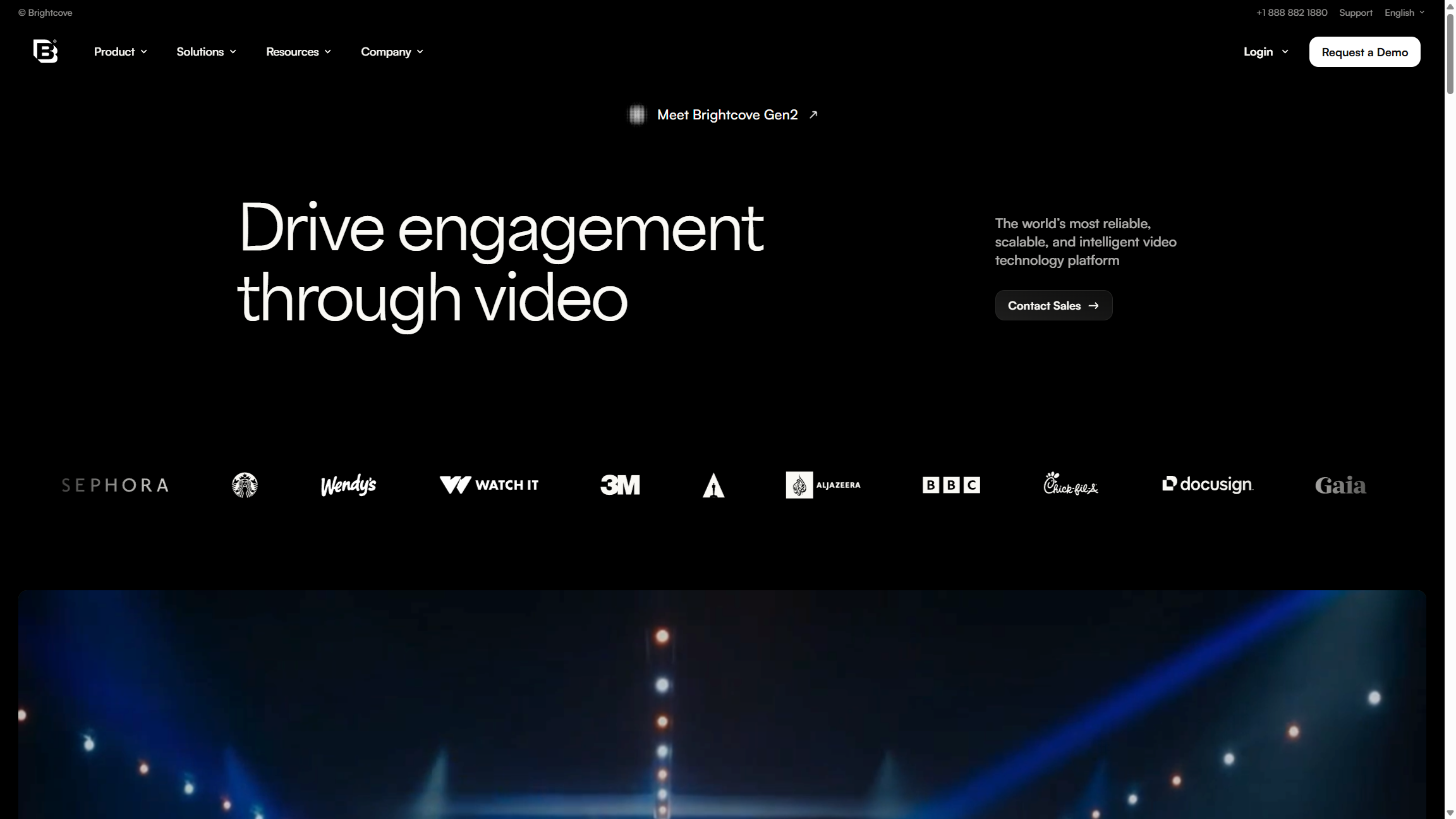
Brightcove is an established enterprise video platform used by organizations that need to manage and distribute video content at scale. Its solutions cover video hosting, streaming, audience engagement, analytics, and monetization.
The platform is particularly relevant to media companies, broadcasters, publishers, and businesses using video as part of their marketing and customer communication strategies.
Brightcove announced its next-generation platform, Brightcove Gen 2, in September 2026. The update brings together new capabilities and platform improvements intended to help video teams create, distribute, engage audiences, and monetize content with less operational complexity.
Key capabilities include:
- Enterprise video hosting and delivery
- Live and on-demand streaming
- Video player management
- Audience engagement and analytics
- Video monetization tools
- Playback restrictions and security controls
- Integrations for web and mobile video experiences
Brightcove is a suitable option for organizations with established video distribution workflows, particularly those that need to reach large audiences or generate revenue from video content.
3. VMEG AI
Category: Enterprise Video Localization
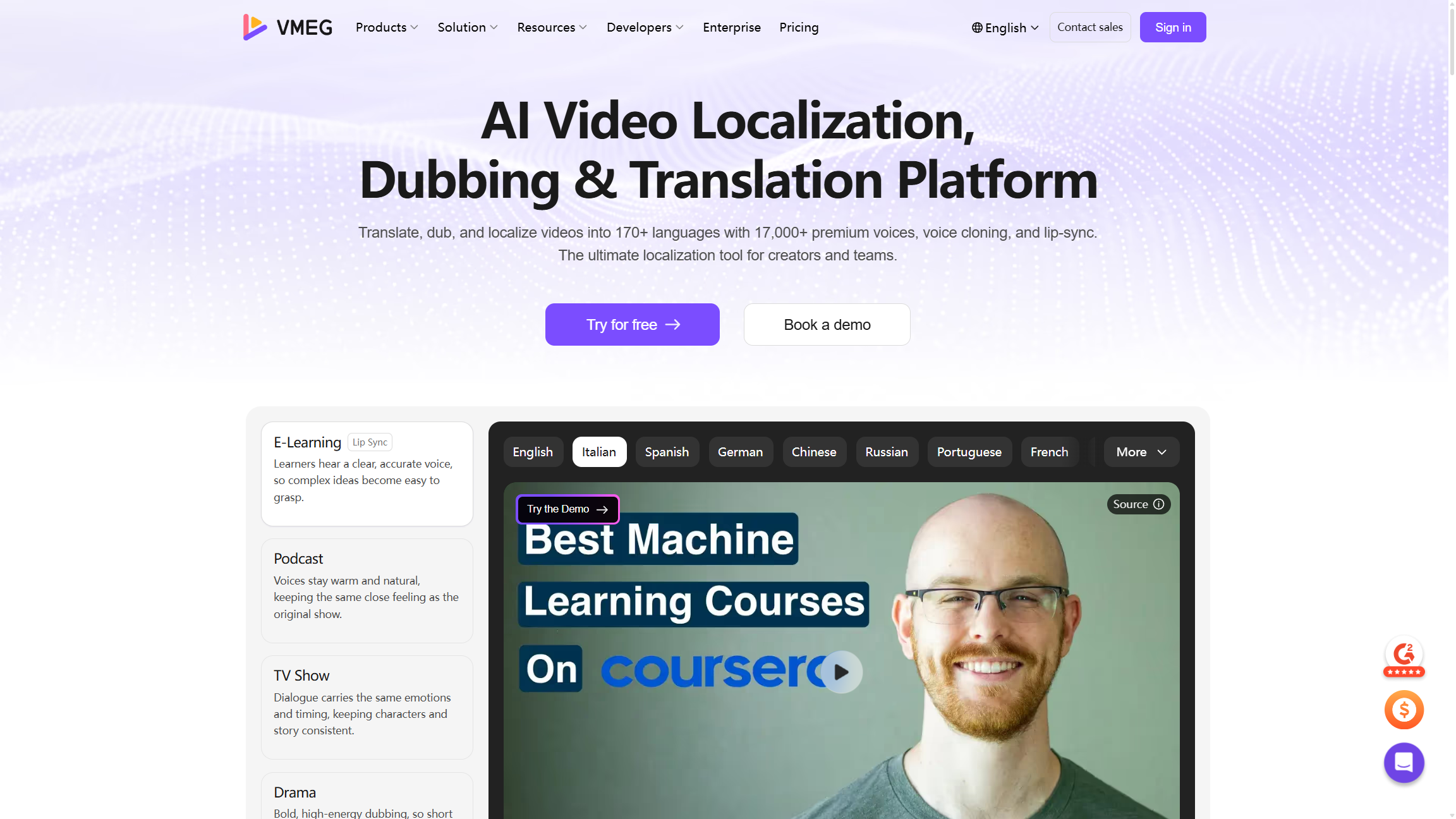
VMEG AI is an enterprise video localization platform designed to help businesses adapt existing video content for international audiences. Instead of focusing on video hosting or live streaming, VMEG specializes in translating, dubbing, and localizing videos across languages.
For global businesses, producing a video in one language is often not enough. Training materials, product demonstrations, marketing campaigns, and educational content may need to be delivered in multiple languages. Traditional localization can involve separate transcription, translation, voice recording, editing, and quality review processes.
VMEG brings these tasks into a unified workflow, combining AI-powered video translation, dubbing, subtitles, voice cloning, and editing.
Key features include:
- 170+ languages: Translate and localize video content for international markets.
- AI dubbing: Generate multilingual voiceovers while maintaining natural speech and timing.
- Multilingual voice cloning: Preserve the original speaker's voice characteristics across supported languages.
- 7,000+ AI voices: Choose from a wide range of voices, accents, and styles.
- Subtitle translation: Generate translated or bilingual subtitles for different audiences.
- Multi-speaker identification: Detect speakers and assign appropriate voices.
- Batch localization: Process up to 20 videos or 20 target languages in a batch workflow.
- Human-reviewed localization: Access professional linguistic review and managed delivery for projects that require additional quality control.
VMEG supports several enterprise use cases, including employee training, e-learning courses, product demonstrations, marketing campaigns, and multilingual media distribution. Teams can use its self-service tools for routine localization or work with its localization team for projects that need a more managed process.
For companies expanding into multiple regions, VMEG helps reduce the amount of manual work involved in producing language-specific versions of existing videos. It is not a replacement for a traditional video hosting platform. Rather, it addresses a different part of the enterprise video workflow: making video content accessible to audiences who speak different languages.
4. IBM Video Streaming
Category: Enterprise Live Streaming and Video Delivery
IBM Video Streaming, formerly known as IBM Cloud Video, is a cloud-based platform for live broadcasting and on-demand video delivery.
It is designed for organizations that need to communicate with large audiences through virtual events, executive town halls, product launches, and internal broadcasts.
The platform supports live, simulated-live, and on-demand video. Businesses can create streaming channels, manage recorded content, and embed video experiences into their websites.
Key features include:
- Live and on-demand video streaming
- Simulated-live broadcasts
- Password-protected channels
- Automated captioning powered by IBM Watson AI
- Video search and analytics
- Multi-CDN content delivery
- API-based customization and integration
IBM also offers an Enterprise Video Streaming option with additional security capabilities, including viewer authentication and more granular access controls.
The platform is worth considering for organizations that prioritize reliable video delivery, large-scale broadcasts, and controlled access to streaming content.
5. JW Player
Category: Video Player Technology and Streaming Infrastructure
JW Player began as a web video player and expanded into video hosting, streaming, advertising, and audience engagement solutions.
It is particularly relevant to publishers, media companies, and businesses that want more control over how video is delivered and monetized across their digital properties.
Key capabilities include:
- HTML5 video playback
- Adaptive bitrate streaming
- Video hosting and management
- Video advertising solutions
- Video analytics
- Content recommendations
- Developer tools and APIs
For businesses with their own websites or digital publishing platforms, JW Player can support video playback and distribution without relying entirely on third-party social platforms.
Its focus is more on video delivery, player technology, and monetization than on the broader internal video management workflows offered by some enterprise CMS platforms.
6. Vimeo
Category: Business Video Hosting and Management
Vimeo is widely known as a video hosting and sharing platform, but it also offers business and enterprise solutions for organizations that need more control over their video content.
Businesses can use Vimeo to host marketing videos, share internal communications, manage branded video libraries, and organize virtual events.
Key features include:
- Cloud-based video hosting
- Privacy and access controls
- Customizable video players
- Live streaming and virtual events
- Video analytics
- Team collaboration tools
- Integrations with business applications
Vimeo can be useful for marketing teams, corporate communications departments, and businesses that want a straightforward way to manage and share professional video content.
Organizations should review the available plan and administrative features carefully to ensure they meet their requirements for user permissions, security, and content management.
7. Microsoft Clipchamp
Category: Internal Video Management
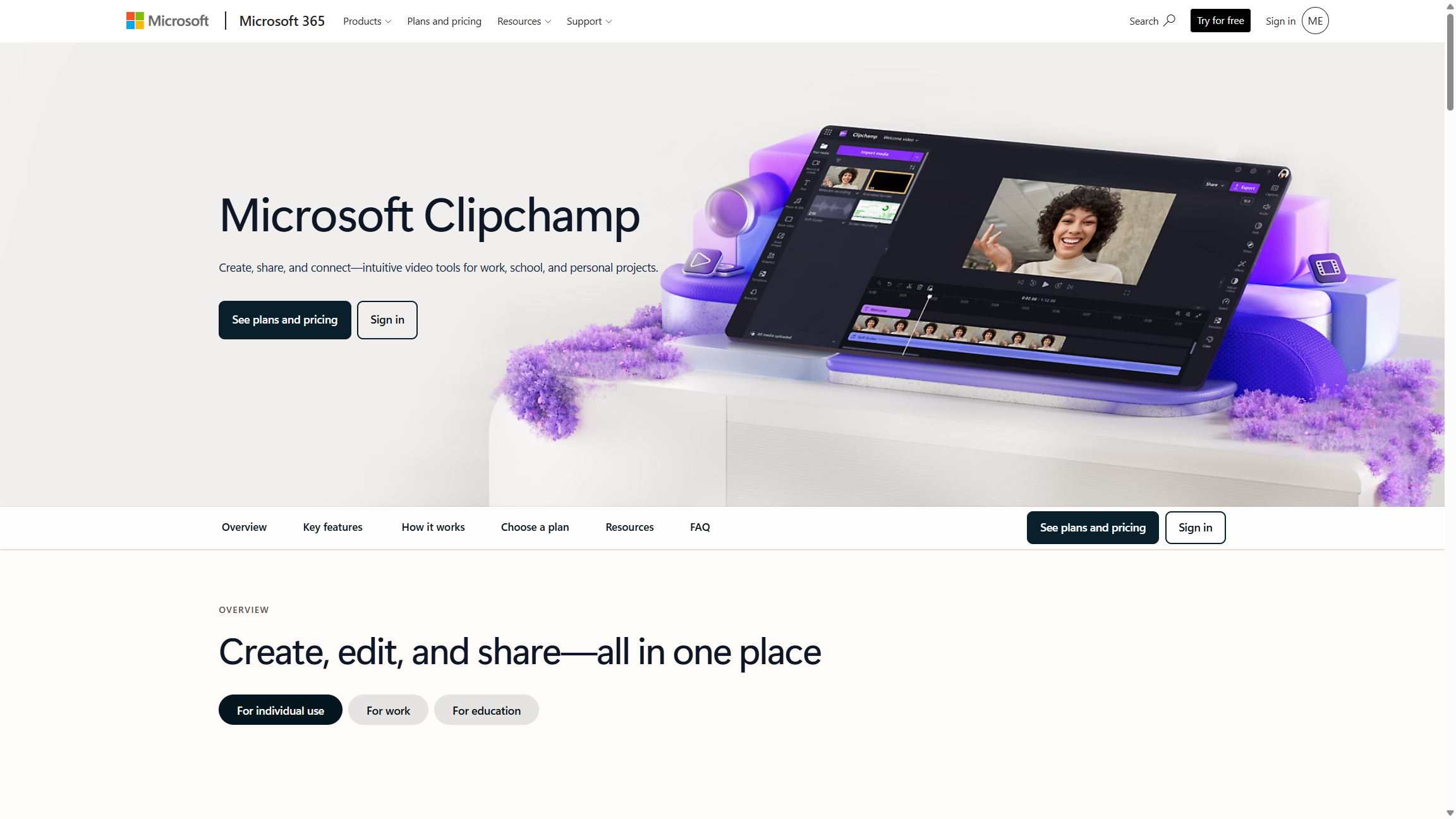
Microsoft Stream is Microsoft's video experience within the Microsoft 365 ecosystem. Its current architecture is built on SharePoint, with video files managed through SharePoint, OneDrive, and Teams.
This makes it particularly convenient for organizations that already rely on Microsoft 365 for internal communication and collaboration.
Employees can upload, share, and watch videos within familiar Microsoft applications. Teams can also use Stream to create screen recordings, share meeting recordings, and make internal video content easier to access.
Key features include:
- Video and audio file management through SharePoint and OneDrive
- Integration with Microsoft Teams
- Screen and webcam recording
- Video sharing with individuals and groups
- Automatic transcription and captions, depending on the plan and configuration
- Microsoft 365 access and permission management
Microsoft Stream is a practical option for companies that want to organize internal video content without introducing a completely separate platform.
However, organizations looking for a dedicated public-facing video hosting or large-scale live streaming solution may need additional software.
8. Vidyard
Category: Sales and Marketing Video
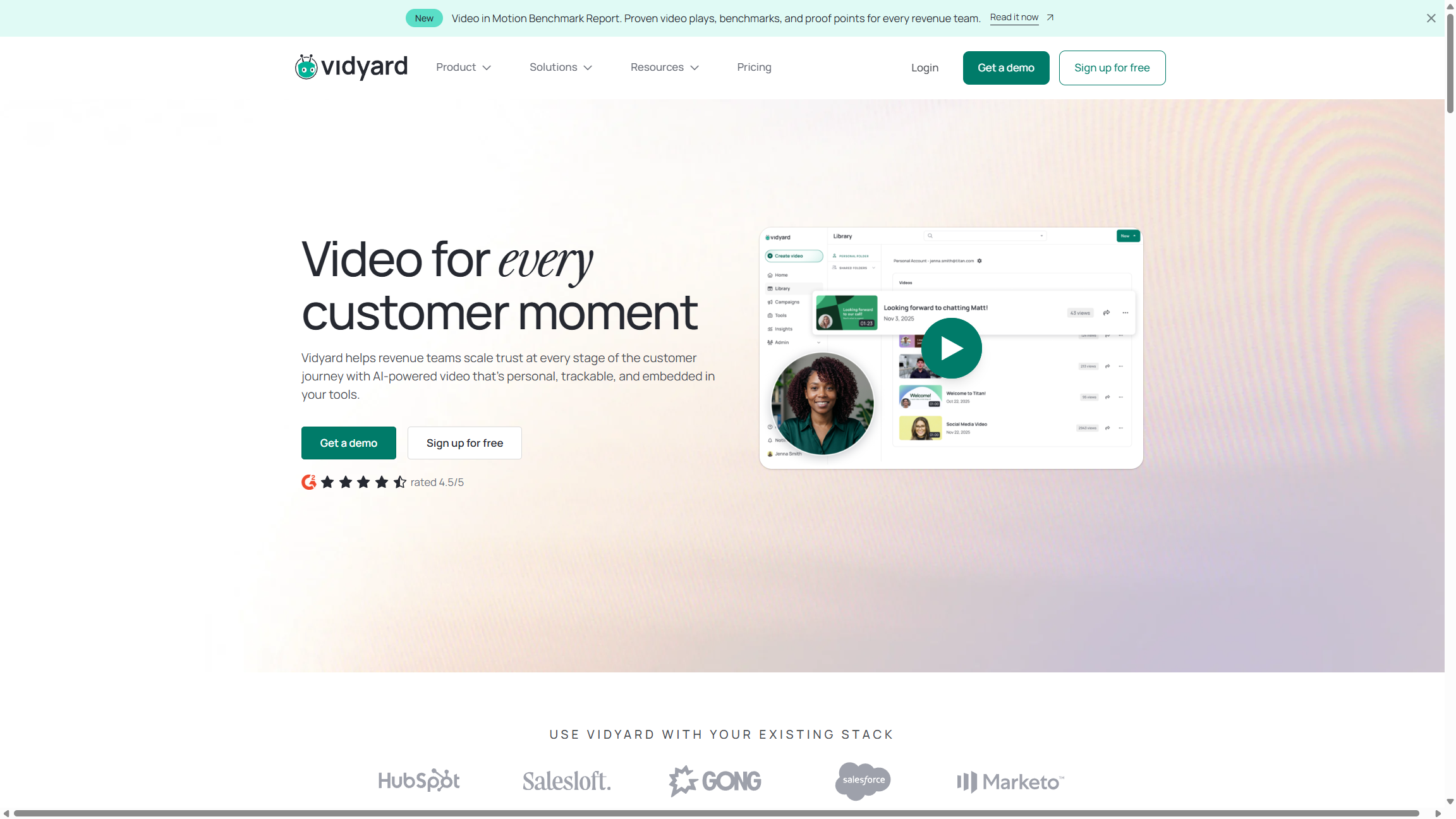
Vidyard focuses on video communication for sales and marketing teams. It helps businesses create personalized videos, record product demonstrations, and communicate with prospects and customers.
Rather than serving as a general-purpose video CMS, Vidyard is built around using video to support customer engagement and sales activities.
Key features include:
- Screen and webcam recording
- Personalized sales videos
- Video hosting and sharing
- Viewer engagement notifications
- Video analytics
- CRM and sales tool integrations
- AI-assisted video creation capabilities
Sales representatives can use Vidyard to send personalized product explanations or follow-up messages. Marketing teams can also use it to create product walkthroughs and other customer-facing content.
Vidyard is a relevant option for B2B organizations that want to incorporate video into their sales outreach and customer engagement workflows.
9. Panopto
Category: Enterprise Video CMS and Learning Management
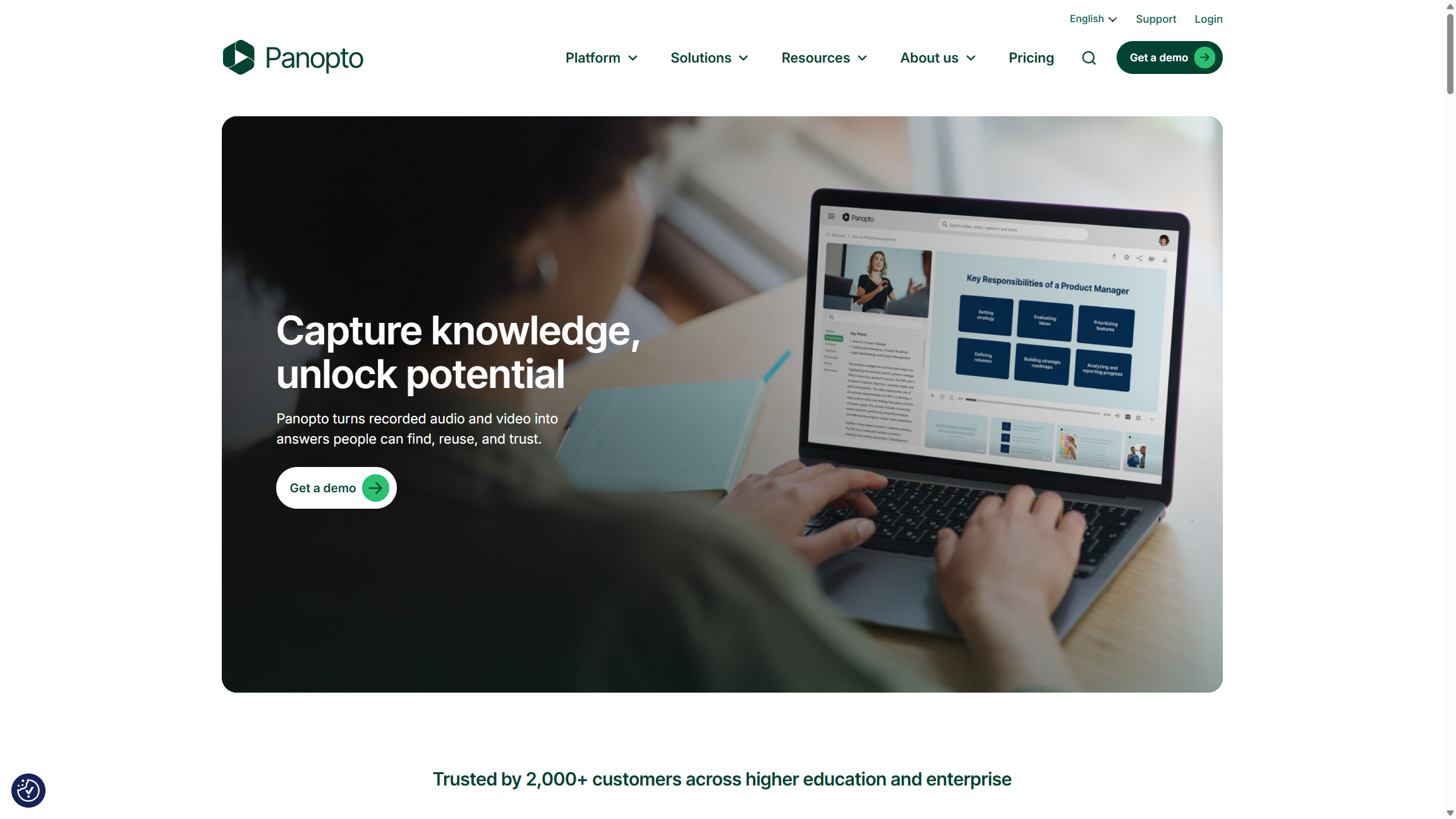
Panopto is an enterprise video platform with a strong focus on education, employee training, and knowledge management.
It helps organizations capture, organize, search, and distribute video content through a centralized library. Universities can use it to manage lecture recordings, while businesses can build searchable libraries of training sessions, presentations, and internal meetings.
Key features include:
- Centralized enterprise video library
- Automated transcription and captions
- AI-powered video search
- Lecture and meeting recording
- Live streaming and on-demand playback
- User permissions and security controls
- Video analytics and learning insights
- Integrations with learning management systems and conferencing tools
One of Panopto's notable capabilities is its ability to make spoken words and visual content within recordings searchable. This can help employees and students find specific information without watching an entire video.
Panopto is particularly suitable for universities, training departments, and organizations that produce large volumes of educational or knowledge-sharing content.
10. Kaltura
Category: Enterprise Video Experience Platform
Kaltura provides a modular video platform for businesses, educational institutions, and media organizations. Its Video Experience Cloud brings together tools for video hosting, streaming, virtual events, analytics, and video management.
Organizations can select different modules based on their needs rather than relying on a single fixed workflow.
Key features include:
- Cloud-based video hosting
- Live and on-demand streaming
- Video content management
- Virtual events and webinars
- Video APIs and integrations
- Video analytics
- Virtual classrooms and learning portals
- Customizable video experiences
Kaltura is especially relevant to universities, media companies, and large organizations that need flexible video infrastructure.
Its modular approach can support a range of use cases, from online learning and corporate communication to media distribution and virtual events. However, businesses should consider the implementation and configuration work involved when selecting the modules they need.
11. VIDIZMO
Category: Secure Enterprise Video Management
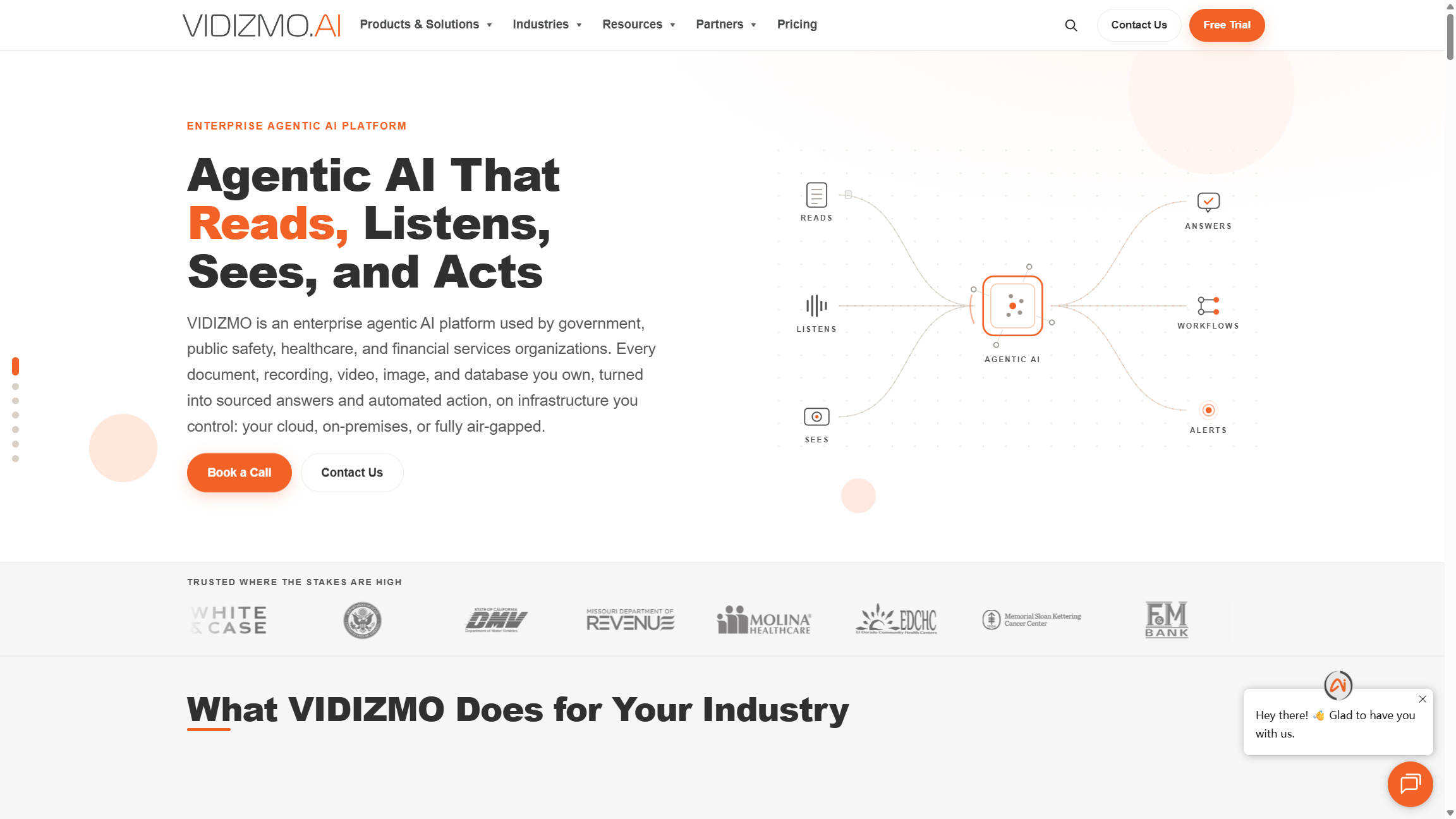
VIDIZMO provides enterprise video management and AI-powered content solutions for organizations that need secure ways to store, manage, stream, and analyze video.
Its EnterpriseTube product is designed for corporate communication, training, knowledge management, and video distribution. The broader VIDIZMO platform also serves industries such as government, healthcare, financial services, and public safety.
Key features of EnterpriseTube include:
- Live and on-demand video streaming
- Centralized video content management
- AI-powered transcription and search
- Video summaries and chapters
- Customizable branding
- SSO and access controls
- Video analytics
- Integrations with enterprise systems
VIDIZMO is worth considering for organizations with specific security, compliance, and deployment requirements. Its solutions support different deployment environments, including cloud and on-premises options, depending on the product and configuration.
For government agencies and regulated industries, the ability to manage access, retention, and sensitive content can be particularly important.
How Enterprise Video Platforms Differ by Business Needs
Although these solutions are often discussed under the same enterprise video category, they do not all solve the same problem.
The table below summarizes their primary focus.
| Platform | Primary focus | Common business use cases |
|---|---|---|
| Riverside | Recording and editing | Interviews, podcasts, webinars |
| Brightcove | Video hosting and distribution | Marketing, media, monetization |
| VMEG AI | Video localization | Multilingual training, marketing, global content |
| IBM Video Streaming | Live and on-demand streaming | Town halls, broadcasts, virtual events |
| JW Player | Video player and delivery | Publishing, streaming, advertising |
| Vimeo | Business video hosting | Marketing, internal communication, events |
| Microsoft Stream | Internal video management | Meetings, employee training, knowledge sharing |
| Vidyard | Sales and marketing video | Sales outreach, product demos |
| Panopto | Enterprise video CMS | Education, training, knowledge management |
| Kaltura | Video experience platform | Education, media, virtual events |
| VIDIZMO | Secure video management | Government, compliance, corporate training |
The right choice depends on the workflow your organization needs to improve.
For example, a media company distributing video to large audiences may prioritize hosting, playback quality, and monetization. A university may need searchable lecture recordings and learning management integrations. A B2B sales team may care more about personalized video messages and viewer engagement.
For international organizations, video localization deserves separate consideration. A platform that stores and distributes video does not necessarily provide the tools needed to translate dialogue, generate multilingual voiceovers, or adapt training materials for different markets.
In many cases, businesses may use more than one solution as part of their video workflow.
How to Choose the Right Enterprise Video Solution
Before investing in an enterprise video platform, evaluate your organization's actual requirements rather than choosing based on brand recognition alone.
1. Identify Your Main Video Use Case
Start by defining what your team needs to accomplish.
Are you recording interviews and webinars? Managing an internal training library? Streaming live events? Creating personalized sales videos? Or distributing content across multiple languages?
The answer will help narrow down the category of software you need.
2. Consider Your Existing Technology Stack
Check whether the platform integrates with the tools your organization already uses.
For example, companies using Microsoft 365 may benefit from Microsoft Stream's integration with SharePoint and Teams. Educational institutions may prioritize LMS integrations, while media companies may need APIs and flexible video player options.
3. Review Security and Administrative Controls
For enterprise use, security should be part of the selection process from the beginning.
Check whether the platform supports the required access permissions, SSO, authentication, encryption, audit logs, and deployment options. Organizations in regulated industries should also review the relevant compliance documentation.
4. Evaluate Scalability and Total Cost
Consider how much video content your organization produces today and how that volume may change.
A solution that works for a small team may become difficult to manage when hundreds of employees or multiple departments start using it.
Compare storage limits, bandwidth, user seats, processing capacity, support options, and any additional fees for advanced features. Enterprise pricing is often customized, so request a quote based on your expected usage.
5. Think About Global Audiences
If your business operates internationally, consider how your video content will reach people who speak different languages.
Check whether you need translated subtitles, multilingual dubbing, voice cloning, lip-sync, or professional linguistic review. These requirements may call for a dedicated localization solution alongside your existing hosting or streaming platform.
Frequently Asked Questions
What is the difference between an enterprise video platform and a video CMS?
An enterprise video platform is a broad category of software used to create, manage, distribute, and analyze video content. A video content management system (Video CMS) focuses more specifically on storing, organizing, searching, and controlling access to video libraries.
Some enterprise video platforms include a full Video CMS, while others focus on recording, streaming, or localization.
Is YouTube suitable for enterprise video management?
YouTube can be useful for public video distribution and marketing. However, businesses that need centralized content management, detailed access permissions, private video libraries, and enterprise administration may require a dedicated solution.
What features should an enterprise video platform have?
Common requirements include secure hosting, access controls, video analytics, content management, integrations, and reliable playback. Depending on the business use case, recording, live streaming, collaboration, or multilingual localization may also be important.
What is the difference between video hosting and video localization?
Video hosting involves storing and delivering video content so audiences can watch it. Video localization involves adapting that content for audiences in different languages and regions.
Localization can include translation, subtitle generation, AI dubbing, voice cloning, and lip-sync. Businesses often use hosting and localization solutions together.
Can AI help businesses localize video content at scale?
Yes. AI-powered localization tools can automate parts of the transcription, translation, dubbing, and subtitle production process. Features such as batch processing, multilingual voice cloning, and automated editing can help businesses produce localized versions of multiple videos more efficiently.
For content that requires high accuracy or cultural adaptation, human review remains an important part of the workflow.
Final Thoughts
Enterprise video needs vary from one organization to another. Some businesses need a reliable way to record and edit content, while others need secure video libraries, large-scale streaming, or tools for sales communication.
Platforms such as Riverside, Brightcove, Panopto, Kaltura, and Microsoft Stream address different parts of video creation, management, and distribution. Solutions such as VMEG AI focus on another increasingly important requirement: adapting video content for global audiences.
As more organizations communicate with customers, employees, and partners across regions, multilingual video production is becoming an important part of the enterprise video workflow. Choosing the right combination of tools can help businesses manage content more effectively and make their videos accessible to the audiences they need to reach.