Audio to Text Converter
Instantly convert audio to text in over 170 languages and accents. Perfect for podcasts, voice messages, interviews, meetings, and more.
How to convert audio to text?
01Upload Your Audio
Upload your audio file from your device or VMEG workspace, or paste a YouTube link to get started.
02Select Your Transcription Settings
Next, choose how you'd like your audio to be transcribed. VMEG offers two intelligent modes: Accurate Mode for maximum precision at high speed, and Balanced Mode for a reliable mix of speed and quality. Select the spoken language or let VMEG auto-detect it. If you need a translation, pick your target language.
03Refine and Export Your Text
VMEG quickly converts speech to text in 170+ languages with multi-speaker recognition. Make edits directly in the editor for the original or a translated version, then export it in the format you need, including TXT, SRT, VTT, TTML, SBV, and more.



Why VMEG stands out in audio file to text conversion?
Convert Audio into Text Across 170+ Languages
With support for more than 170 languages and regional accents, VMEG transforms your audio recordings into precise, searchable text.You can also convert your transcript files to other languages simultaneously in one workflow. Whether you're producing international training materials, global business marketing content for your company, or multilingual audio for public distribution.
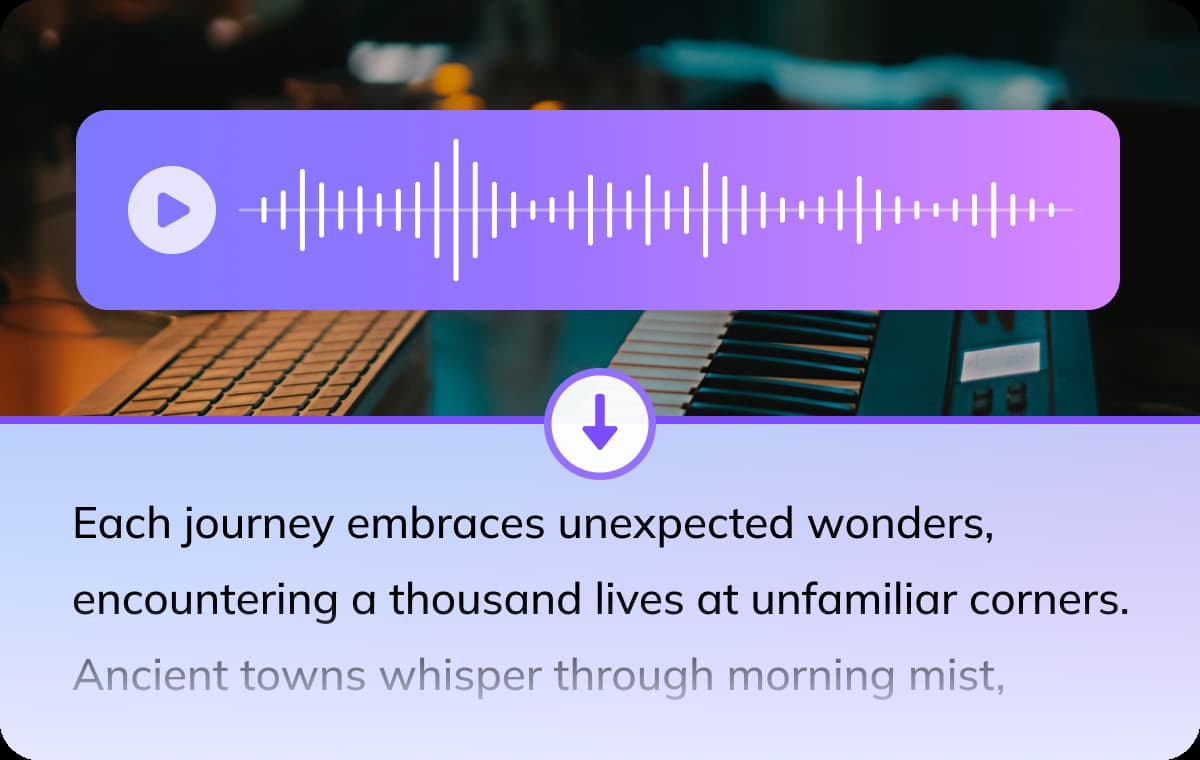
Lightning-Fast, Accurate, and Easy to Use
You will get your transcription done in seconds, not hours, with accurate word recognition and automatic speaker tagging. All your uploads are encrypted, so only you can decide what to do with your content.Enjoy lightning-fast transcription that ensures accuracy and reliability. Use it online—no downloads, no hassle.
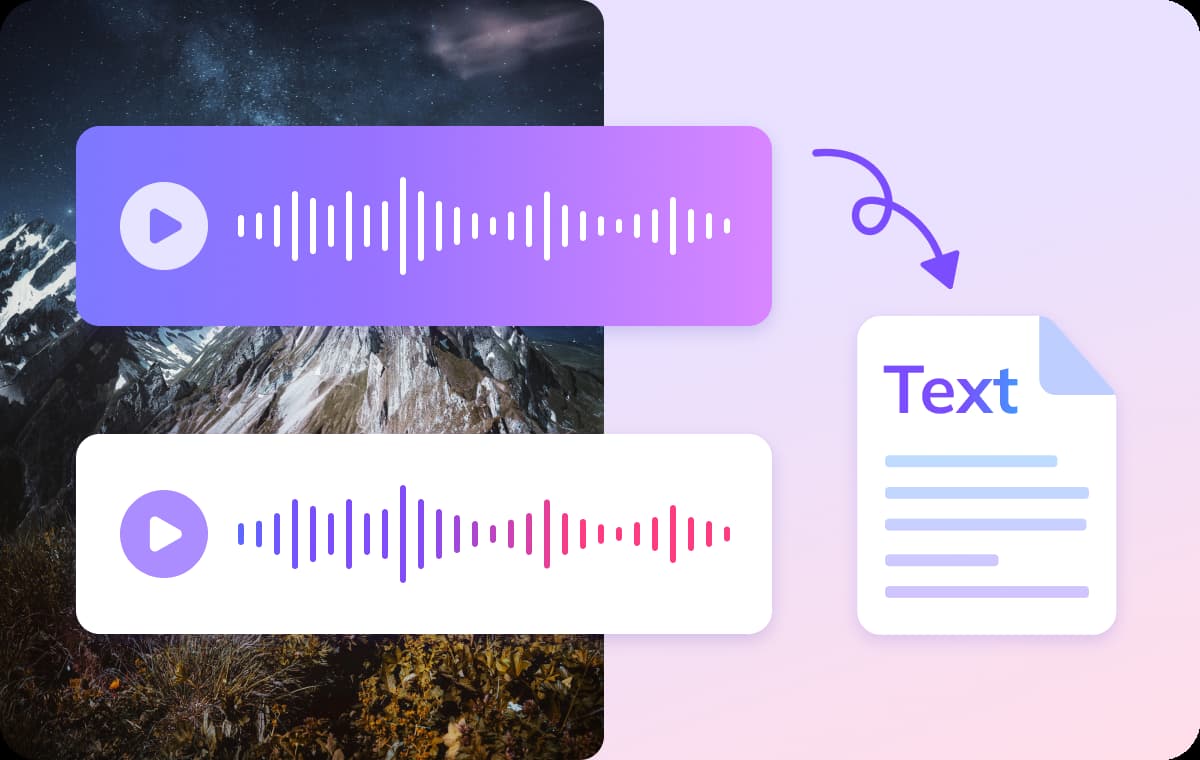
Beyond Transcription: Full-Scale Language Localization
VMEG goes beyond basic transcription by offering automatic translation into over 170 languages.Once your audio is transcribed, you can instantly convert it into multiple languages, making it easy to create multilingual subtitles, global content, and localized materials. With VMEG, expanding your reach across languages and markets has never been easier.
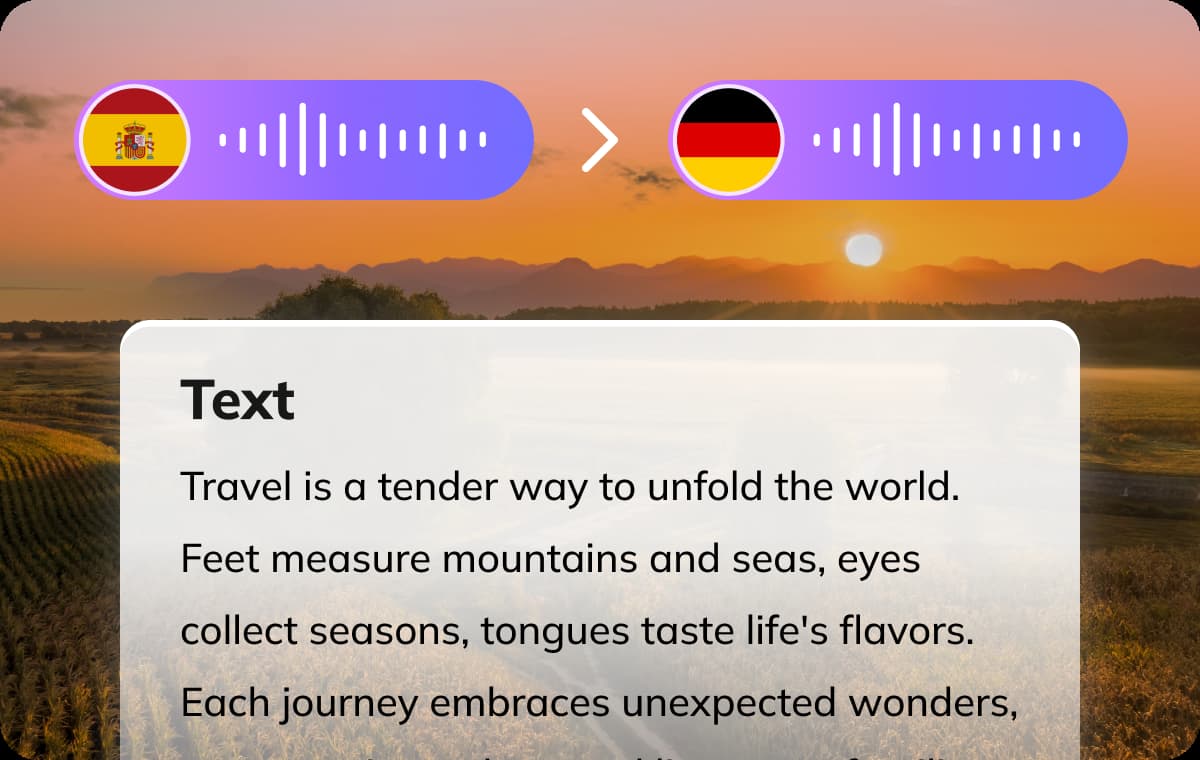
Who needs the solution to translate audio to text?

Creators & Podcasters
Journalists, podcasters, and content creators use audio-to-text transcription to easily convert recordings into written content, making it simple to create articles or captions and reach a wider audience through translated transcripts. Instead of spending hours manually transcribing interviews or podcasts, VMEG improves content accessibility.
Educators & Students
Educators can use an audio file to text converter to transform lectures and discussions into written text, creating study guides, transcripts, and subtitles. For students, it helps with reviewing lectures, organizing notes, and improving accessibility. Transcribing audio makes it easier to reference specific points and enhances understanding of complex topics.

Businesses & Marketers
Organizations can leverage speech-to-text conversion to extract valuable insights from audio content like podcasts, meetings, and presentations. The transcribed text enables content repurposing across multiple formats - from thought leadership articles to localized marketing materials - while facilitating sentiment analysis and ADA compliance.
What people say about VMEG AI

"Human support that actually cares"
Support is fast and effective, but also human. The team really listens and keeps improving the platform.



"Surprisingly good Thai dubbing"
The program is easy to use. If you don't understand something, there are staff members who are willing to help quickly and willingly. In addition, the Thai voice dubbing is high quality and accurate

"Easy to use, even on day one"
I love VMEG.AI for its clean UI, which made my learning curve very comfortable and allowed my friends, who never worked with similar tools, to easily create a very solid video on their first try.

"Scale global creatives without freelancers"
VMEG helps this user translate ad creatives for a global audience without needing to hire freelancers. It keeps the same consistent, natural voice across languages, so their ads don't sound robotic or like a generic voice pack, and the setup was easy enough to start using it right away.

"Voices that sound like real people"
The most natural AI voice I've ever used. It doesn't just translate words, it delivers the nuance.

"Made for perfectionists and pros"
My go-to-tool for natural English–Italian video dubbing. Love the editing tool! As a perfectionist, I tweak until it's exactly what I envisioned and no credits are used in the process!

"Best video translator for Italian to Spanish"
The VMEG.AI video translator is the BEST I've ever tried for translating videos from Italian to Spanish. It even changed the voice in the two-way sections. And if the scene changes, it adjusted the length of the scenes as needed. Awesome! Impressive Voice Changes and Scene Timing

"Saves me hours on every video I localize"
It handles translation, subtitles, lip‑sync, voice cloning, and multi‑language output in one place, which makes video localization much more efficient and saves users significant editing time.

"Impressive dubbing for YouTube channels"
I have a YouTube channel with 127k subscribers. I needed to expand my audience to other areas. With VMEG, I achieved a fantastic result, and the dubbing is very natural. It's exactly what I was looking for.

"Best tools for dubbing videos"
Everything is great. Best tools to translate and dub videos. There is nothing I don't like about it. It's a very complete tool.

"A fast-acting team that takes feedback seriously"
When some features were missing at the beginning, the team moved fast to add what was needed and fix bugs, and they appreciate being able to regenerate multiple voice options until they find the one that fits best.

"Impressive Accuracy"
The accuracy of subtitles and timing is impressive, and voice cloning adds a professional touch that keeps the speaker's tone consistent. It saves me hours of manual editing and improves audience reach globally.

Your Questions Answered: Converting Audio to Text
Does it support multiple speakers in an audio recording?
Yes! VMEG auto-detects speaker changes, perfect for interviews, meetings, and podcasts.
Can I transcribe audio file to text from YouTube, TikTok, or Instagram?
Yes! Upload videos from any platform, and VMEG will extract the audio and generate transcripts automatically.
Can I get a transcript in multiple languages?
Yes! We support 170+ languages, including English, Spanish, German, French, Portuguese, Mandarin, Arabic, Japanese, etc. We also offer specialized services such as Spanish transcription, Arabic transcription, Turkish transcription services, and Hebrew transcription services.
How do I download my transcript from VMEG audio file to text converter?
Simply click "Download" to save your file in SRT, VTT or other formats.
How fast will I get the transcript?
For VMEG audio to transcript converter, processing times range from seconds to a few minutes, depending on file length.
Can I edit the transcript after conversion?
Yes! VMEG audio to text converter allows real-time editing before export.