

Yandex Video Translator
Found an interesting video on Yandex but don't understand the language? Paste a video link into VMEG to translate tutorials, lectures, product reviews, interviews, and other online videos. Keep the original audio with translated subtitles, generate dubbing in your preferred language, or use both. Translate from and into Russian across 170+ supported languages.
How to Translate Videos from Yandex
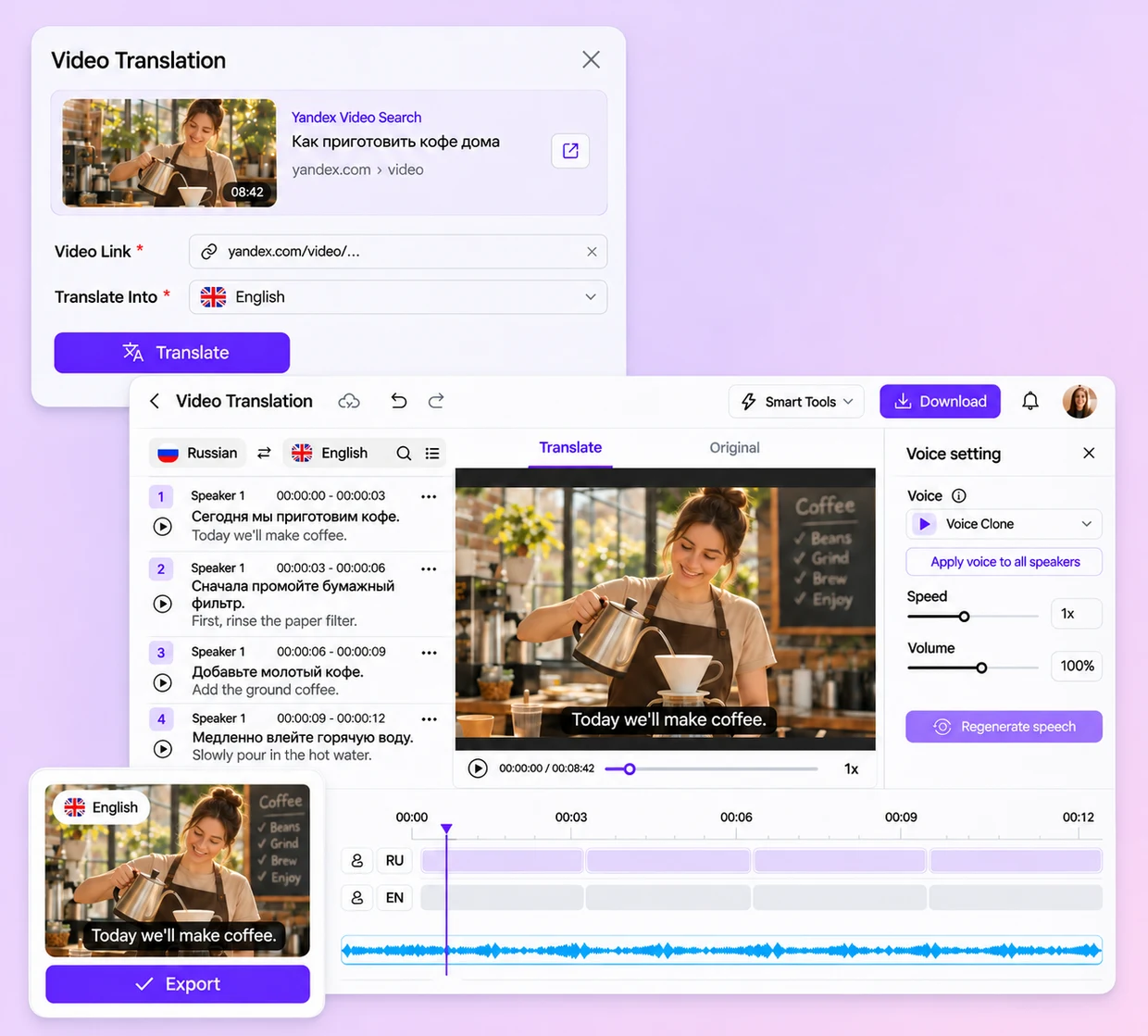
01Paste Your Video Link
Find the video you want to translate through Yandex Video Search, copy its link, and paste it into VMEG. If the search result links to another website, use the original video URL from a supported platform.
02Choose Your Language & Translation Mode
Select your target language and choose subtitles only, dubbing only, or both. Keep the original audio, use voice cloning, or select a new voice for the translated audio.
03Review, Edit & Download
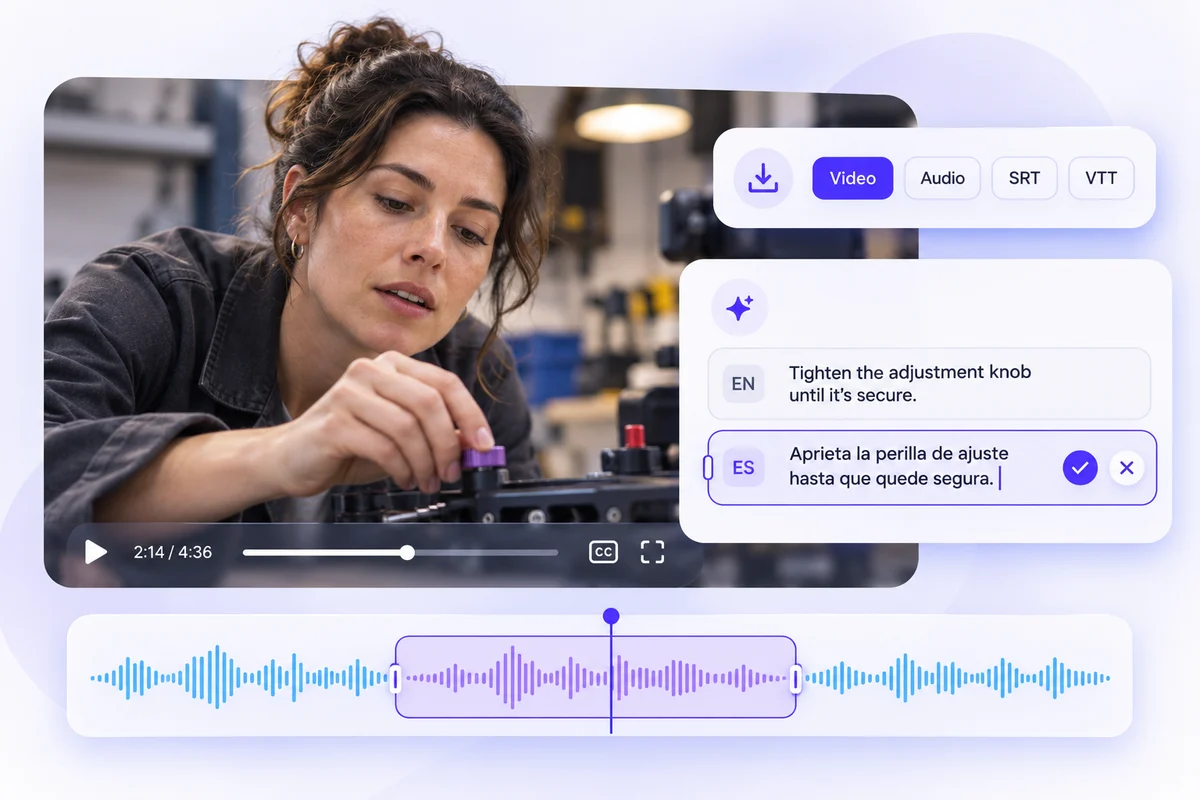
Check the translation, correct terminology, and adjust individual sentences, voices, or subtitle timing. Download the translated video, audio track, or subtitle file for further use.


What Can You Do with VMEG Yandex Video Translator?
Access Tutorials, Lectures & Reviews in Your Language
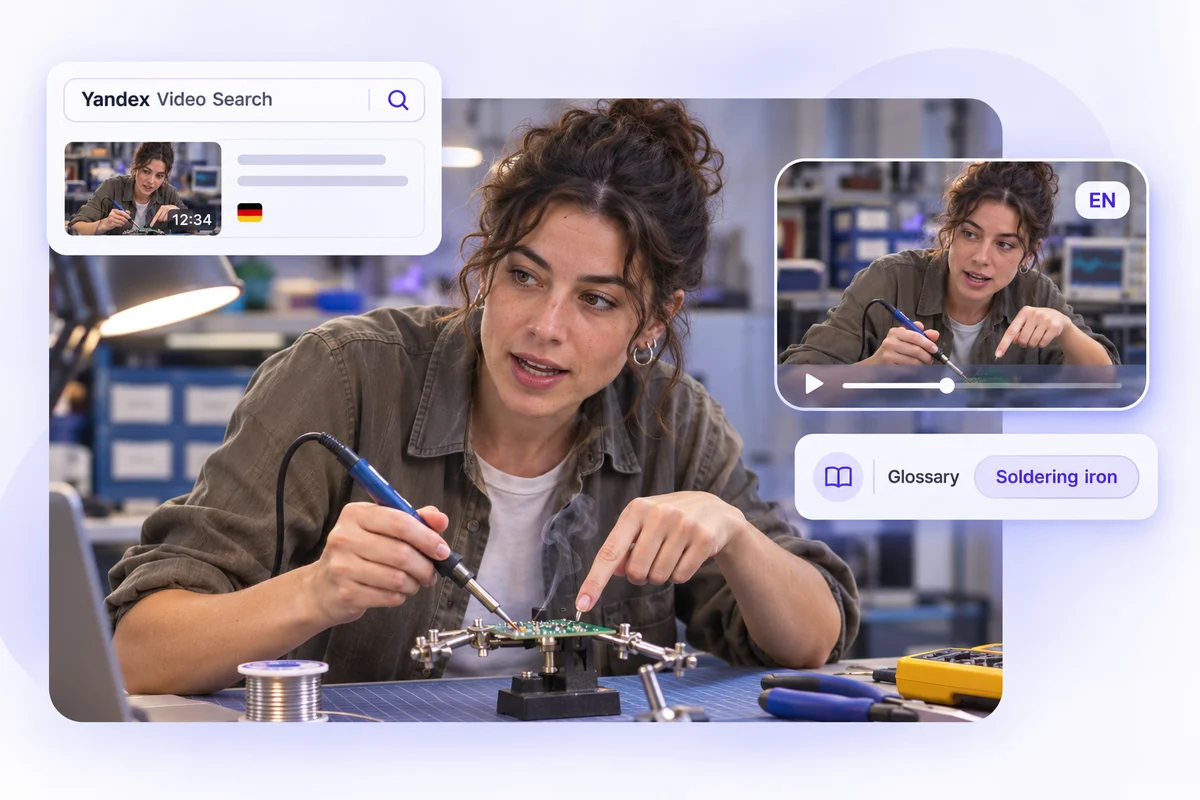
Yandex Video Search brings together content from different websites, including technical tutorials, educational lectures, product reviews, and expert interviews that may not be available in your language.VMEG lets you translate Russian videos into English and other languages, as well as foreign-language content into Russian. Translate videos up to 3 hours long, without having to split a full lecture or tutorial into shorter sections.Use custom translation prompts and glossaries to keep technical instructions, product names, and specialized terminology accurate and consistent.
Choose Subtitles, Dubbing or Both
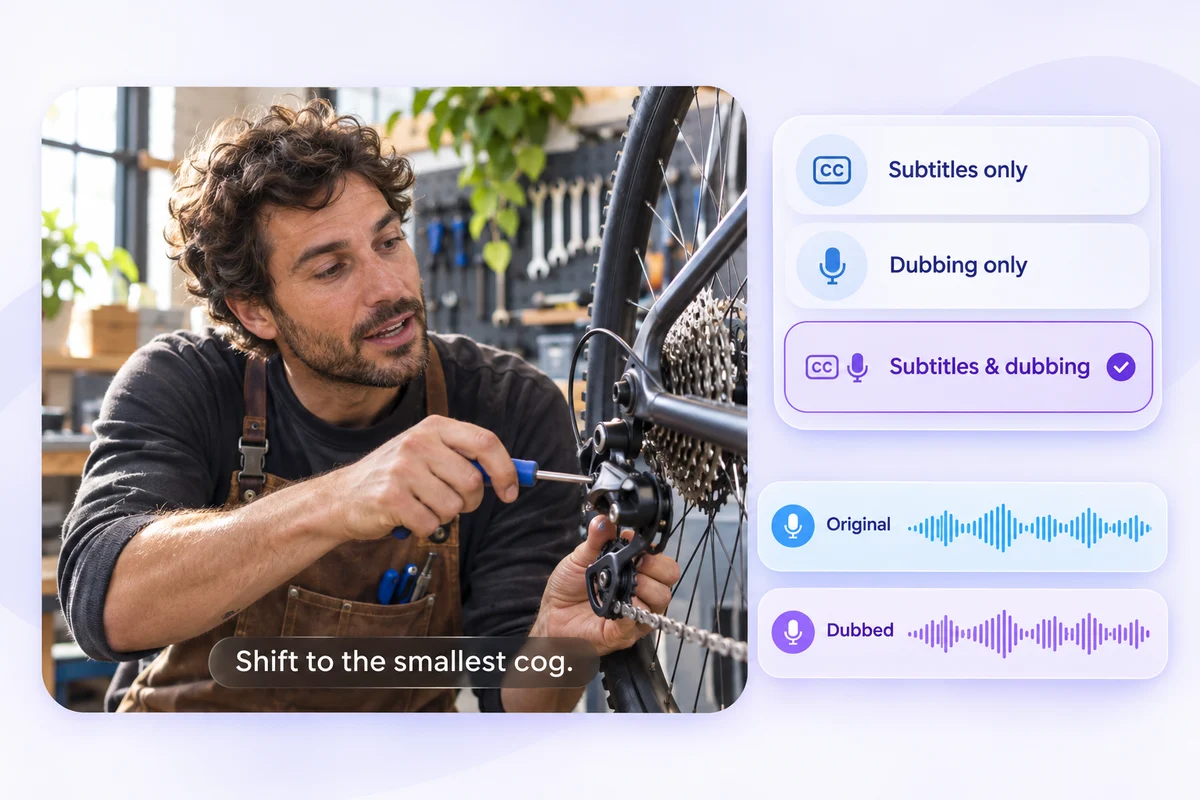
When watching software tutorials, repair instructions, or product demonstrations, you may need to focus on what's happening on screen rather than reading subtitles. VMEG generates translated voiceovers so you can follow the instructions in your own language.If you prefer the original audio, use our Video Subtitle Translator to add translated or bilingual subtitles without changing the original voices.You can also combine dubbing and subtitles, with individual speaker detection, voice cloning, and background audio preservation.
Edit and Save Translations Beyond the Browser
Browser-based translation is convenient for watching online videos. VMEG gives you more control when you need to review, correct, or reuse translated content.Compare the original speech with the translated text, correct individual sentences, and adjust pronunciation, voice speed, volume, and timing.Export a translated video, a separate audio track, or SRT and VTT subtitle files for offline viewing, learning materials, or authorized content localization.
Who Uses Yandex Video Translator?
Students, Researchers & Independent Learners
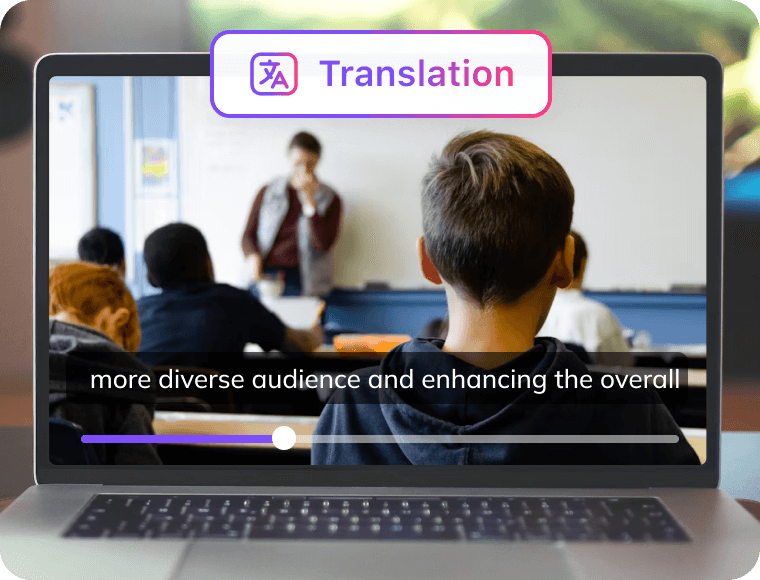
Access university lectures, scientific discussions, software tutorials, and educational videos found through Yandex. Use translated audio or bilingual subtitles to understand unfamiliar concepts and terminology without relying on existing captions.
Professionals & Technical Specialists
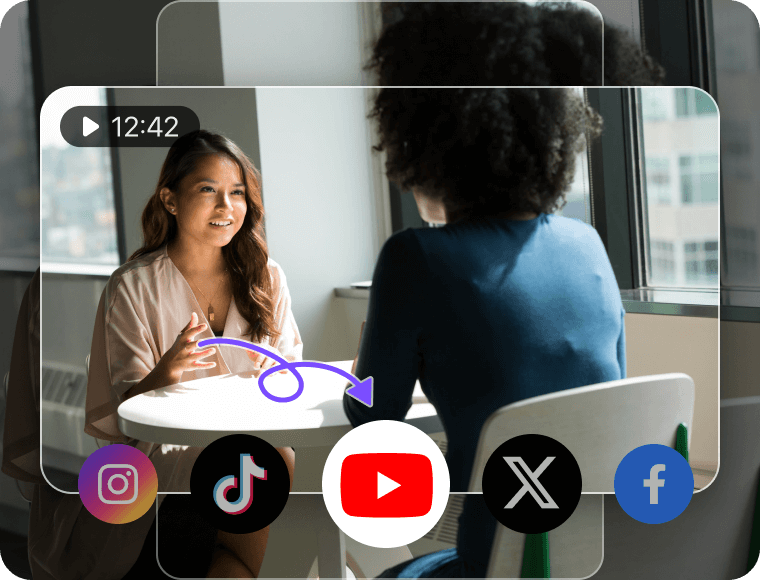
Translate overseas product reviews, equipment demonstrations, automotive tutorials, and industry-specific training videos. Use glossaries and translation prompts to maintain consistent technical terminology and review important instructions before exporting.
International Viewers & Russian-Speaking Audiences
Discover Russian-language content or translate international videos into Russian. Whether you find content through Yandex, VK, or YouTube, VMEG provides a consistent translation workflow across supported platforms.For Russian community videos and creator content, try our VK Video Translator.
Frequently Asked Questions about Yandex Video Translation
How can I translate a video found on Yandex?
Copy the video link from Yandex Video Search or its original hosting website and paste it into VMEG. Select your target language and choose translated subtitles, dubbing, or both.
What is the difference between Yandex Browser video translation and VMEG?
Yandex Browser offers built-in video translation for watching supported online content. VMEG is a standalone video translation tool that allows you to edit translations, customize voices and terminology, and download translated videos, audio tracks, and subtitles.
Can I translate Russian videos from Yandex into English?
Yes. VMEG supports Russian to English video translation with natural voiceovers and translated subtitles. You can also translate Russian content into other supported languages.
Can I translate foreign-language videos into Russian?
Yes. Translate English, Chinese, German, French, Japanese, Korean, and other supported languages into Russian. For videos hosted on YouTube, you can also use our YouTube to Russian Video Translator.
Can I translate videos without changing the original audio?
Yes. Select subtitle translation to keep the original audio unchanged. VMEG can generate translated or bilingual subtitles directly from spoken content, even if the original video has no captions.
Can I translate technical tutorials and educational videos?
Yes. VMEG supports translation prompts, glossaries, and pronunciation dictionaries to help handle technical terms, software commands, product names, and academic terminology. You can review and correct individual translations before downloading.
Can I translate videos from other websites found through Yandex?
Yes. Yandex indexes videos from different websites. VMEG supports direct imports from compatible video sources, including YouTube and VK. You can also use our YouTube Video Translator for YouTube links.If a video cannot be imported directly, upload an original video file that you have permission to use.
Can I download translated videos and subtitles?
Yes. VMEG allows you to export translated videos as MP4, audio tracks as MP3, and subtitles as SRT or VTT files. You can edit the translation before exporting.
Do I need to install Yandex Browser to use VMEG?
No. VMEG is an independent online video translation tool. You can use it directly in your web browser without installing Yandex Browser or a browser extension.
Is VMEG Yandex Video Translator free to try?
You can try VMEG with available trial credits. Pricing depends on video duration and the translation features selected.